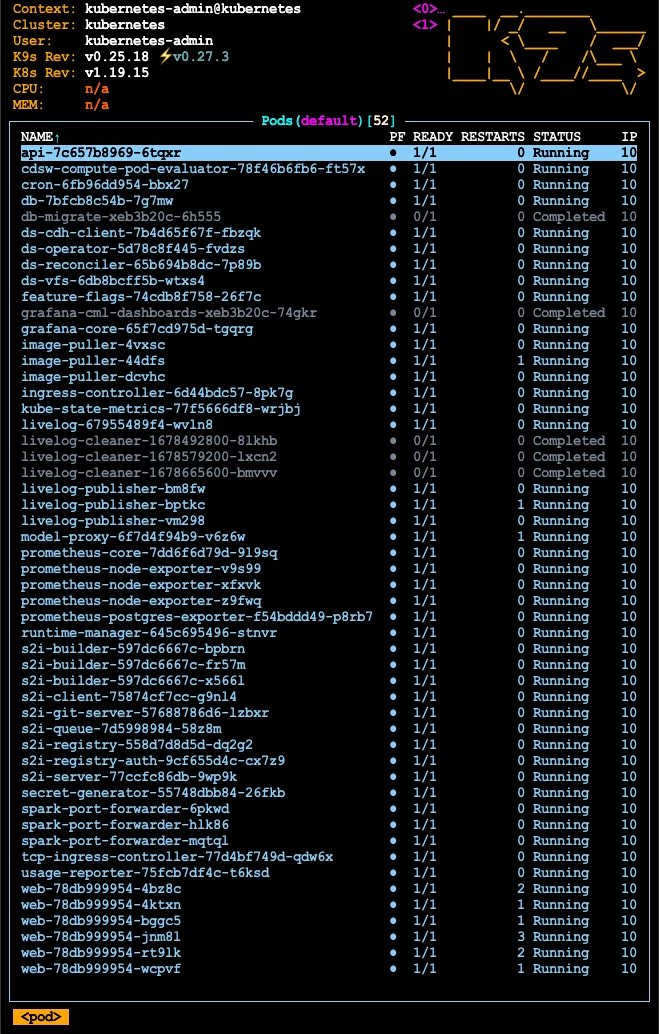
Manage your CDSW pods with k9s
- October 5, 2026 at 8:44 AM
- 0 replies
- 1285 views
- Translate All
Summary
If you are familiar with the CDSW service and responsible for managing it within your environment, the standard command line approach to managing your CDSW pods will be very familiar to you.
Why not consider configuring and using a GUI based approach with the k9s CLI service?
Investigation & Resolution
k9s - Kubernetes CLI To Manage Your Clusters In Style!
The public documentation for this OpenSource service is https://k9scli.io/
There is a lot more information that can be found there, but let’s have a quick overview of some of the key features to highlight why you should consider using this tool to manage your CDSW service, (if your environment allows).
First, a few of the screenshots come directly from the OpenSource location.
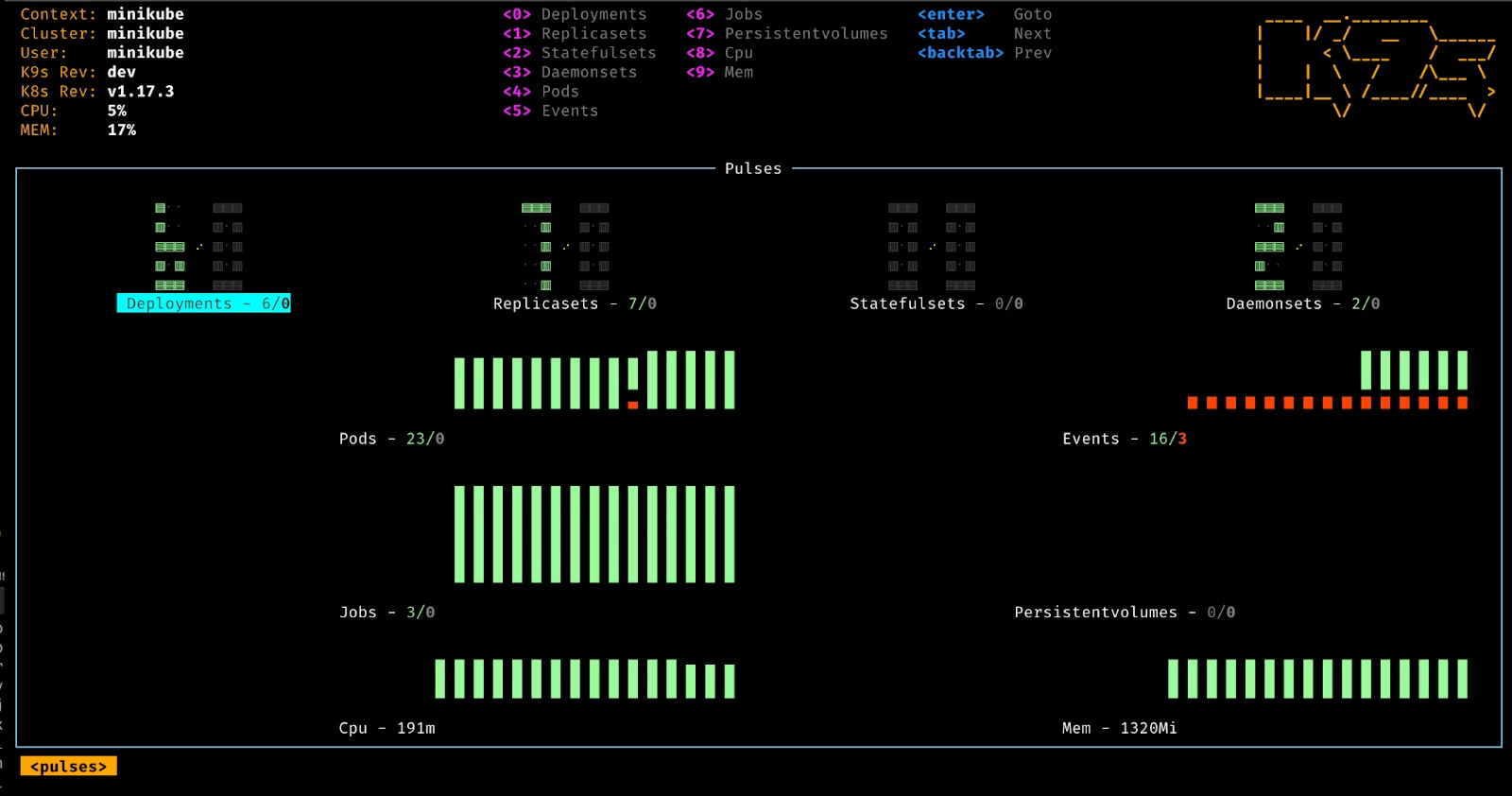
Pulses - A top level dashboard of the state of affairs of your cluster
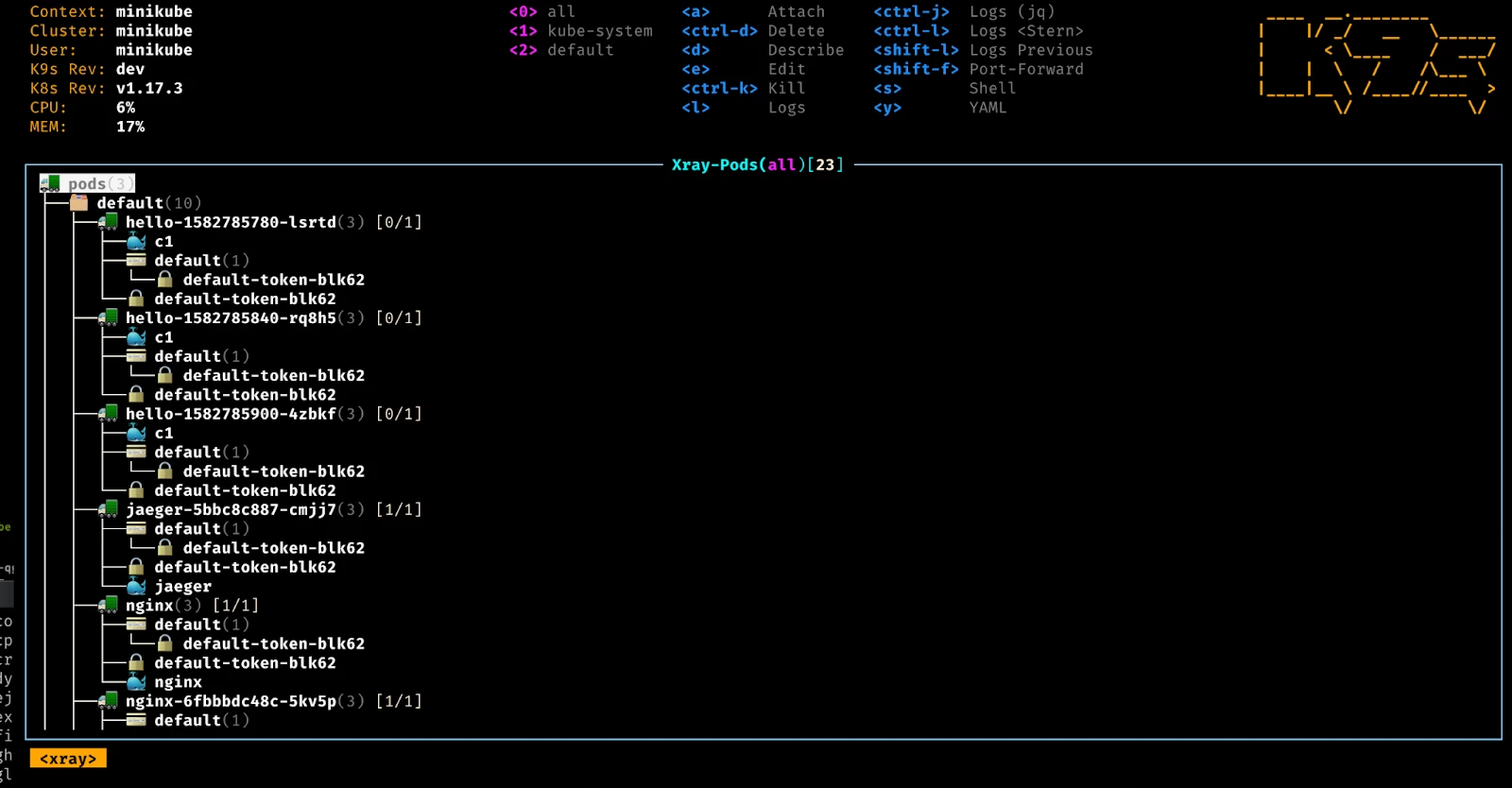
XRay - Dig into your cluster resources and view their dependencies
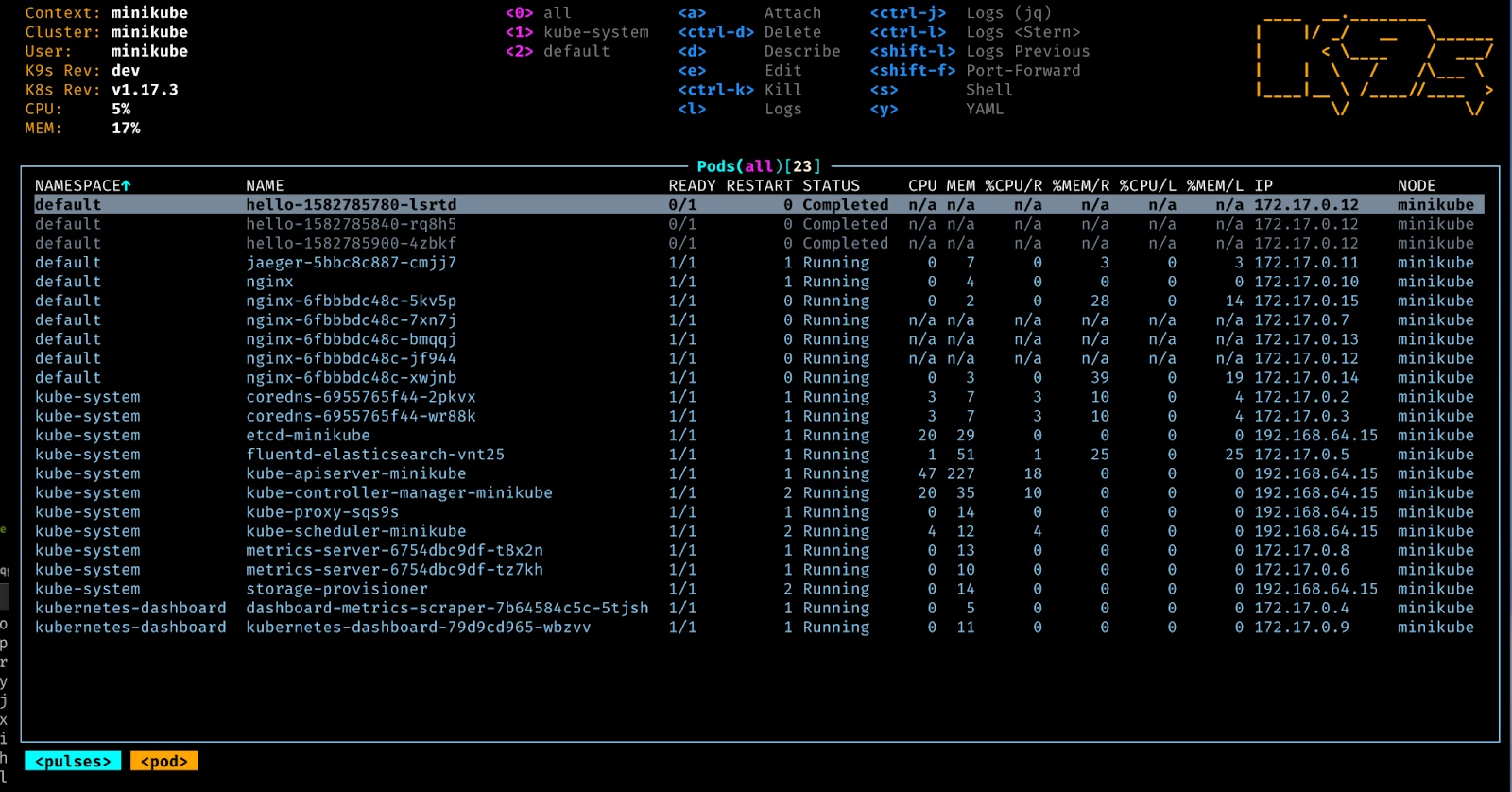
Pods - List out your pod's status and resource consumption
Logs - View and interact with your container logs
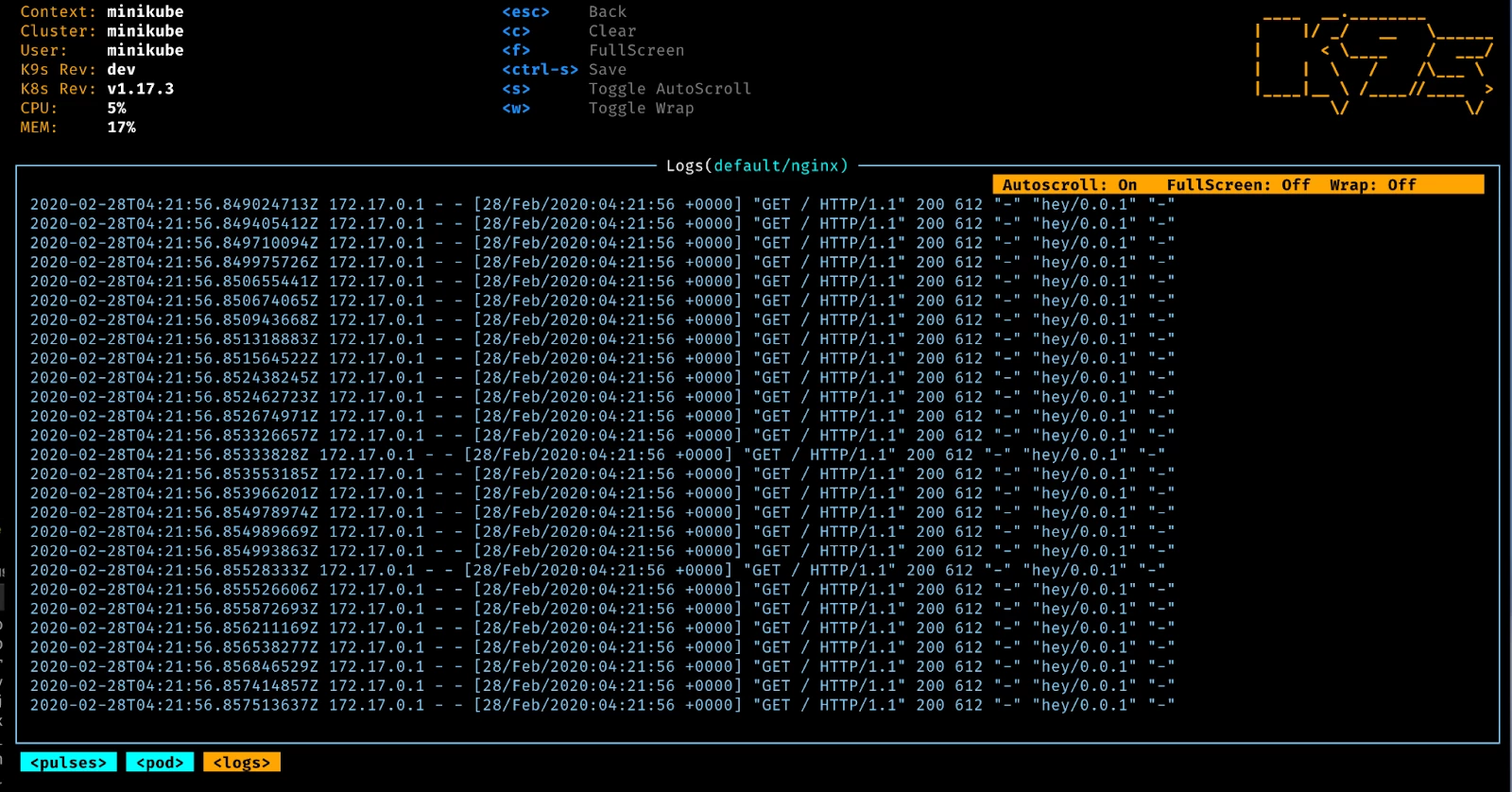
Now, let’s work through an example of how to get this working on your MacBook too.
k9s Installation Steps
First, you’ll need to install the k9s & kubectl packages on your MacBook:
| brew install k9s brew install kubectl |
Now, let’s prepare a CDSW Workspace directory on your local MacBook drive:
| mbush@mbush-MBP16 ~ % pwd /Users/mbush mbush@mbush-MBP16 ~ % mkdir Workspace mbush@mbush-MBP16 ~ % cd Workspace mbush@mbush-MBP16 Workspace % mkdir CDSW mbush@mbush-MBP16 Workspace % cd CDSW mbush@mbush-MBP16 CDSW % pwd /Users/mbush/Workspace/CDSW |
Next, we need to retrieve the admin.conf file from the CDSW Master Node and store it locally on our MacBook:
| Login to the CDSW Master Node and copy the admin.conf into your home directory ssh mbush@<CDSW Master Node FQDN> sudo su - cd /etc/kubernetes/ cp admin.conf /home/mbush/ On your MacBook local terminal, copy the admin.conf into your CDSW Workspace mbush@mbush-MBP16 CDSW % pwd /Users/mbush/Workspace/CDSW mbush@mbush-MBP16 CDSW % scp mbush@cdsw.edh.cloudera.com:/home/mbush/admin.conf . On your MacBook local terminal, export KUBECONFIG and access k9s mbush@mbush-MBP16 CDSW % export KUBECONFIG=./admin.conf mbush@mbush-MBP16 CDSW % k9s |
k9s Example Login
An example of being within k9s and viewing the pods: