


Ambari2.7 - how to find out API for any operation
Ambari 2.7 provides UI for API to learn and perform many of the operations. You can launch the UI and play - http://AMBARI-UI:8080/api-docs/
For example: You can delete the Host by simply entering the hostname in the UI.
1. Go to http://AMBARI-HOST:8080/api-docs/#!/Hosts/deleteHost
2. Move to "Delete a host" section
3. Enter the "hostname"
4. click on "Try" .
Window popup shows the API response with response (errors) message and code like below.
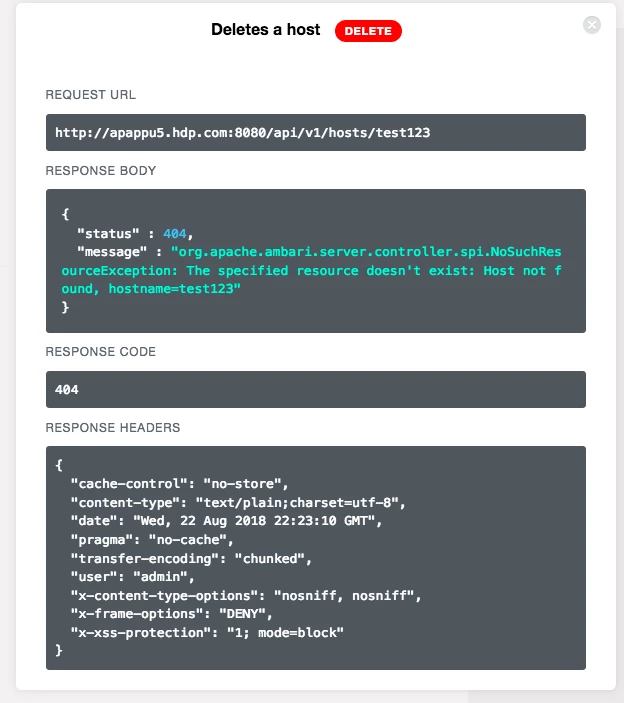
Similar many other Services/Groups/users API can be tried in the same page. This feature makes life easies to find and use the APIs.

