


Apache Livy - Apache NiFi - Apache Spark : Executing Scala Classes From NiFi-Spark Workflows
What: Executing Scala Apache Spark Code in JARS from Apache NiFi
Why: You don't want all of your scala code in a continuous block like Apache Zeppelin
Tools: Apache NiFi - Apache Livy - Apache Spark - Scala
Flows:
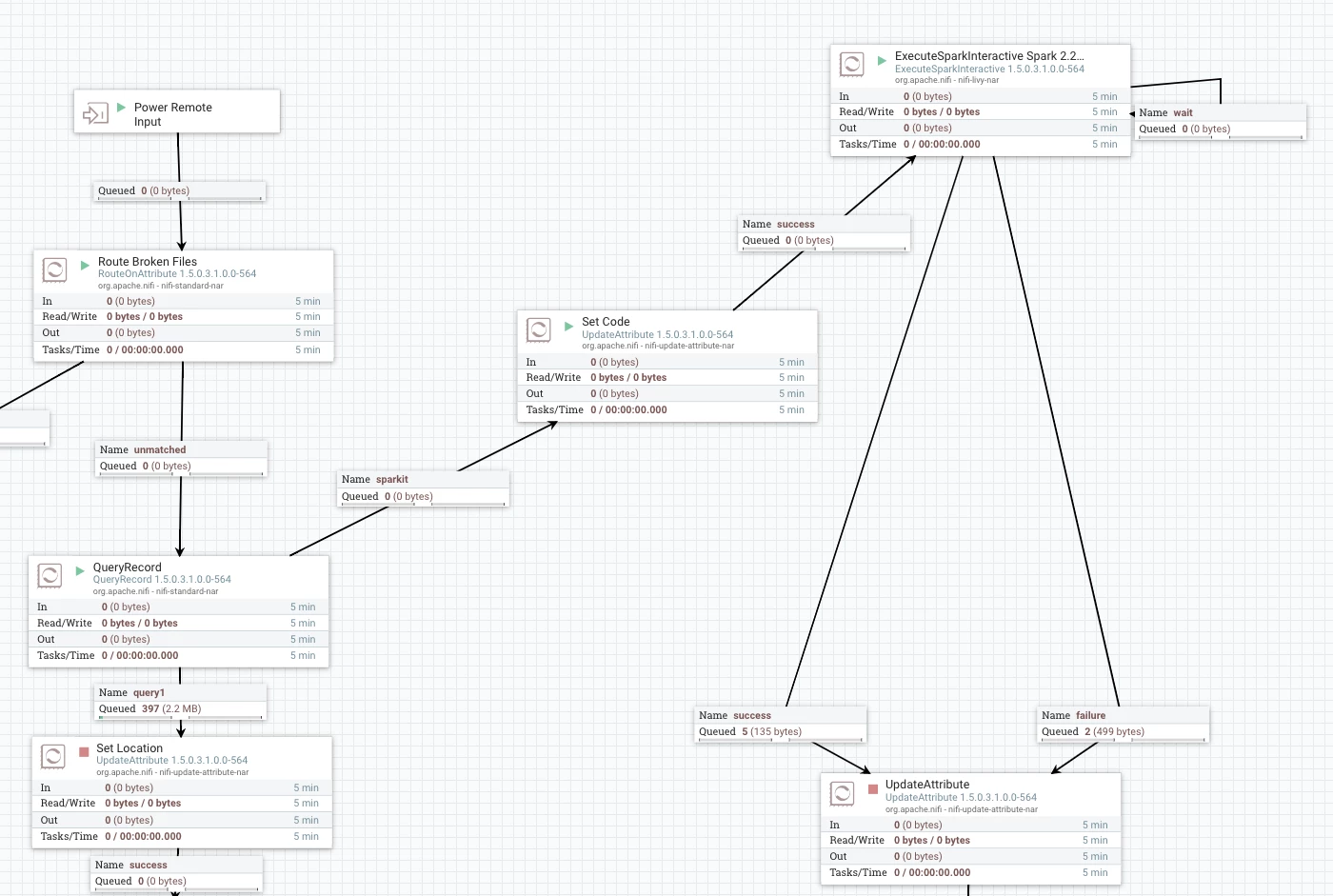
Option 1: Inline Scala Code
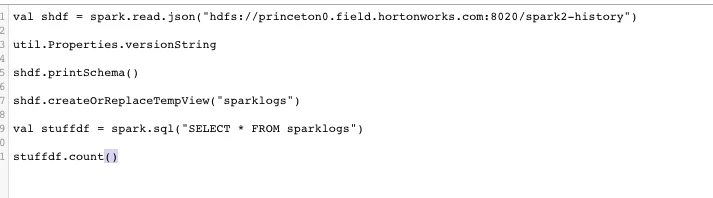
Apache Zeppelin Running the Same Scala Job (have to add the jar to interpreter for Spark and restart)
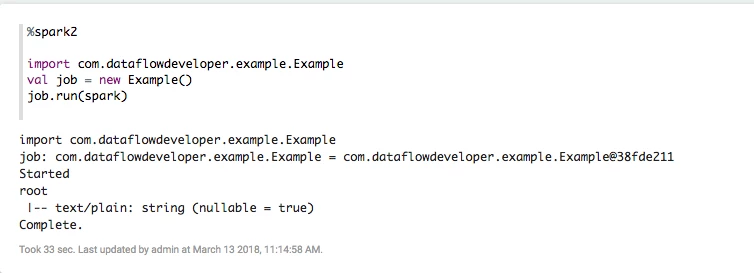
Grafana Charts of Apache NiFi Run
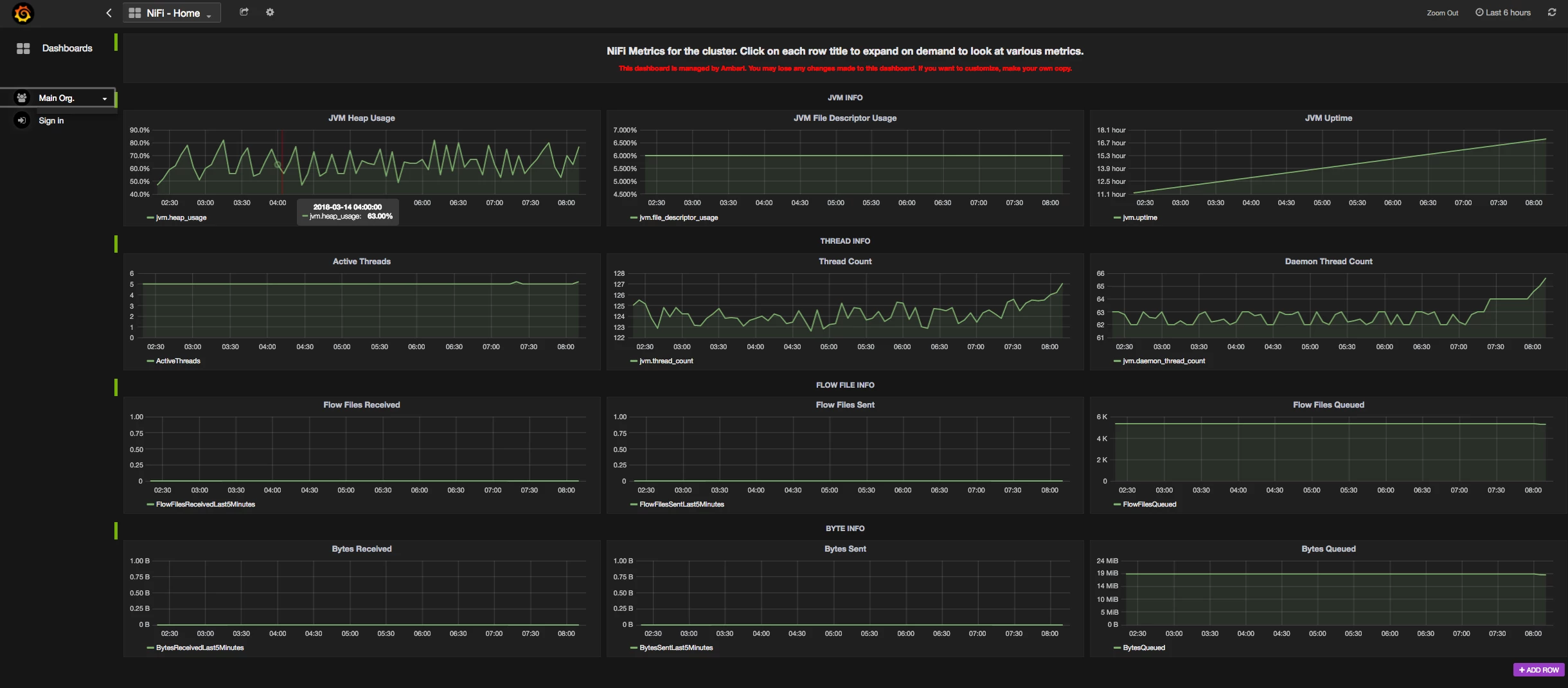
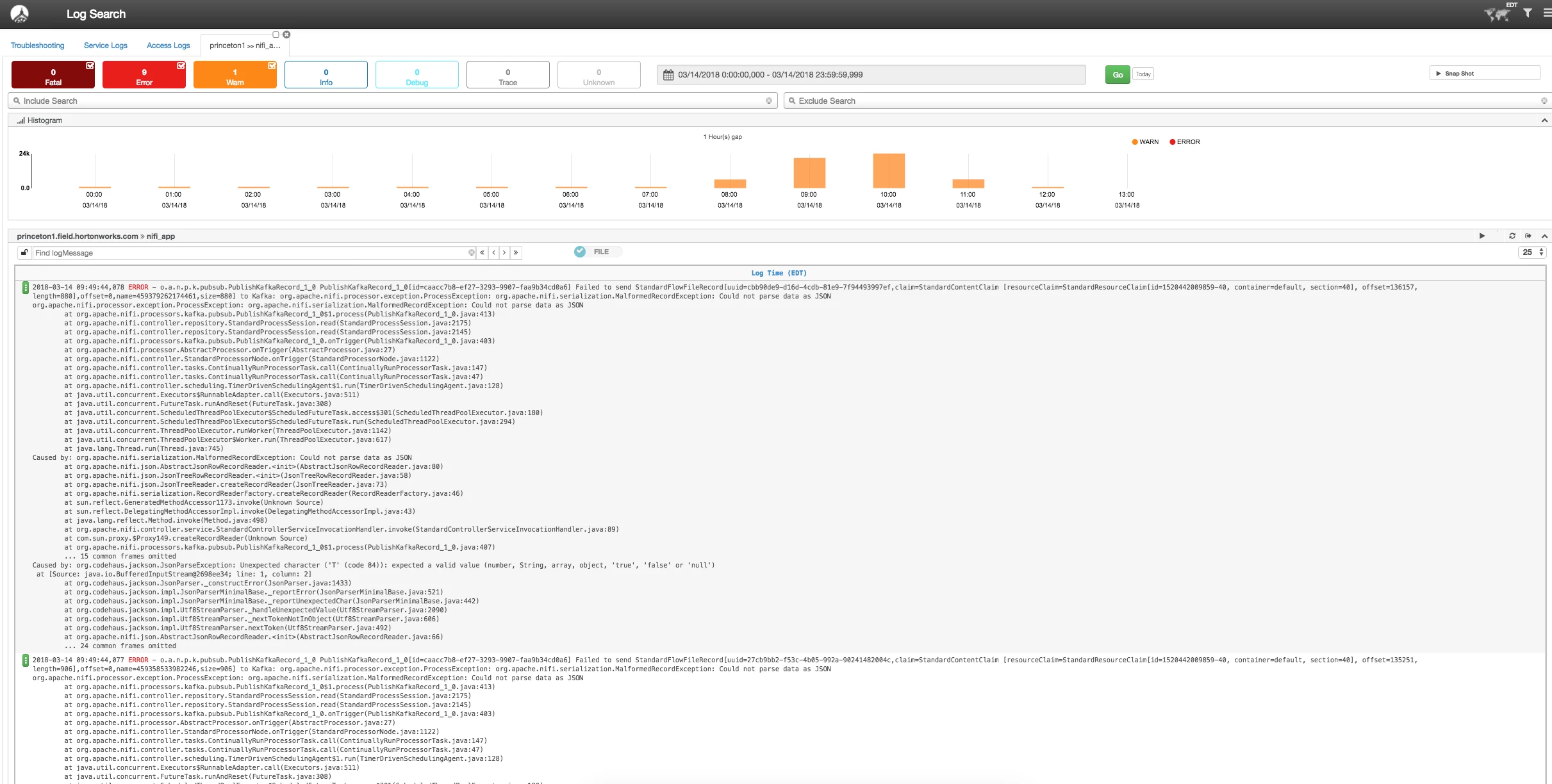
Log Search Helps You Find Errors
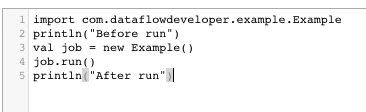
Run Code For Your Spark Class
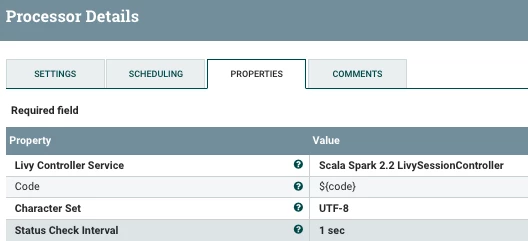
Setting up Your ExecuteSparkInteractive Processor
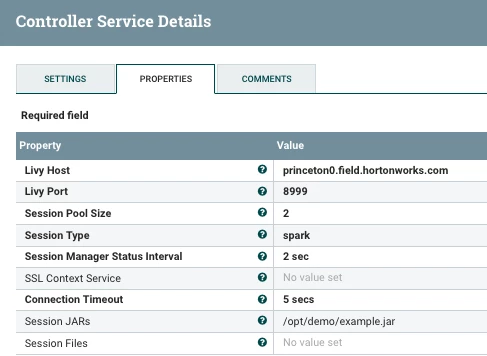
Setting Up Your Spark Service for Scala
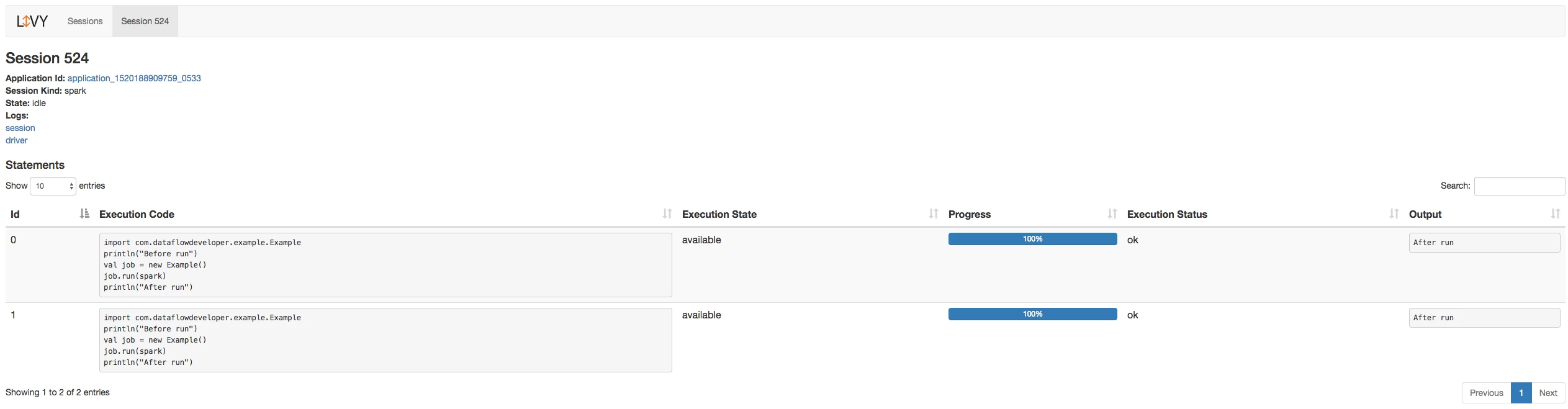
Tracking the Job in Livy UI
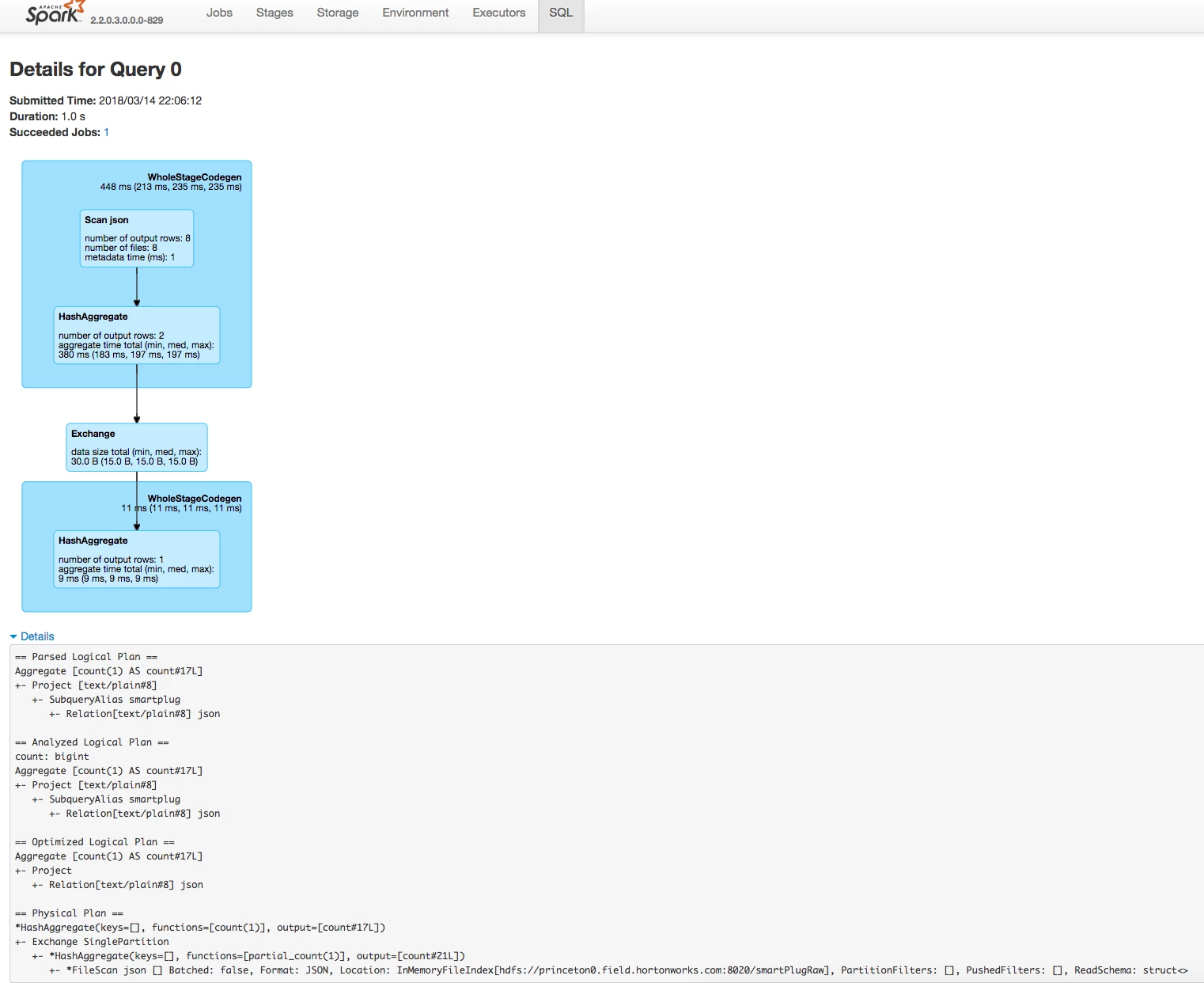
Tracking the Job in Spark UI
I was looking at doing this: Pull code from Git and put into a NiFi attribute, run directly. For bigger projects, you will have many classes and dependencies that may require a full IDE and SBT build cycle. Once I build a Scala jar I want to run against that.
Example Code
package com.dataflowdeveloper.example
import org.apache.spark.sql.SparkSession
class Example () {
  def run( spark: SparkSession) {
      try {
        println("Started")
        val shdf = spark.read.json("hdfs://princeton0.field.hortonworks.com:8020/smartPlugRaw")
      shdf.printSchema()
      shdf.createOrReplaceTempView("smartplug")
      val stuffdf = spark.sql("SELECT * FROM smartplug")
      stuffdf.count()
        println("Complete.")
      } catch {
        case e: Exception =>
          e.printStackTrace();
      }
  }
}


=--- Run that with


import com.dataflowdeveloper.example.Example
println("Before run")
val job = new Example()
job.run(spark)
println("After run")


=== after run
{"text\/plain":"After run"}
Import Tip
You need to put your Jar in Session.jars on the Session control and on the same directory on hdfs.
So I did /opt/demo/example.jar in Linux and
hdfs:// /opt/demo/example.jar.
Make sure Livy and NiFi have read permissions on those.
Github: https://github.com/tspannhw/livysparkjob
Github Release: https://github.com/tspannhw/livysparkjob/releases/tag/v1.1
Apache NiFi Flow Example

