


Automated Kerberos Installation and Configuration
Note - I did receive few complaints about this script that it's failing on new Ambari versions, It happened because of change in kerberos payload. I have modified the script and it works like a charm again for new versions. Please continue to provide me the feedback! 🙂
Disclaimer - "Please do not use unless you know what u r doing! Test on Dev. cluster before using on production systems" 🙂
Automated Kerberos Installation and Configuration – For this post, I have written a shell script which uses Ambari APIs to configure Kerberos on HDP Single or Multinode clusters. You just need to clone our github repository and modify property file according to your cluster environment, execute setup script and phew!! Within 5-10 minutes you should have your cluster completely secured by Kerberos! Cool isn’t it?
Detailed Steps(Demo on HDP Sandbox 2.4):
1. Clone our github repository Ambari server in your HDP Cluster
Note - This script will install and configure KDC on your Ambari Server.
git clone https://github.com/crazyadmins/useful-scripts.git
Sample Output:
[root@sandbox ~]# git clone https://github.com/crazyadmins/useful-scripts.git
Initialized empty Git repository in /root/useful-scripts/.git/
remote: Counting objects: 29, done.
remote: Compressing objects: 100% (25/25), done.
remote: Total 29 (delta 4), reused 25 (delta 3), pack-reused 0
Unpacking objects: 100% (29/29), done.
[root@sandbox ~]# cd useful-scripts/ambari/
[root@sandbox ambari]# ls -lrt
total 16
-rw-r--r-- 1 root root 5701 2016-04-23 20:33 setup_kerberos.sh
-rw-r--r-- 1 root root 748 2016-04-23 20:33 README
-rw-r--r-- 1 root root 366 2016-04-23 20:33 ambari.props
[root@sandbox ambari]#
3. Copy setup_kerberos.sh and ambari.props to the host where you want to setup KDC Server
4. Edit and modify ambari.props file according to your cluster environment
Note - In case of multinode cluster, Please don't forget to add comma separated list of hosts as a value of KERBEROS_CLIENTS variable.
Sample output for my Sandbox
[root@sandbox ambari]# cat ambari.props
CLUSTER_NAME=Sandbox
AMBARI_ADMIN_USER=admin
AMBARI_ADMIN_PASSWORD=admin
AMBARI_HOST=sandbox.hortonworks.com
KDC_HOST=sandbox.hortonworks.com
REALM=HWX.COM
KERBEROS_CLIENTS=sandbox.hortonworks.com
##### Notes #####
#1. KERBEROS_CLIENTS - Comma separated list of Kerberos clients in case of multinode cluster
#2. Admin princial is admin/admin and password is hadoop
[root@sandbox ambari]#
5. Start installation by simply executing setup_kerberos.sh
Notes:
1. Please run setup_kerberos.sh from KDC_HOST only, you don’t need to setup or configure KDC, this script will do everything for you.
2. If you are running script on Sandbox then please turn OFF maintenance mode for HDFS and turn ON maintenance mode for Zepplin Notebook before executing the script.
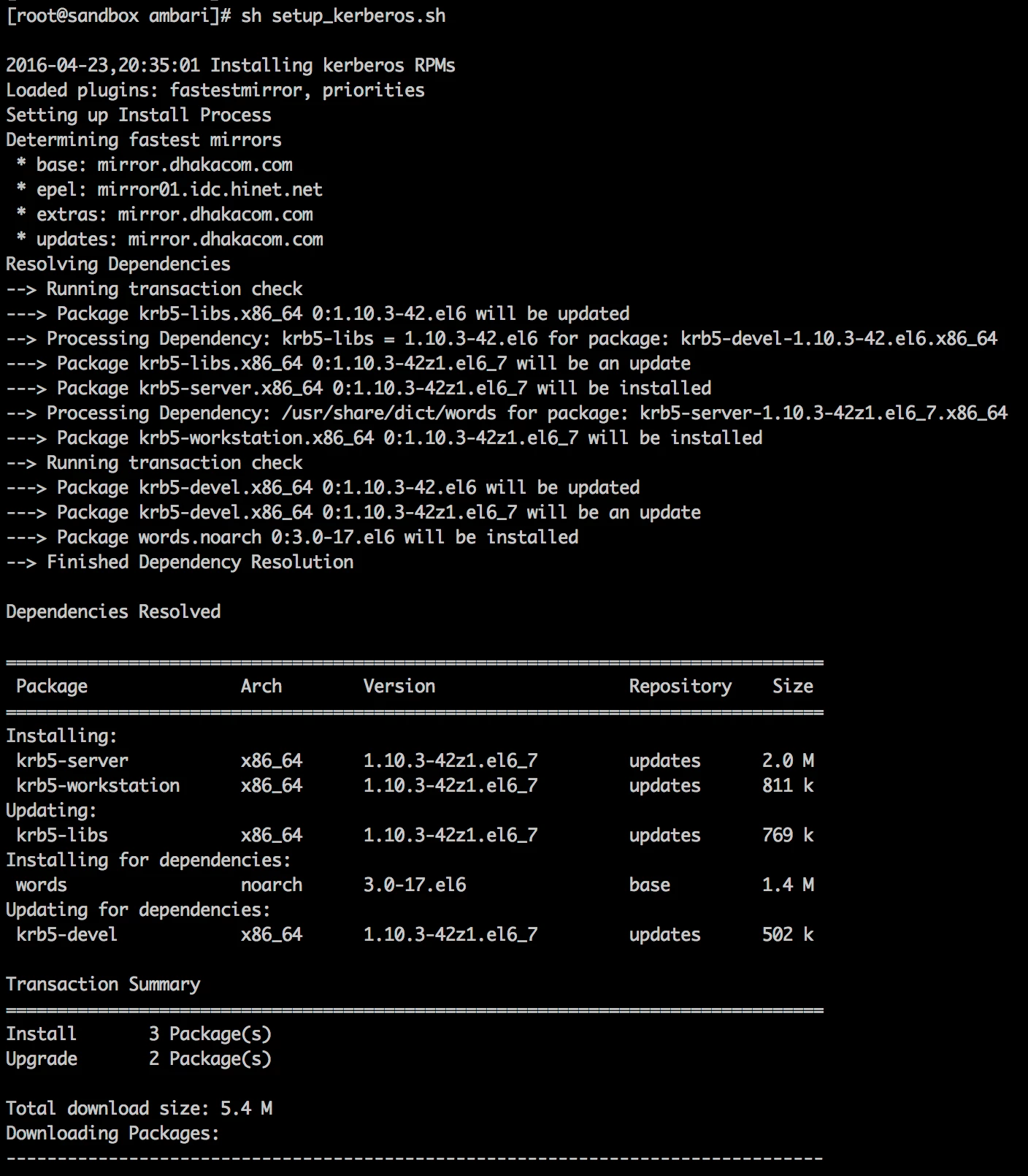
sh setup_kerberos.sh
Screenshots:
1. Before Script execution

2. Script execution is in progress
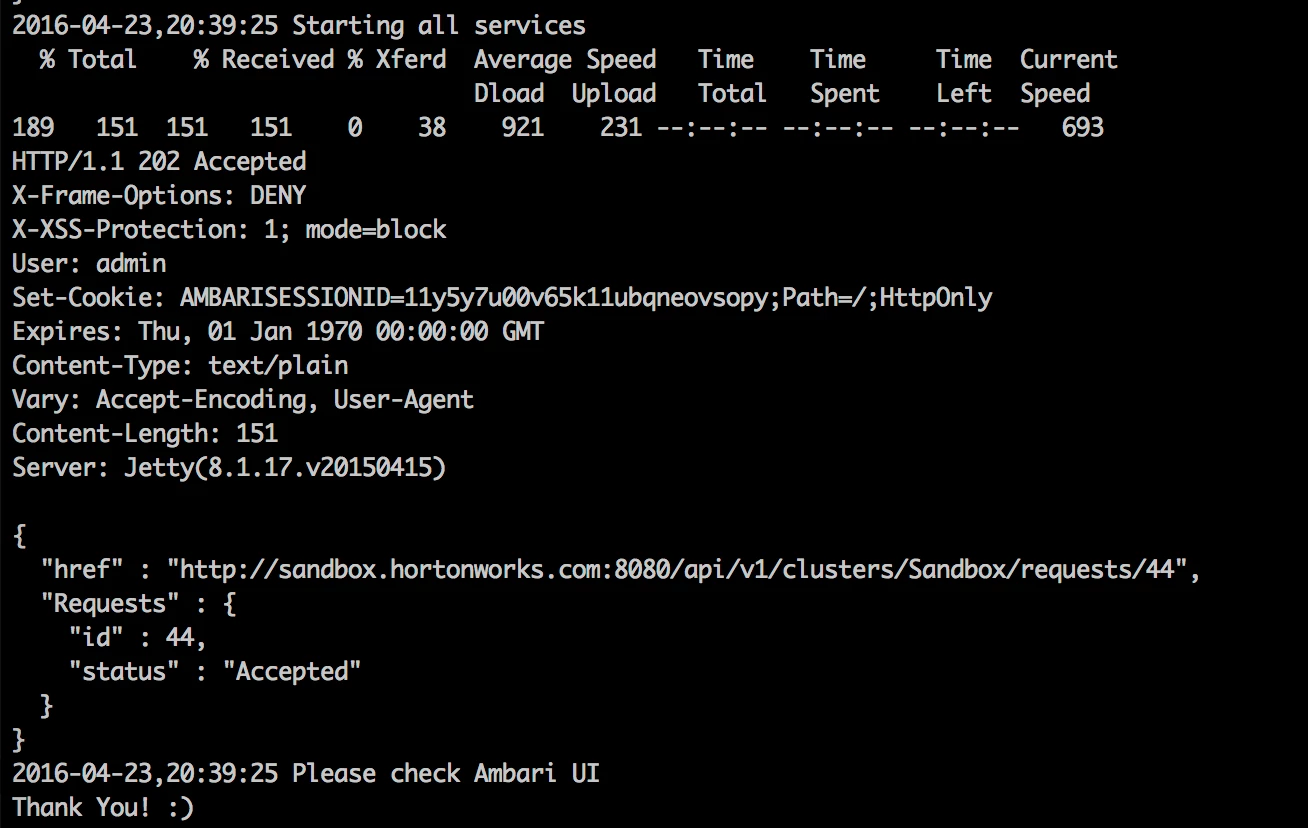
3. Script execution has finished
4. Voila!!

Please comment if you have any feedback/questions/suggestions. Happy Hadooping!!

