Building a Custom Processor in Apache NiFi 1.5 for TensorFlow Using the Java API
In preparing for my talk at DataWorksSummit in Australia, I wanted to try yet another way to integrate Apache NiFi with TensorFlow. The common ways being: calling a Python TensorFlow script from Execute Command, calling a TensorFlow Serving server via gRPC, calling a C++ TensorFlow executable via Execute Command, running TensorFlow on the edge and having MiniFi send it to NiFi or calling a TensorFlowOnSpark job via Kafka, Site-to-Site.
TensorFlow has released a Java API (https://www.tensorflow.org/install/install_java), so I decided to write a quick custom processor to run TensorFlow Inception v3.
It's a simple set of dependencies for Maven:
    <dependencies>
        <dependency>
            <groupId>org.apache.nifi</groupId>
            <artifactId>nifi-api</artifactId>
        </dependency>
        <dependency>
            <groupId>org.apache.nifi</groupId>
            <artifactId>nifi-processor-utils</artifactId>
        </dependency>
        <dependency>
            <groupId>org.apache.nifi</groupId>
            <artifactId>nifi-mock</artifactId>
            <scope>test</scope>
        </dependency>
        <dependency>
            <groupId>org.slf4j</groupId>
            <artifactId>slf4j-simple</artifactId>
            <scope>test</scope>
        </dependency>
        <dependency>
            <groupId>junit</groupId>
            <artifactId>junit</artifactId>
            <scope>test</scope>
        </dependency>
   <dependency>
         <groupId>org.tensorflow</groupId>
         <artifactId>tensorflow</artifactId>
         <version>1.2.1</version>
       </dependency>
    </dependencies>
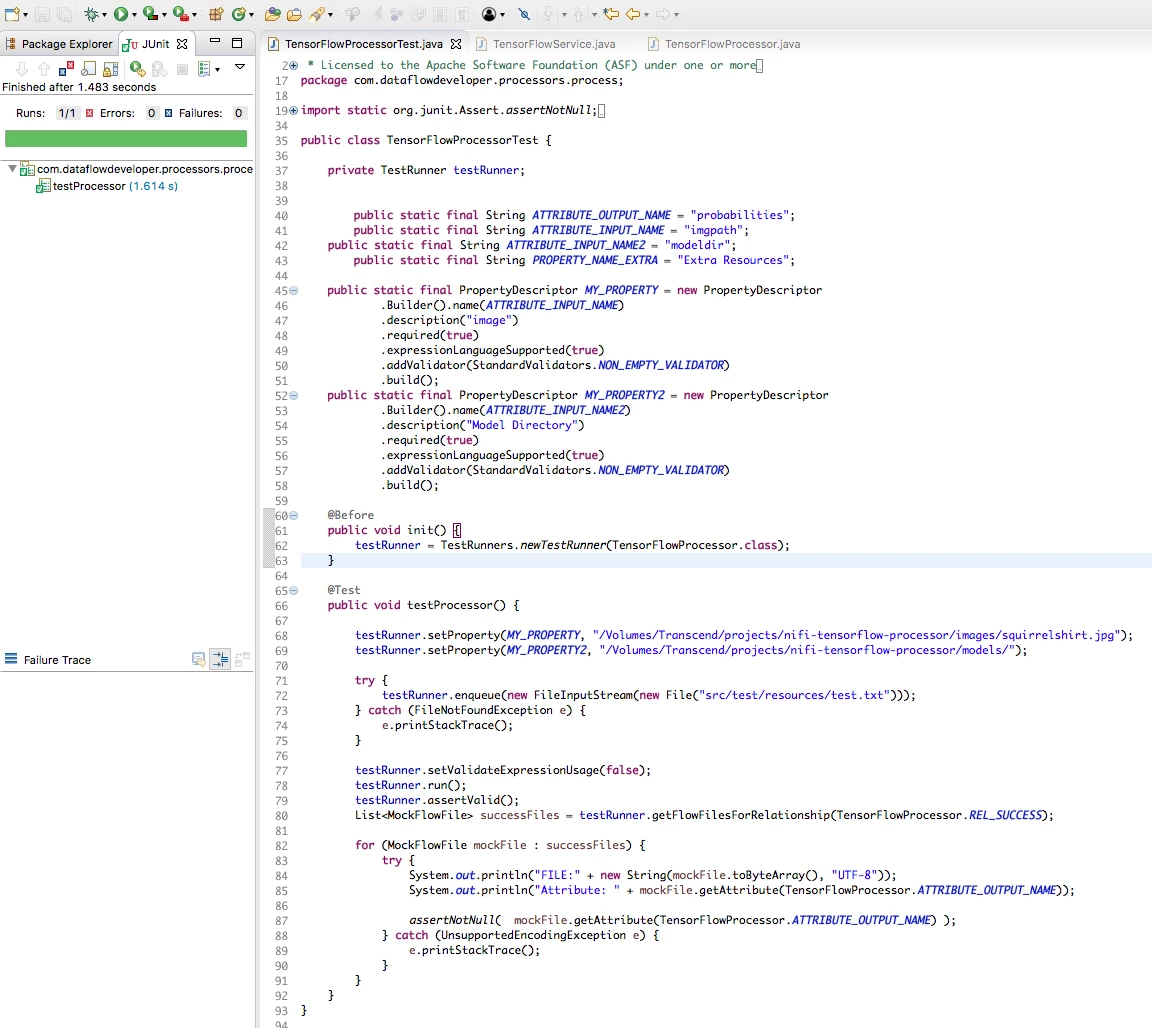
It's easy to add the new processor NiFi. First build it mvn install (see my build script), then deploy it:
cp nifi-tensorflow-nar/target/nifi-tensorflow-nar-1.0.nar /Volumes/Transcend/Apps/nifi-1.2.0/lib
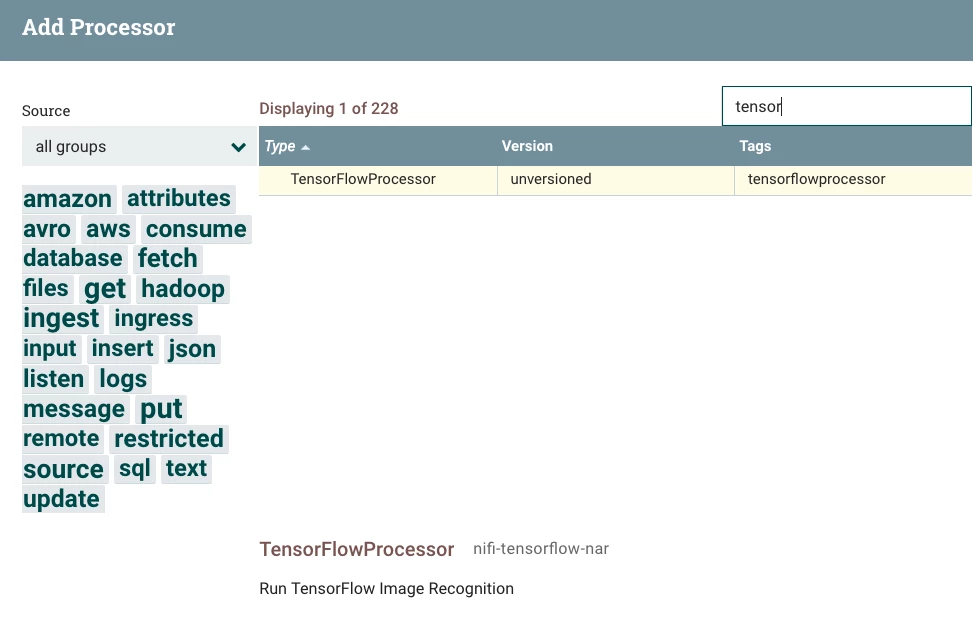
Once you restart NiFi, you can add the TensorFlow Processor.
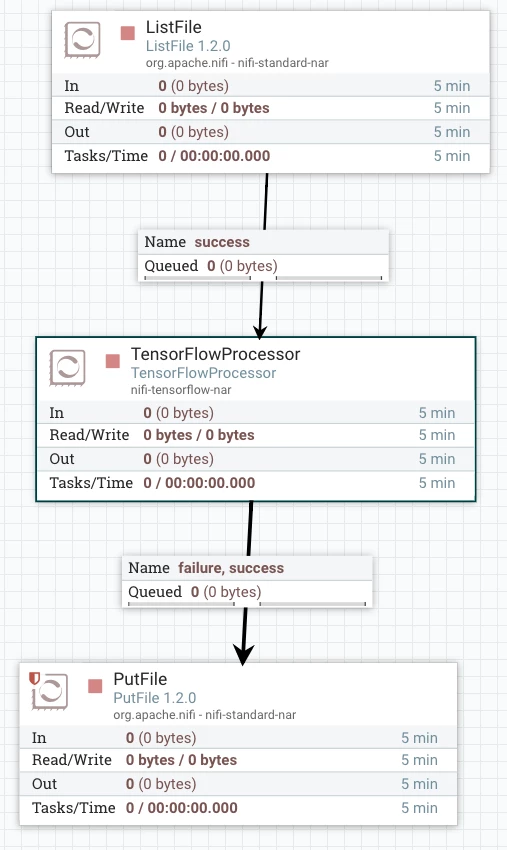
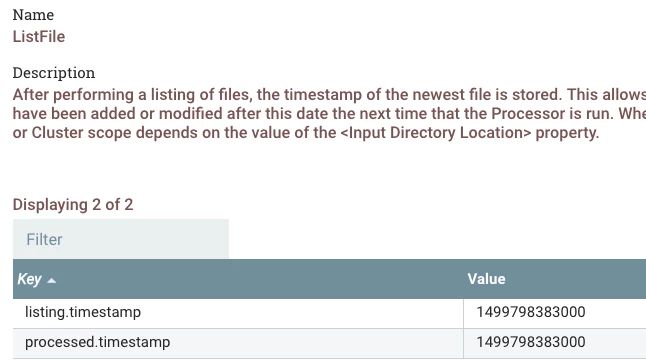
An example flow is to the use the very smart ListFile which will iterate through a list of files and keep track of which the last timestamp of files it accessed. So I point to a directory of files and the NiFi processor gets fed a ton of images to very quickly process. This is much faster than my calling out to a script.
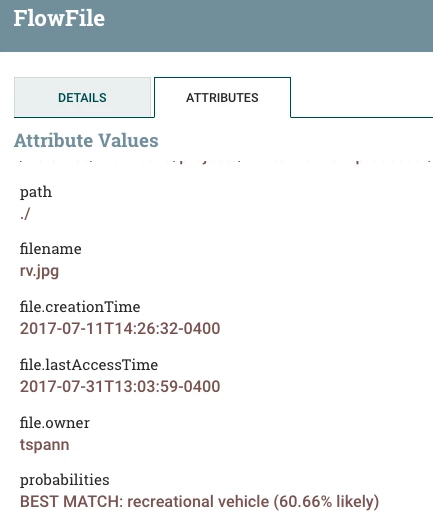
The result of the run is a new attribute, probabilities, which is a string description of what it could be a confidence percentage as text.
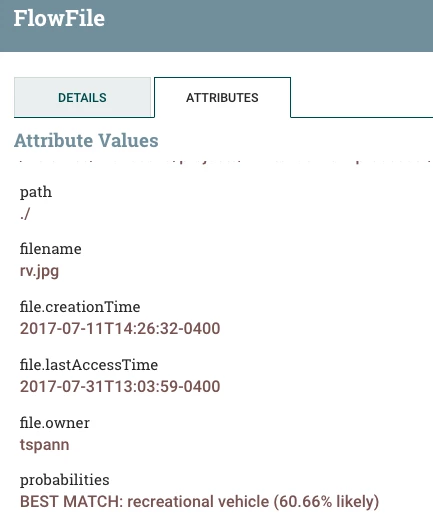
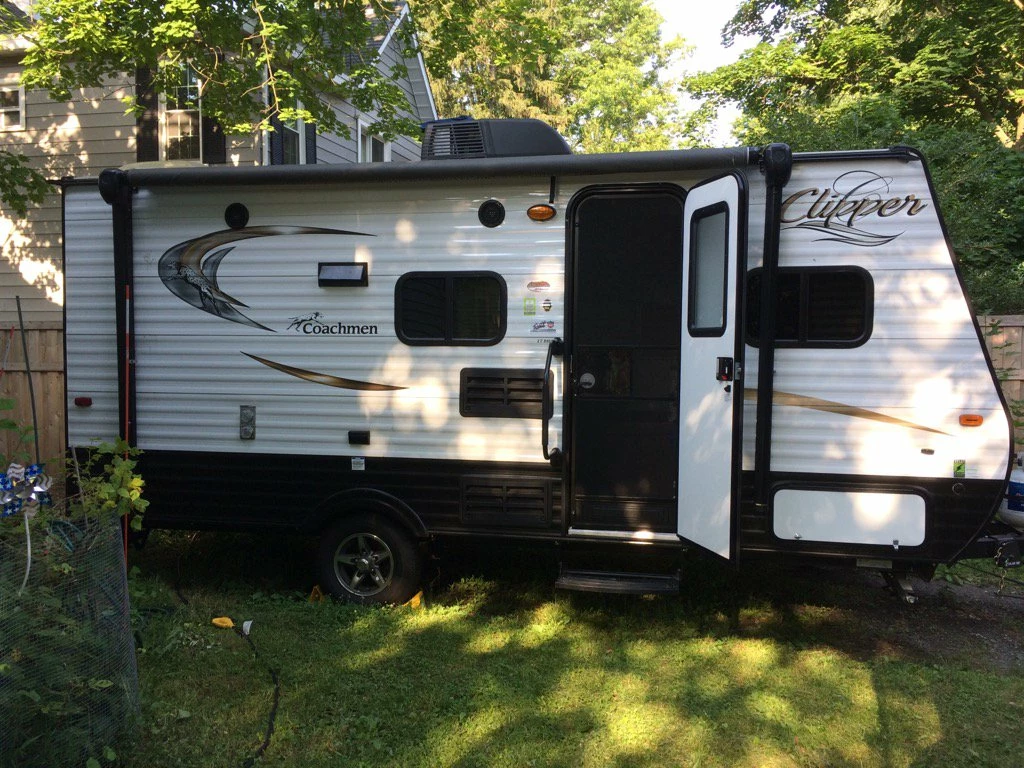
This was the guess for the picture of my RV:
Source:
https://github.com/tspannhw/nifi-tensorflow-processor
Resources:
- https://community.hortonworks.com/articles/83872/data-lake-30-containerization-erasure-coding-gpu-p.html
- https://community.hortonworks.com/articles/59349/hdf-20-flow-for-ingesting-real-time-tweets-from-st.html
- https://community.hortonworks.com/articles/103863/using-an-asus-tinkerboard-with-tensorflow-and-pyth.html
- https://community.hortonworks.com/articles/54954/setting-up-gpu-enabled-tensorflow-to-work-with-zep.html
- https://community.hortonworks.com/articles/80339/iot-capturing-photos-and-analyzing-the-image-with.html
- https://community.hortonworks.com/articles/58265/analyzing-images-in-hdf-20-using-tensorflow.html
- https://community.hortonworks.com/articles/83100/deep-learning-iot-workflows-with-raspberry-pi-mqtt.html