
Configure Mac and Firefox to access HDP/HDF SPNEGO UI
Background
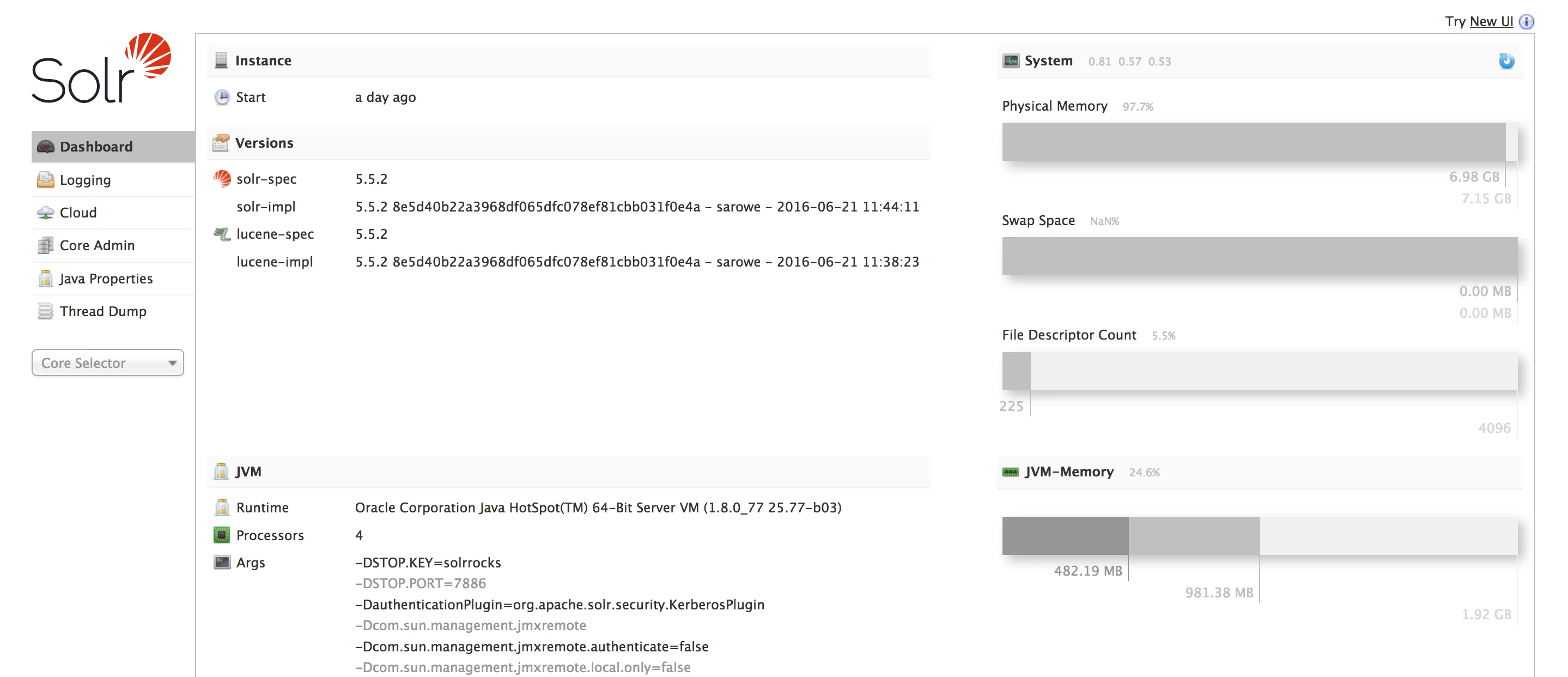
After Kerberos HDP/HDF cluster, some native admin UI will return "401 Authentication required".
For example, Ambari Infra Solr Admin UI

This is because the web UI is configured for SPNEGO (Simple and Protected GSSAPI Negotiation Mechanism) to extend Kerberos to HTTP. Client must have a valid Kerberos ticket and send by browser.
Mac Kerberos Client Configuration
Kerberos software is installed by default in Mac OS, but need to add configure file to access your KDC server.
$ sudo vi /Library/Preferences/edu.mit.Kerberos
[domain_realm]
  .hortonworks.com = "HORTONWORKS.COM"
  hortonworks.com = "HORTONWORKS.COM"
[libdefaults]
  default_realm = "HORTONWORKS.COM"
  dns_fallback = "yes"
  noaddresses = "TRUE"
[realms]
HORTONWORKS.COM = {
  admin_server = "ad.hortonworks.com"
  default_domain = "hortonworks.com"
  kdc = "ad.hortonworks.com"
}
Firefox Configuration
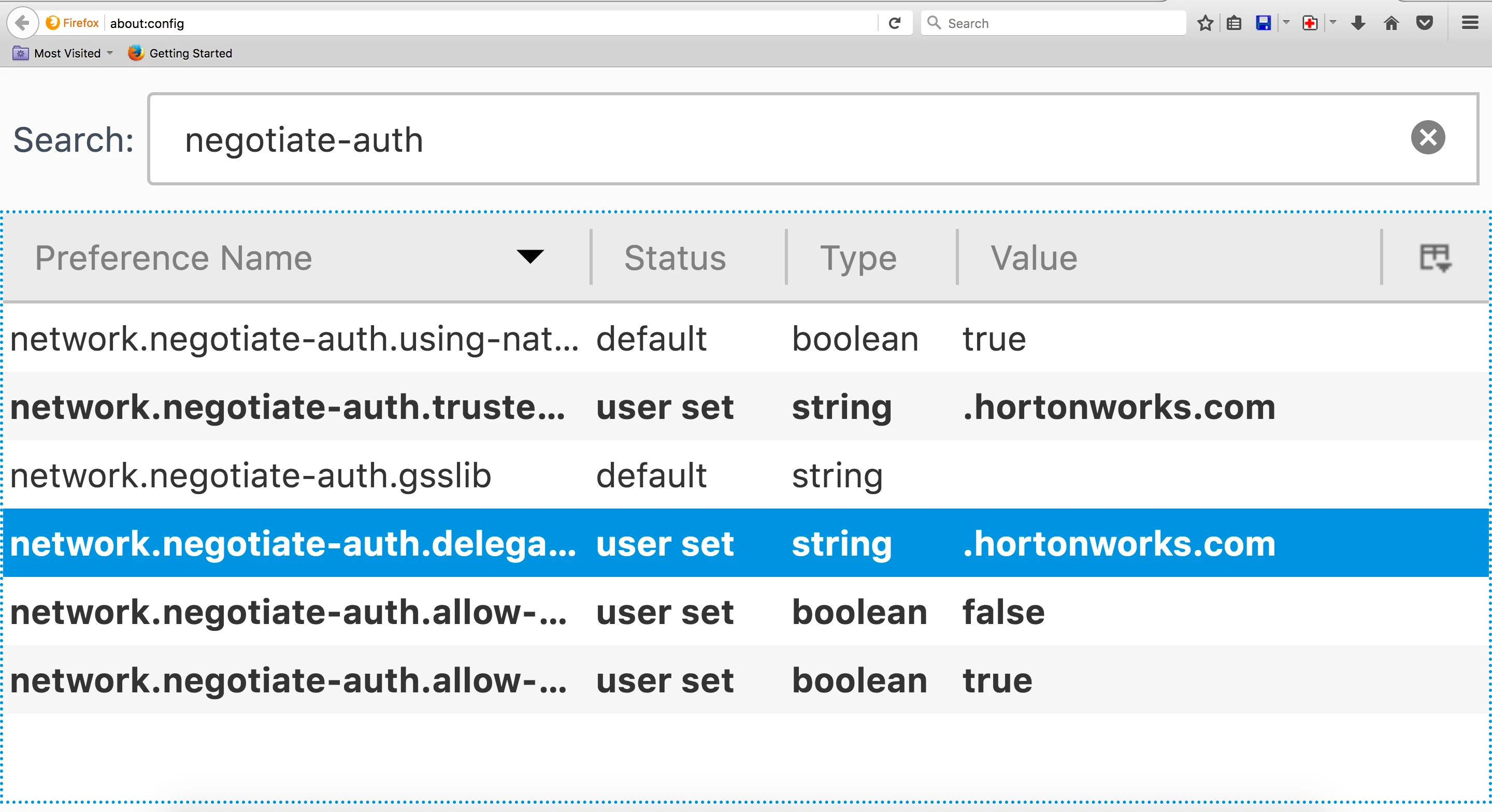
type about:config
search negotiate-auth
Option1 Command Line
command line to init a kerberos ticket
$ kinit hadoopadmin@HORTONWORKS.COM
hadoopadmin@HORTONWORKS.COM's password:
list the ticket
$ klist
Option2 Ticket Viewer
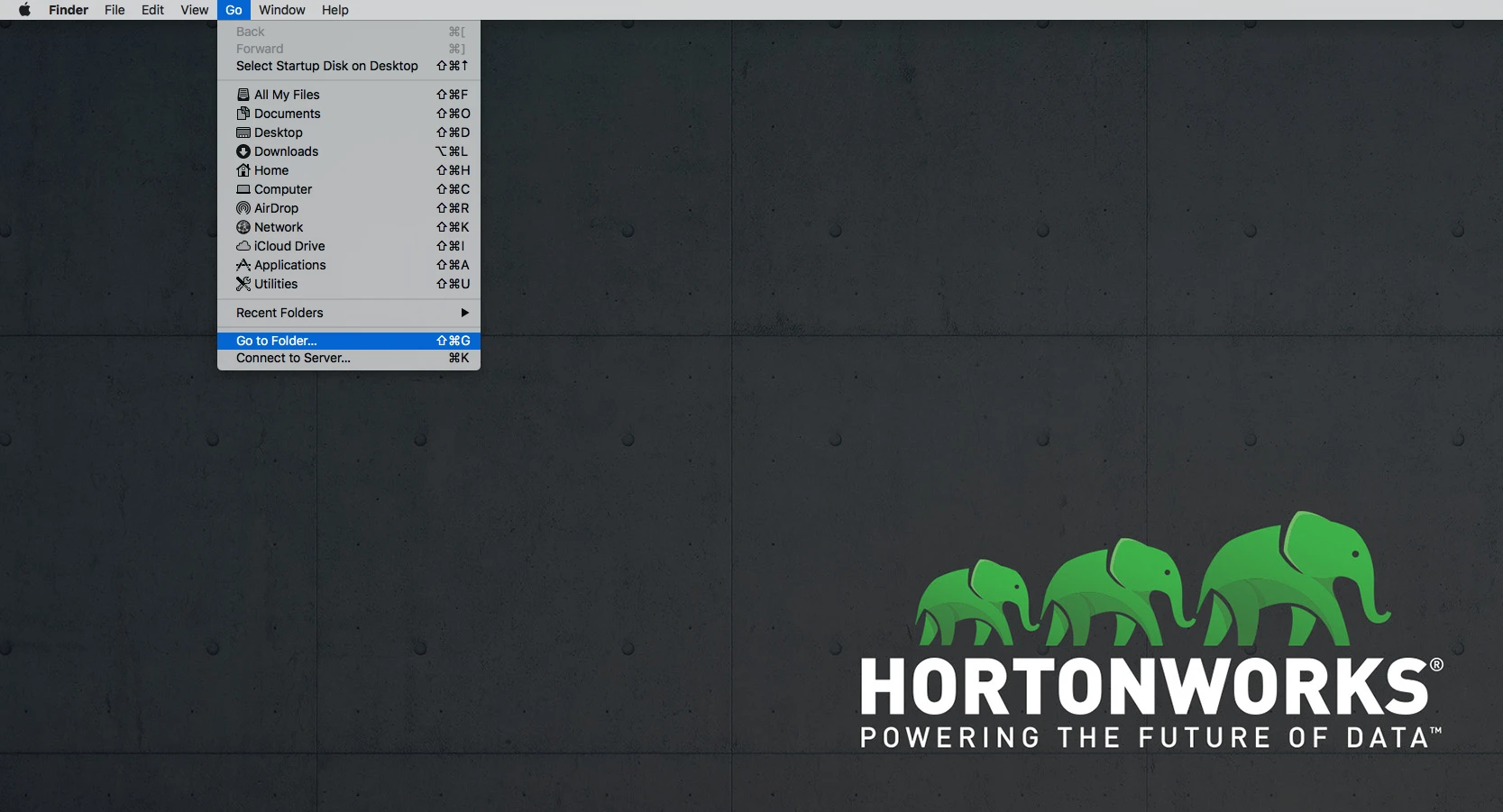
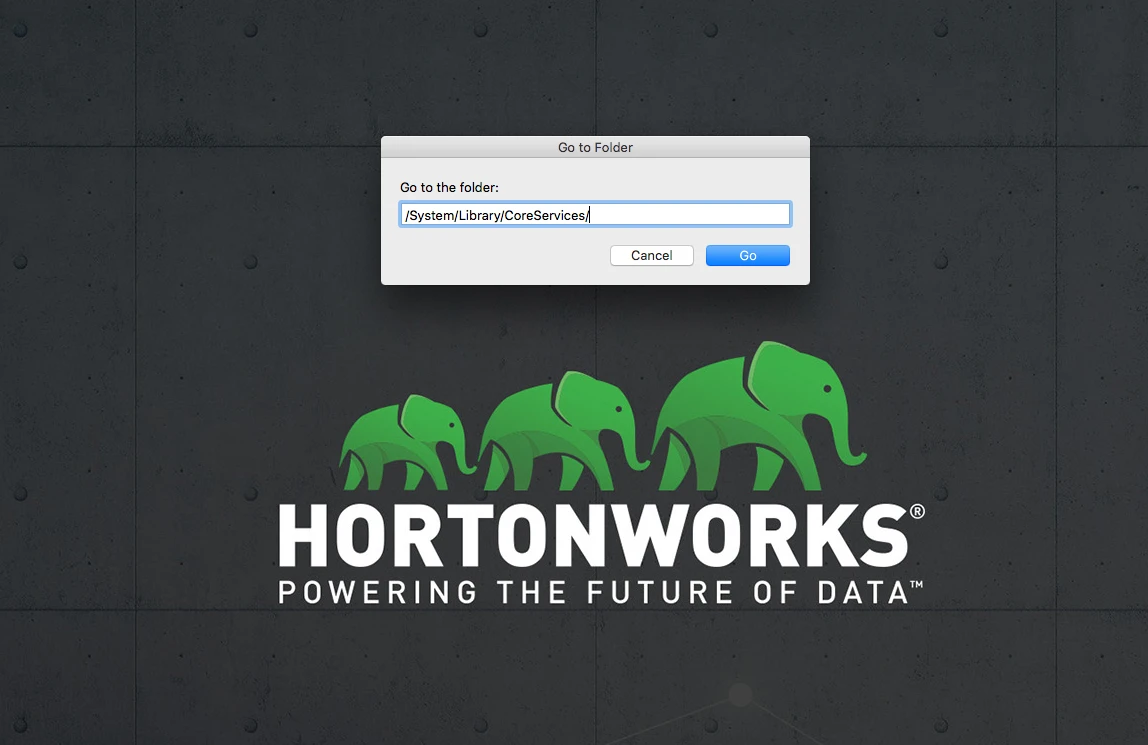
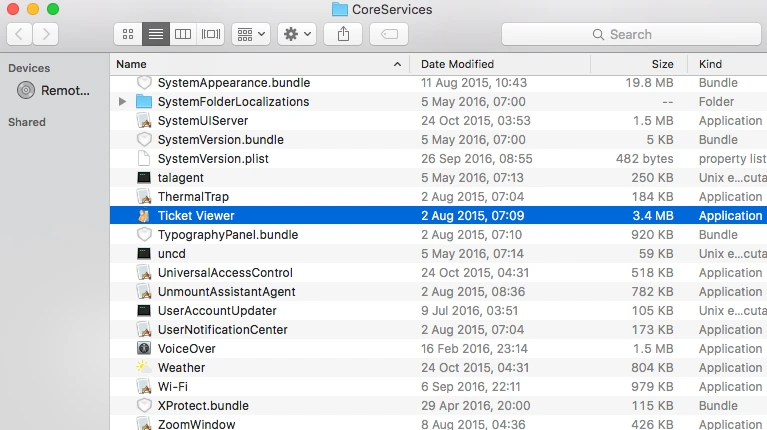
Go to Ticket Viewer Folder CoreServices
Go to the folder: /System/Library/CoreServices/
Find Ticket Viewer
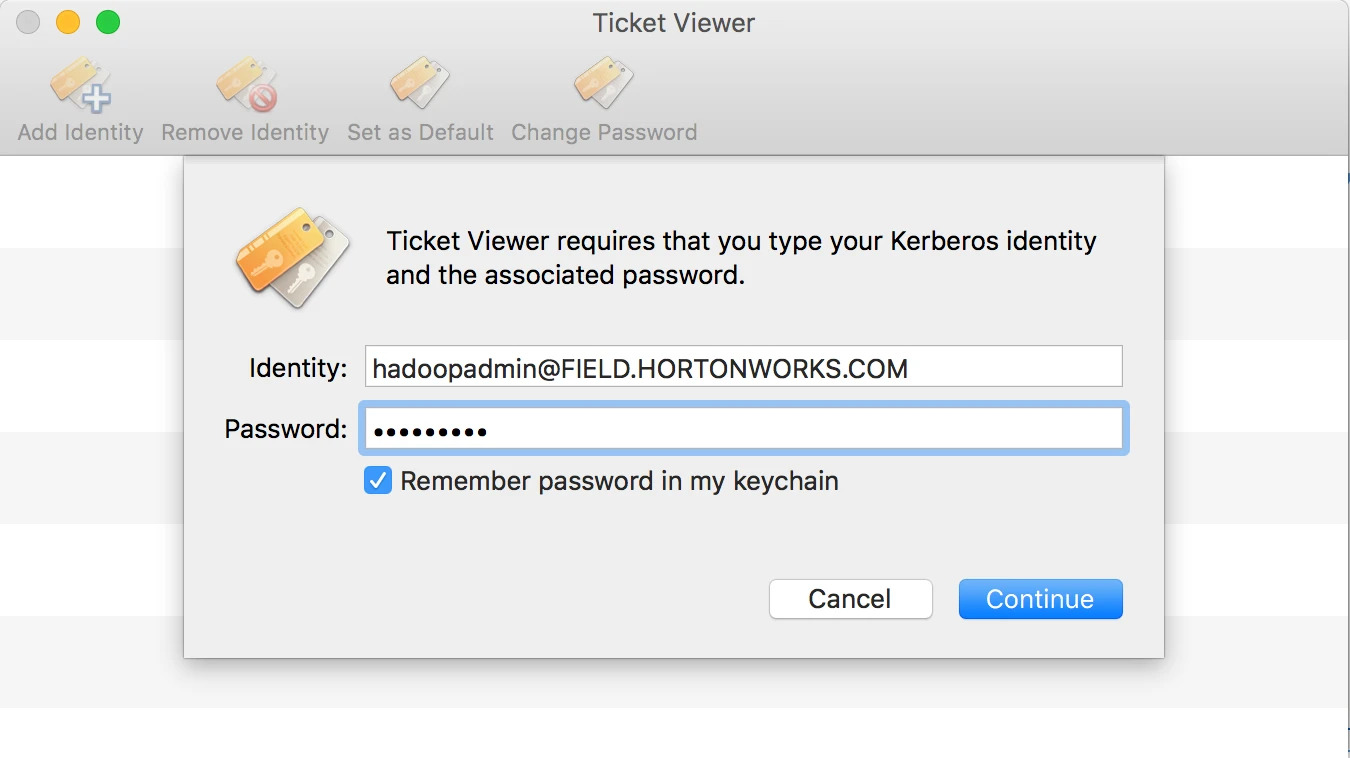
Add Identity
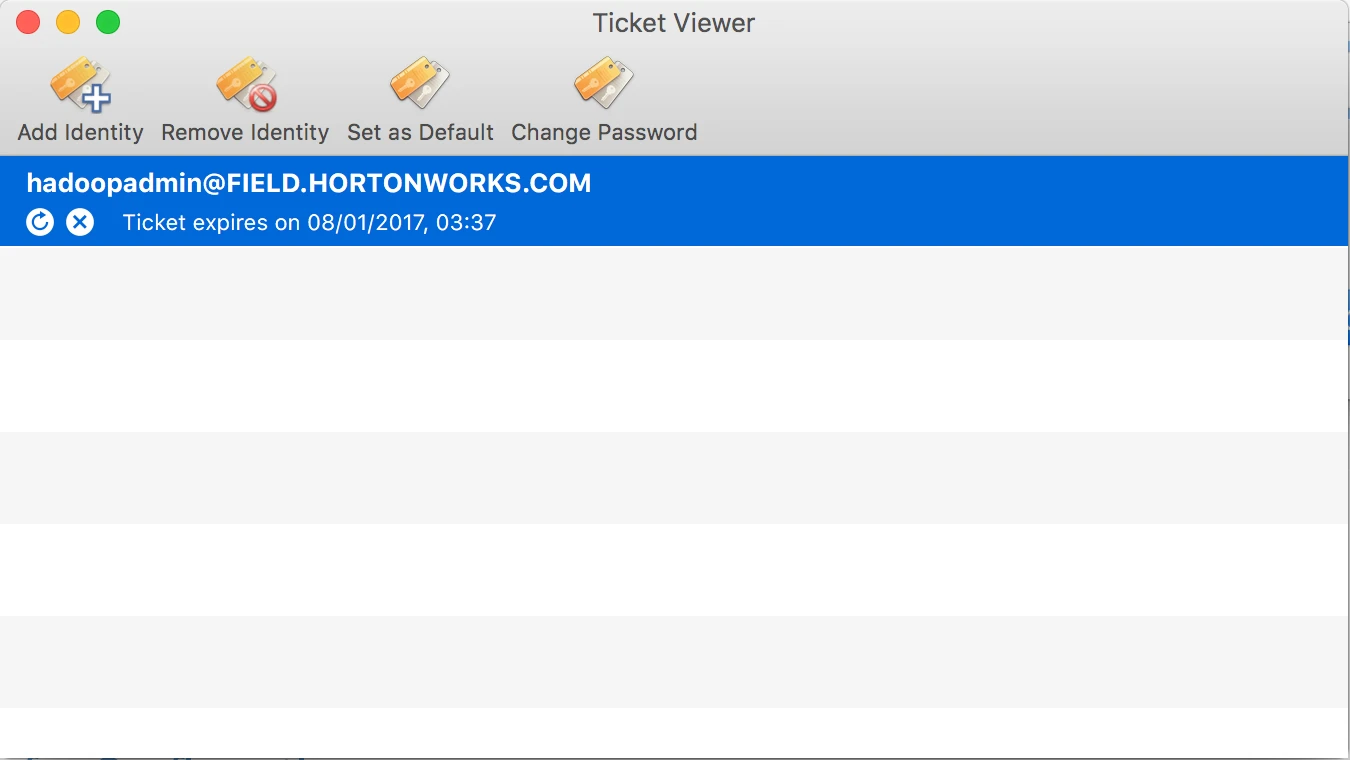
Then you can see the identity
Access UI again