


Configure TEZ View for Kerberized HDP Cluster.
Note - For this tutorial I assume that you already have HDP cluster kerberized. If you want to configure automated kerberos then please refer to https://community.hortonworks.com/articles/29203/automated-kerberos-installation-and-configuration.html.
.
First you need to configure your Ambari Server for Kerberos configuration, without configuring Ambari for Kerberos, views will not work.
.
Use below commands to configure Ambari for Kerberos:
.
1 Login to kadmin and create principal for Ambari Server
Note - Please replace your REALM in REALM.COM
addprinc -randkey ambari-server@REALM.COM
.
2 Extract principal created in above step to keytab filexst -k ambari.server.keytab ambari-server@REALM.COM
.
3 Above command should generate keytab file in current working directory, copy keytab file to /etc/security/keytabs/ locationcp ambari.server.keytab /etc/security/keytabs/ambari.server.keytab
Note - Please make sure that, user running ambari server daemon should have read access to ambari.server.keytab
.
4 Stop Ambari server daemon and setup security using below command.service ambari-server stop
ambari-server setup-security
.
5 Select 3 for Setup Ambari kerberos JAAS configuration. Enter the Kerberos principal name for the Ambari Server you set up in step 1.1. Enter the path to the keytab for the Ambari principal. Restart Ambari Server.ambari-server restart
.
6. Add below properties in yarn-site.xml using Ambari UI.yarn.timeline-service.http-authentication.proxyuser.ambari-server.hosts=*
yarn.timeline-service.http-authentication.proxyuser.ambari-server.users=*
yarn.timeline-service.http-authentication.proxyuser.ambari-server.groups=*
.
7. Add below properties in core-site.xmlhadoop.proxyuser.ambari-server.hosts=*
hadoop.proxyuser.ambari-server.groups=*
hadoop.proxyuser.admin.hosts=*
hadoop.proxyuser.admin.groups=*
Your TEZ view should be accessible now!
.
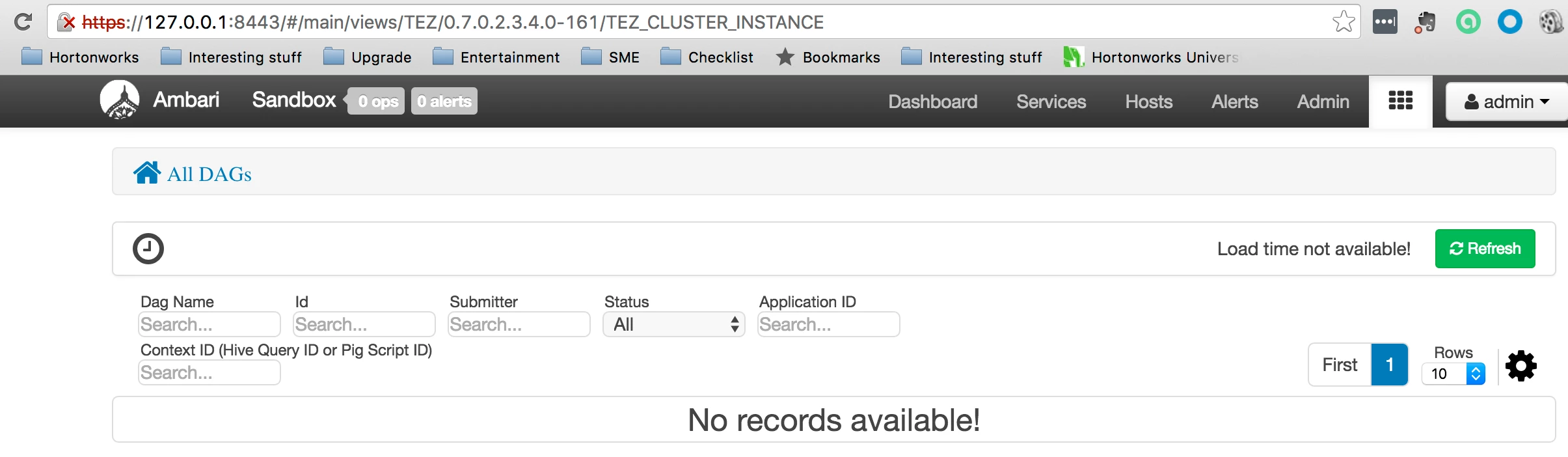
.
Happy Hadooping!! 🙂

