Configuring Ranger Policy Administration High Availability
Documentation referred:
Environment Information:
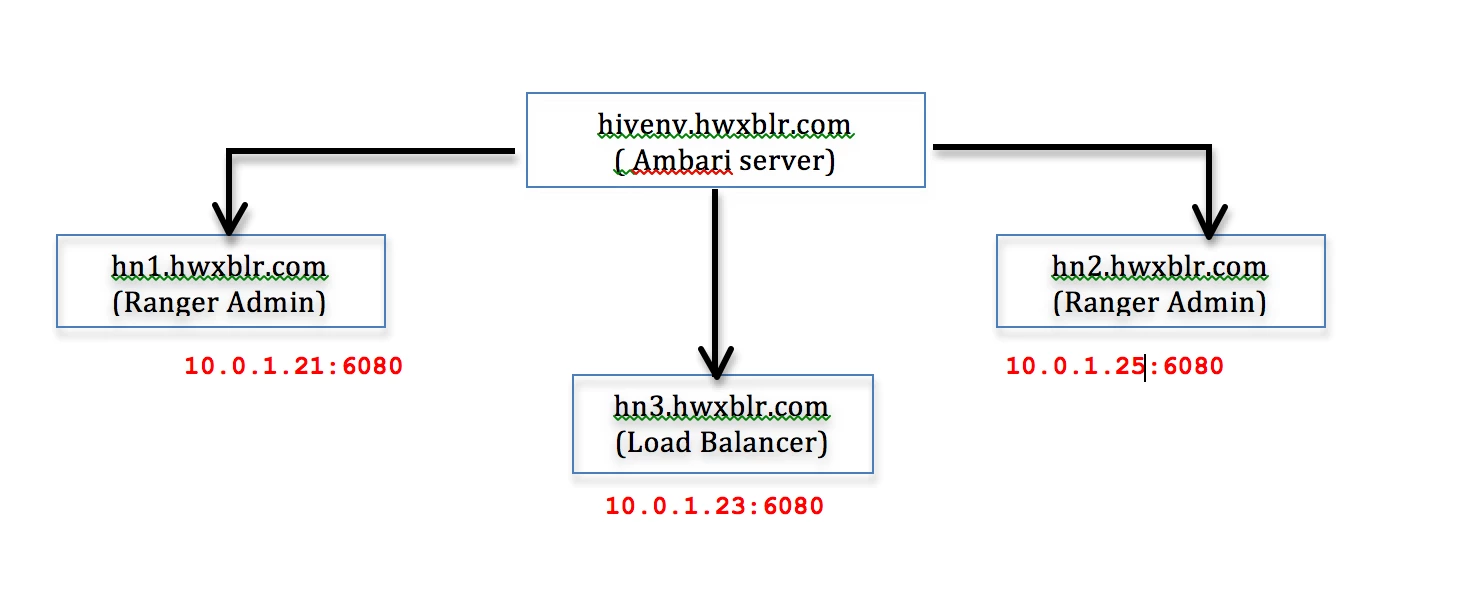
[ hivenv ] >> Cluster name
hivenv-ambari-server.hwxblr.com >> 10.0.1.26 >> Ambari Server
hn1.hwxblr.com >> 10.0.1.21 >> Existing Ranger Admin
hn3.hwxblr.com >> 10.0.1.23 >> Load Balancer
hn2.hwxblr.com >> 10.0.1.25 >> Additional Ranger Admin
      # hadoop version
 Hadoop 2.7.1.2.3.2.0-2950
 Subversion git@github.com:hortonworks/hadoop.git -r5cc60e0003e33aa98205f18bccaeaf36cb193cc
 Compiled by jenkins on 2015-09-30T18:08Z
 Compiled with protoc 2.5.0
 From source with checksum 69a3bf8c667267c2c252a54fbbf23d
 This command was run using /usr/hdp/2.3.2.0-2950/hadoop/lib/hadoop-common-2.7.1.2.3.2.0-2950.jar
      # uname -a
 Linux hn1.hwxblr.com 3.10.0-327.13.1.el7.x86_64 #1 SMP Thu Mar 31 16:04:38 UTC 2016
x86_64 x86_64 x86_64 GNU/Linux
      # cat /etc/redhat-release
 CentOS release 6.7 (Final)
Steps to be followed:
- Install the Ranger Admin component on the hosts you wish to use – hn1.hwxblr.com. For information about installing Ranger over Ambari, see Installing Ranger Over Ambari 2.0 .
- Configure a load balancer to balance the loads among the various Ranger Admin instances and take note of the load balancer URL.
Step 1: Before Installing HAProxy on the server we need to install epel repository on our system depending on our operating system version using following command.
 CentOS/RHEL 5 , 32 bit:
 # rpm -Uvh
 http://dl.fedoraproject.org/pub/epel/5/i386/epel-release-5-4.noarch.rpm
 CentOS/RHEL 5 , 64 bit:
 # rpm -Uvh
 http://dl.fedoraproject.org/pub/epel/5/x86_64/epel-release-5-4.noarch.rpm
 CentOS/RHEL 6 , 32 bit:
 # rpm -Uvh
 http://dl.fedoraproject.org/pub/epel/6/i386/epel-release-6-8.noarch.rpm
 CentOS/RHEL 6 , 64 bit:
 # rpm -Uvh
 http://dl.fedoraproject.org/pub/epel/6/x86_64/epel-release-6-8.noarch.rpm
Step 2: Install HAProxy using Yum.
[root@hn3 ~]# yum install haproxy
Step 3: Now we will configure HAProxy.
[root@hn3 ~]# vi /etc/haproxy/haproxy.cfg
Please refer for brief documentation before editing this file : https://access.redhat.com/documentation/en-US/Red_Hat_Enterprise_Linux/7/html/Load_Balancer_Administration/ch-haproxy-setup-VSA.html
[root@hn3 ~]# cat haproxy.cfg
 #---------------------------------------------------------------------
 # Example configuration for a possible web
application.  See the
 # full configuration options online.
 #
 #
http://haproxy.1wt.eu/download/1.4/doc/configuration.txt
 #
 #---------------------------------------------------------------------
 #---------------------------------------------------------------------
 # Global settings
 #---------------------------------------------------------------------
 global
   #
to have these messages end up in /var/log/haproxy.log you will
   #
need to:
   #
   #
1) configure syslog to accept network log events.  This is done
#  by adding the '-r' option to
the SYSLOGD_OPTIONS in
#  /etc/sysconfig/syslog
   #
   #
2) configure local2 events to go to the /var/log/haproxy.log
#  file. A line like the
following can be added to
#  /etc/sysconfig/syslog
   #
#  local2.*  /var/log/haproxy.log
   #
log  127.0.0.1 local2
chroot  /var/lib/haproxy
pidfile  /var/run/haproxy.pid
maxconn  4000
user  haproxy
group  haproxy
daemon
   #
turn on stats unix socket
stats socket /var/lib/haproxy/stats
 #---------------------------------------------------------------------
 # common defaults that all the 'listen' and
'backend' sections will
 # use if not designated in their block
 #---------------------------------------------------------------------
 defaults
mode  http
log  global
option   httplog
option
dontlognull
option http-server-close
option forwardfor  except
127.0.0.0/8
option  redispatch
retries  3
timeout http-request  10s
timeout queue  1m
timeout connect  10s
timeout client  1m
timeout server  1m
timeout http-keep-alive 10s
timeout check  10s
maxconn  30000
 #---------------------------------------------------------------------
 # round robin balancing between Ranger HA
 #---------------------------------------------------------------------
 frontend
haproxy
bind 10.0.1.28:6080
reqadd X-Forwarded-Proto:\ http
default_backend ranger_ha
 backend ranger_ha 10.0.1.28:6080
balance  roundrobin
mode http
stats enable
stats hide-version
stats uri /stats
stats realm Haproxy\ Statistics
stats auth haproxy:redhat
 option httpchk
 option httpclose
 option forwardfor
 cookie LB insert
server  hn1.hwxblr.com 10.0.1.27:6080 cookie A check
server  hn2.hwxblr.com 10.0.1.29:6080 check
[root@hn3 ~]#
Step 5: Start the HAProxy service
[root@hn3 ~]# service haproxy start
Step 6: To make the HAProxy service persist through reboots
[root@hn3 ~]# chkconfig haproxy on
- Update the Policy Manager external URL in all Ranger Admin clients (Ranger UserSync and Ranger plug-ins) to point to the load balancer URL.
Ambari >> Ranger >> Configs >>Ranger Settings >> External URL (policymgr_external_url ) : http://hn3.hwxblr.com:6080
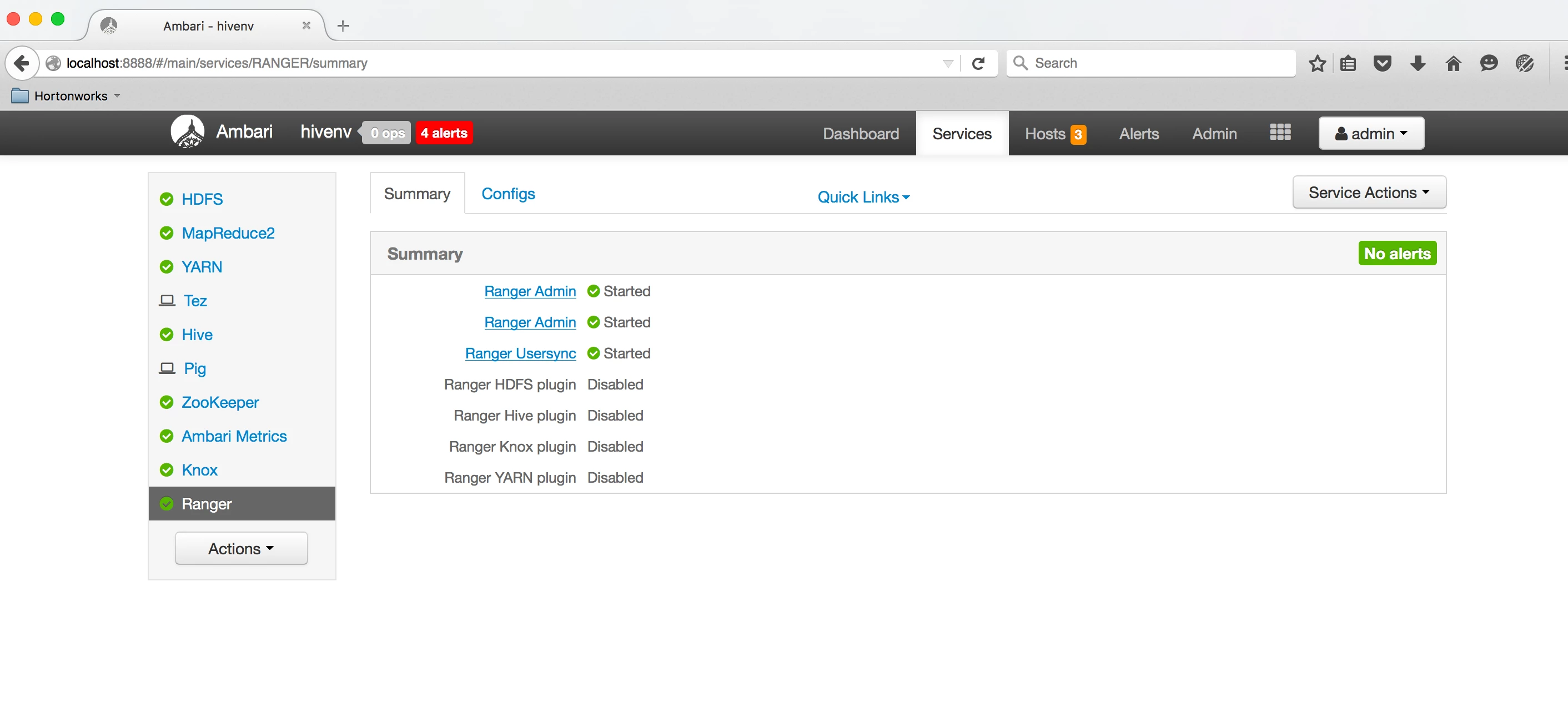
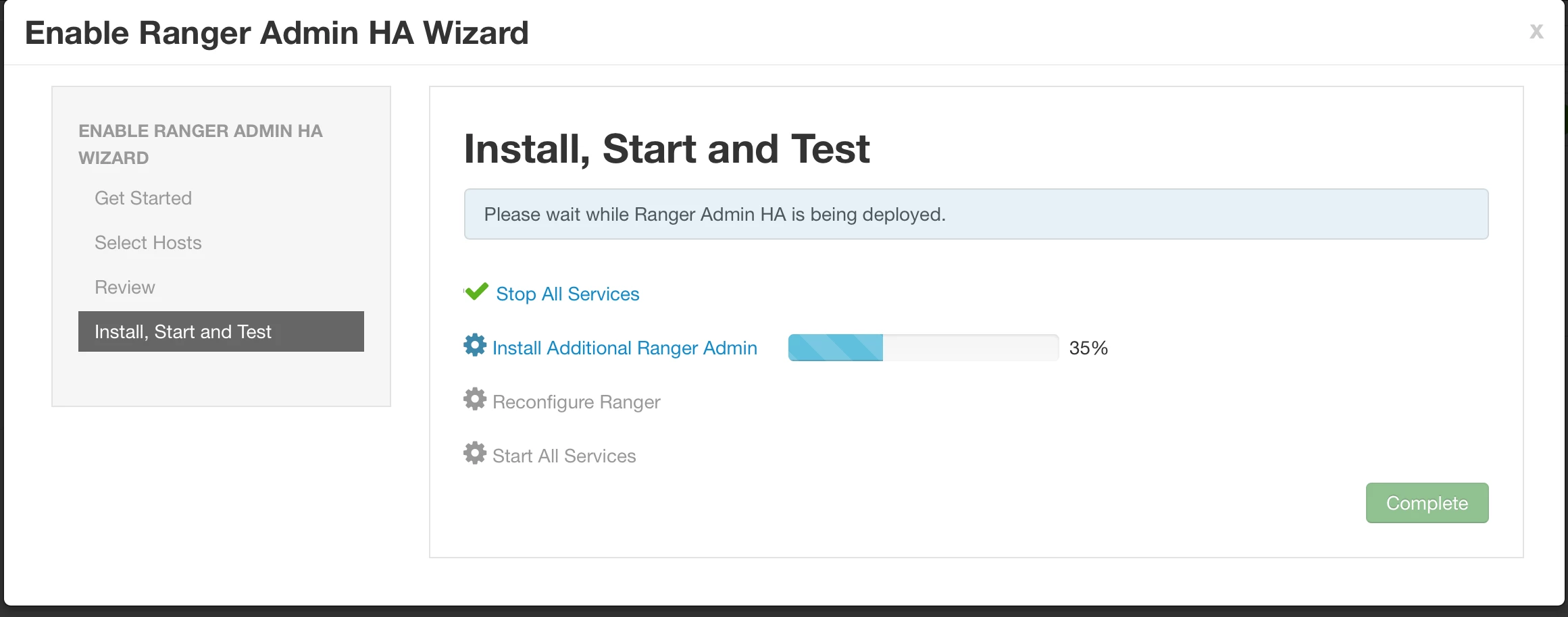
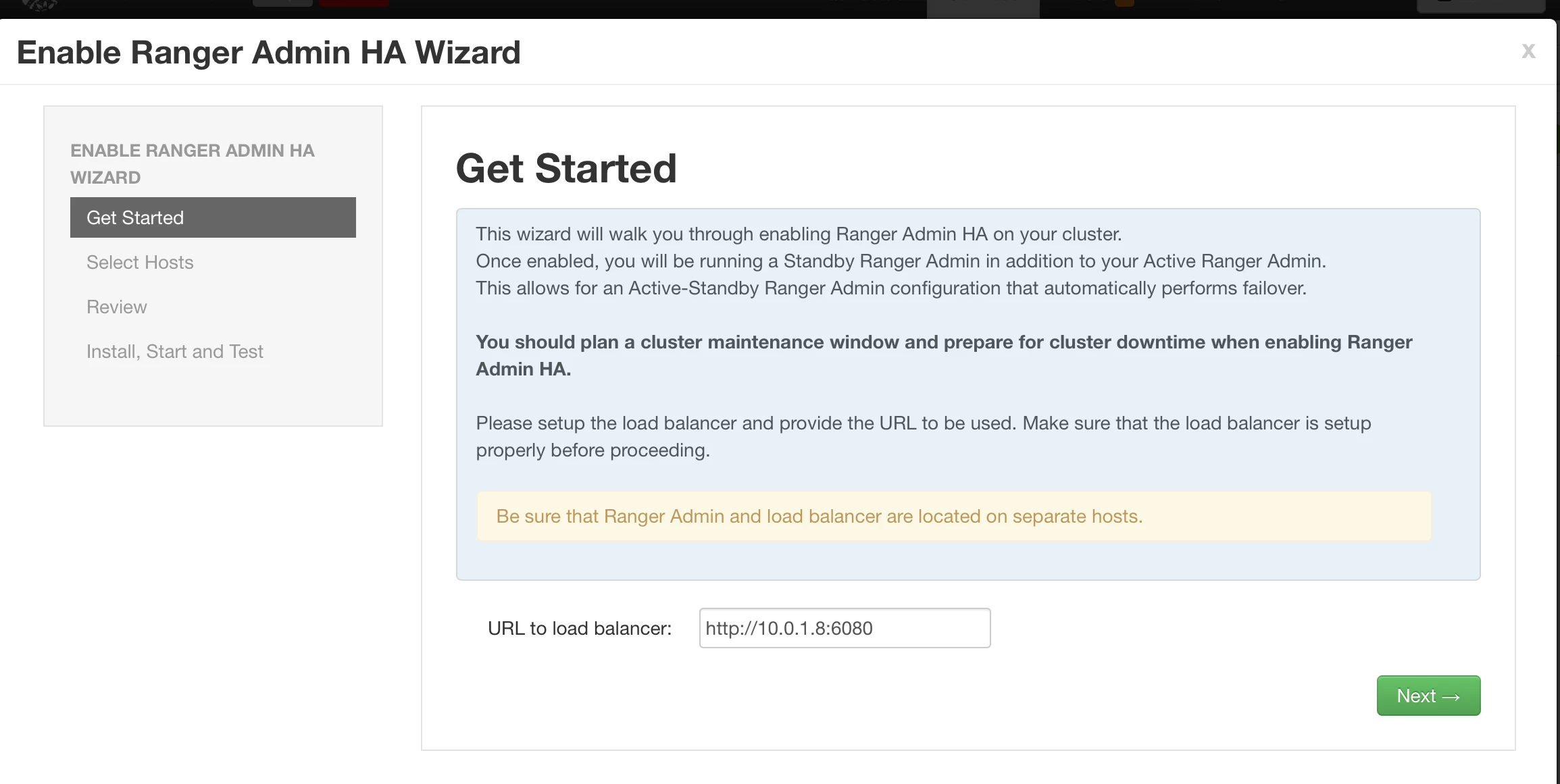
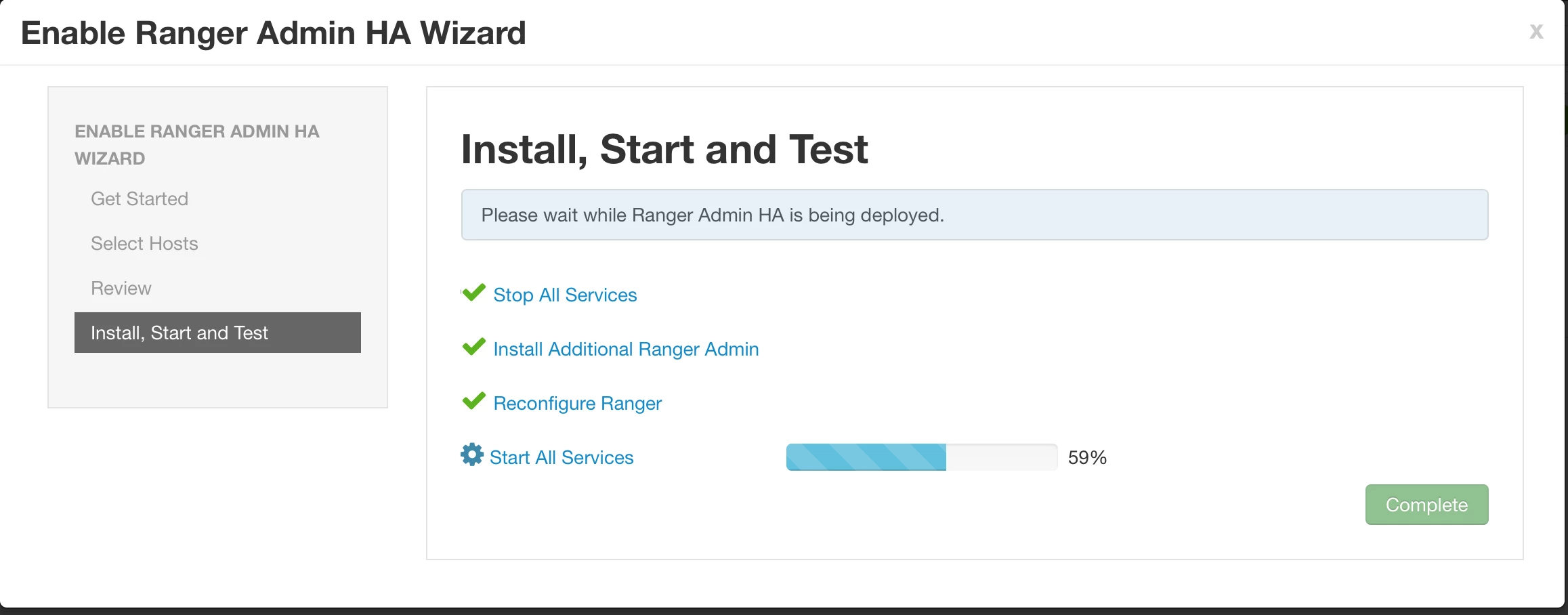
- Enable Ranger Admin HA Wizard >> On Ambari >> Ranger >> Service Actions >> Enable Ranger HA
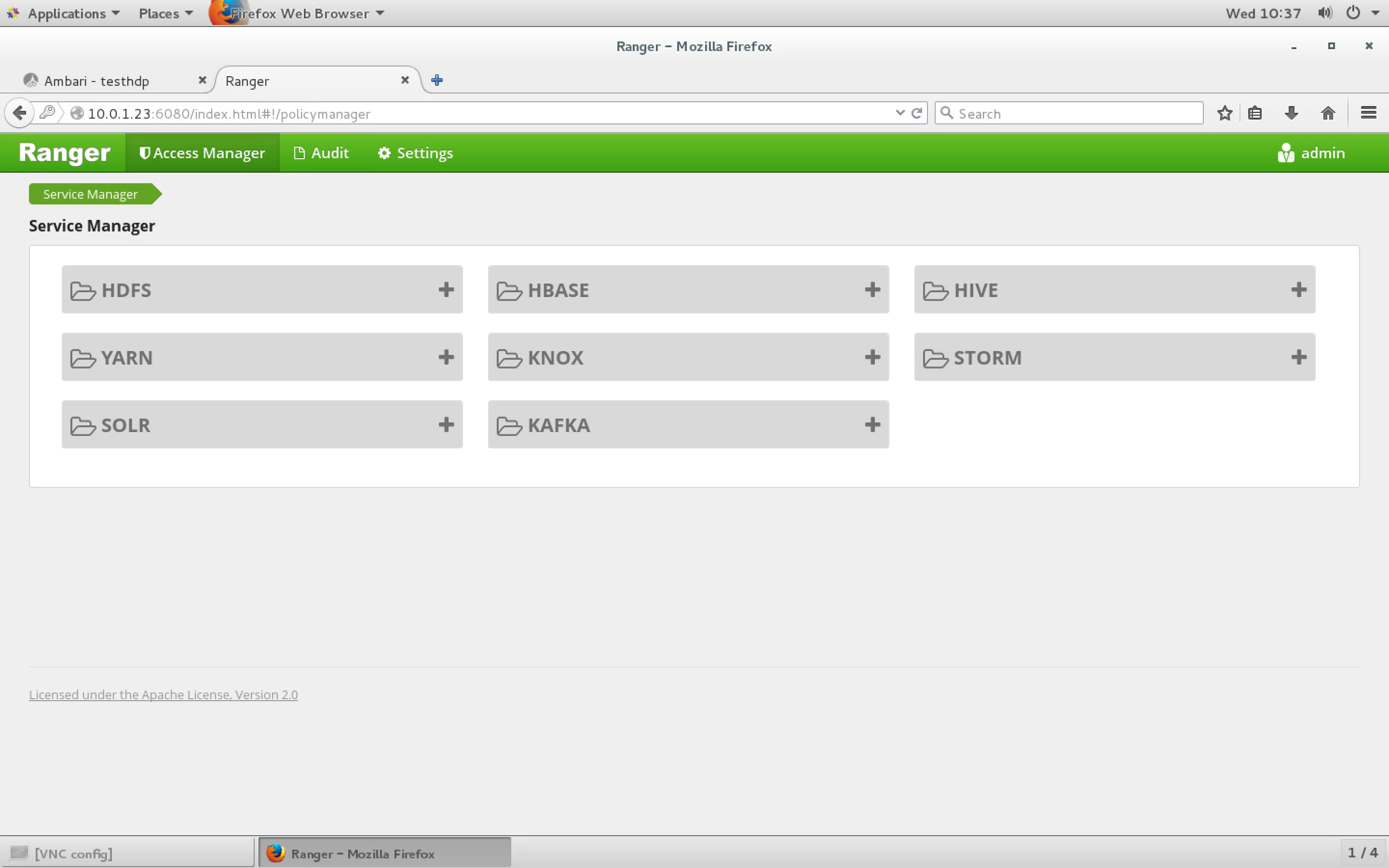
- URL to load balancer: http://10.0.1.23:6080
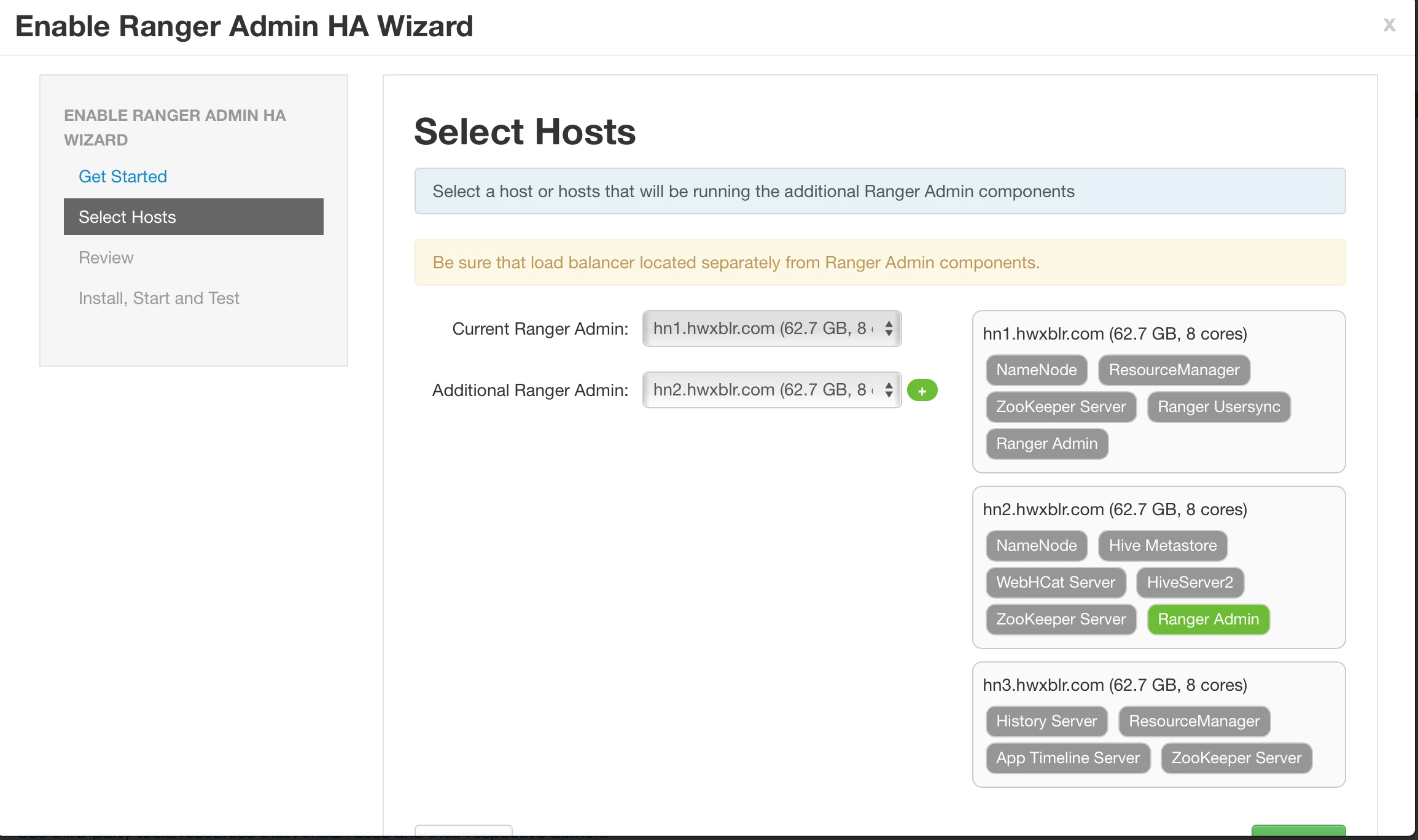
- Select additional Ranger Admin as hn2.hwxblr.com
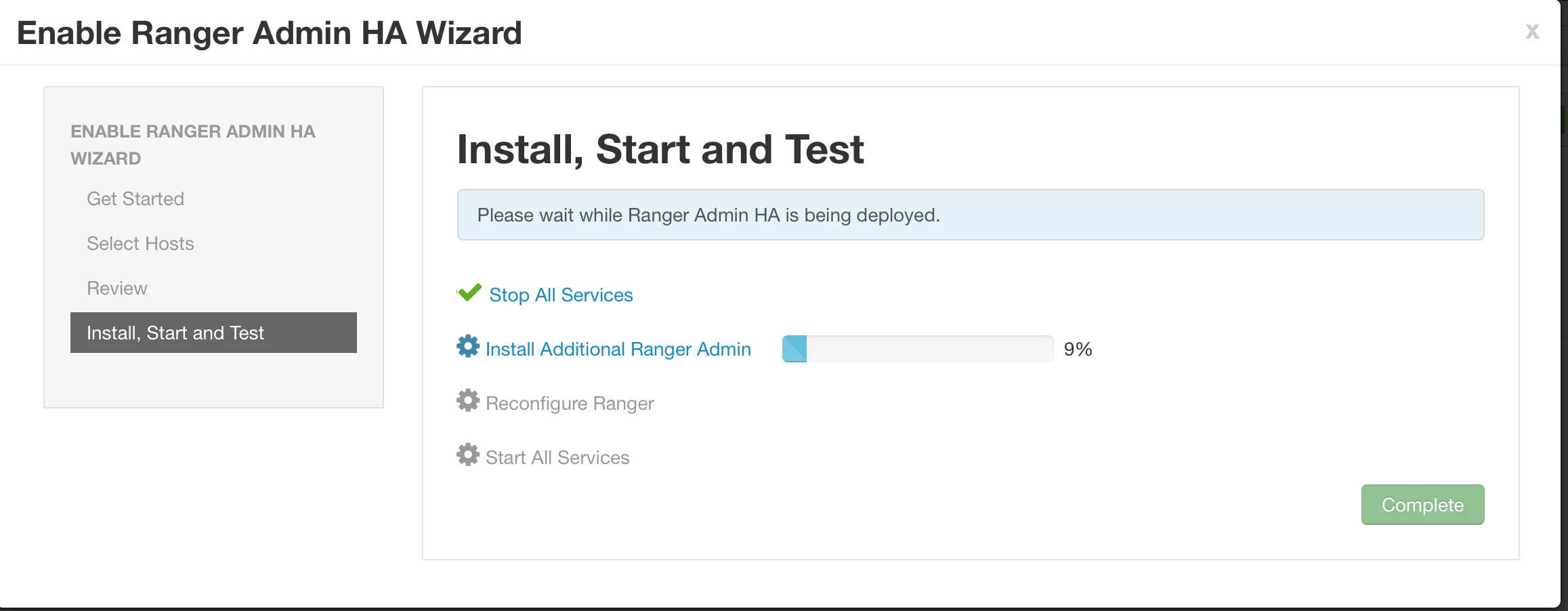
- Install Additional Ranger Admin
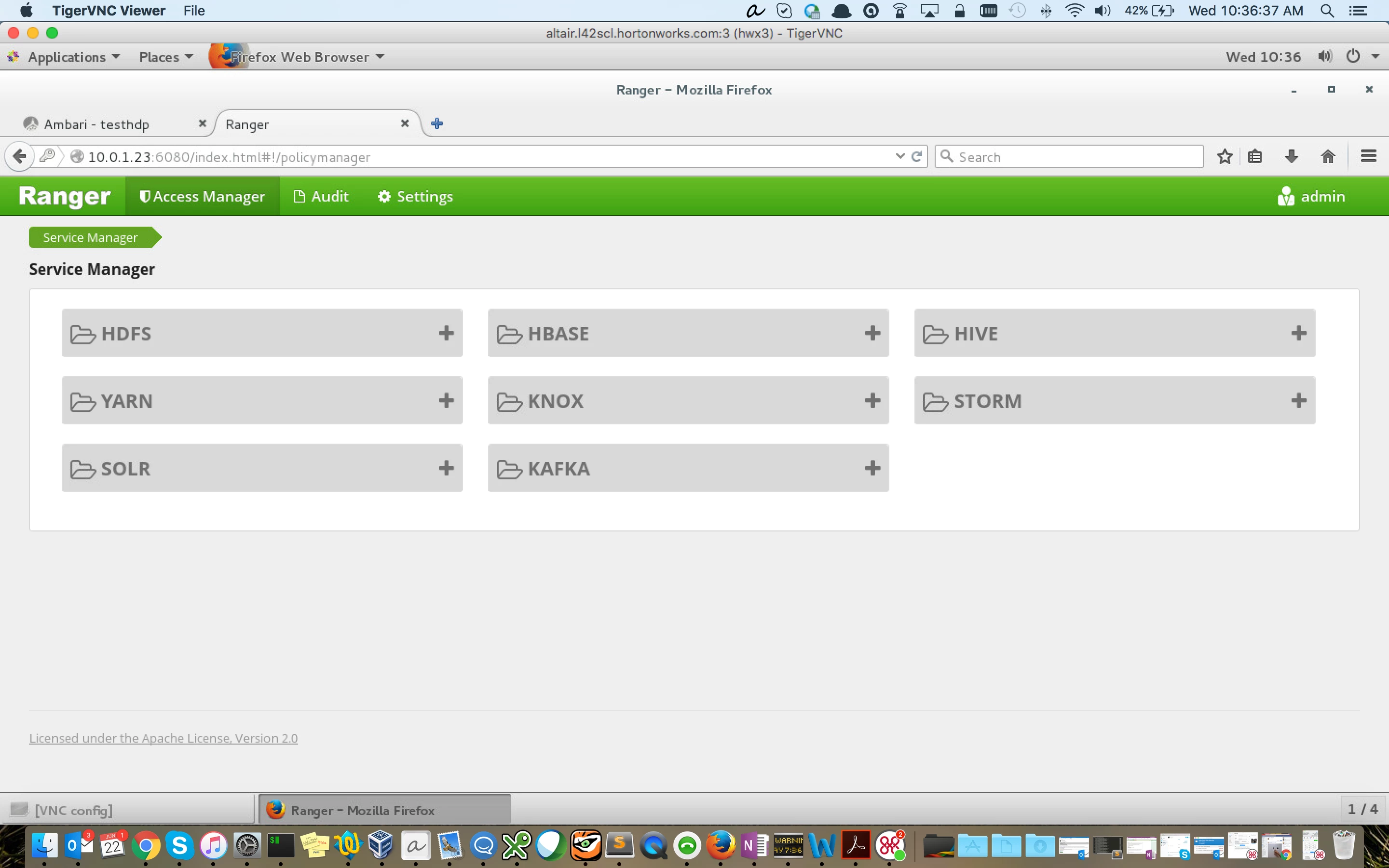
- Access Load Balancer URL: http://10.0.1.23:6080 , you should be able to access Ranger policies.