Connect Phoenix to Ignition HMI
Using Ignition version 7.8.4 (b2016082217) | 64-bit
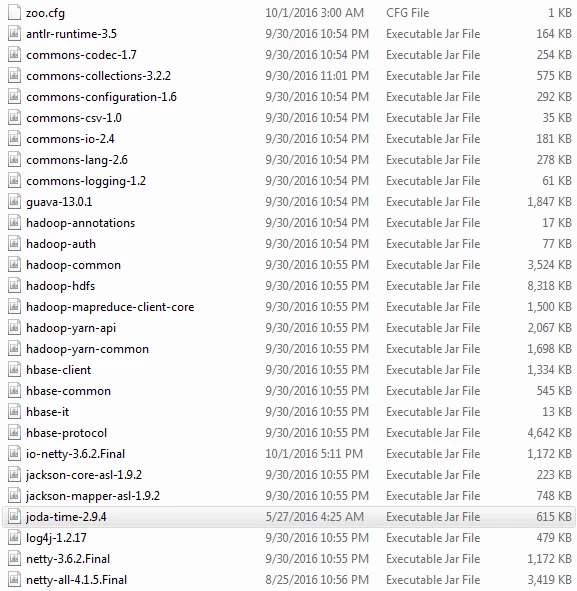
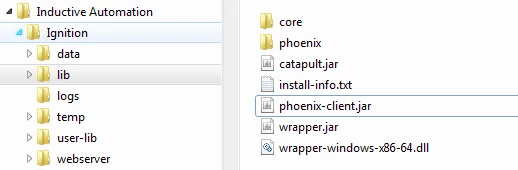
Copy dependencies needed to make a connection to the Apache Phoneix Server werecopied into Ignition\lib
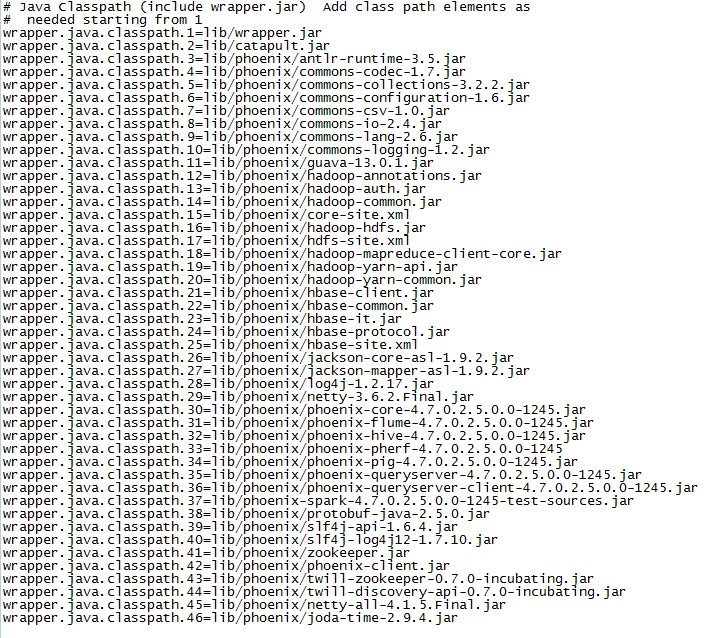
Edit Igntion\data\ignition.conf to register the dependacy with Ignition's boot strap process

Restart Nifi and then begin the process of configuring JDBC drivers by selecting the drivers link in the Databases section of Ignition management console
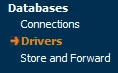
Select create new JDBC Driver on the Drivers Home Page

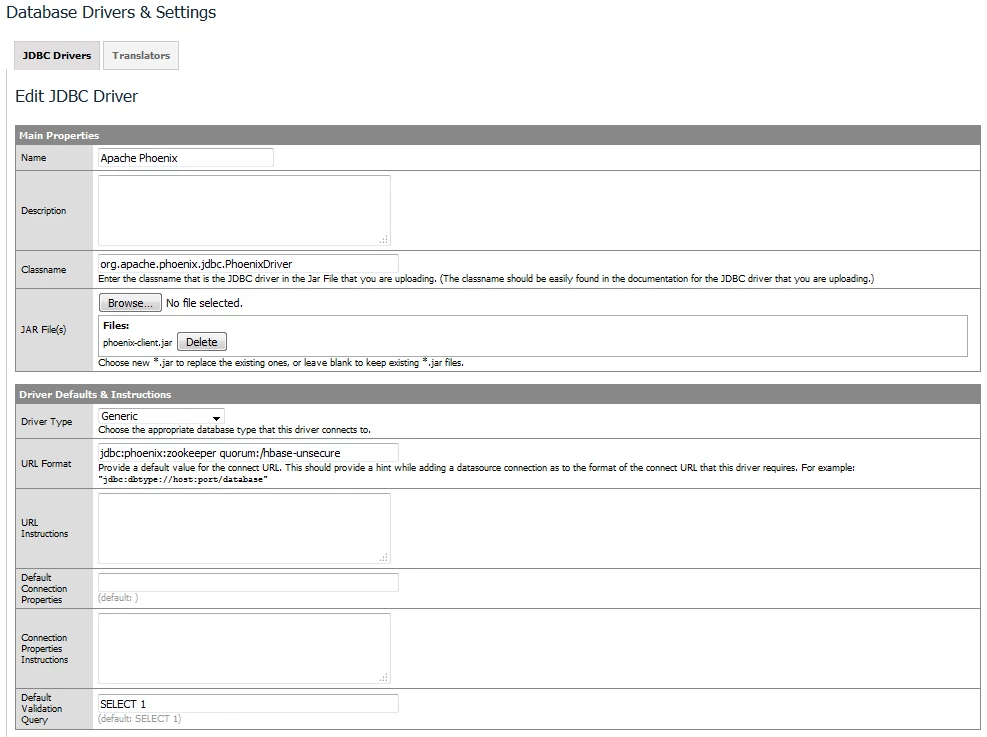
Complete and submit the driver properties page using the following as a guide
Now select connections from the data bases menu

and create new database connection from the connections home page

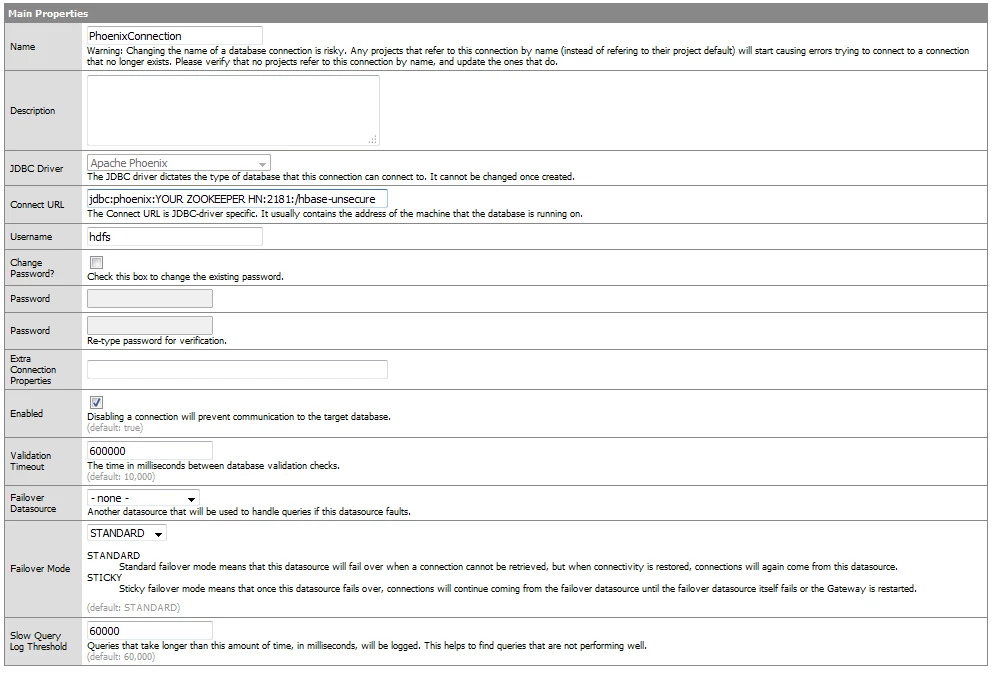
Complete and submit the connection properties dialog
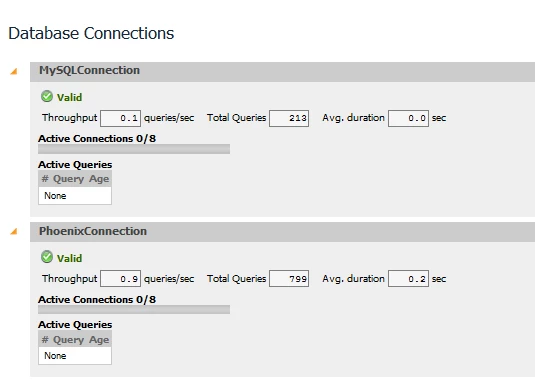
After successfully submitting the configuration the connection should appear on the connections home page
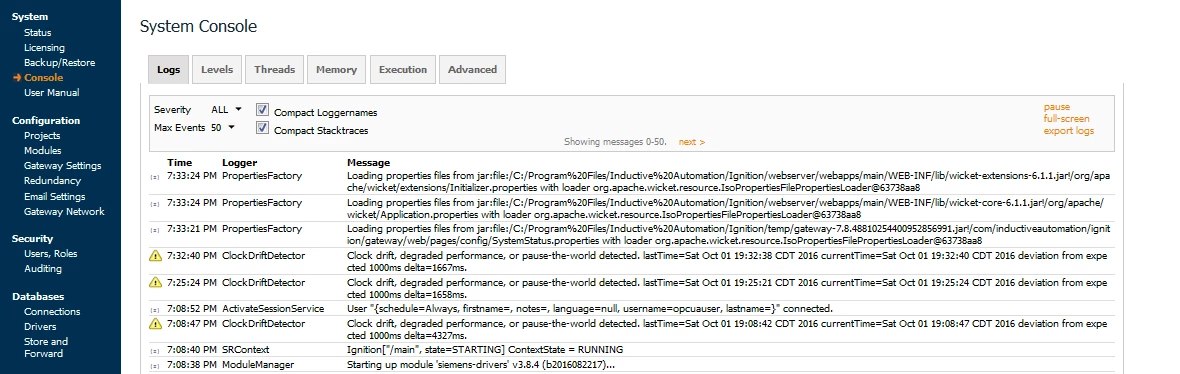
If there are any issues with the driver or connection they can be found in the log of the system console
With the connection configured we can now added data to the HMI application from queries of the phoenix server
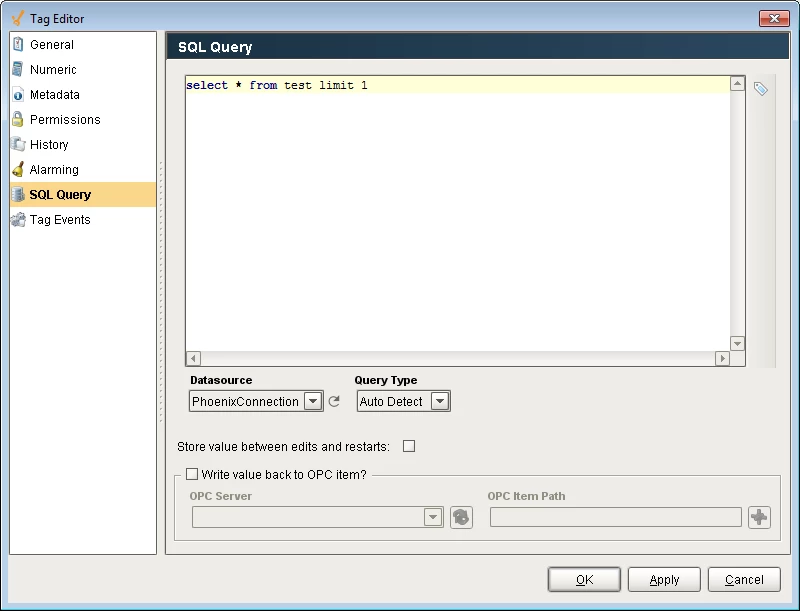
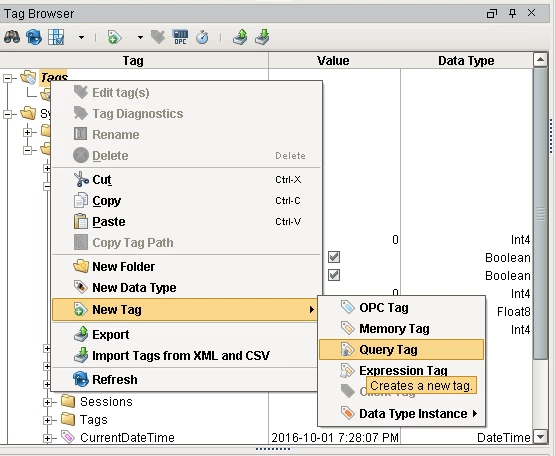
Select new query tag
define and the SQL statement