Creating a squid collection using Solr as Indexing service
About this article
The Metron tutorial article for adding Squid telemetry walks through the process of creating the parser from scratch for Elasticsearch as the Indexing service.
This article gives details of extending the tutorial for getting Squid telemetry working with Solr as the backend Indexing service.
In other words, these steps are an equivalent of "Installing Squid parser template" for the Elasticsearch.
Pre-requisites
- HCP >= 1.5.0.0
- HDP search >= 3.0.0
- It is assumed that you have deployed a HCP stack with Solr by following the HCP documentation
- The Solr node is co-located with the Metron node.
- In the event that these nodes are on different hosts, ensure that you copy the Metron schema files located at
$METRON_HOME/config/schemato the Solr node.
- In the event that these nodes are on different hosts, ensure that you copy the Metron schema files located at
- It is also assumed that you have followed the Metron tutorial for Squid telemtry by installing the squid sensor, creating the kafka topic and have started the storm topology
Steps
1. SSH to the Metron host and run the following commands
cd $METRON_HOME/config/schema
mkdir squid
cd squid
Copy the attached files (schema.xml and solrconfig,xml) into the 'squid' folder created above.
2. Run the following commands on the Metron host to create a Solr collection for Squid
export SOLR_HOME=/opt/lucidworks-hdpsearch/solr/
export SOLR_USER=solr
su $SOLR_USER -c "$SOLR_HOME/bin/solr create -c squid -d $METRON_HOME/config/schema/squid/"
3. Go to the Solr UI at 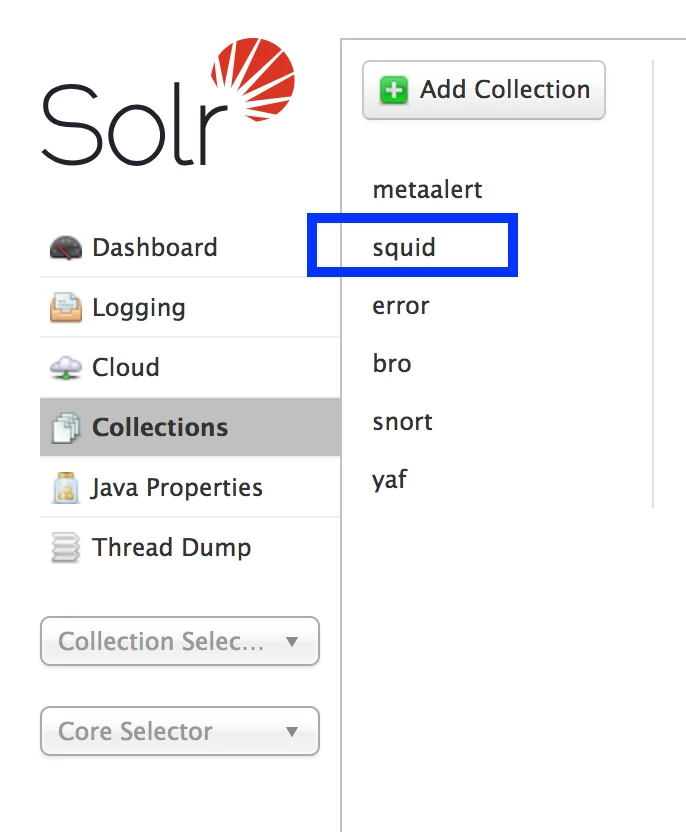
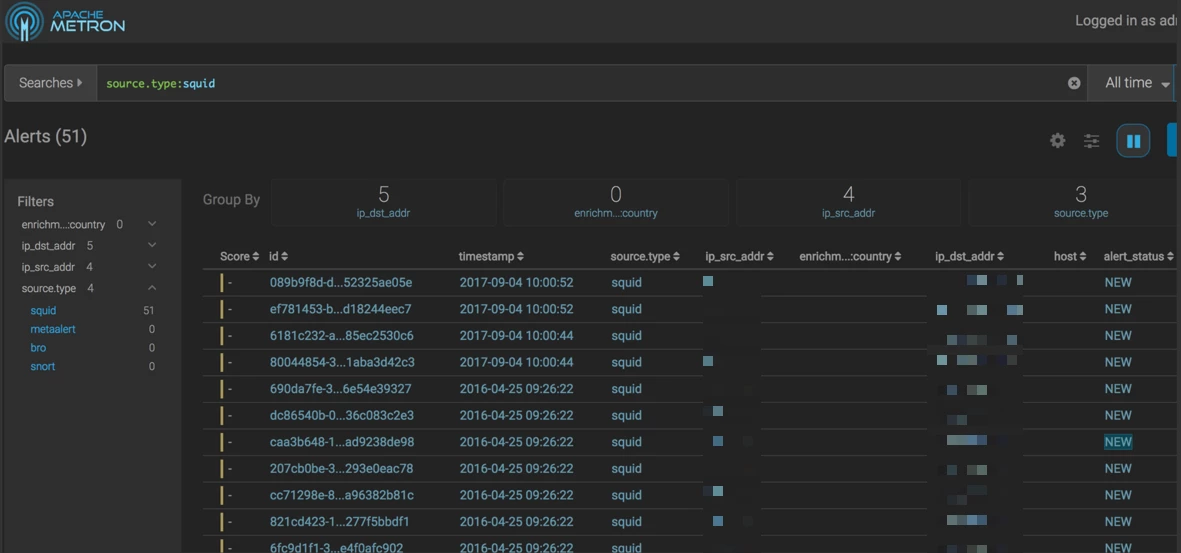
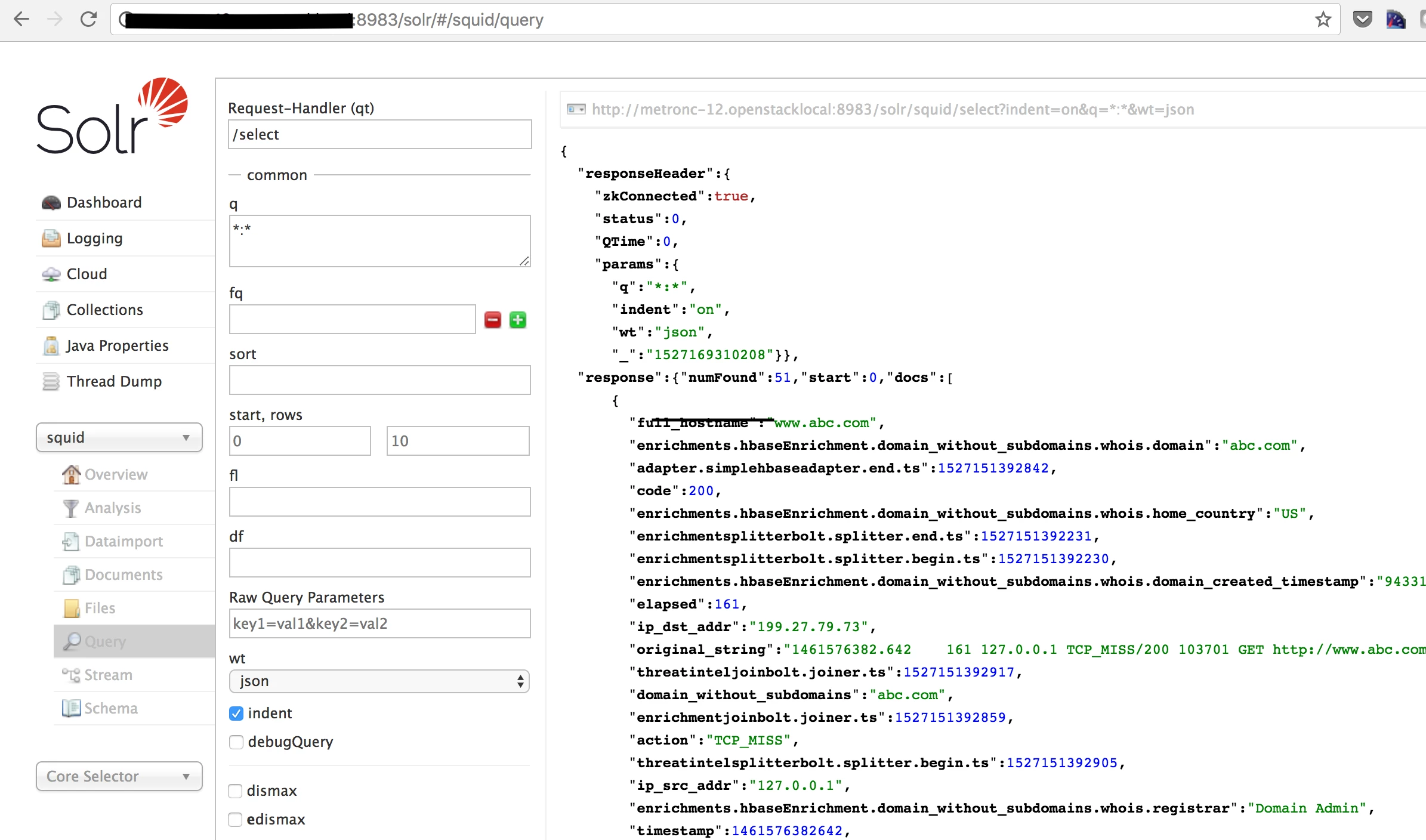
4. Ingest events into the 'squid' kafka topic and you should see documents being written into the Squid collection in Solr.
5. Fire up Alerts UI and verify that Squid events are seen.