

Creating View for Hive Interactive
Goal
Create a new Ambari view for Hive Interactive. Use this link to get detailed information on configuring views.
Steps
- Navigate to Ambari page with admin privileges and click on the username dropdown icon
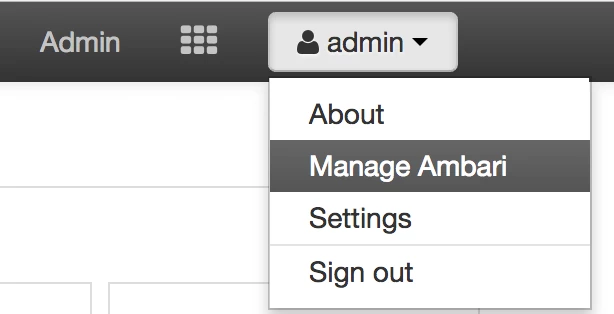
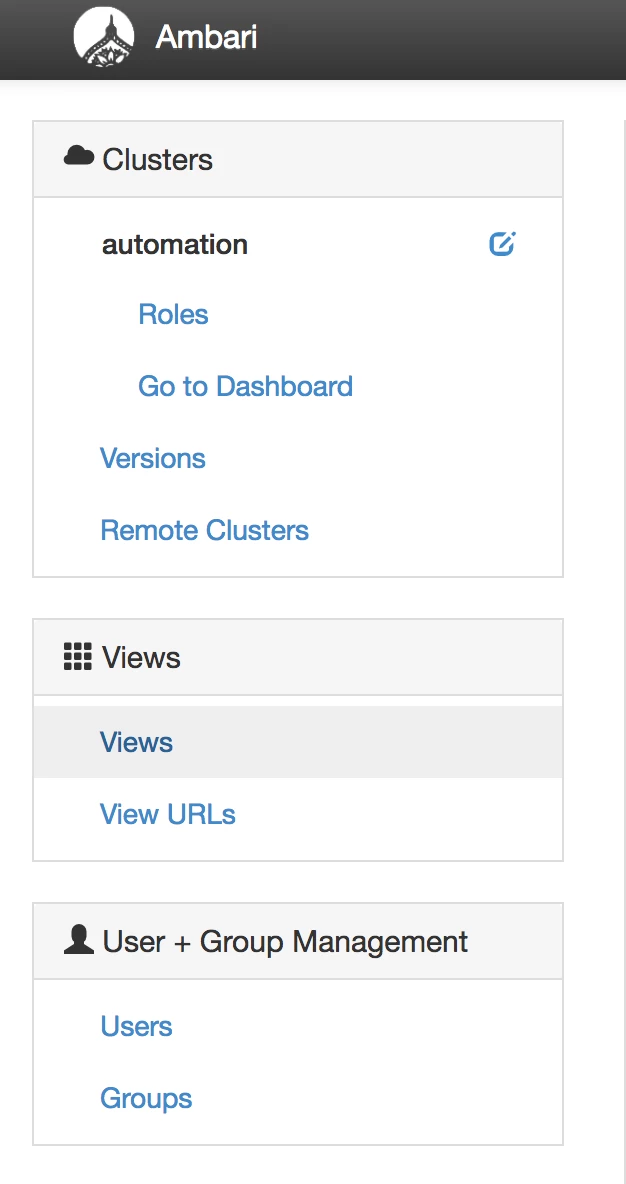
- Select the views link to explore all the views available in Ambari
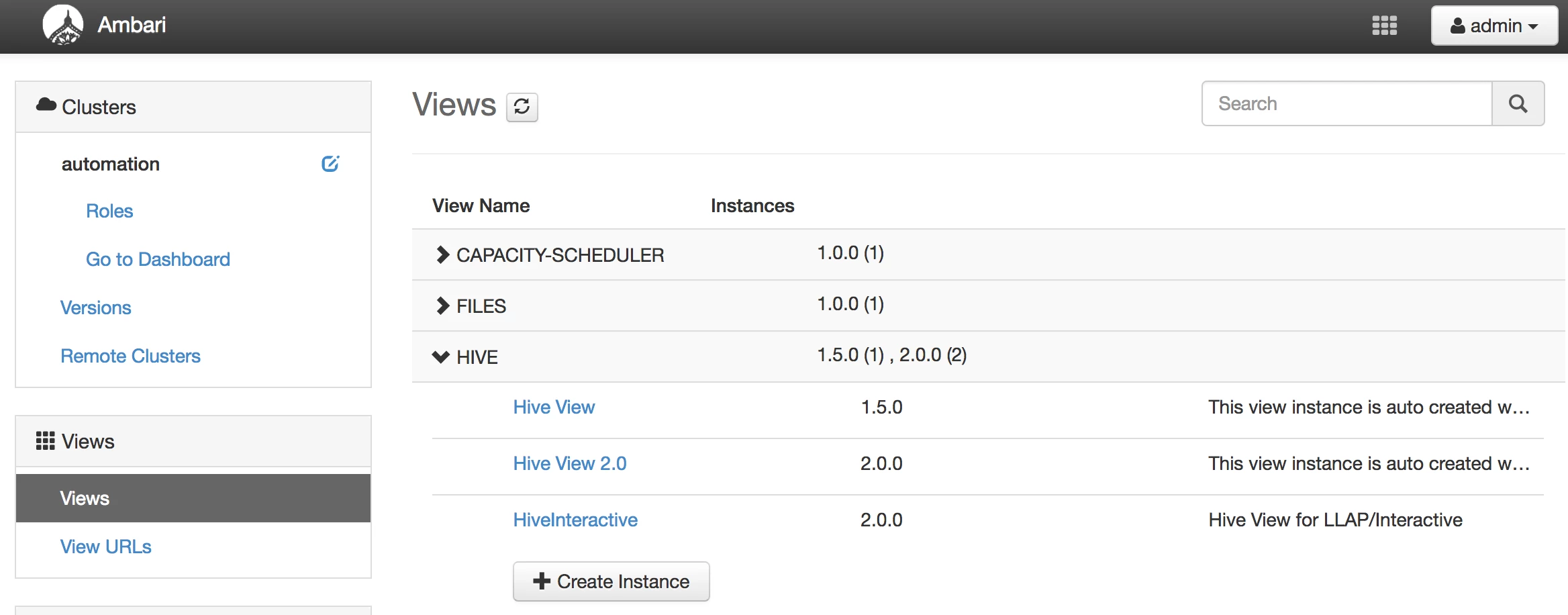
- Collapse the "Hive" dropdown and click on "Create Instance" to create a new view for LLAP/Interactive
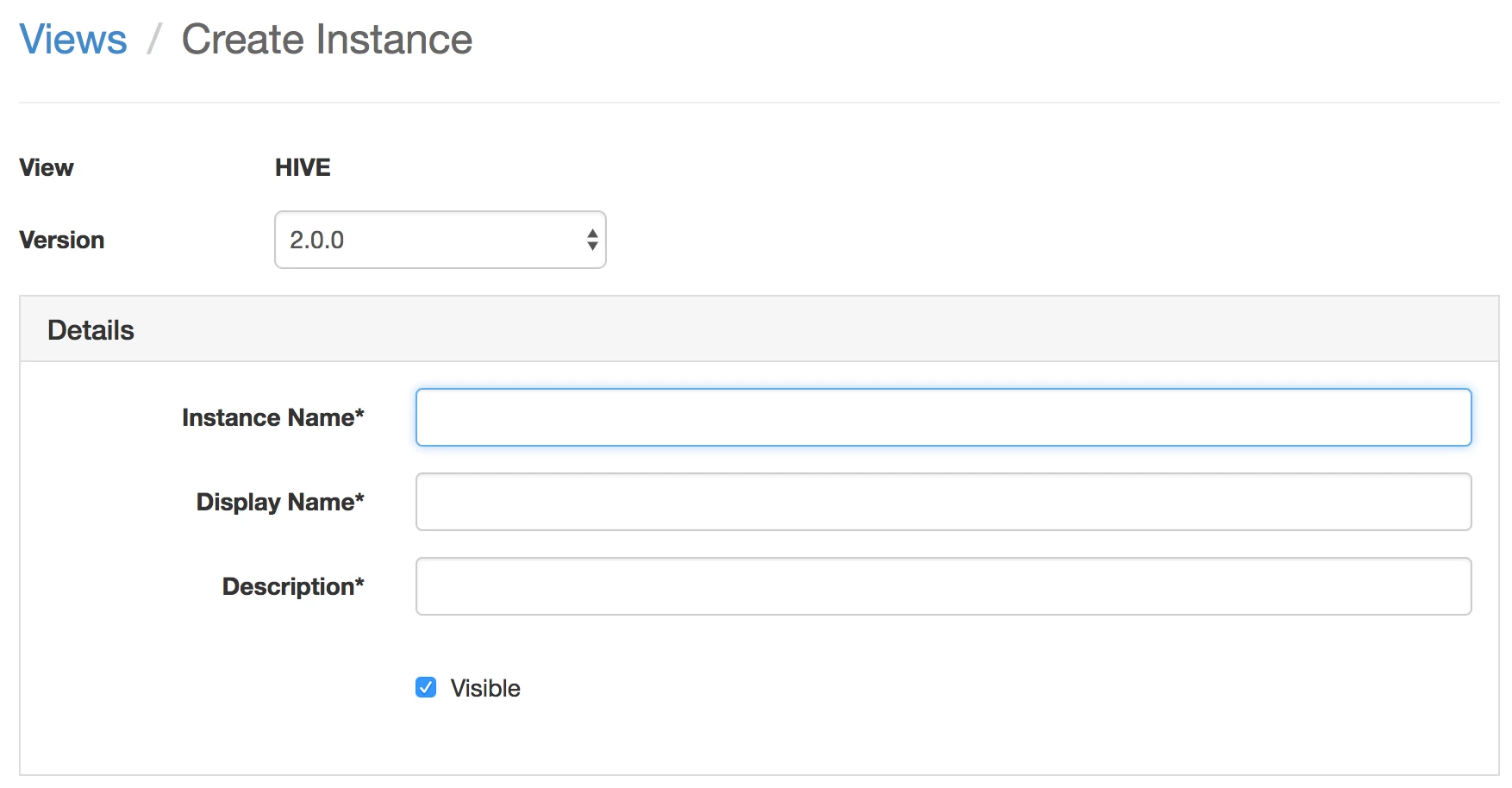
- Give the name of this instance per your requirement
- Ensure that under "Settings" tab, "User Interactive Mode" is set to true

- If the cluster is kerberized, use proper auth method and principal name

- Also update the proper JDBC URL with principal name

NOTE: If ranger is enabled, ensure that the user trying to access the database objects does have the permissions to browse the contents of the database(s).

