
Credit Fraud Prevention Demo - A Guided Tour
While traditional fraud detection systems have focused on looking for factors such as bad IP addresses or unusual login times based on business rules and events, the Connected Data Platform renovates such an approach by enabling machine learning capabilities at scale. The Credit Fraud Prevention Demo is an excellent example of a Modern Data Application running on the Hortonworks Connected Platform (HDF/HDP).
Part I: Preparing the Demo
Follow the instructions in the README to install the Credit Card Transaction Monitor Application on an HDP 2.4 Sandbox.
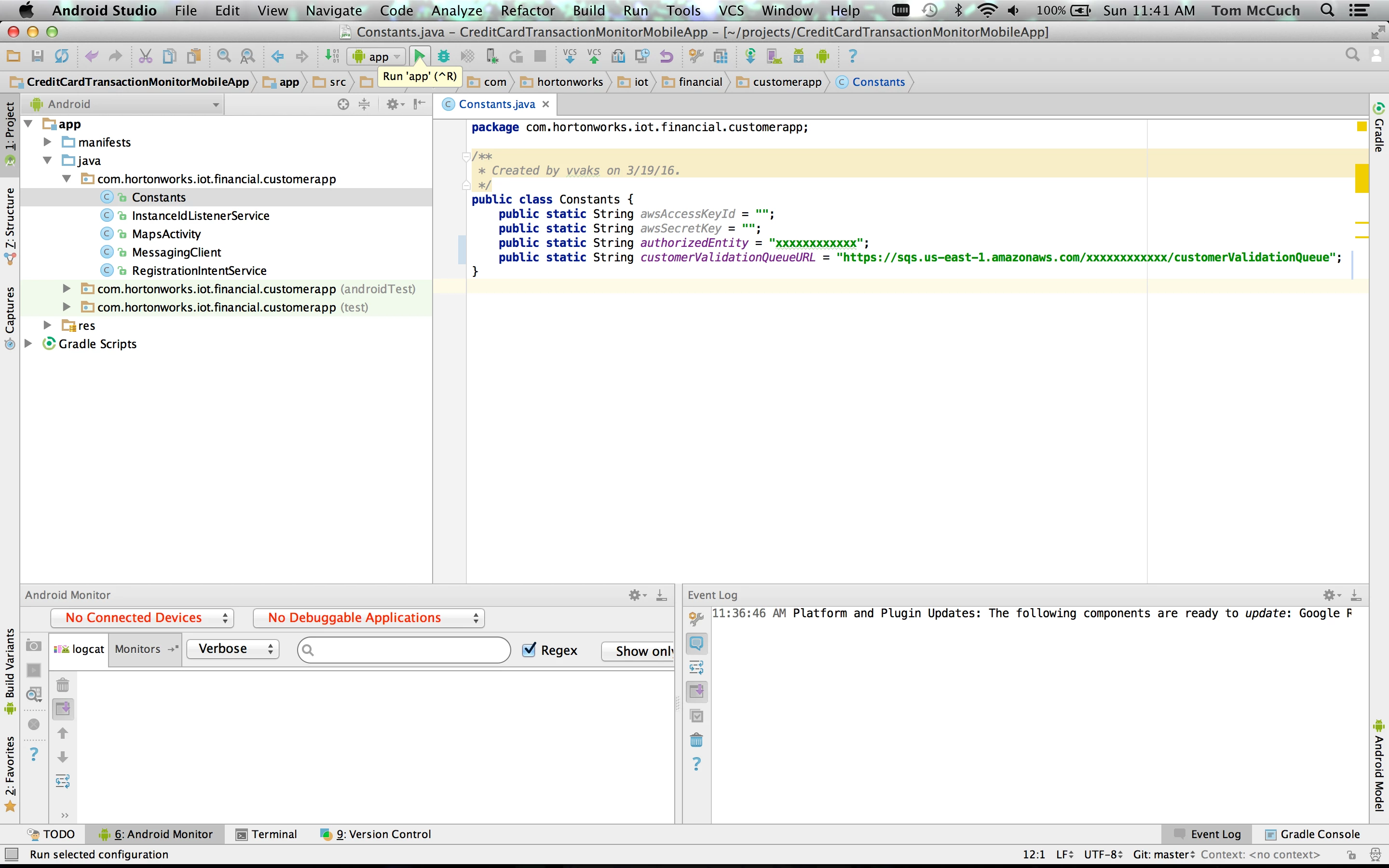
Note: There is a known bug with the HAXM emulator used by the Android Studio for the Credit Card Transaction Monitor Mobile App that does not allow it to be launched while a Virtual Box virtual machine is running. To avoid this, I am using a HDP 2.4 Sandbox instance that I created in the Azure Cloud directly from the Microsoft Azure Marketplace.
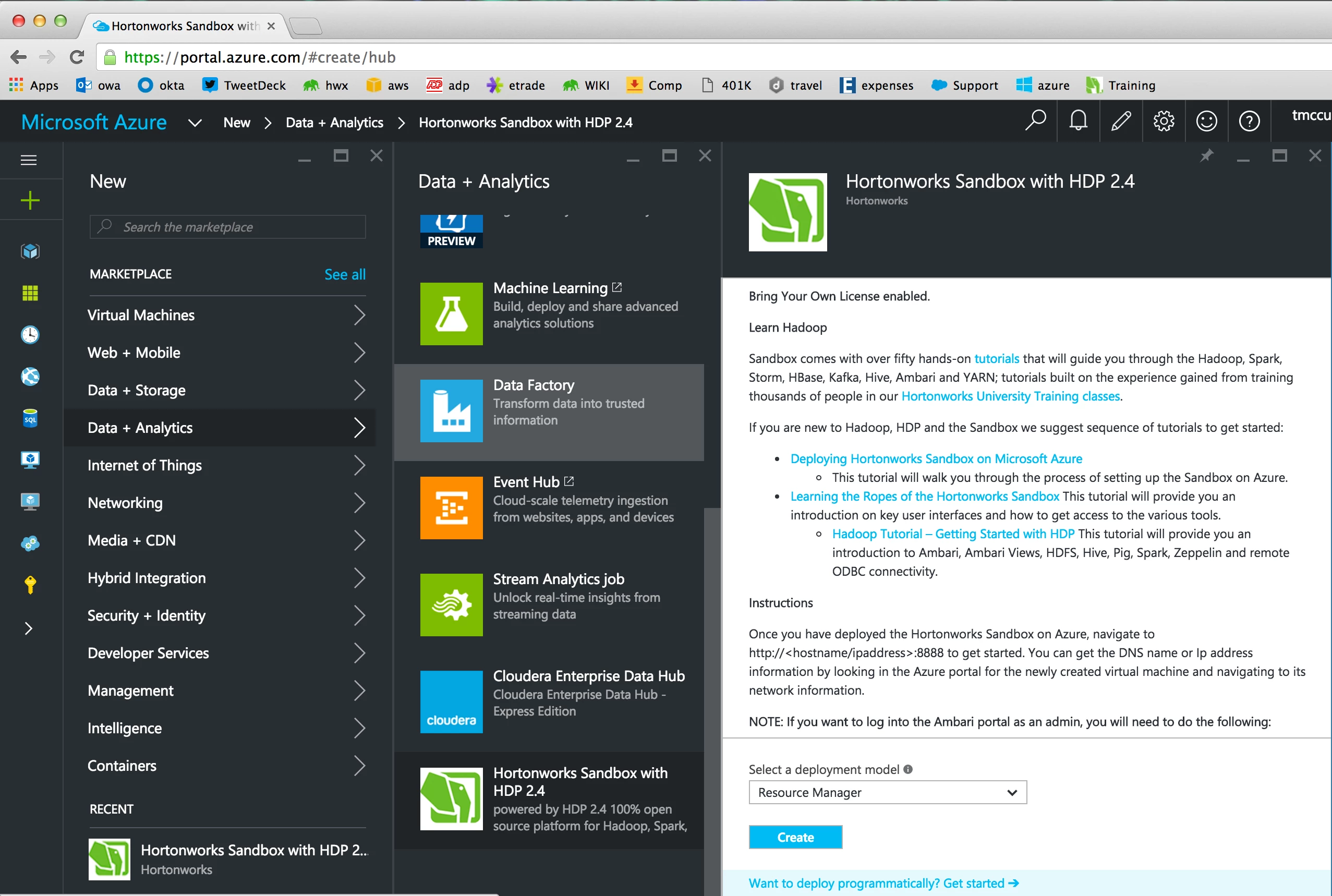
The install shell script handles the installation and configuration of all the application artifacts necessary for the demo onto the latest version of the Hortonworks Sandbox, including:
- Setting YARN container memory size using the Ambari ReST API
- Creating the NiFi service configuration, installing and starting it using the Ambari ReST API
- Importing the NiFi template, instantiating and starting the NiFi Flow using the NiFi ReST API
- Starting the Kafka Ambari service using the Ambari ReST API and configuring the IncomingTransactions and CustomerTransactionValidation topics using the kafka-topics shell script
- Starting the HBase service using the Ambari ReST API
- Installing Docker, creating the working folder with the Slider configuration for the Transaction Monitor UI, starting the Docker service, and downloading the Docker images
- Starting the Storm service using the Ambari ReST API, and building / deploying the Storm topology
The startDemoServices shell script should be run each time the Sandbox VM is (re)started, after all of the default Sandbox services come up successfully. It handles the initialization of all of the application-specific components of the demo, including:
- Starting Kafka using the Ambari ReST API
- Starting NiFi using the Ambari ReST API
- Starting HBase using the Ambari ReST API
- Starting Storm using the Ambari ReST API
- Starting the Docker daemon using Linux system
- Starting the UI Servlet and CometD Server on YARN using Slider
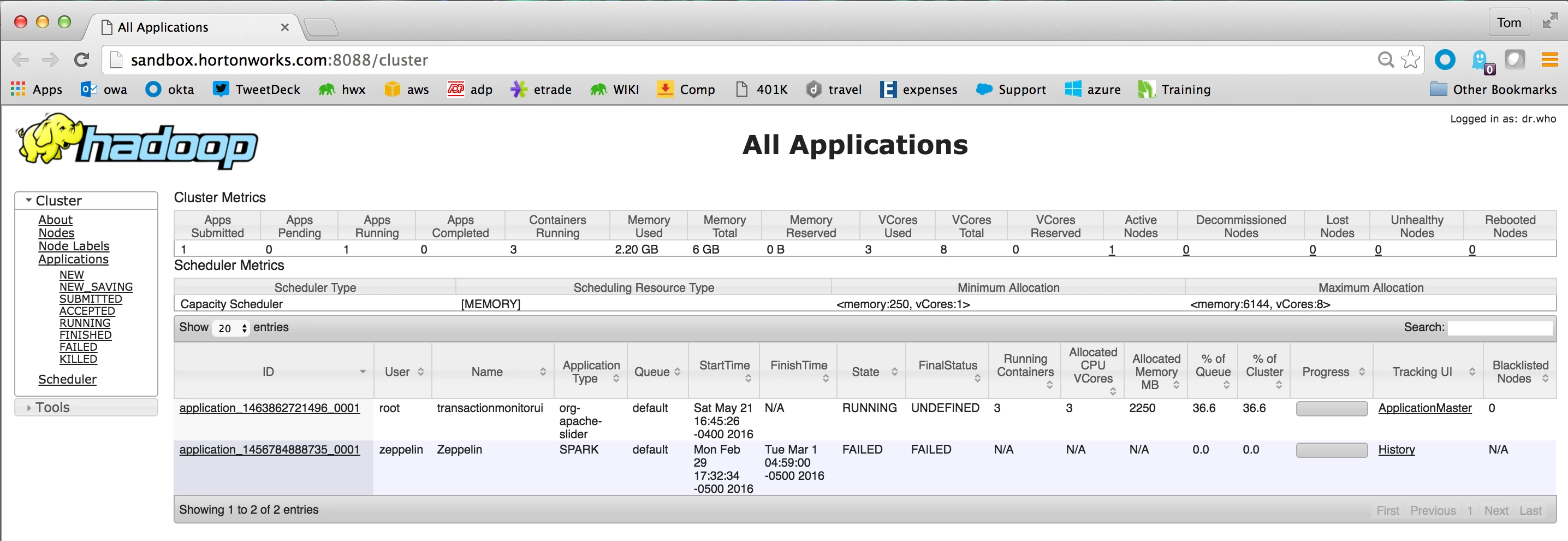
To validate that the Slider Application for the Transaction Monitor UI started, you can take a look at the YARN Resource Manager UI by selecting the YARN service under Ambari and using the Quick Link for Resource Manager UI:
Part II: Demo Code Walk-Through
There are three types of transactions managed by the NiFi data flow:
- Incoming Transaction
- Fraud Notification
- Customer Transaction Validation
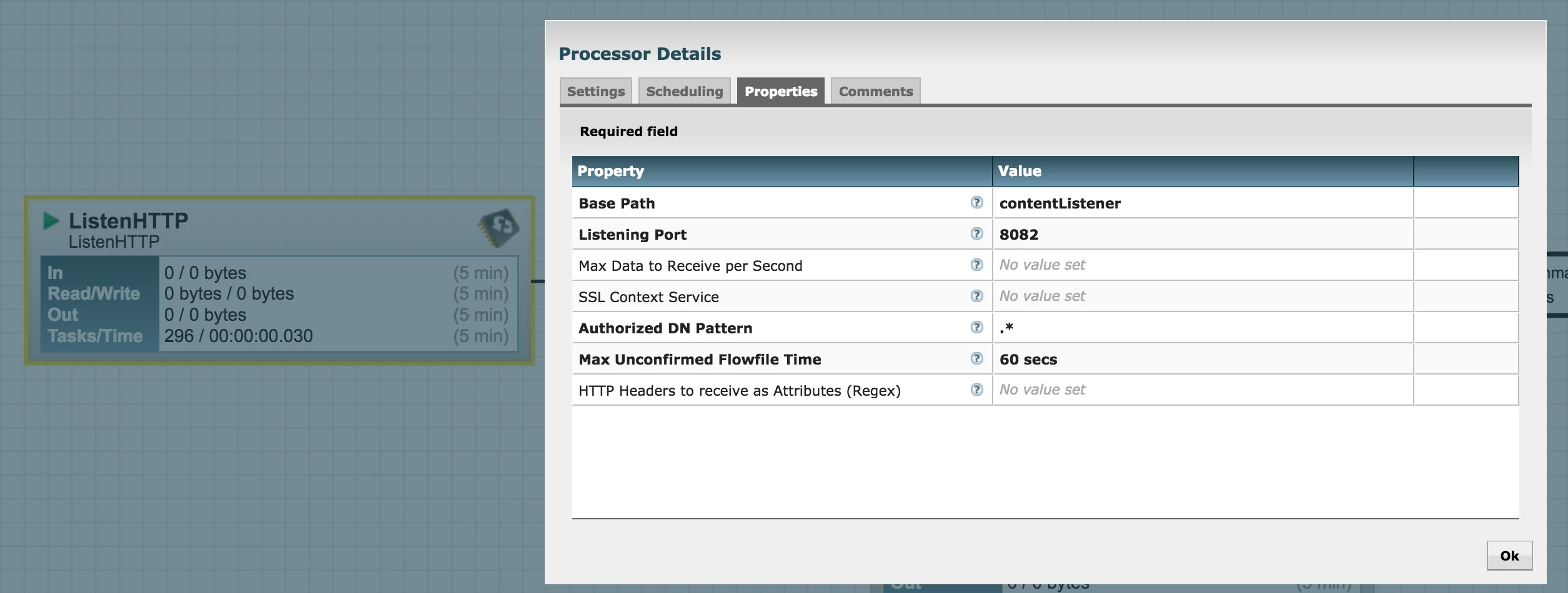
Incoming Transactions are generated by the TransactionSimulator class and posted as ReST calls over HTTP to port 8082 of the Sandbox.
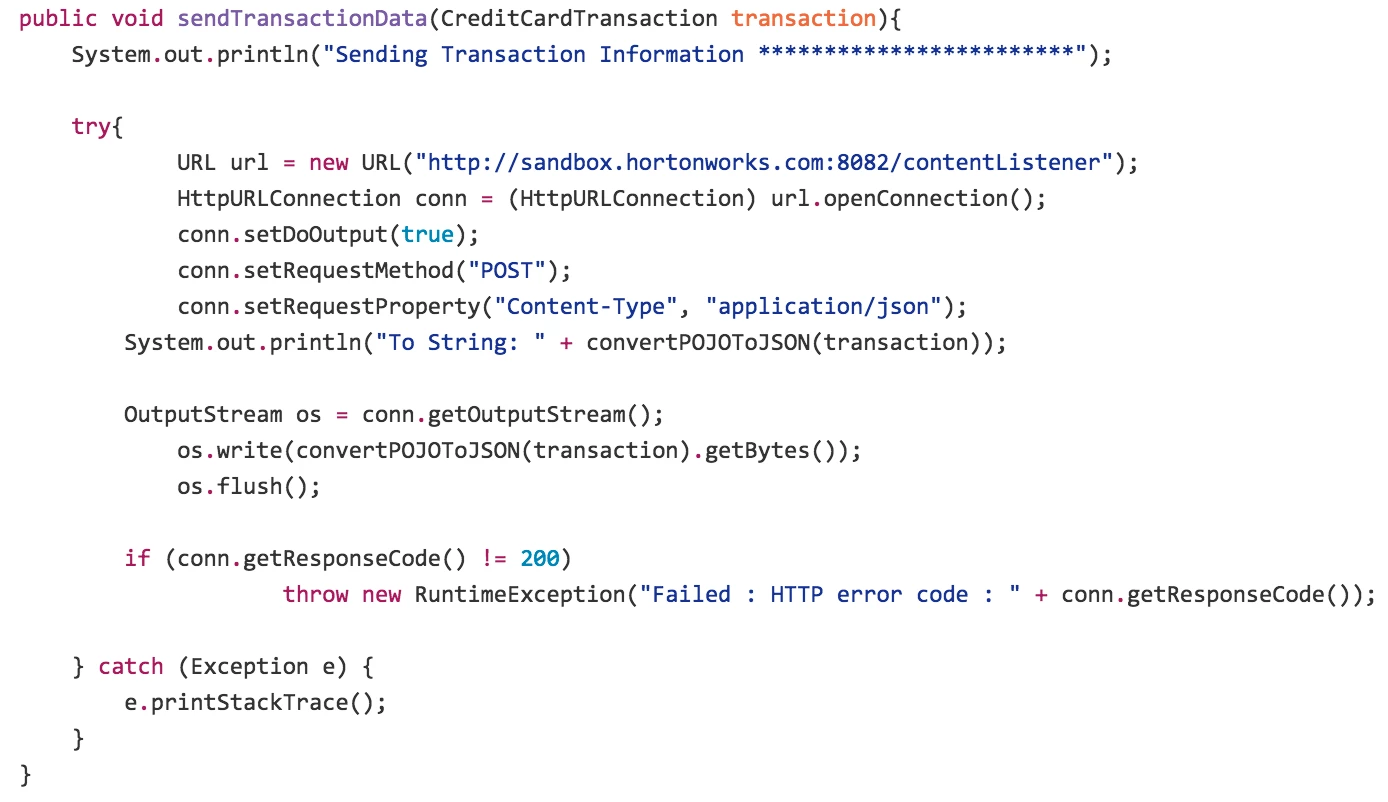
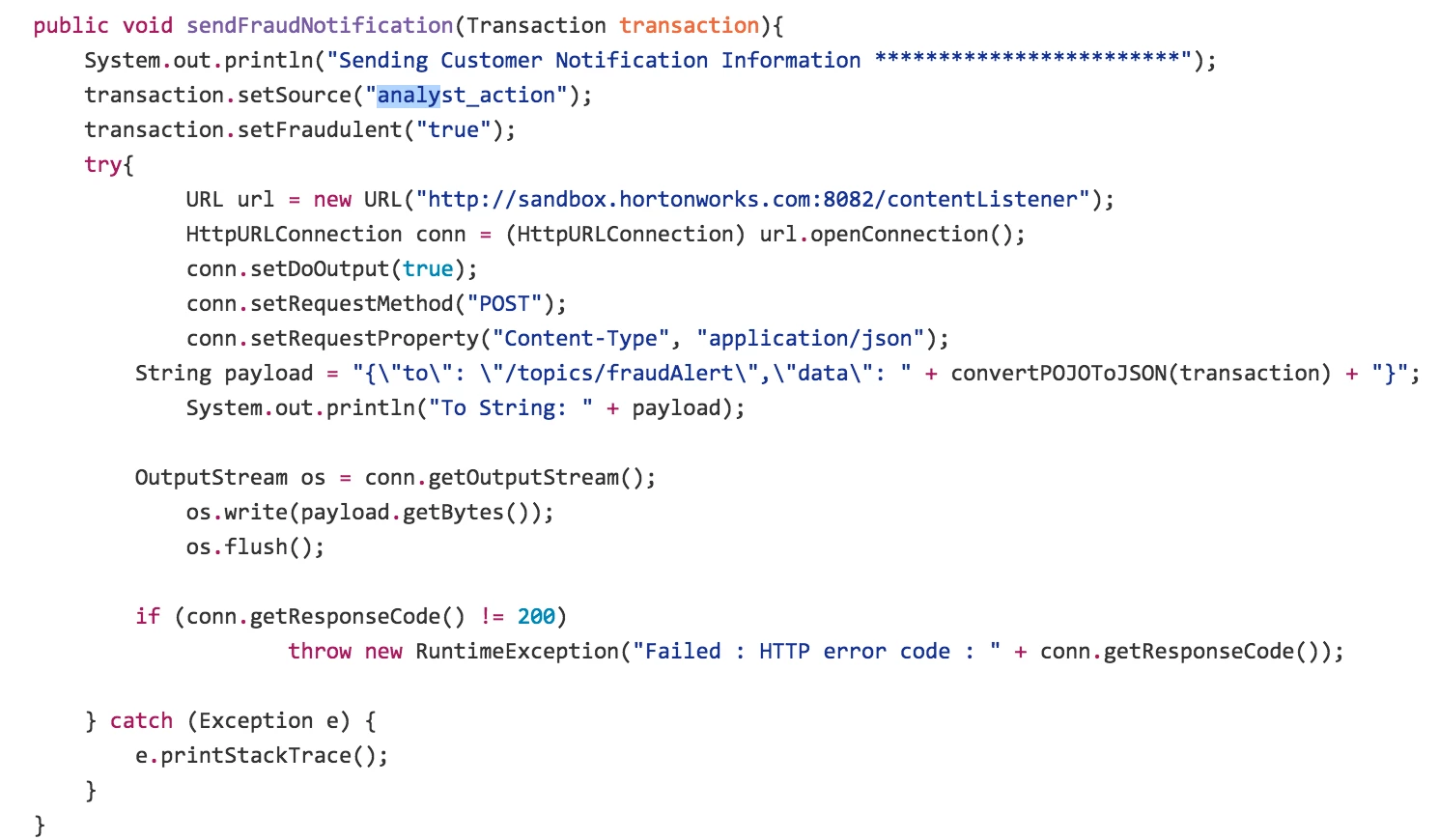
The Transaction Monitor UI servlet generates Fraud Notifications and posts them to the same Sandbox port.
The NiFi flow creates an HTTP Listener on the correct Sandbox port when it is deployed:
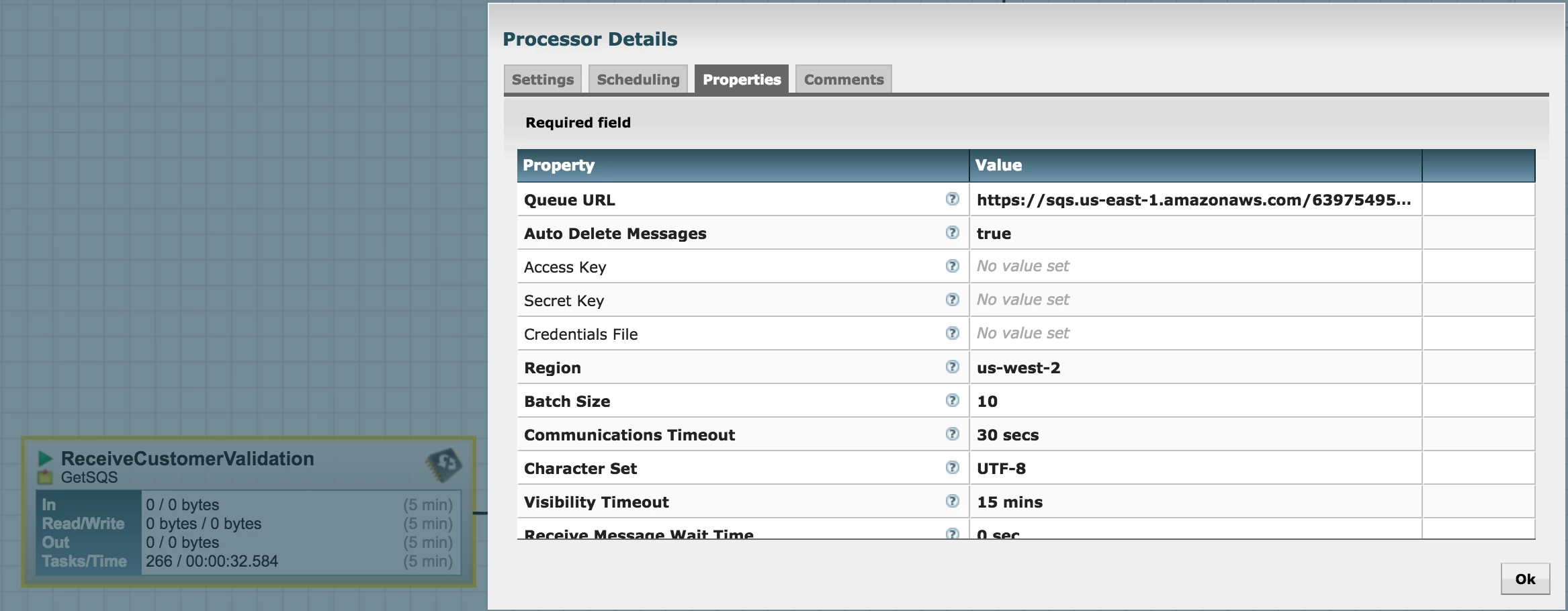
The Credit Card Transaction Monitor mobile application posts Customer Transaction Validation messages to Amazon SQS. The NiFi Flow is configured to receive these messages.
After being received, these transactions are all sent through a simple dataflow that extracts the event source from the payload and determines the event destination accordingly.
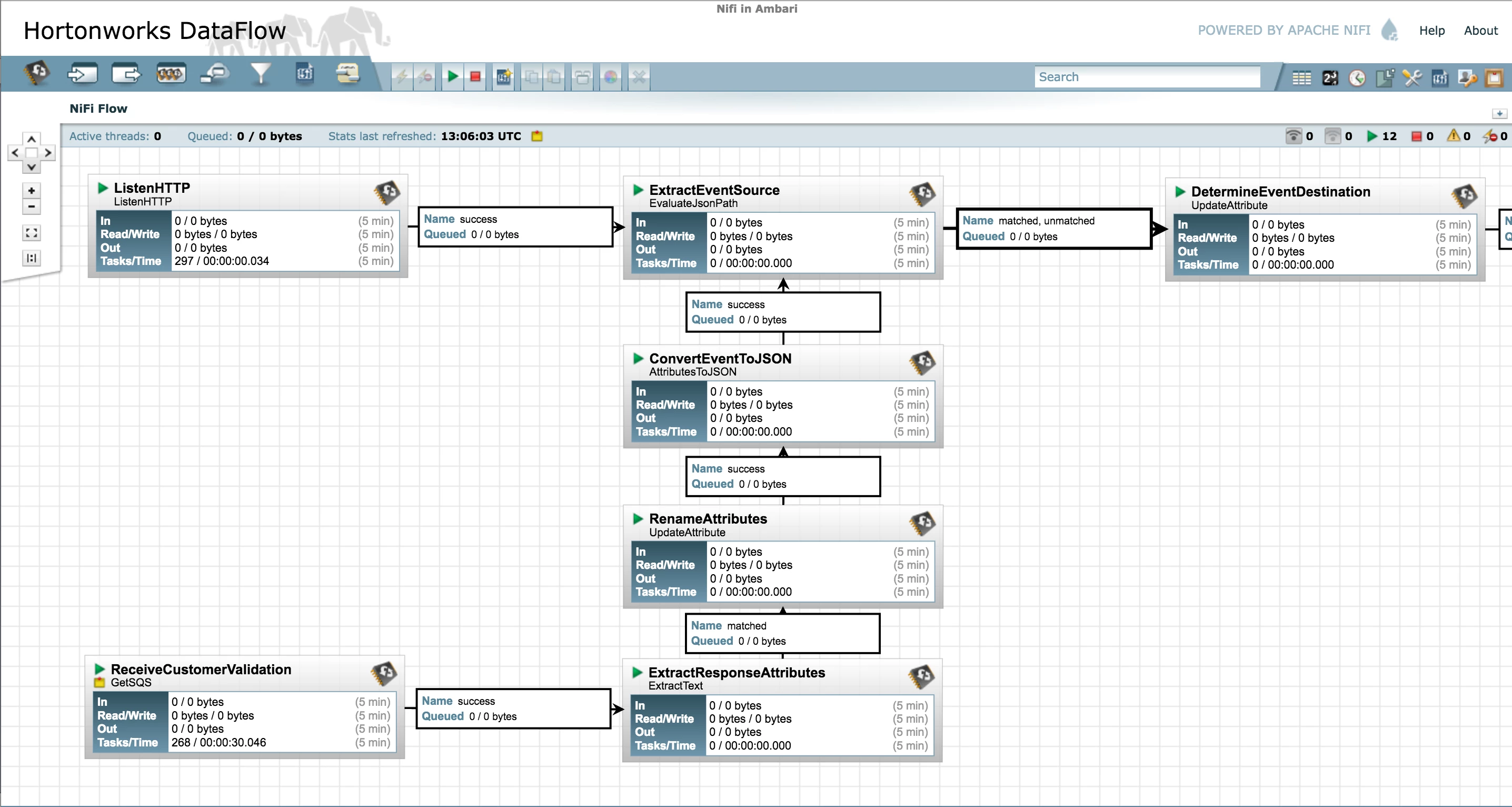
Once the event destination is determined, these transactions are routed based on the value of that attribute.
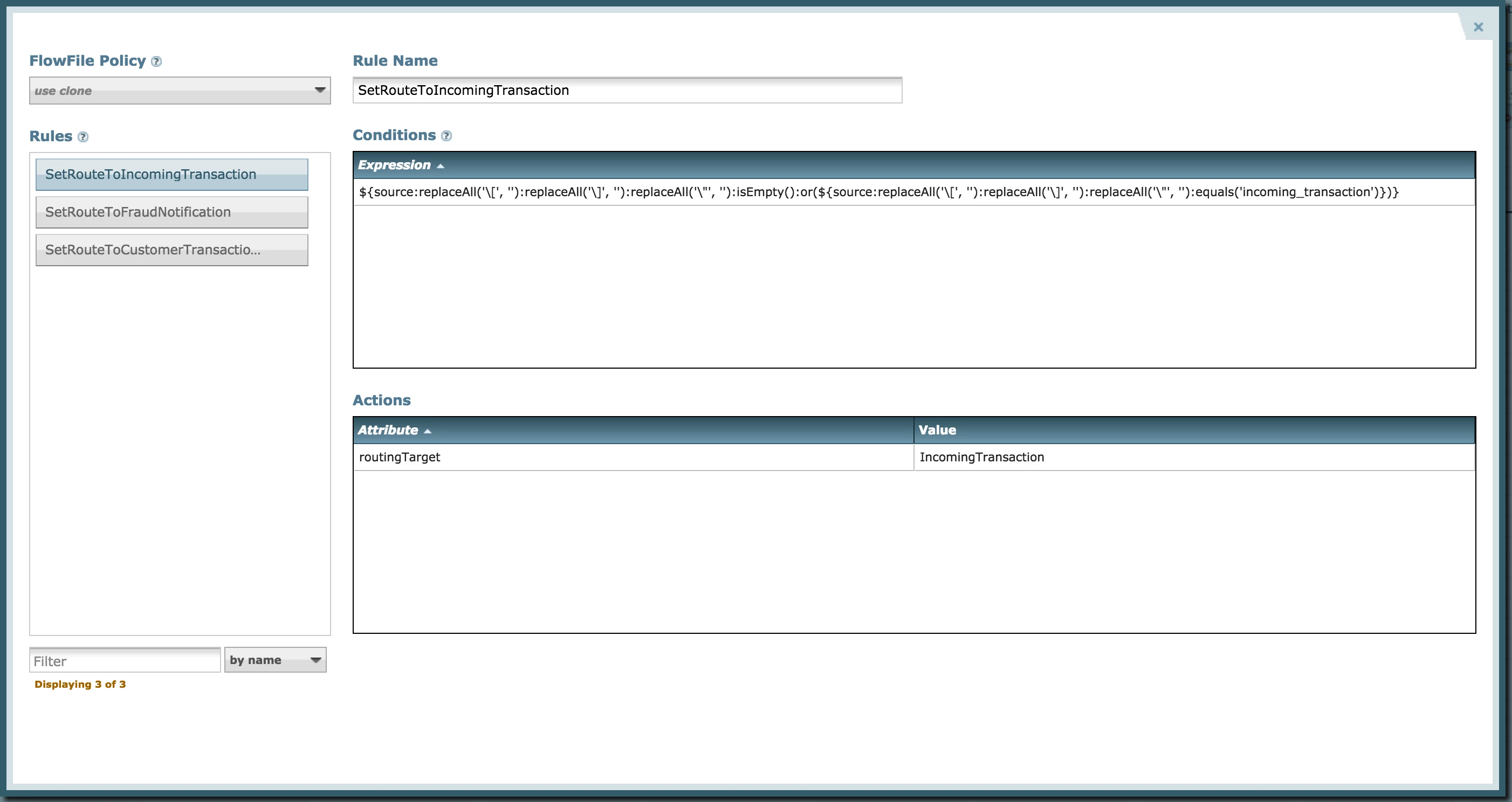
Incoming Transaction
Incoming Transactions are routed to a Kafka topic.
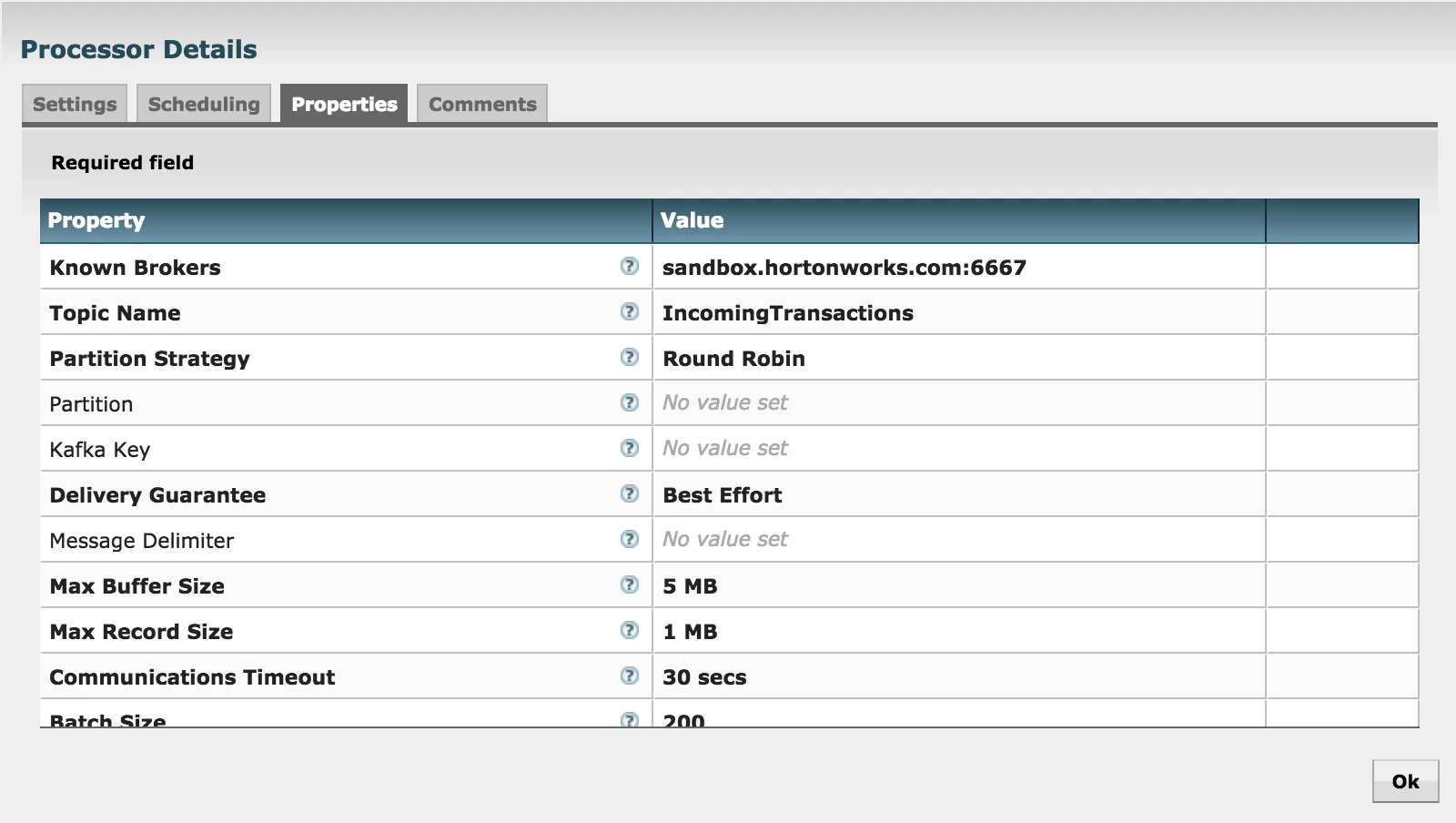
Incoming Transactions posted to that Kafka Topic are then consumed by the CreditCardTransactionMonitor Storm topology.
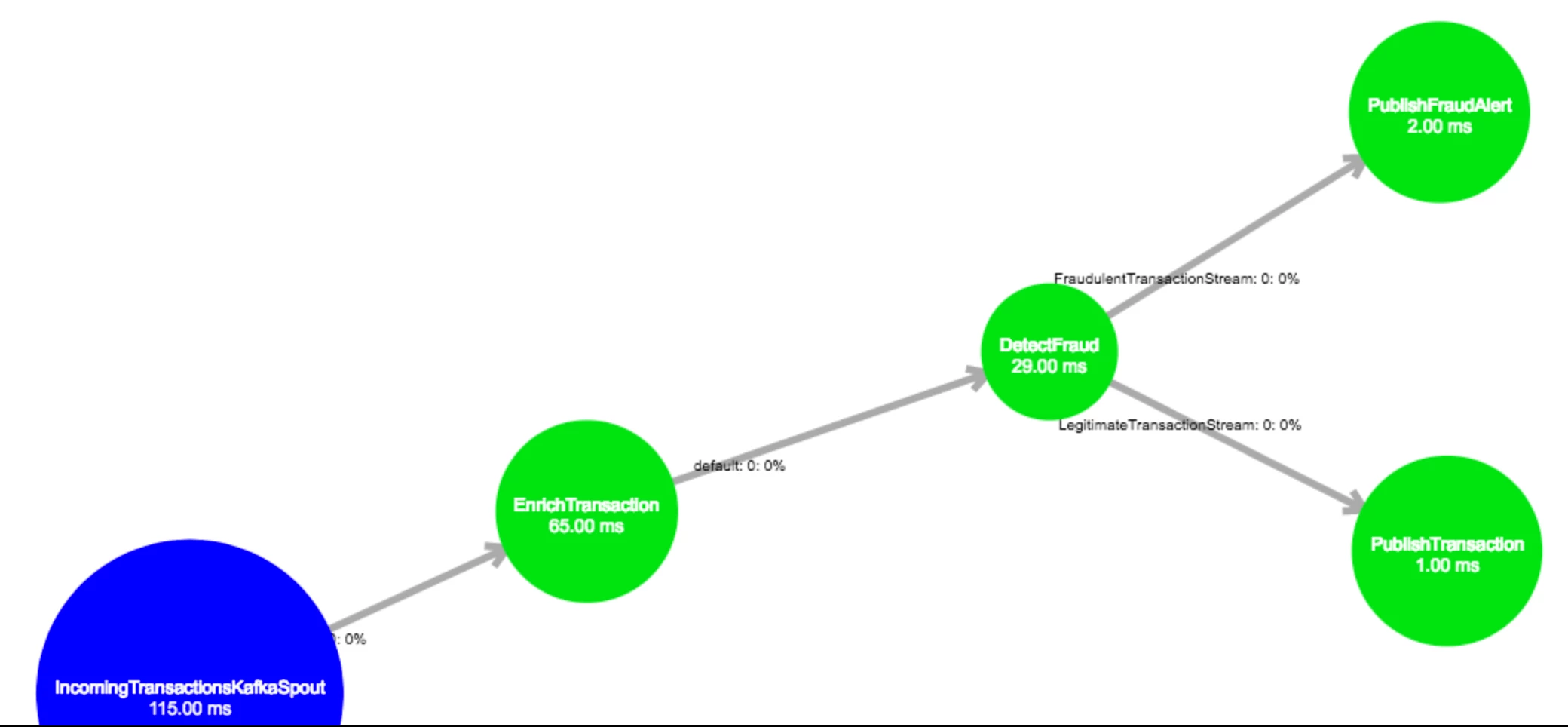
The Storm topology enriches the incoming transaction with customer details from HBase, passes the enriched transaction into a Spark model to detect fraud, and then either publishes a fraud alert or publishes a legitimate transaction to the TransactionMonitorUI web application using CometD.
While reviewing the code for each of the bolts in the Storm topology above, in addition to reading the execute method, be sure take a close look at the prepare method as well. For example, in the FraudDetector bolt:
- while the execute method runs the model, updates the transaction with the result, and stores the updated transaction to Phoenix;
- the prepare method creates the Phoenix table to hold the transaction history.
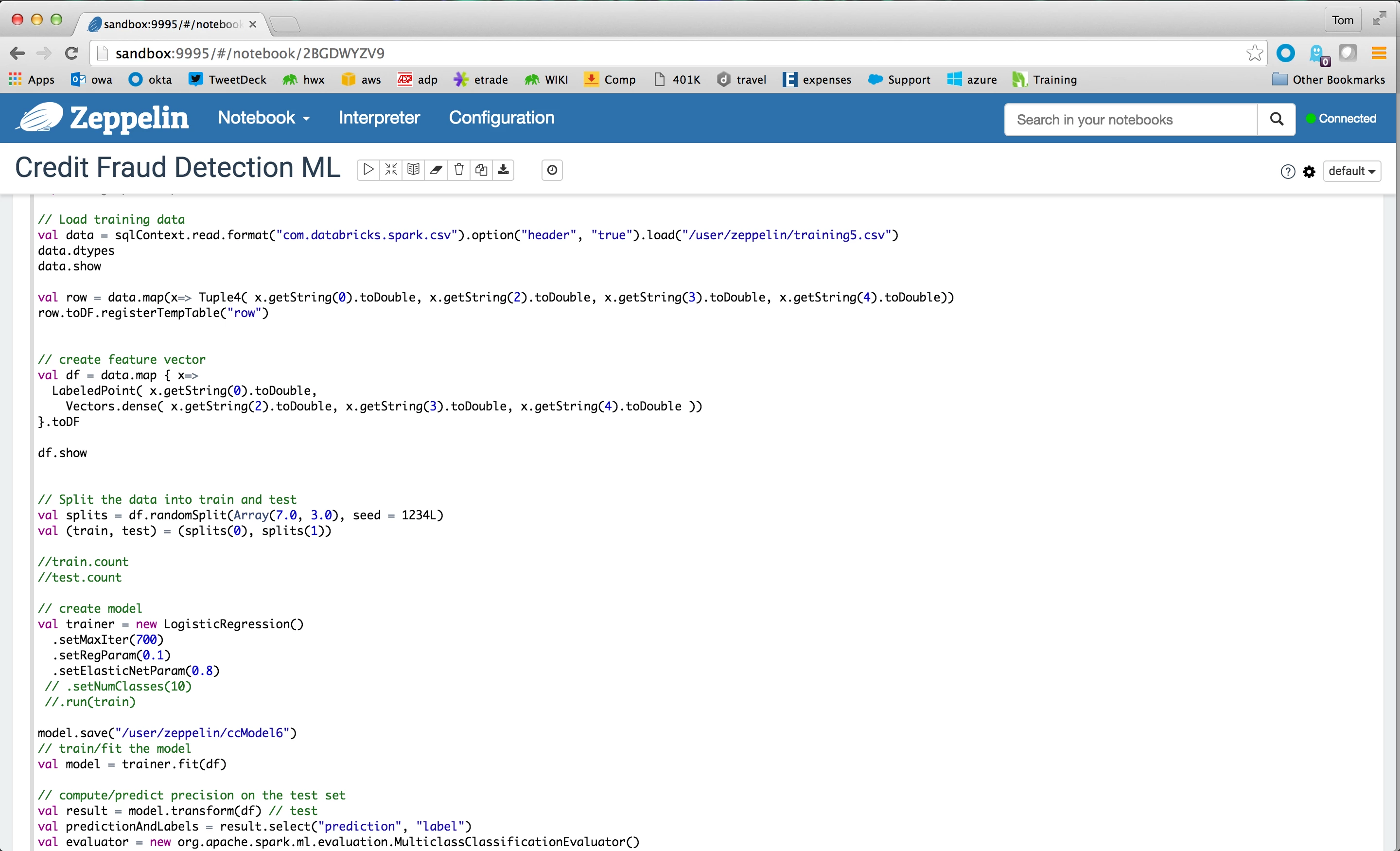
The Credit Fraud Detection model uses Spark MLLib Logistic Regression against four primary features of the credit card transaction to detect fraud:
- transactionID
- latitude
- longitude
- transaction time stamp
To view the Zeppelin notebook showing how the model is built and trained, using a browser go to sandbox port 9995 and select the Credit Fraud Detection ML link under Notebooks.
Fraud Notification
Fraud Notifications are posted over HTTP to Google Cloud Messaging where the Credit Card Transaction Mobile Application MessagingClient can pick them up.
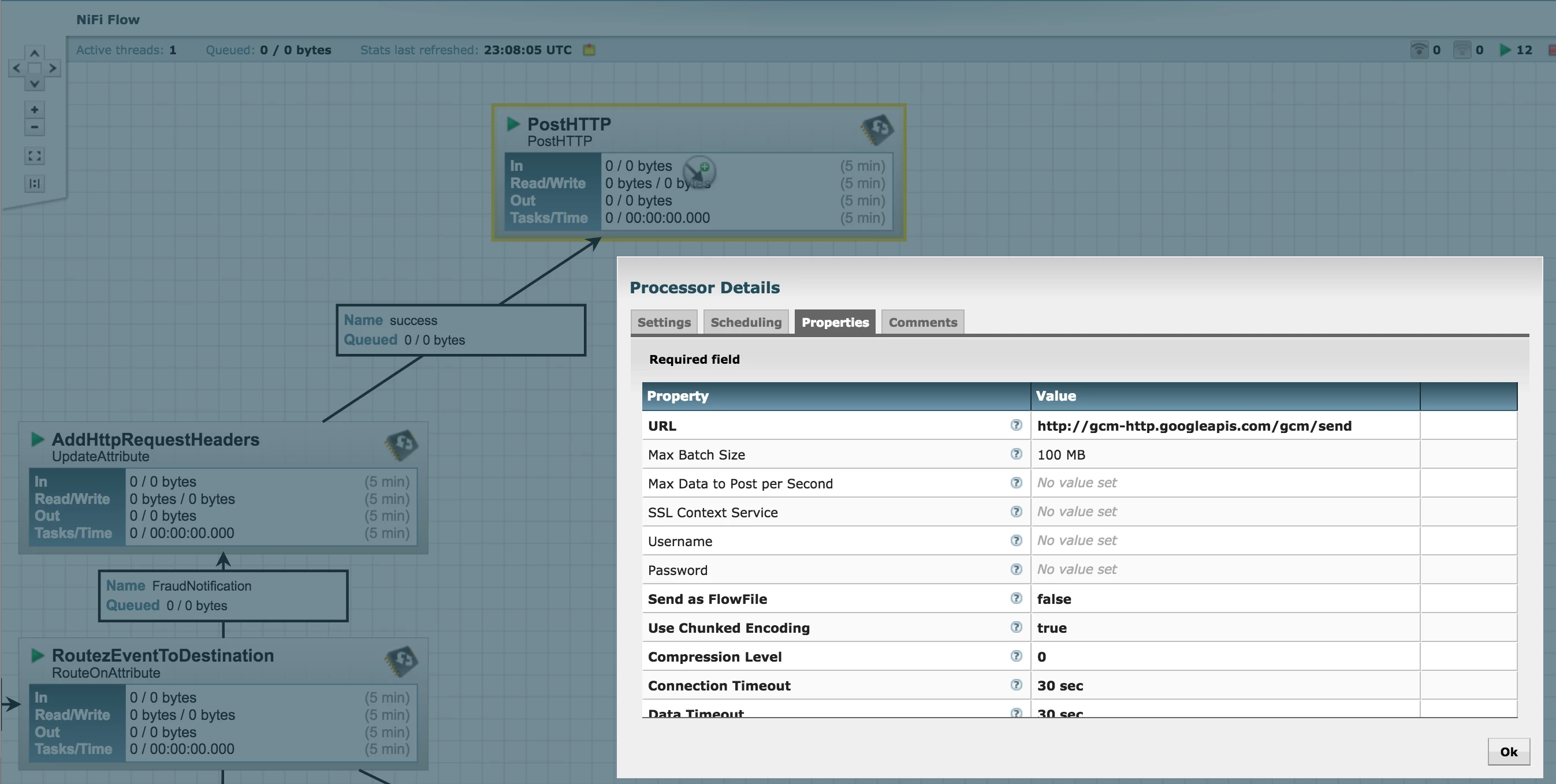
Customer Transaction Validation
Customer Transaction Validation events are routed to a Kafka topic.
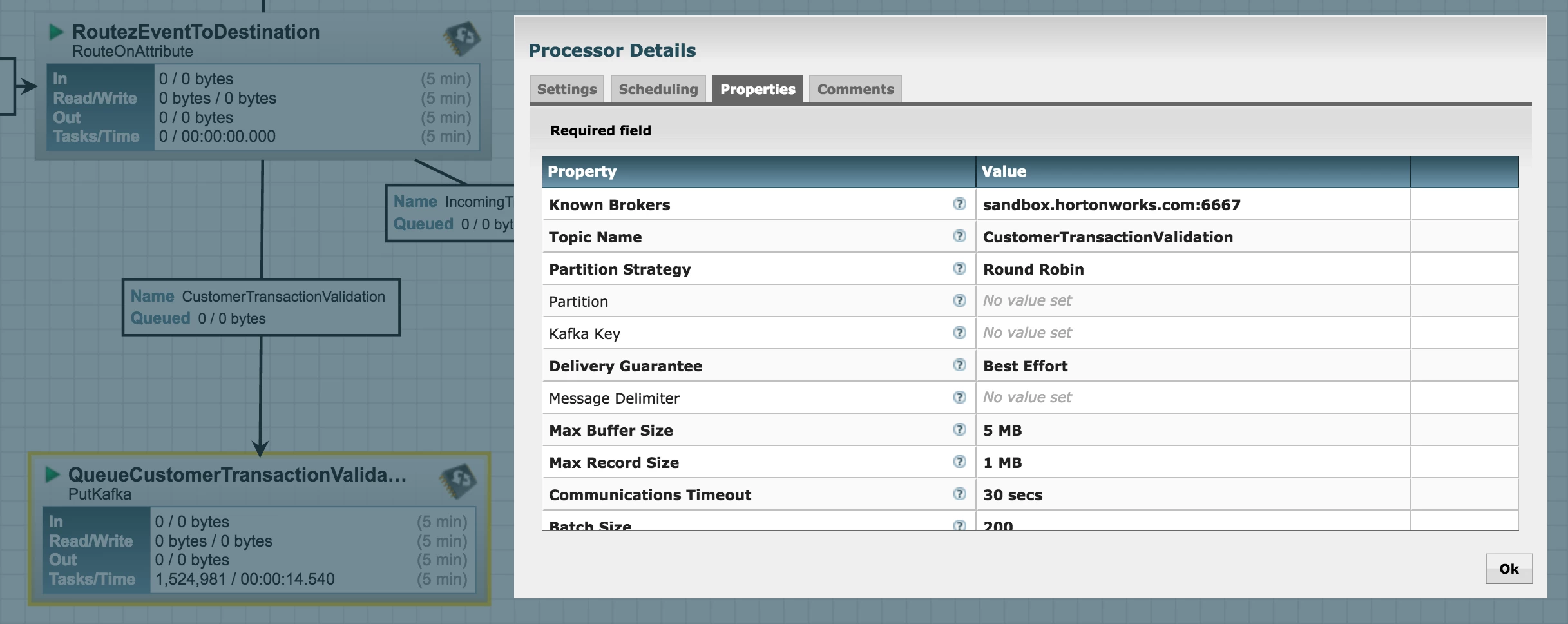
Customer Transaction Validation event posted to that Kafka Topic are then consumed by the CreditCardTransactionMonitor Storm topology.
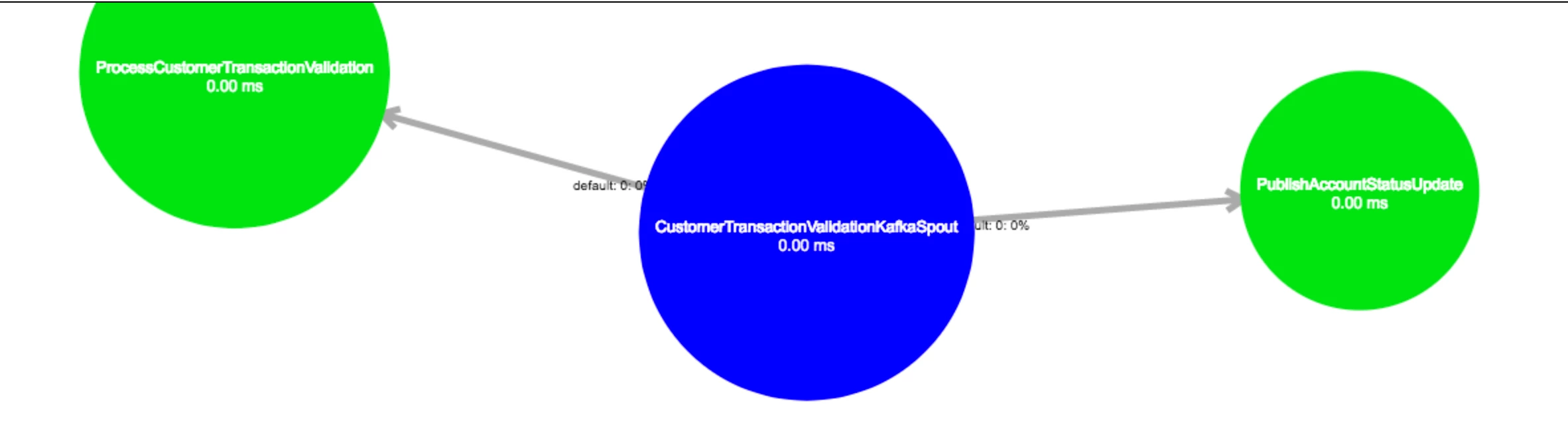
The Storm topology processes the Customer Transaction Validation event, updating the HBase table for the customer account, as well as publishes the Account Status Update to the TransactionMonitorUI web application using CometD.
Part III: Running the Demo
Before running the demo, be sure to install and compile the Credit Card Transaction Mobile App by following the instructions in the README. Once you’ve done that, follow these steps:
- Run the Mobile App from Android Studio.
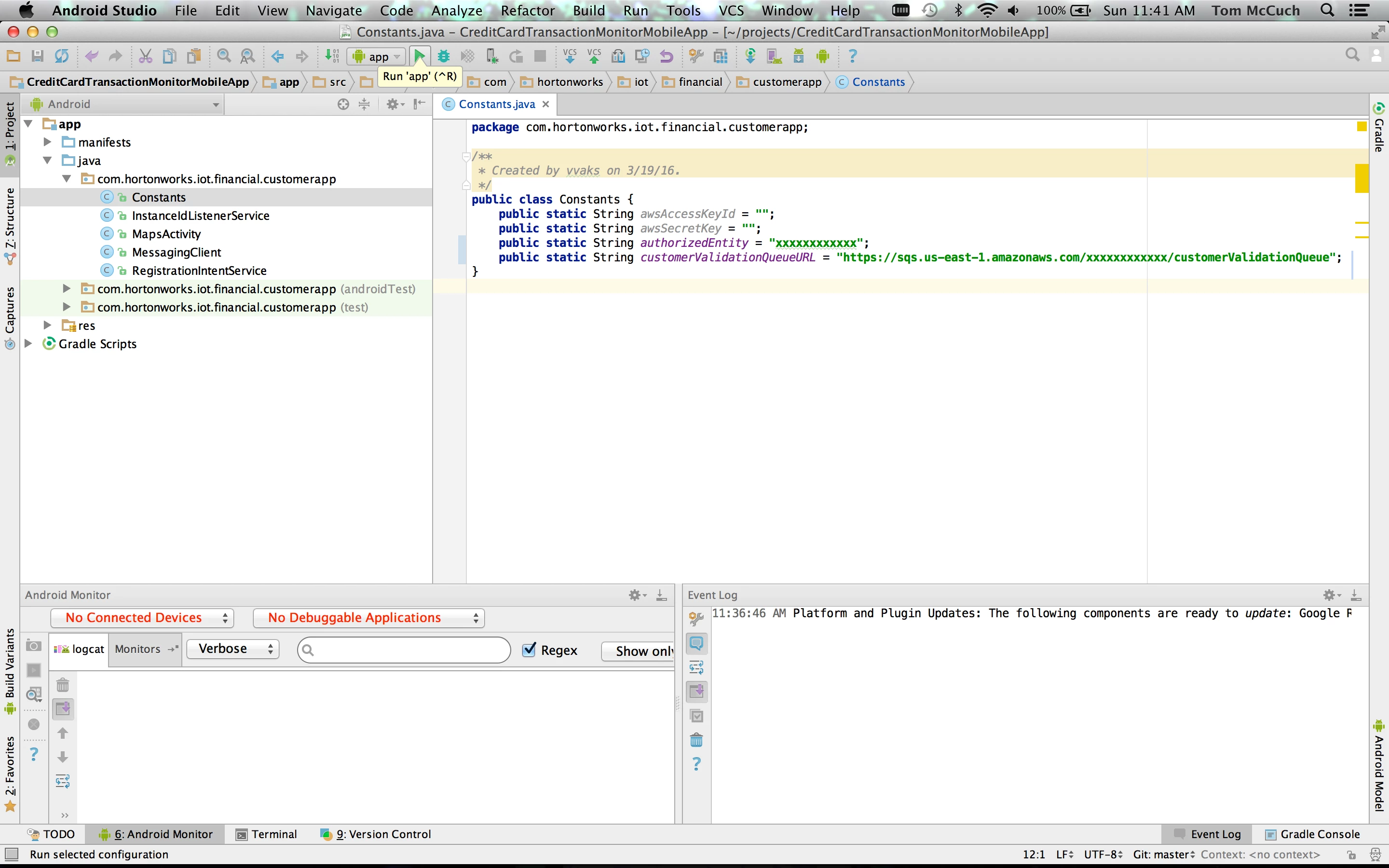
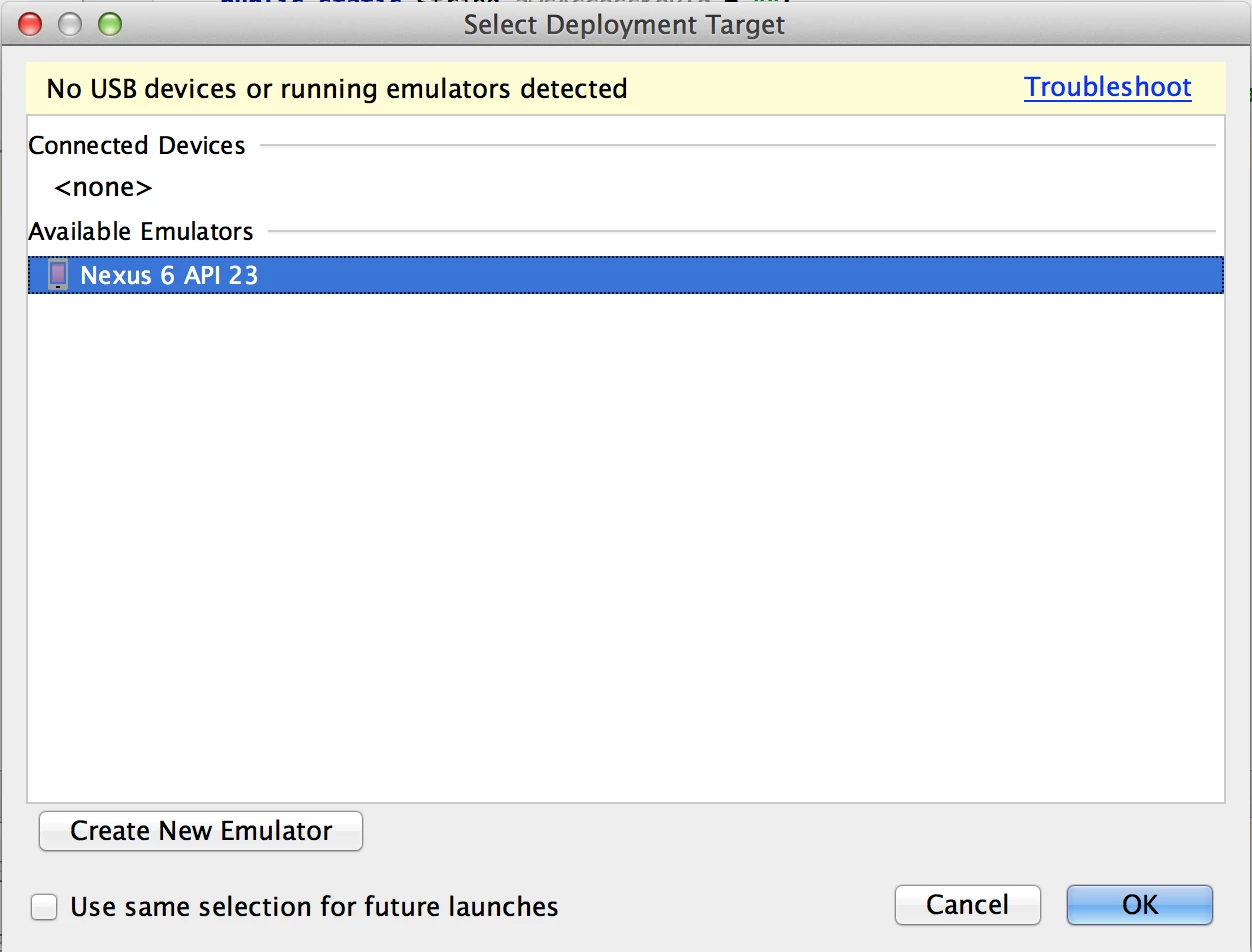
- Create / select any emulator that supports the latest Google API (23).
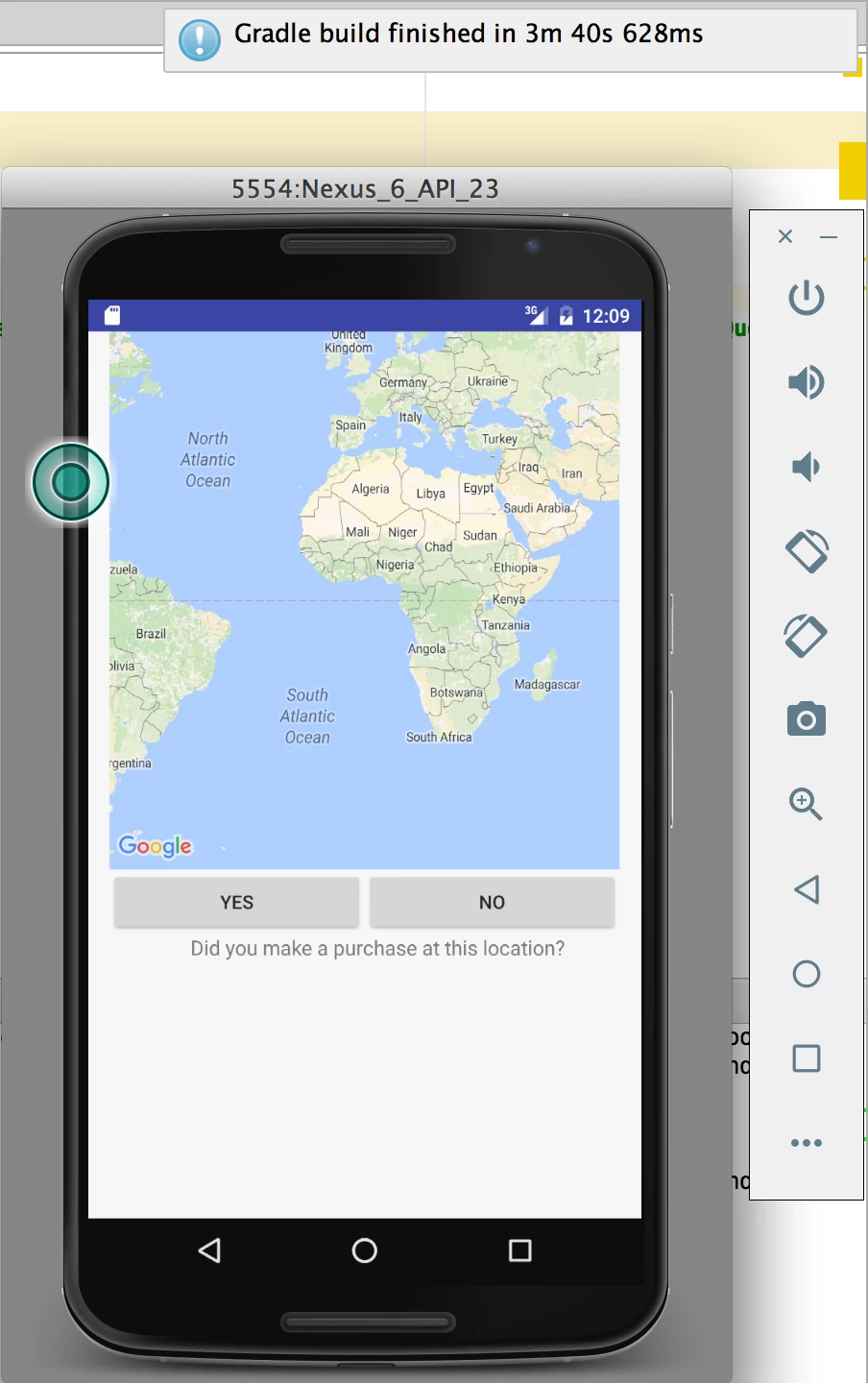
- Be sure to wait a few minutes until the gradle build finishes and the application shows in the emulator.
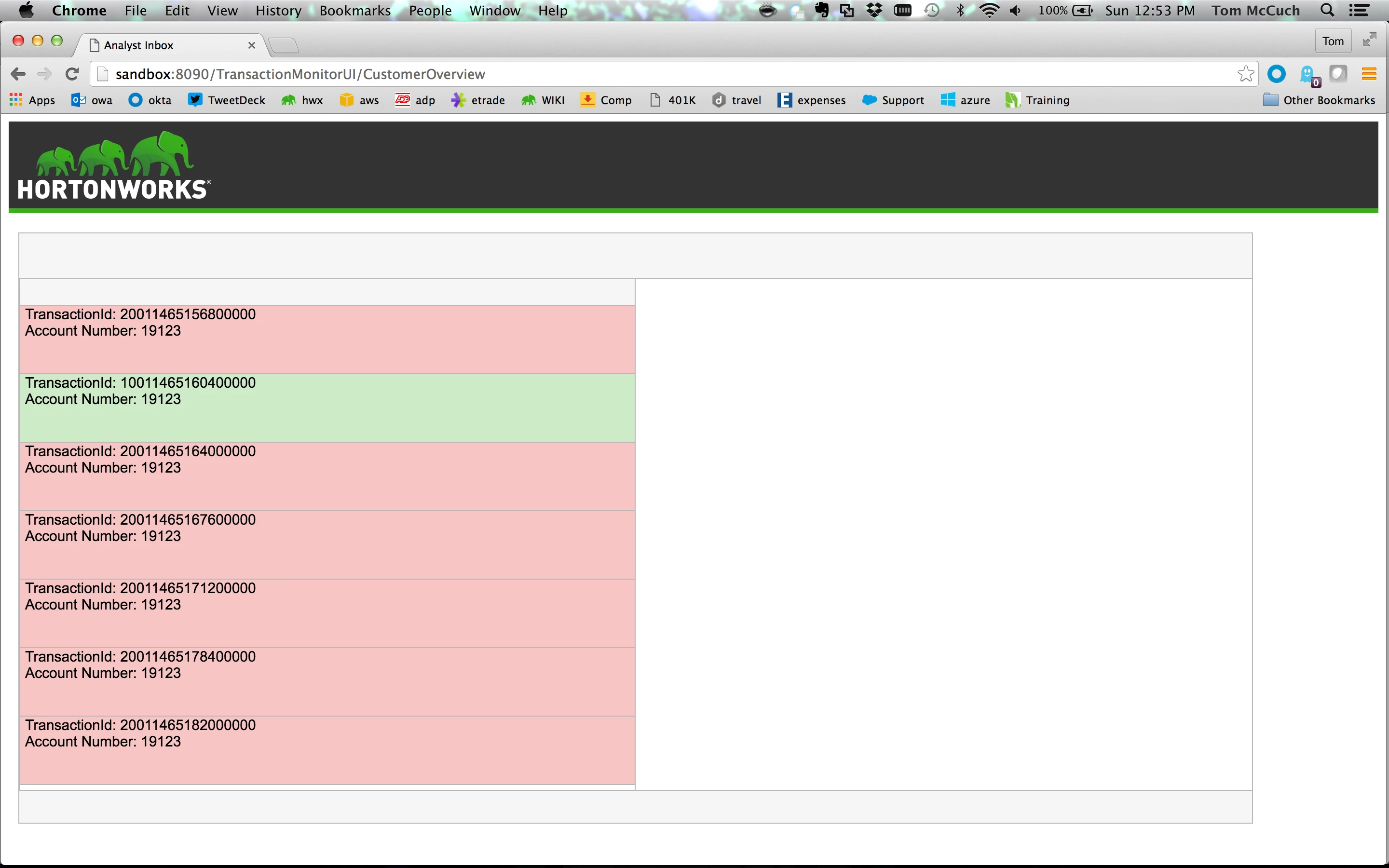
- Bring up the Fraud Analyst Inbox UI in your browser: http://sandbox:8090/TransactionMonitorUI/CustomerOverview
- Start the simulator from the CreditCardTransactionMonitor directory:
java -jar CreditCardTransactionSimulator-0.0.1-SNAPSHOT-jar-with-dependencies.jar Customer 1000 Simulation
- When transactions start coming through from the generator, the Inbox will start to fill up.
- Single click on one of the transactions to see a preview of the transaction statistics and reason for being flagged. Double Click on the transaction to explore it in detail in the context of the customer's profile.
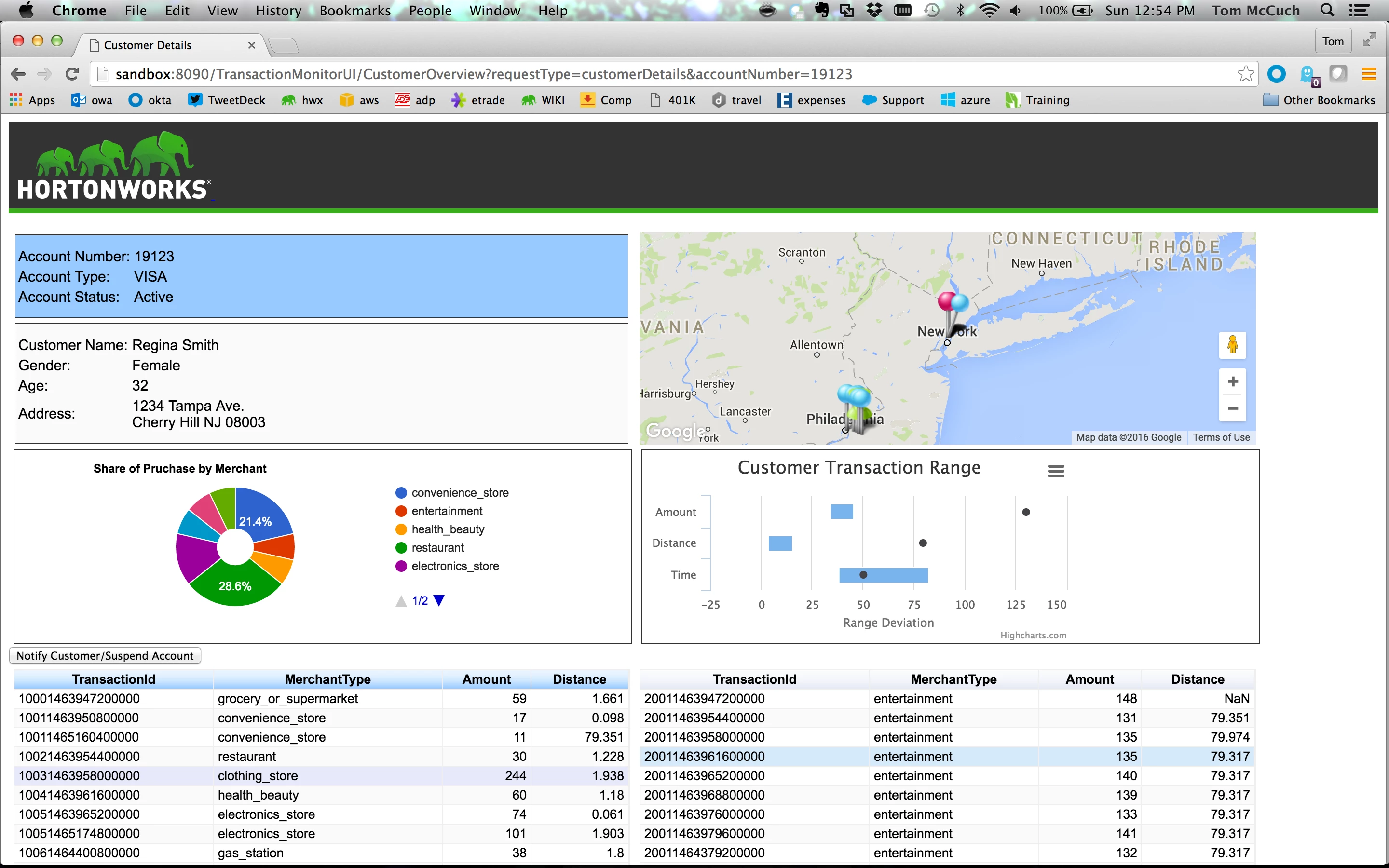
- After previewing the transaction, select the command button to Notify Customer / Suspend Account. This will send a Fraud Notification to the mobile application.
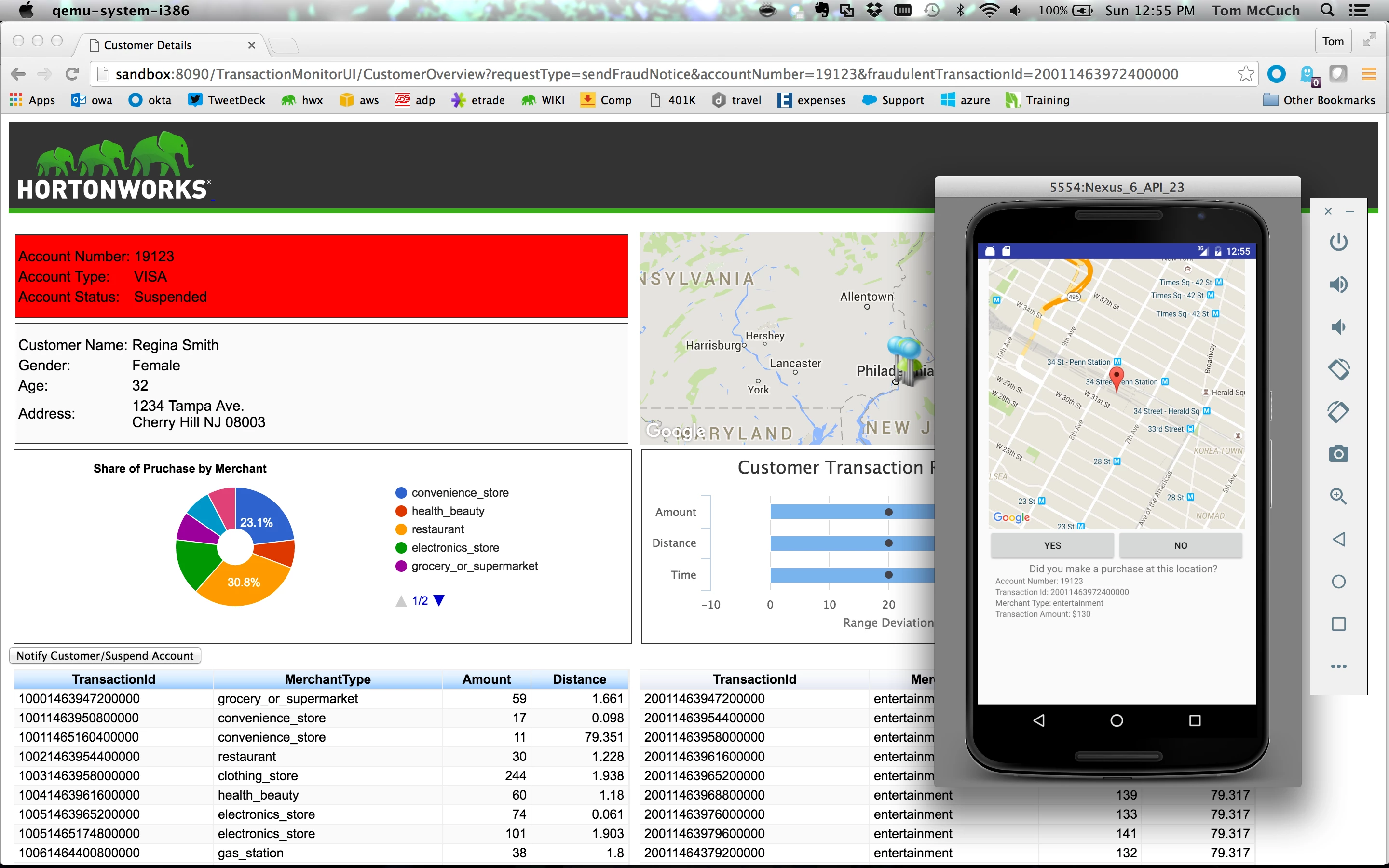
- Inside the mobile application, click the Yes command button to send the Customer Transaction Validation back to the Fraud Analyst and clear the account suspension.
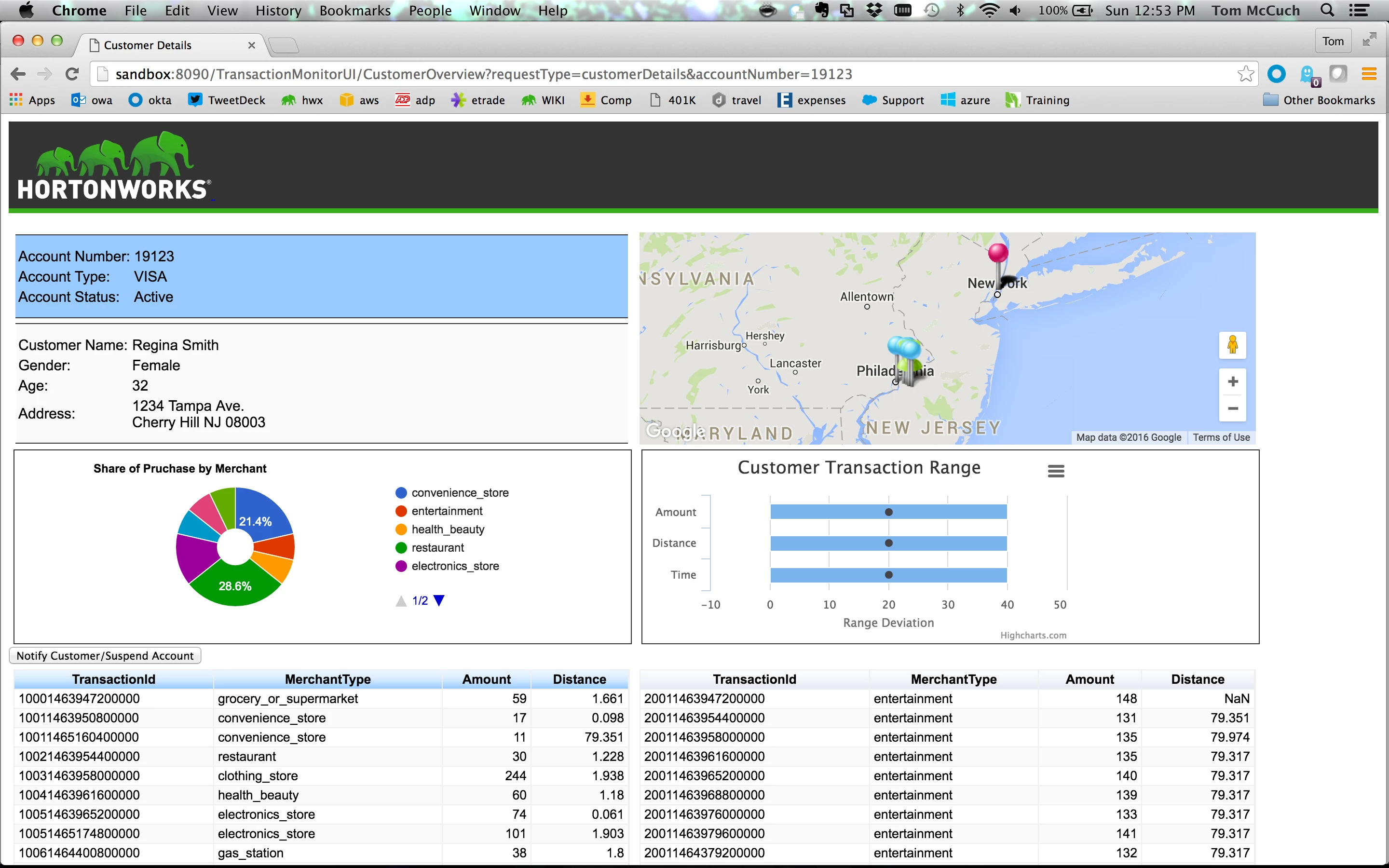
The Credit Fraud Prevention Demo shows the full power of developing a Modern Data Application for the Connected Data Platform:
- Ingest both data in motion (customer transaction data, credit card swipes, online usage of credit cards etc.) & data at rest (core banking data, years worth of historical card data) using HDF.
- Perform Predictive Analytics. By commingling all kinds of data using machine learning techniques to analyze and predict cardholder behavior on HDP.
- Provide immediate fraud related feedback to the Bank Fraud Analyst and the Customer.
The platform identifies and signals fraud in near real time. The result: an improved customer experience, revenue loss prevention due to fraud and reduced cost overall.