Generating Hive Query Metrics and more using "driven": Part1 setup and installation
Driven first-hand experience:
While researching for a Hive Query Metrics UI found this tool called driven.
Step1:
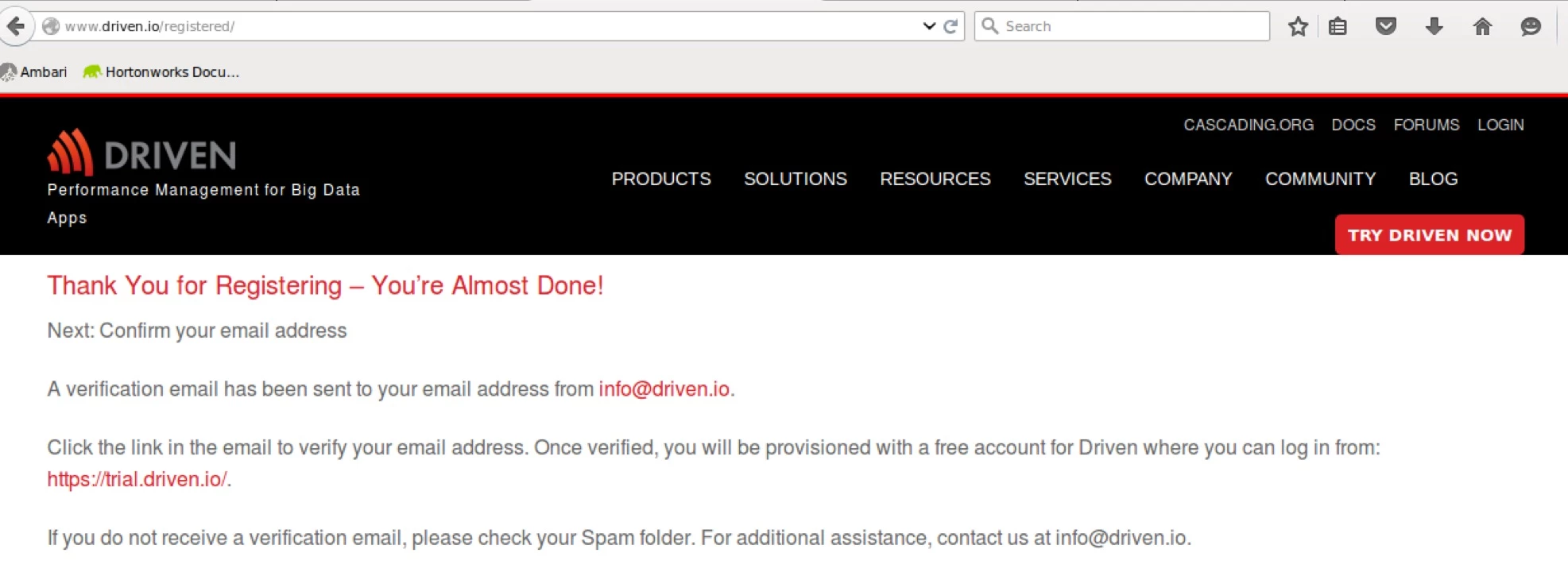
Register for a free trial at http://www.driven.io/hive/
Step2:
Upon clicking the verification link sent over email came to this page:
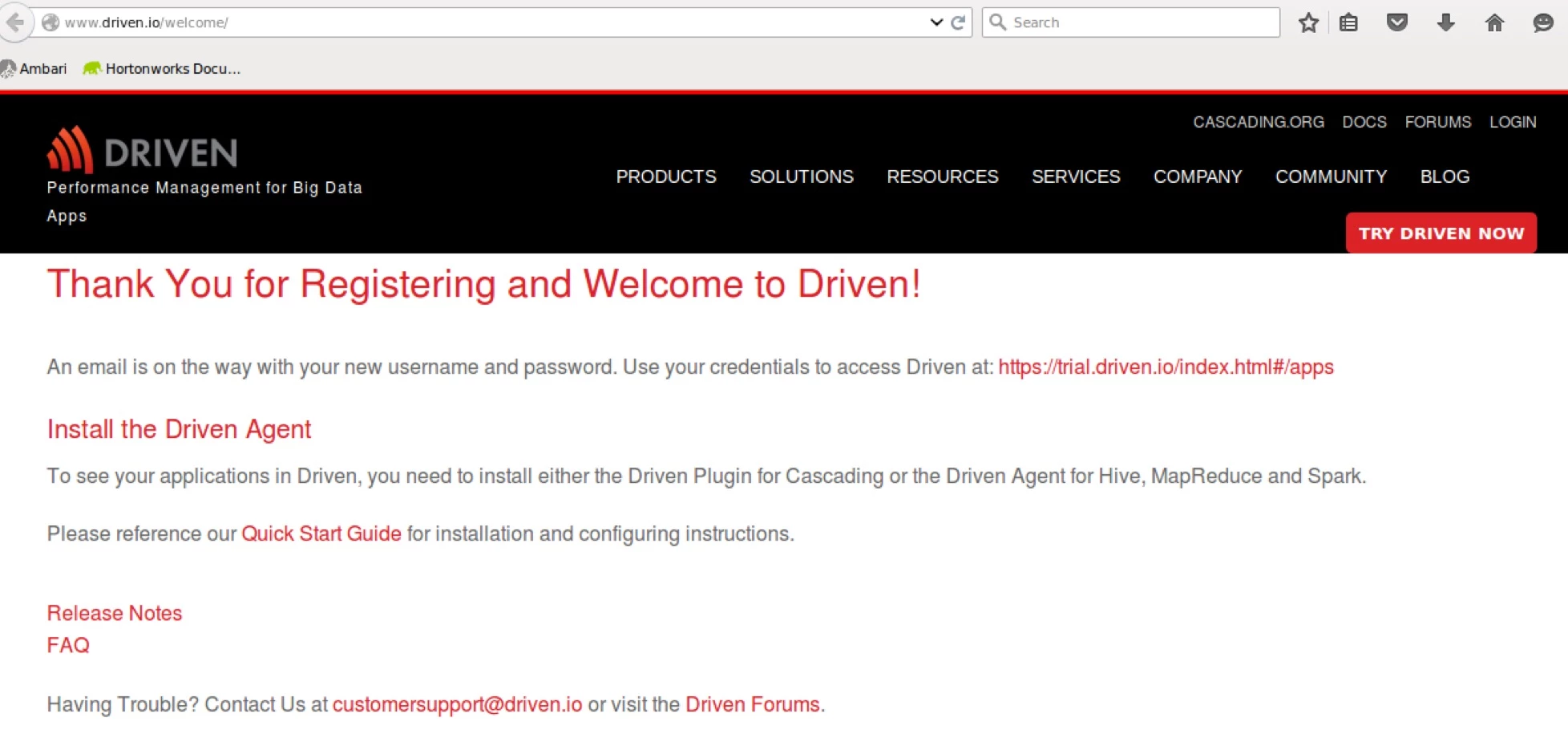
Click on “Install the Driven Agent”
Step3:
On clicking that two things will happen:
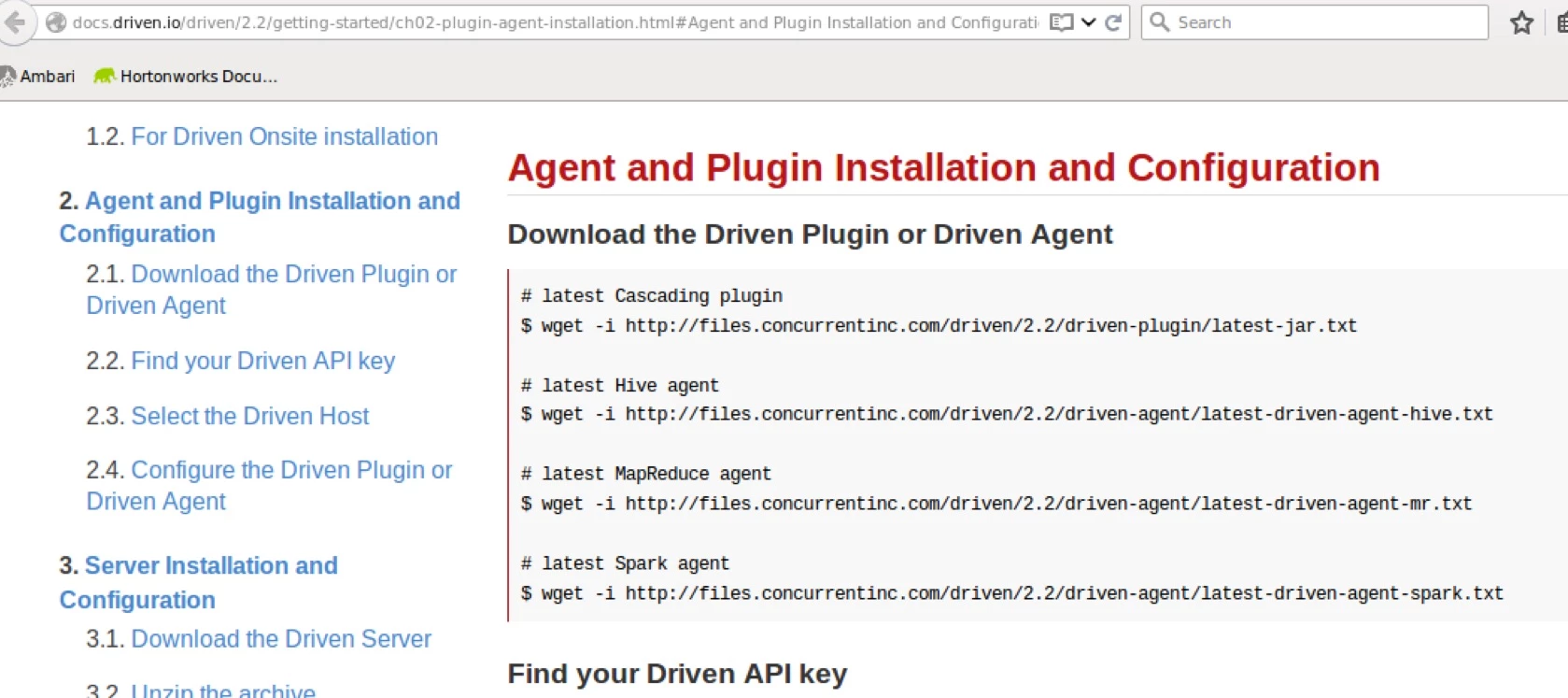
- You will be taken to the configuration and install instructions
- You will get an email with username and password
Step4:
Click on https://trial.driven.io/index.html#/apps from screenshot 2
You will be in the login screen. Then enter the id and password you got in your email.
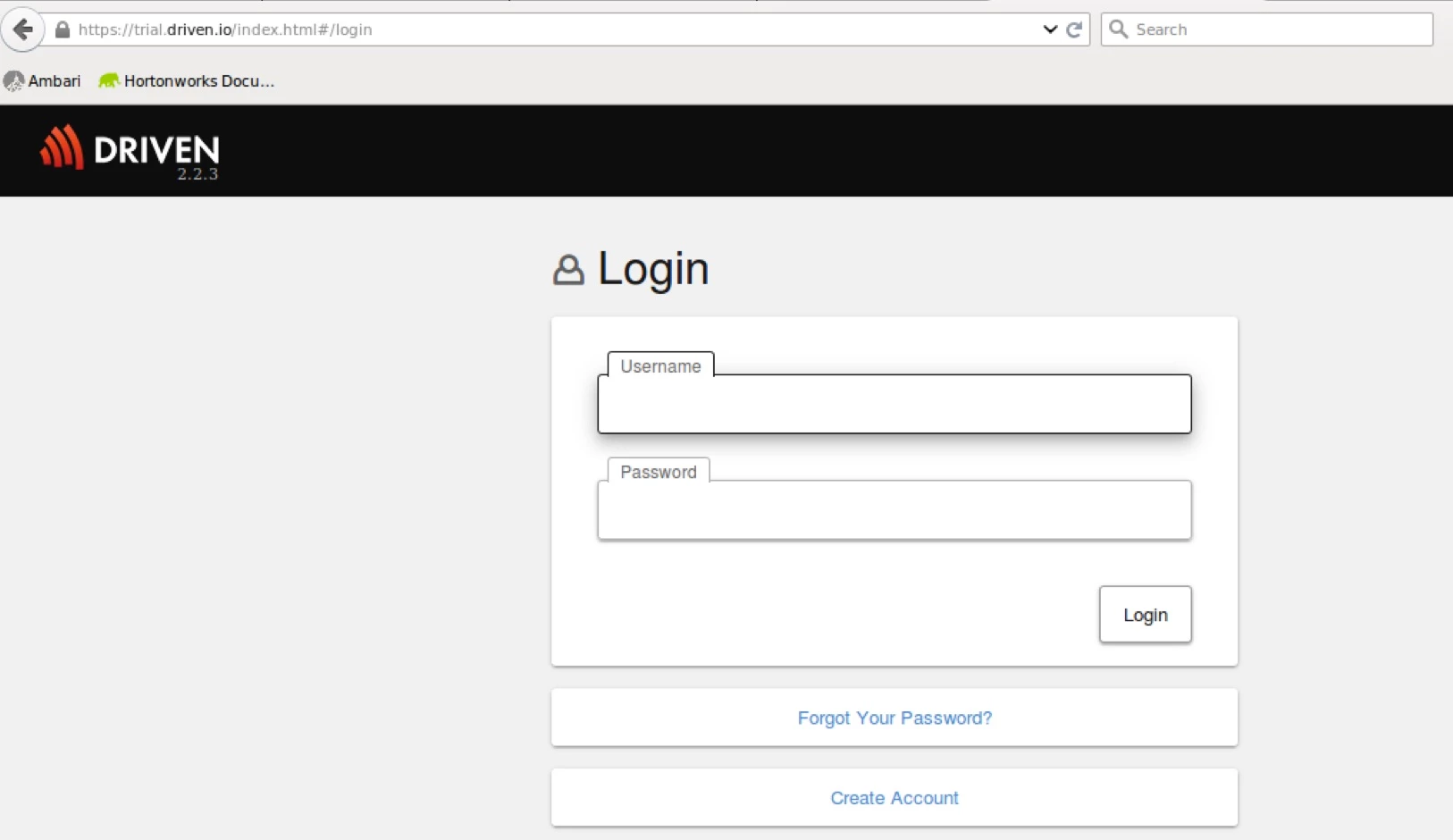
Step5:
After logging in you will prompted to change the password. Change that and click submit.
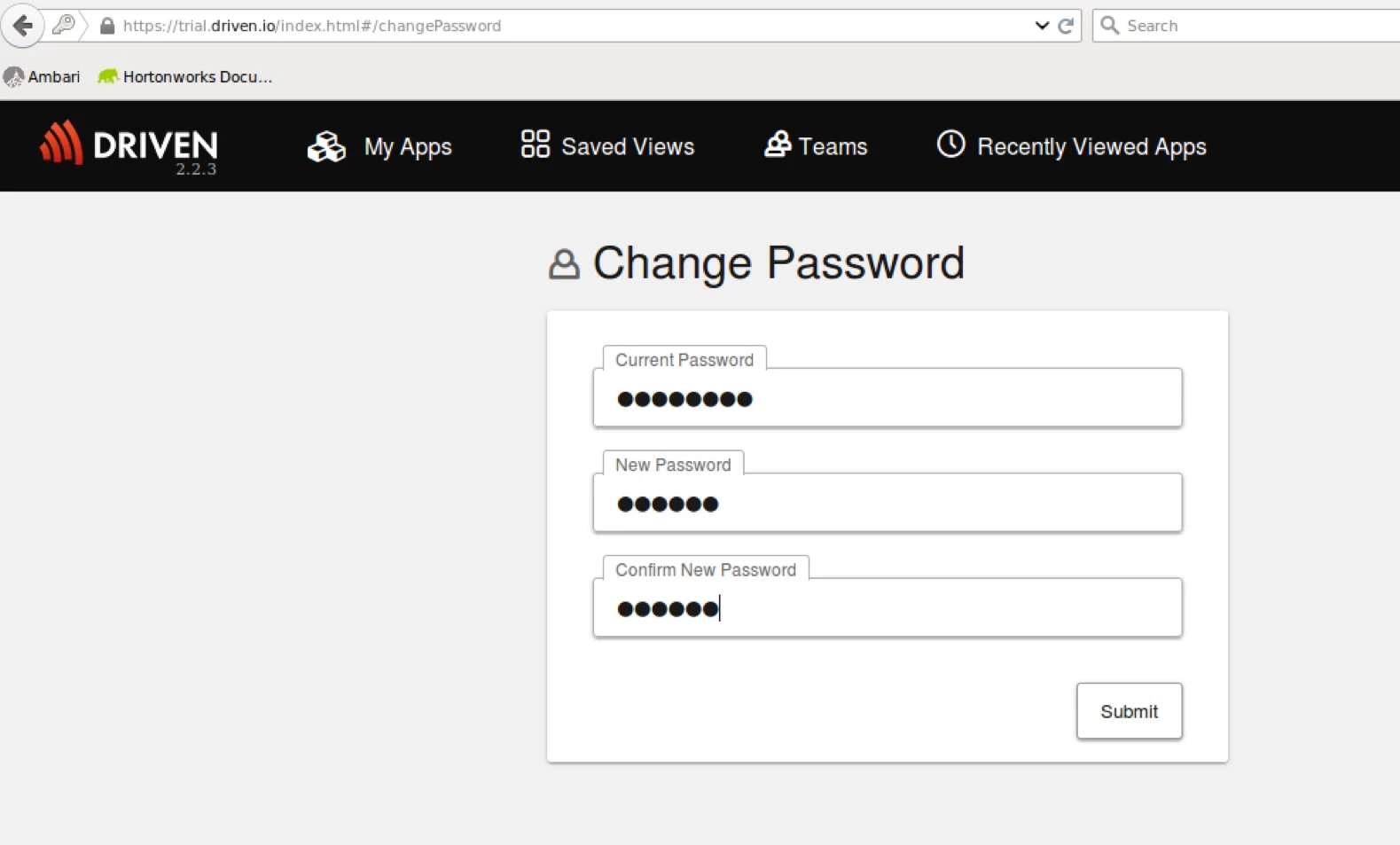
Step6:
You will be logged into the user interface. But since the agent is not installed you cannot view anything. You will be also provided with your API Key.
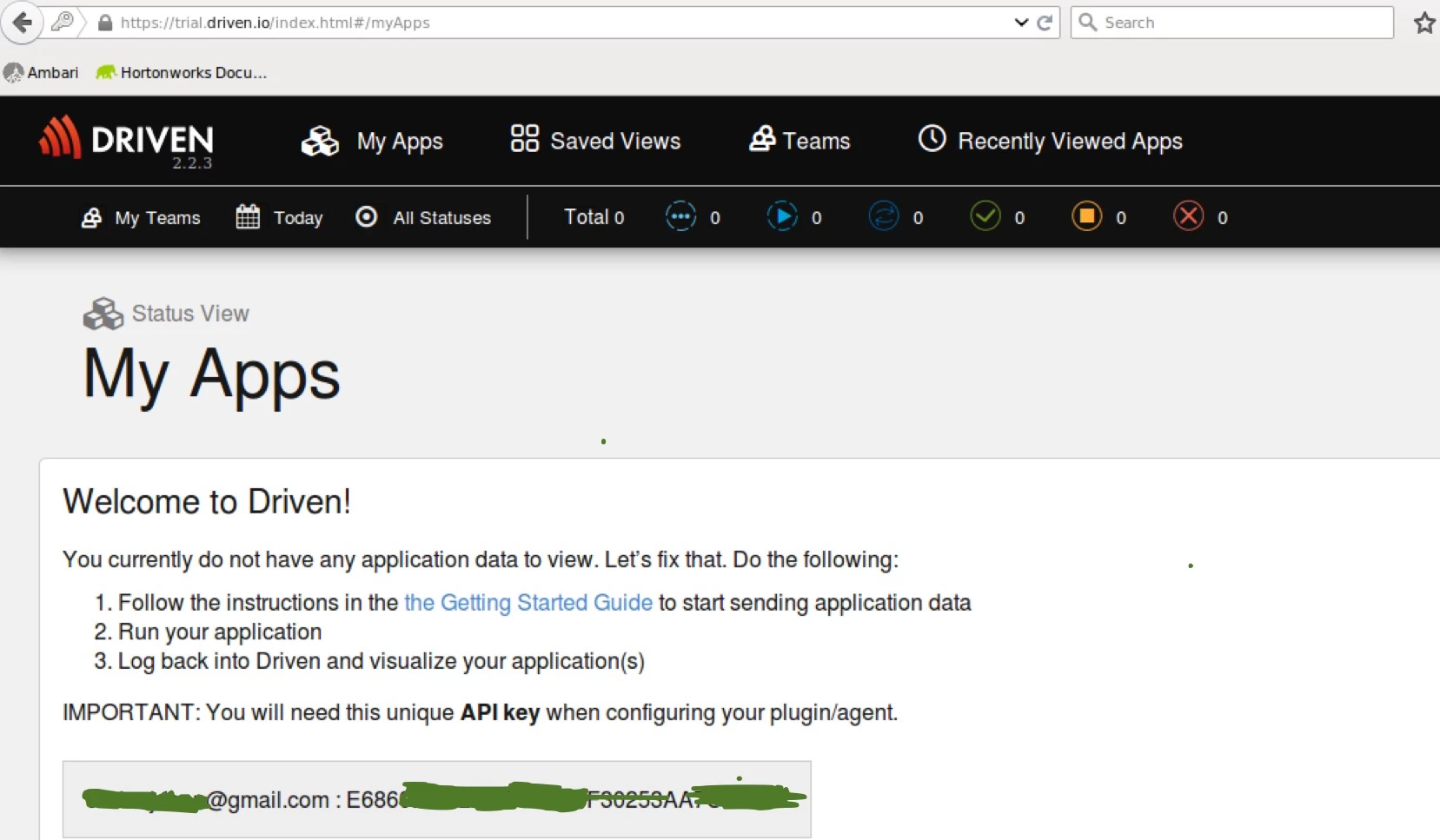
Step7:
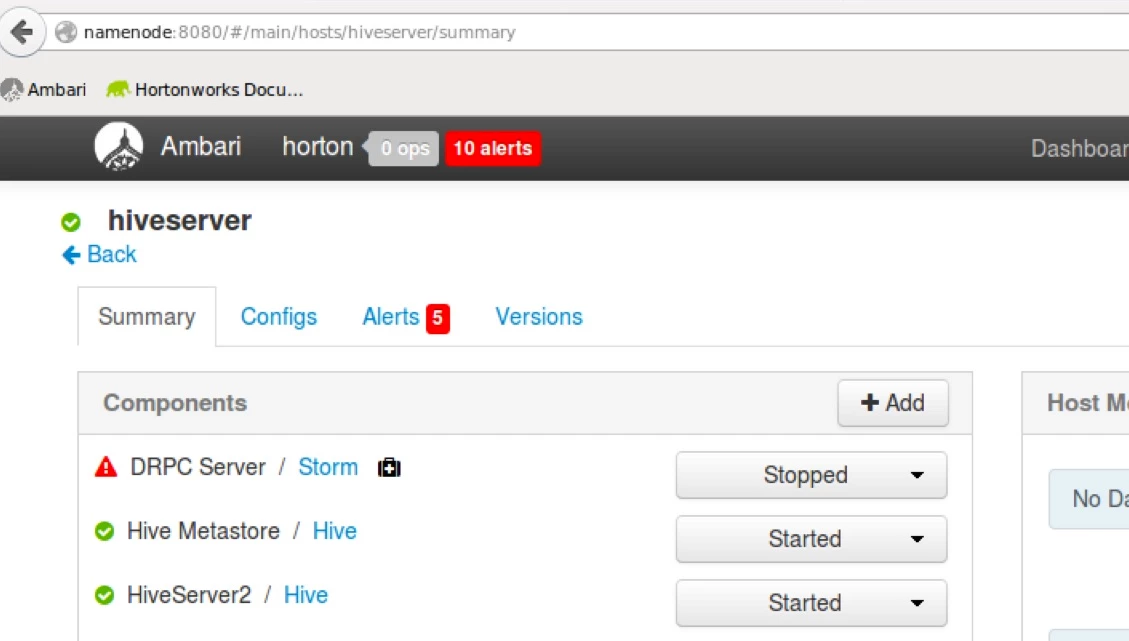
Hive is installed in the cluster in a node named hiveserver. Am going to install driven agent over there.
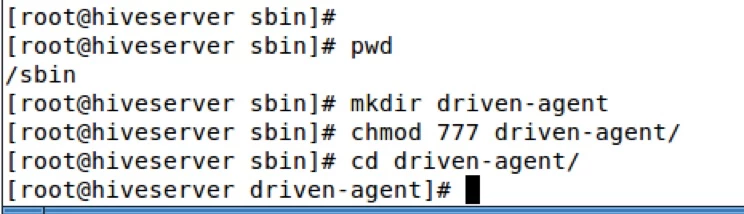
From a terminal/shell, execute the following commands.
# latest Hive agent bundle
 > wget -i
http://files.concurrentinc.com/driven/2.1/driven-agent/latest-driven-agent-hive-bundle.txt
# latest MapReduce agent bundle
> wget -i http://files.concurrentinc.com/driven/2.1/driven-agent/latest-driven-agent-mr-bundle.txt
After execution you will see the below jars:

Step8:
Now you need to export the configurations for the user you want "driven" to run:
For Mapreduce 2.x
export YARN_CLIENT_OPTS="-javaagent:/ path/to/driven-agent-mr-<version>.jar=drivenHosts=<driven host>;drivenAPIkey=<driven api key>"
So my export becomes: export YARN_CLIENT_OPTS="-javaagent:/ sbin/driven-agent/driven-agent-mr-2.2.2.jar=drivenHosts=https://trial.driven.io;drivenAPIkey=<mykey>"
**Substitute value of my key For Hive on Tez/MR export HADOOP_OPTS="-javaagent:/path/ to/driven-agent-hive-<version>.jar=drivenHosts=<driven host>;drivenAPIkey=<driven api key>" export HADOOP_OPTS="-javaagent:/sbin/ driven-agent/driven-agent-hive-2.2.2.jar=drivenHosts=https://trial.driven.io;drivenAPIkey=<mykey>"
**Substitute value of my key
I have a user called storm setup in my cluster.
su – storm
 export
YARN_CLIENT_OPTS="-javaagent:/
 sbin/driven-agent/driven-agent-mr-2.2.2.jar=drivenHosts=https://trial.driven.io;drivenAPIkey=<mykey>"
 export
HADOOP_OPTS="-javaagent:/sbin/
 driven-agent/driven-agent-hive-2.2.2.jar=drivenHosts=https://trial.driven.io;drivenAPIkey=<mykey>"
Step9:
Run a program

Step10:
Refresh https://trial.driven.io/index.html#/apps and the user interface will start populating
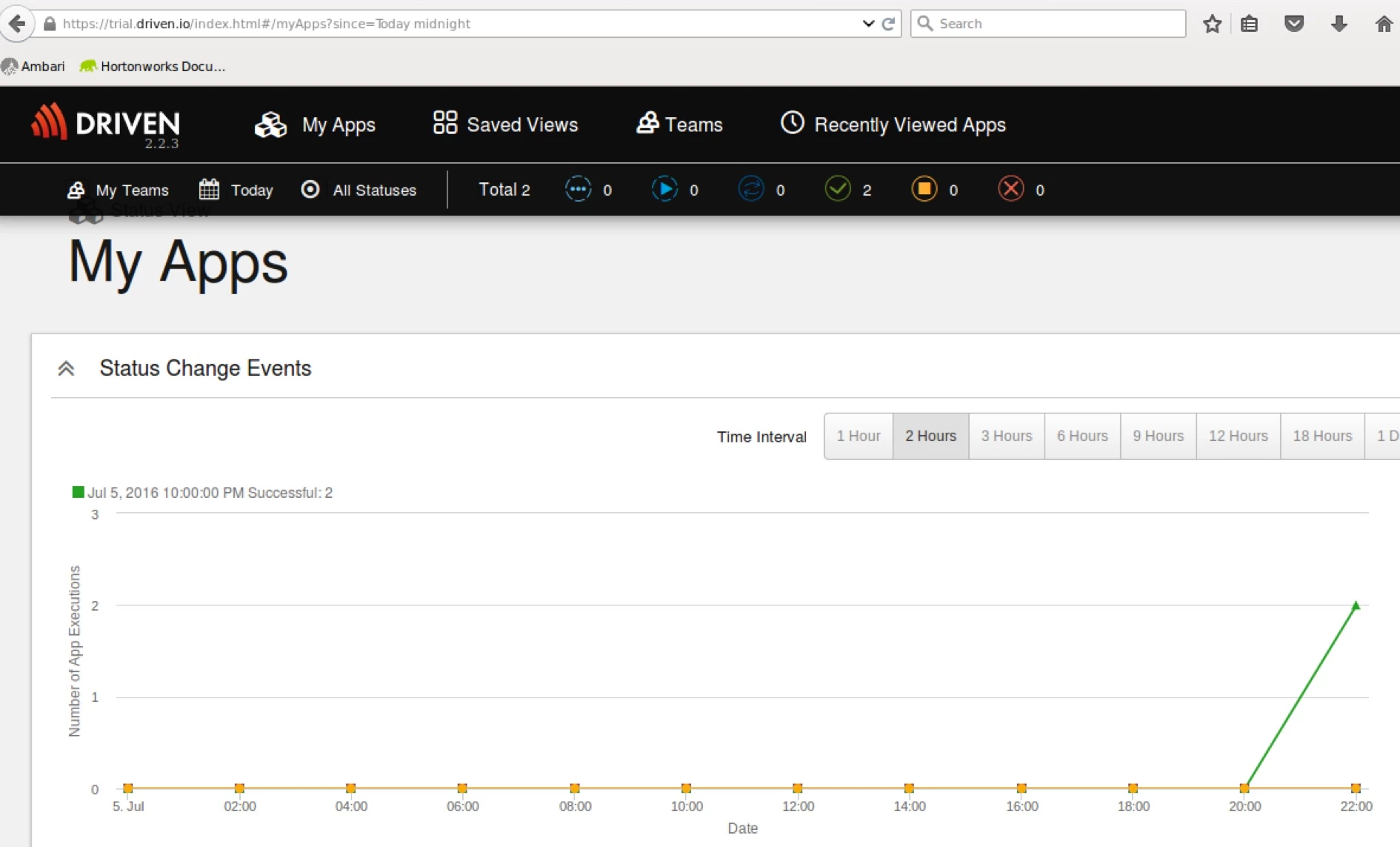
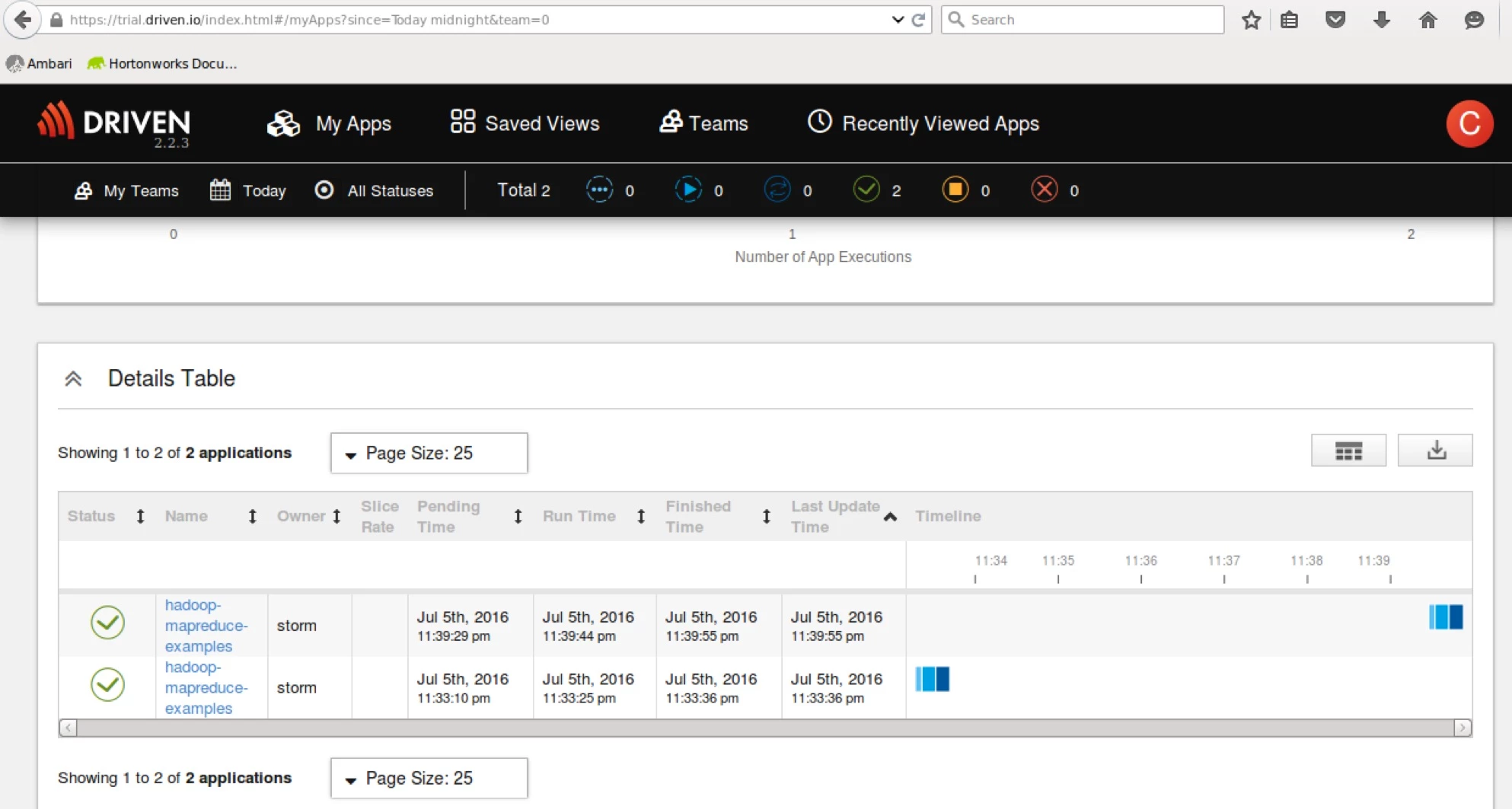
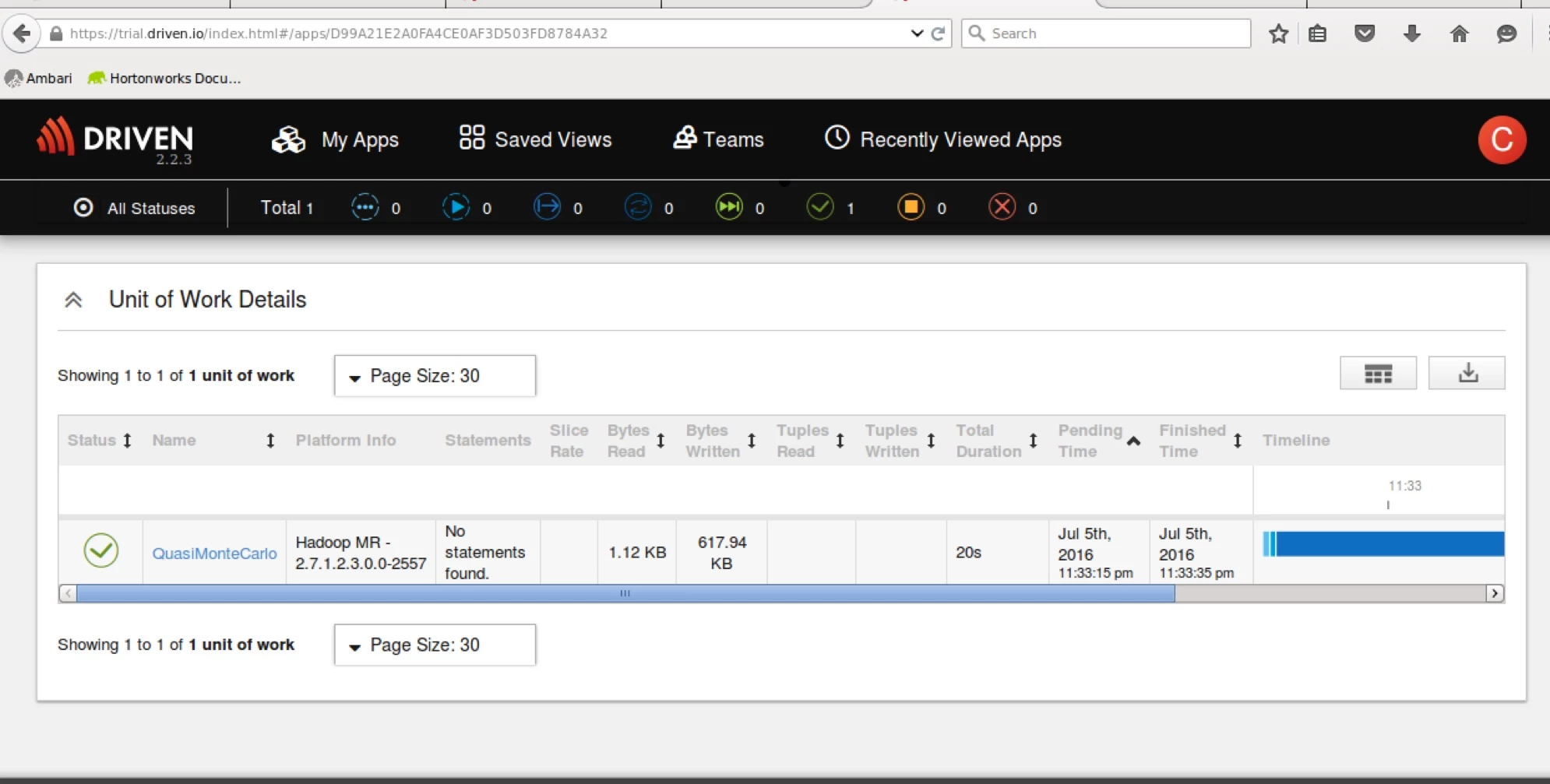
Now that we have successfully setup driven, we will explore the hive metrics user interface in part2 !!!