


Grafana Dashboards are Non-Functional on Systems using Mixed or Upper case hostnames
PROBLEM:
When the hostname is mixed like:
172.26.93.148 GRAFANA-hdp253-s1.openstacklocal GRAFANA-hdp253-s1
172.26.93.149 GRAFANA-hdp253-s2.openstacklocal GRAFANA-hdp253-s2
172.26.93.150 GRAFANA-hdp253-s3.openstacklocal GRAFANA-hdp253-s3
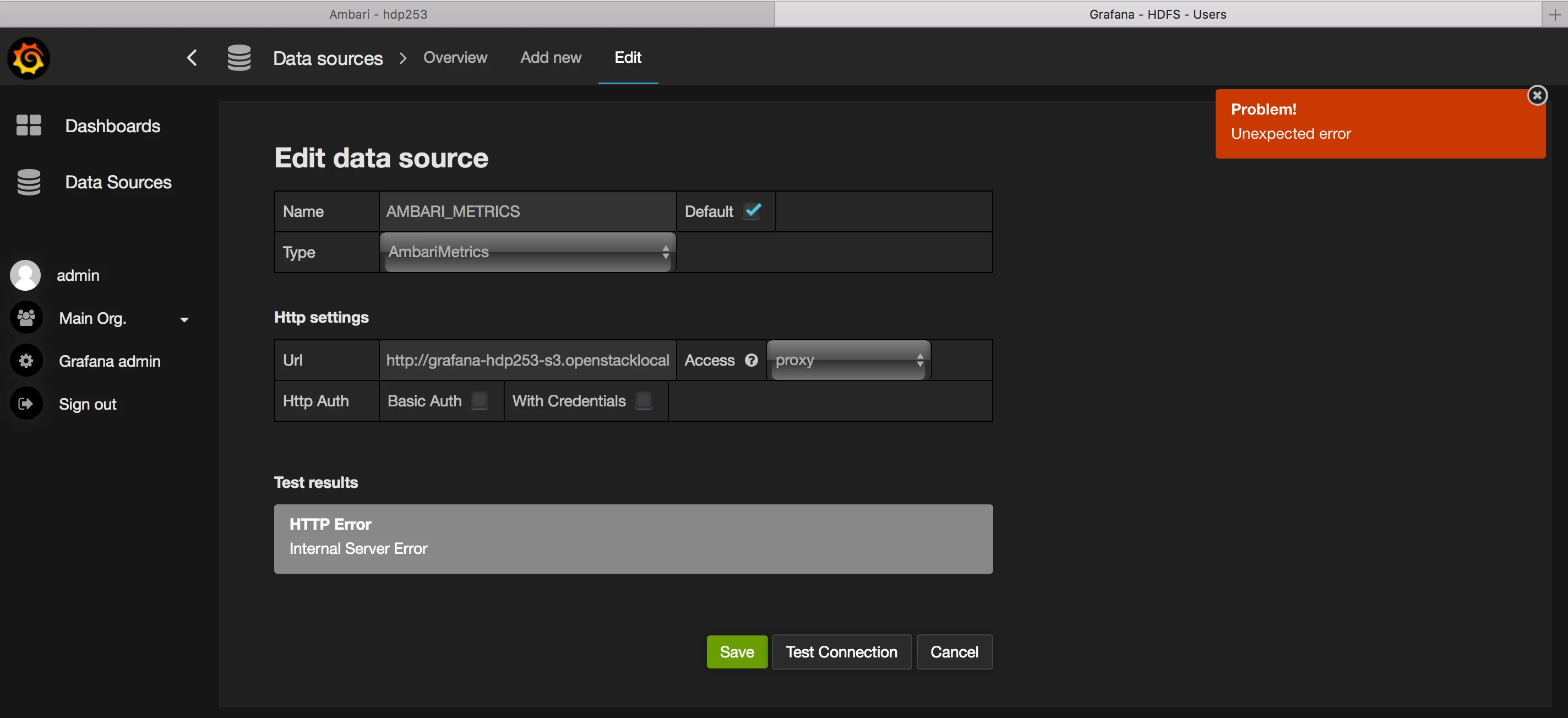
Ambari creates the datasource with a lower case hostname:
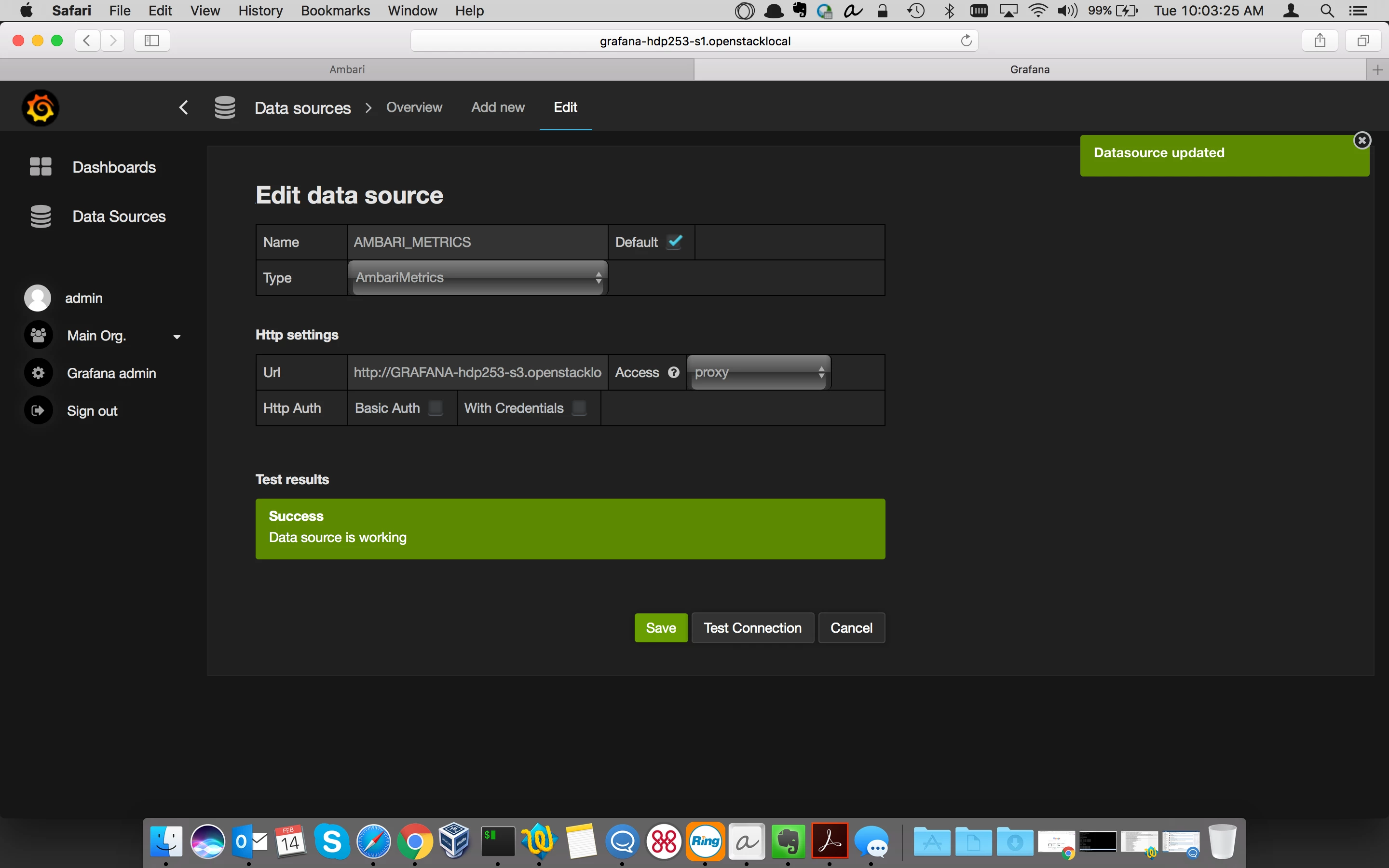
Once you enter the hostname with mixed case, Grafana works:
RESOLUTION
Grafana 2.6.0 backend uses Go 1.5. Go's DNS lookup had a bug where the look up is case sensitive: https://github.com/golang/go/issues/12806
We can manual workaround by using the original casing in the Grafana Data Source URL as mentioned in the description. Another workaround is to update the /etc/hosts file to have all lowercase patterns as well. This bug was fixed in Go 1.6, so we will no longer have this issue once we upgrade Grafana to a later version (say 4.1.x) in a future version of Ambari.

