
Hortonworks Connected Data Cloud Overview
Hortonworks Cloud Overview
Overview
Hortonworks Cloud (Hortonworks Connected Data cloud) is system for launching and managing a data lake on AWS. You can easily launch HDP clusters for analyzing and processing data. With Apache Hadoop. Use this document as supplement guide to existing official guide by Hortonworks. The doc will guide you in running HDP platform in your AWS environment.
Prerequisites
Before you launch hortonworks cloud controller make sure
- You have AWS account. (https://aws.amazon.com/)
- Amazon key pair to access EC2 instance to run HDP platform. (http://docs.aws.amazon.com/AWSEC2/latest/UserGuide/ec2-key-pairs.html#having-ec2-create-your-key-pair)
Hortonworks cloud supported in following regions for now.
Us-east-1, us-west-2, eu-central-1, eu-west-1 and ap-northeast-1.
Architecture Overview
Cloud Controller is the primary component of hortonworks cloud. Cloud controller manages one or more HDP clusters on AWS. It runs on EC2 instance and used for launching and managing cluster. The master and worker nodes runs on multiple EC2 instances. Different cluster type templates are provided to accelerate the HDP platform setup on AWS. Currently two HDP versions are available.
- HDP 2.4
- HDP 2.5 (Technical Preview).
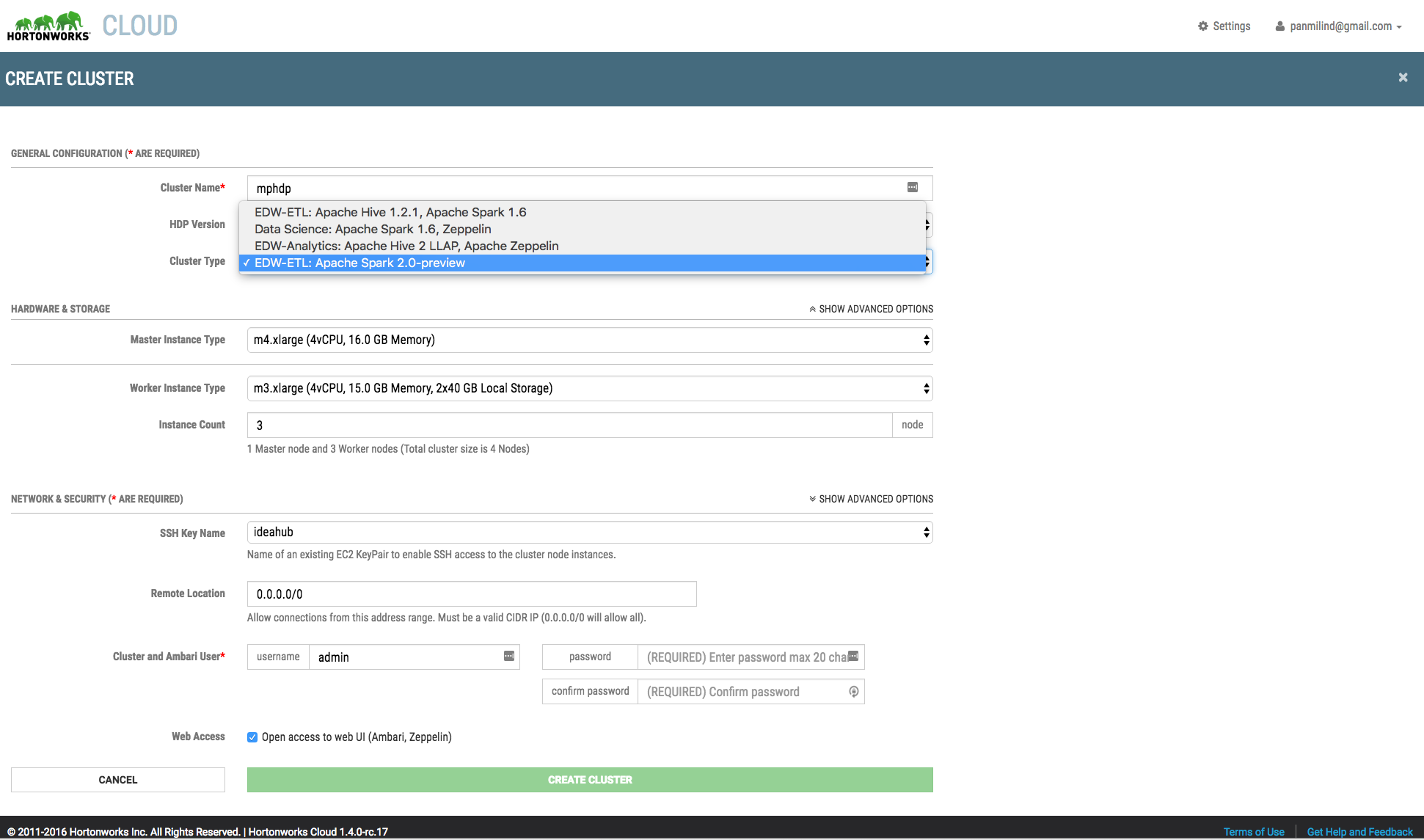
During cluster creation you can select the HDP version and cluster types.
Cloud Controller
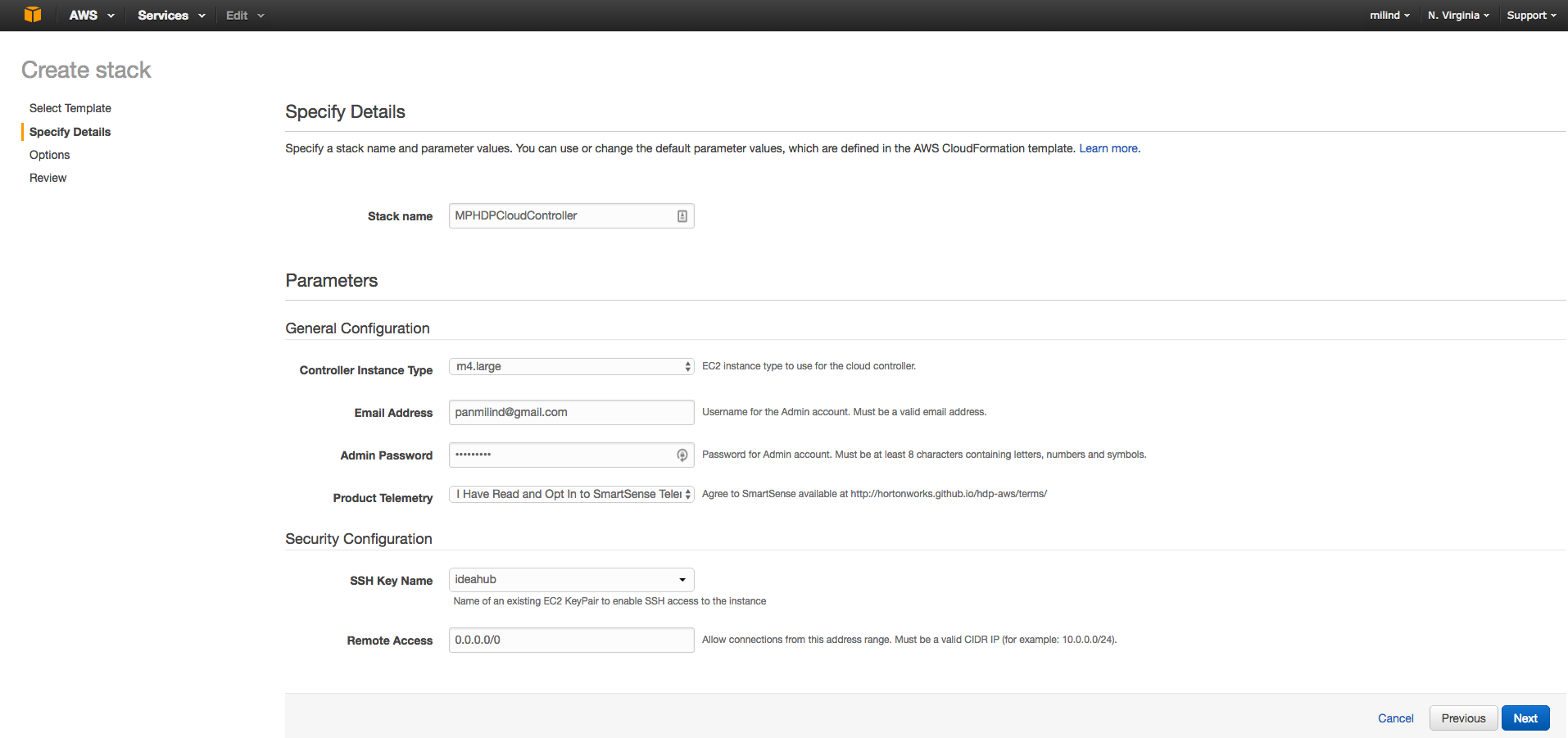
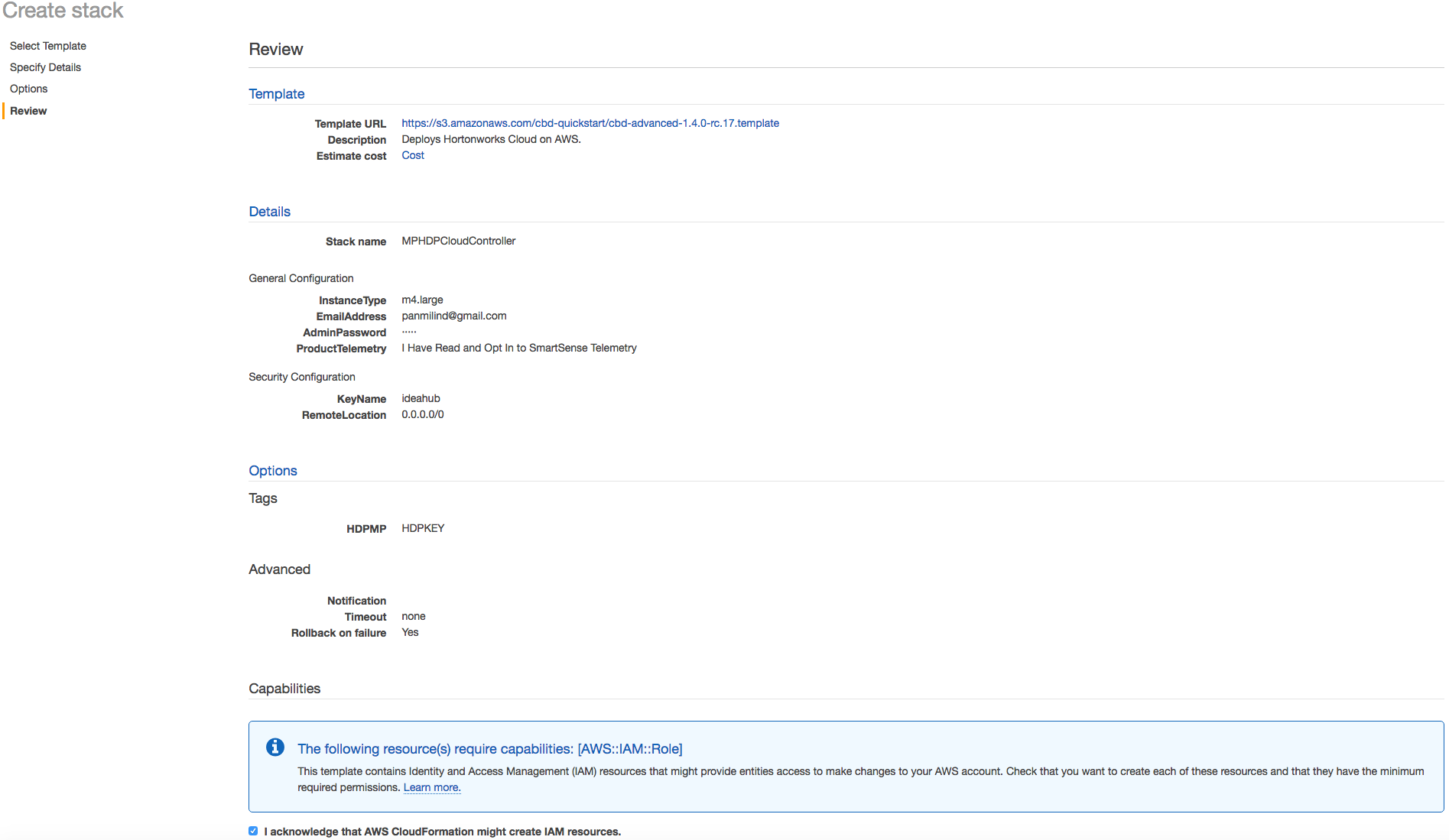
The screenshots in this section covers the detail setup and configuration after launching the cloud controller to create the AWS resources. You can launch the cloud controller at
http://hortonworks.github.io/hdp-aws/launch/
Setup & Configuration Details.
screen-shot-2016-07-26-at-120243-pm.png
screen-shot-2016-07-26-at-120546-pm.png
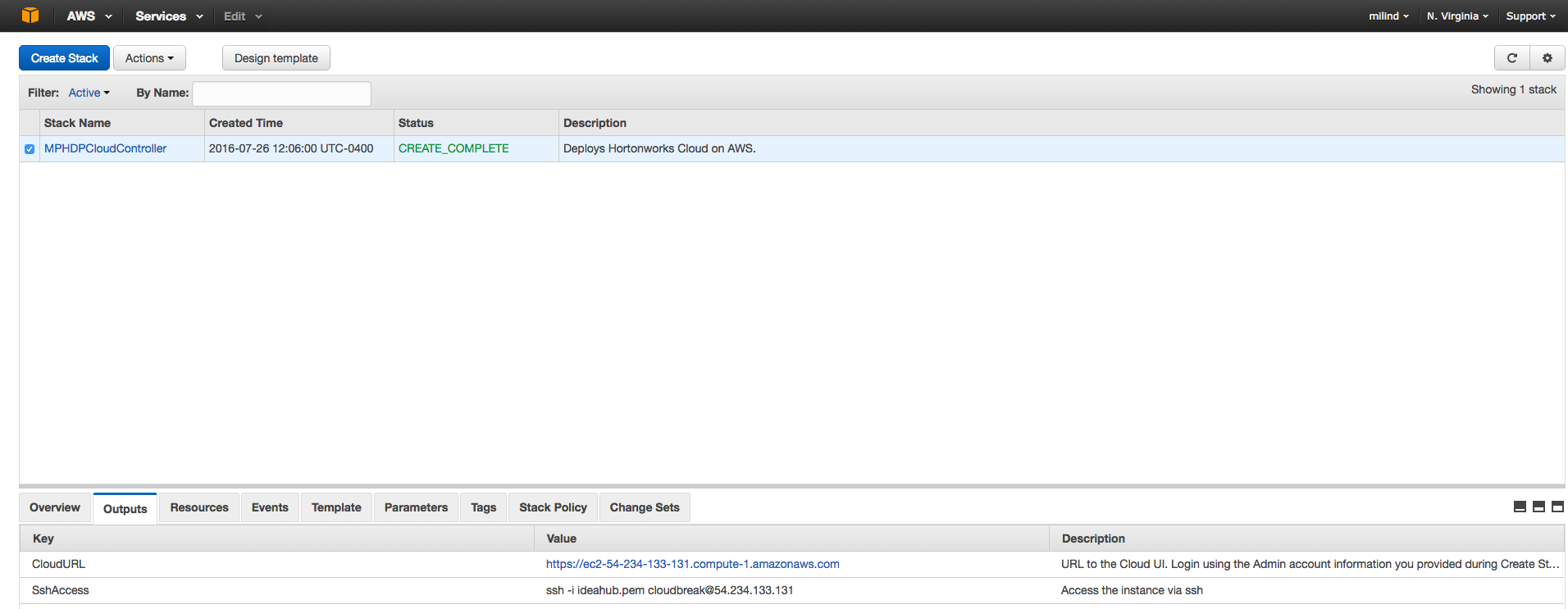
screen-shot-2016-07-26-at-120743-pm.png
Once the stack creation is complete you can access the cloud controller to create HDP cluster.
Accessing Cloud UI.
Using the CloudURL you can access the cloud controller instance. Check the screenshot below to get your CloudURL.
screen-shot-2016-07-26-at-10434-pm.png
screen-shot-2016-07-26-at-10512-pm.png
screen-shot-2016-07-26-at-10544-pm.png
You have provided with cluster templates to accelerate the HDP cluster configuration. You can select the HDP version and cluster type.
screen-shot-2016-07-26-at-10654-pm.png
screen-shot-2016-07-26-at-10821-pm.png
screen-shot-2016-07-26-at-10907-pm.png
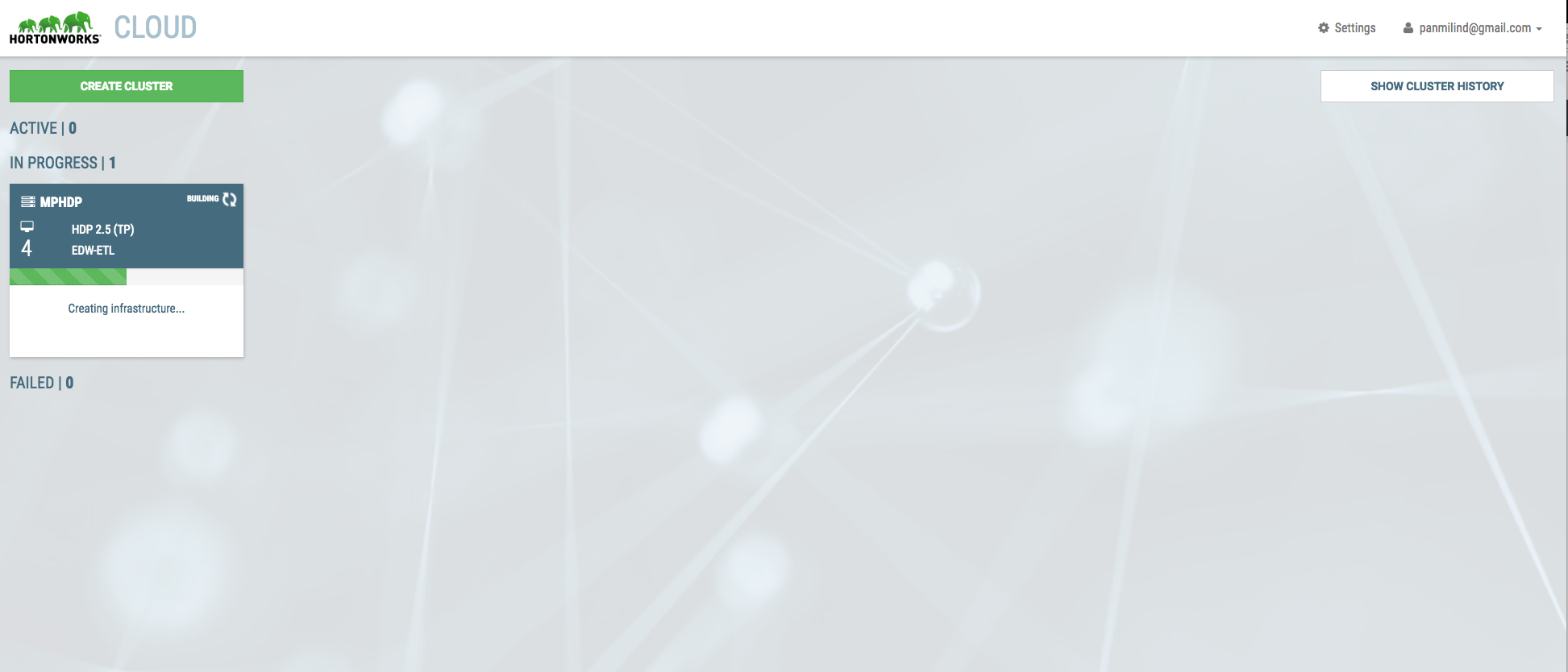
It normally takes less than 30 minutes to setup 3 node HDP cluster.
screen-shot-2016-07-26-at-10956-pm.png
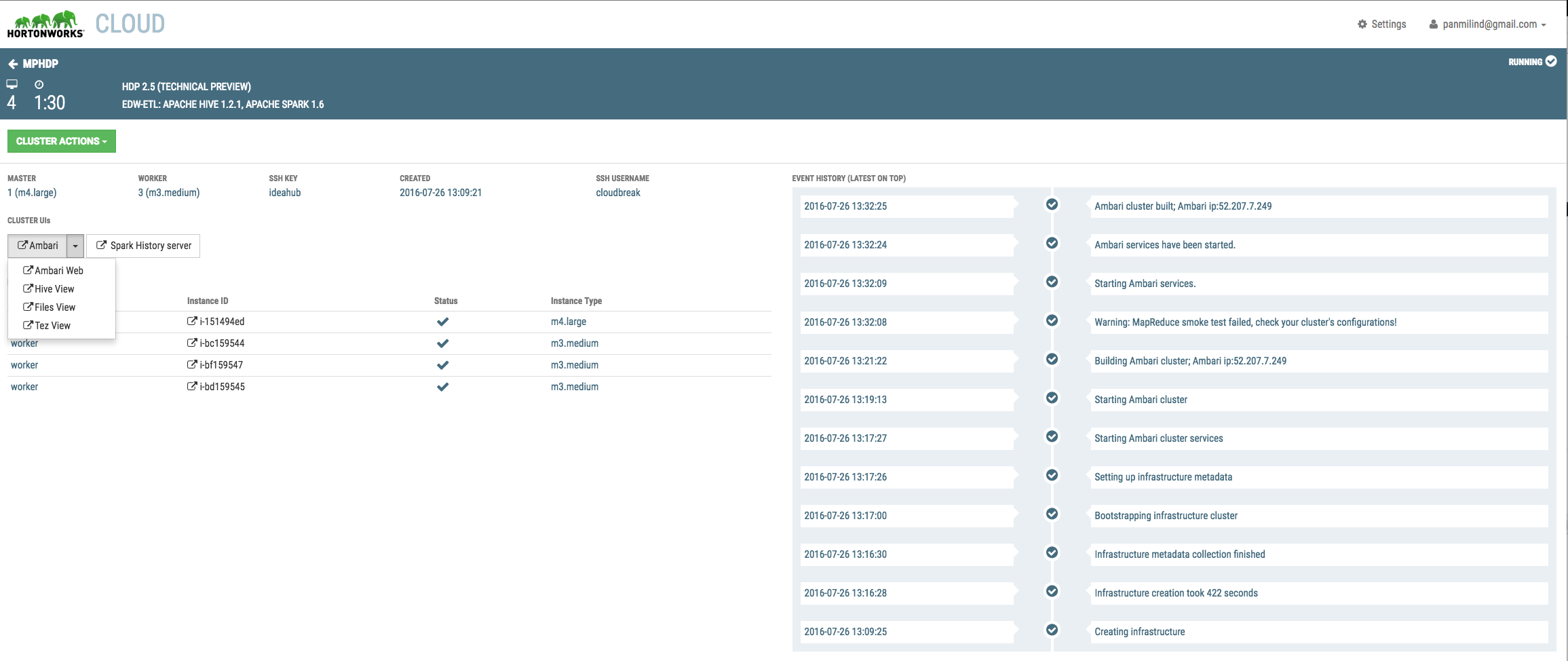
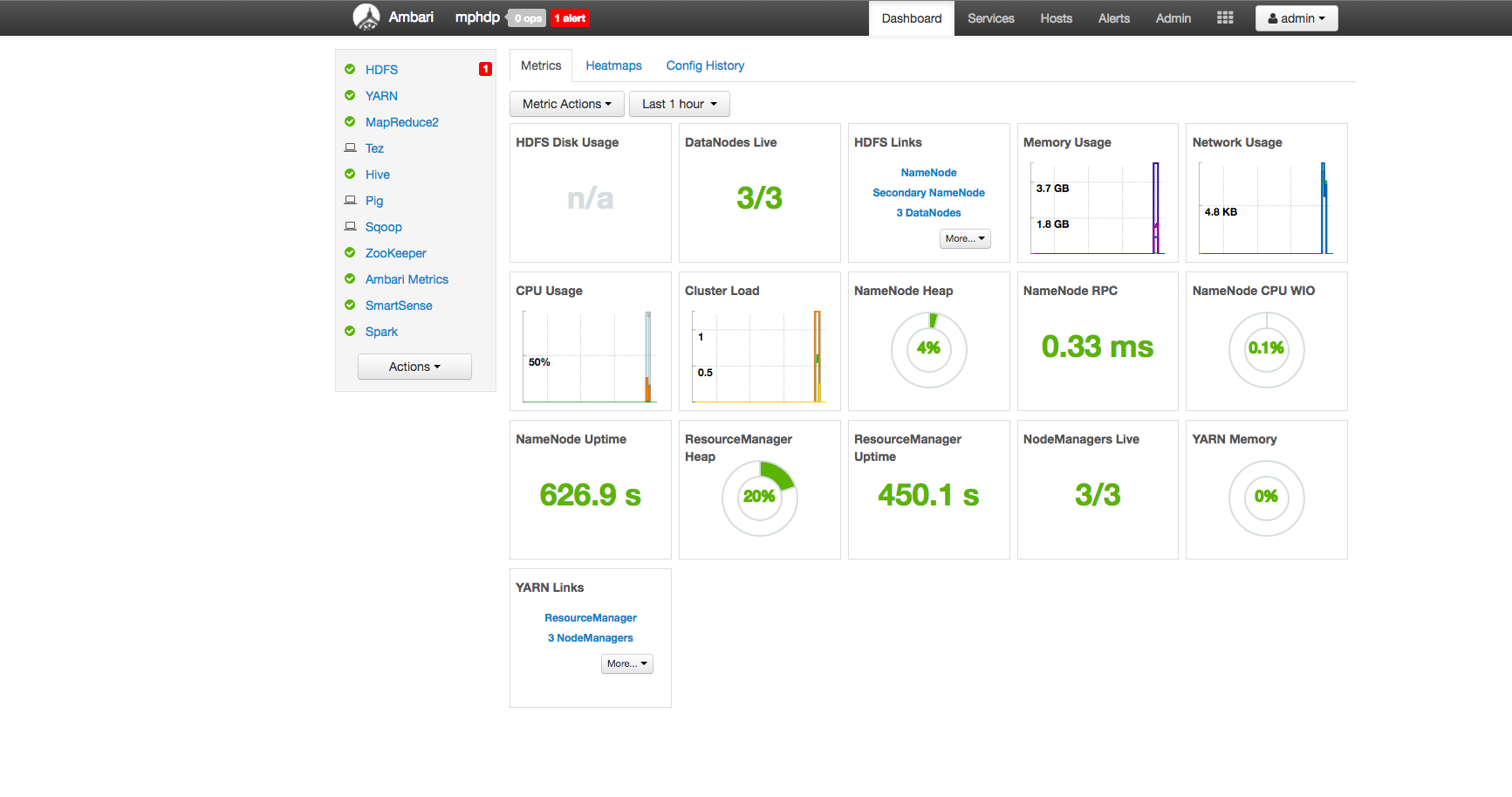
Validate all the steps for any errors and you can launch the Ambari web UI to verify the cluster setup.
screen-shot-2016-07-26-at-30332-pm.png
screen-shot-2016-07-26-at-13405-pm.png
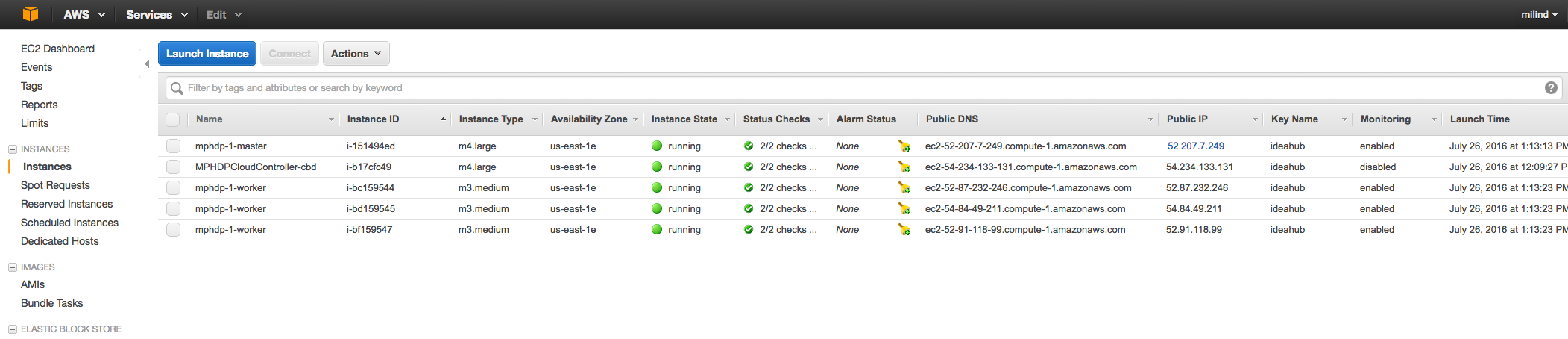
On AWS dashboard it will provide the details of all the running EC2 instances.
screen-shot-2016-07-26-at-13527-pm.png
Post cluster setup Actions.
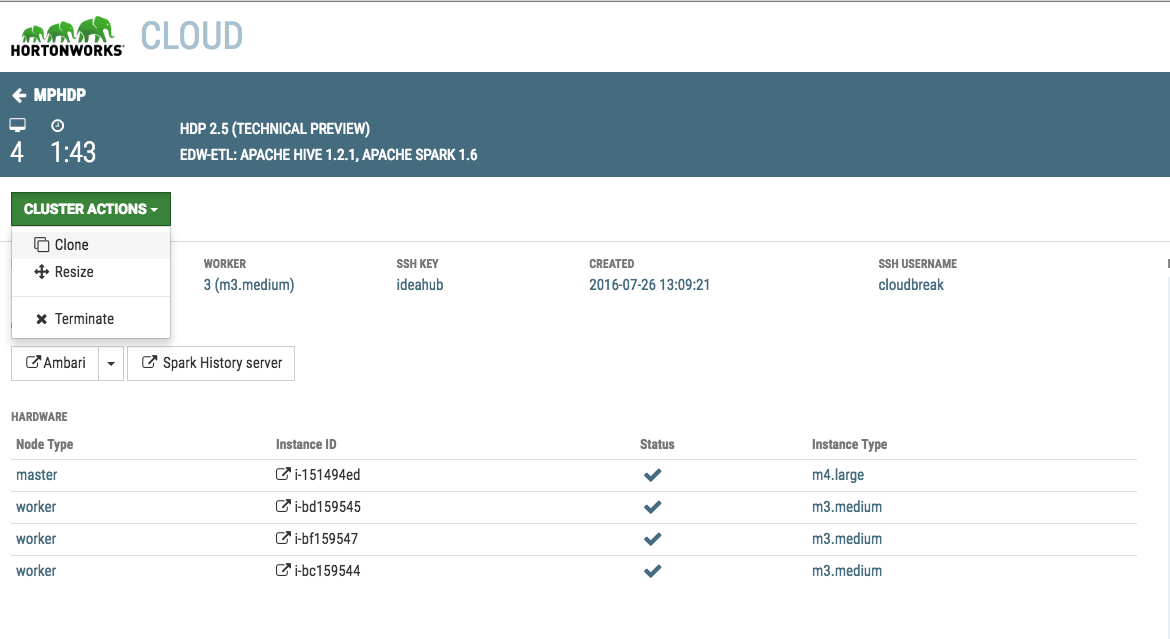
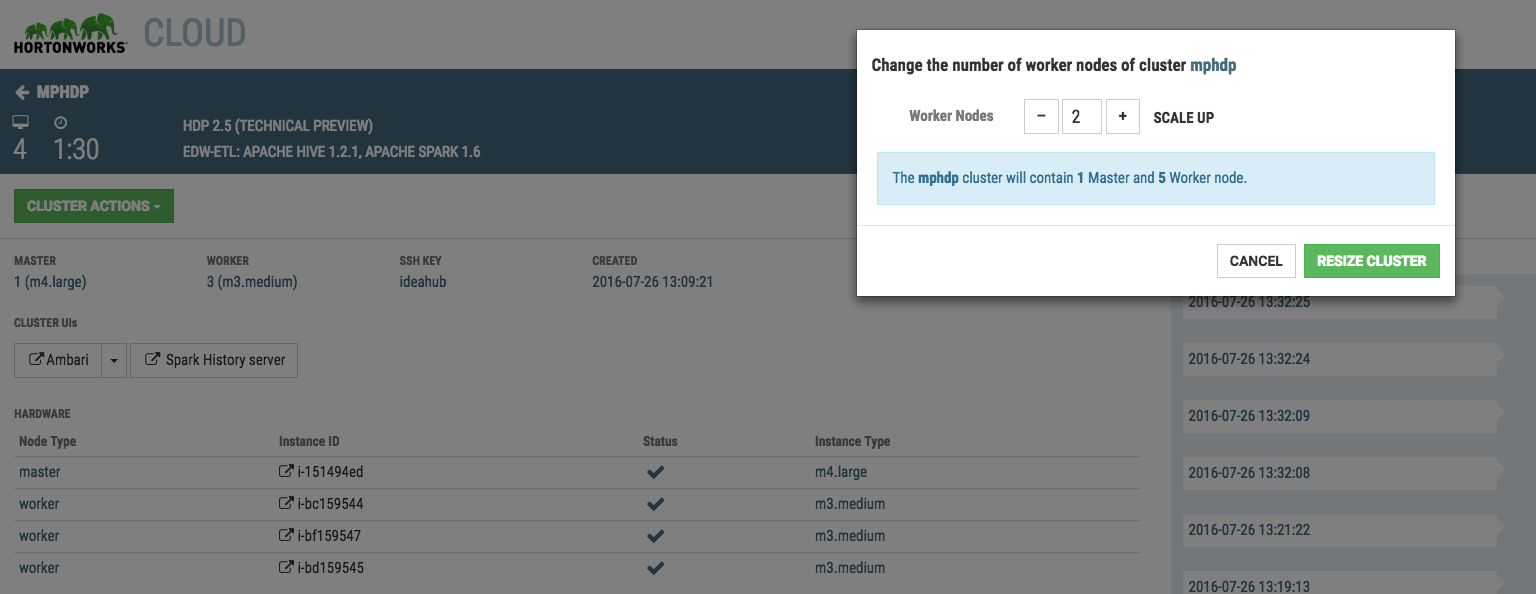
The cluster action provides you the option to
- Resize the cluster
- Clone the cluster.
screen-shot-2016-07-26-at-31618-pm.pngscreen-shot-2016-07-26-at-31339-pm.png
Benefits
Hortonworks cloud provides greater agility through faster HDP cluster deployment in AWS.
It provides elastic scalability on demand
You can launch the enterprise ready HDP platform in less than hour.
Document References
http://hortonworks.github.io/hdp-aws/
If you run into AWS related resource limitation, please validate the following doc. (elastic IP address limit etc.)
http://docs.aws.amazon.com/AmazonVPC/latest/UserGuide/VPC_Appendix_Limits.html
you can submit request to increasing the limit by