

How to access fine grained audit logging in CML
==> aws sts get-caller-identity
{
    "Account": "012345678910",
    "UserId": "ABBBBBBBBB BXXXXXXXXXX",
    "Arn": "arn:aws:iam::012345678910:user/cperro"
}
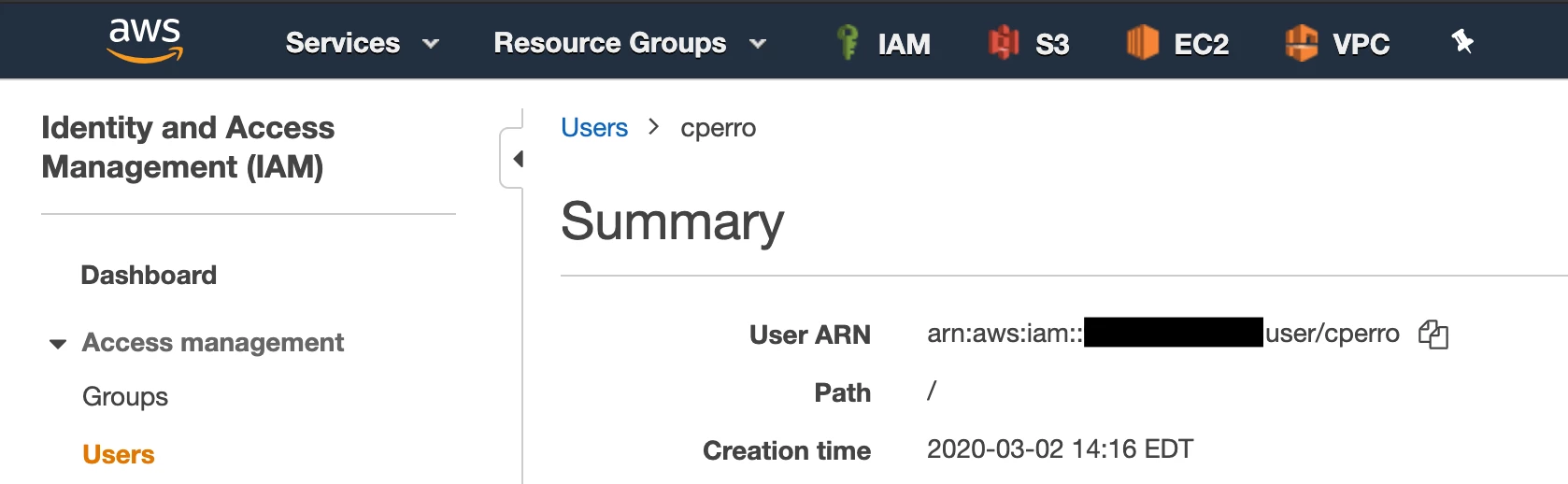
From AWS Console
- Open the AWS Console.
- Navigate to IAM.
- Navigate to Users.
- Select your user name.
- Copy the ARN.
Step 3 - Add your ARN to your Workspace
- Navigate to Machine Learning Workspaces in CDP.
- Click on the Options icon (three vertical dots) for your workspace and select the Manage Remote Access option:
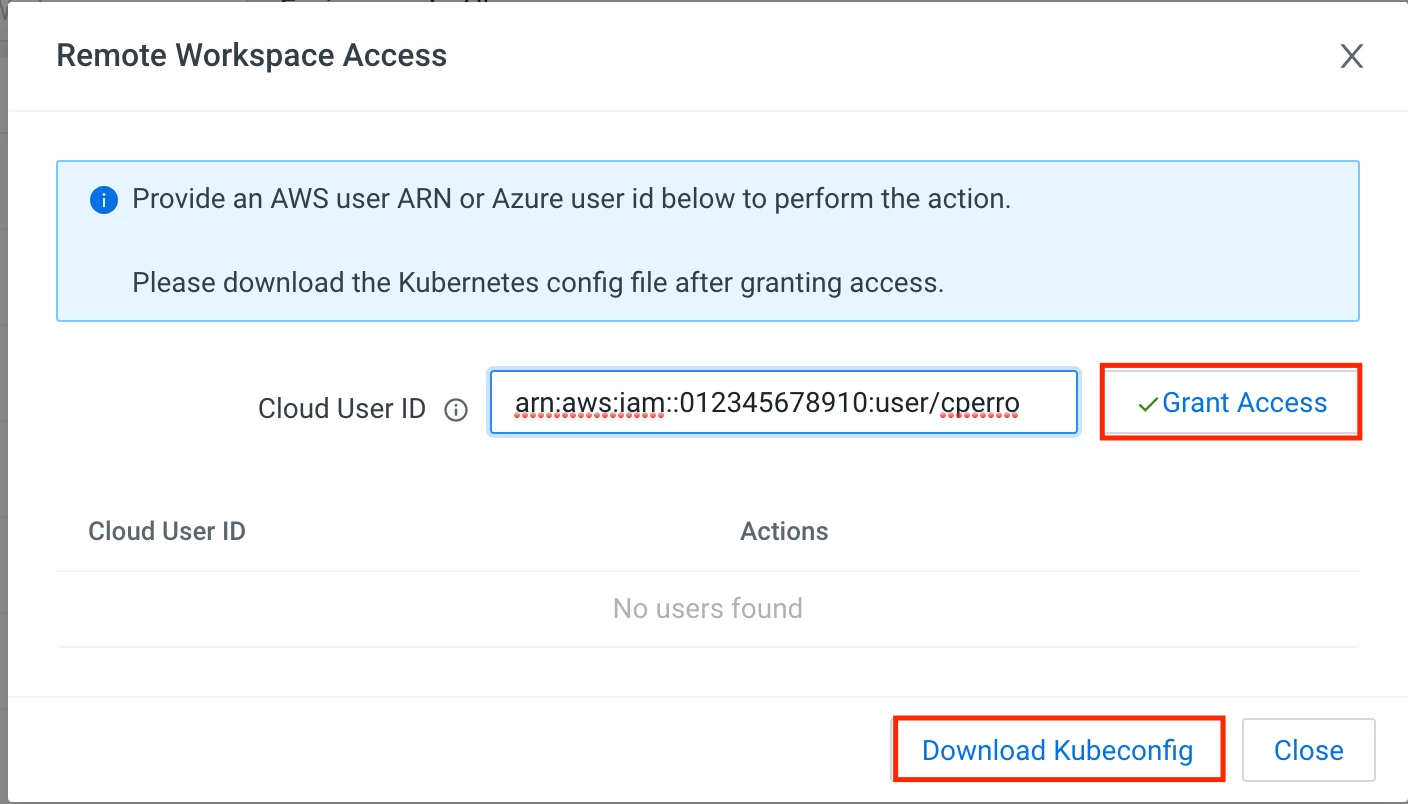
- Paste your ARN and click Grant Access.
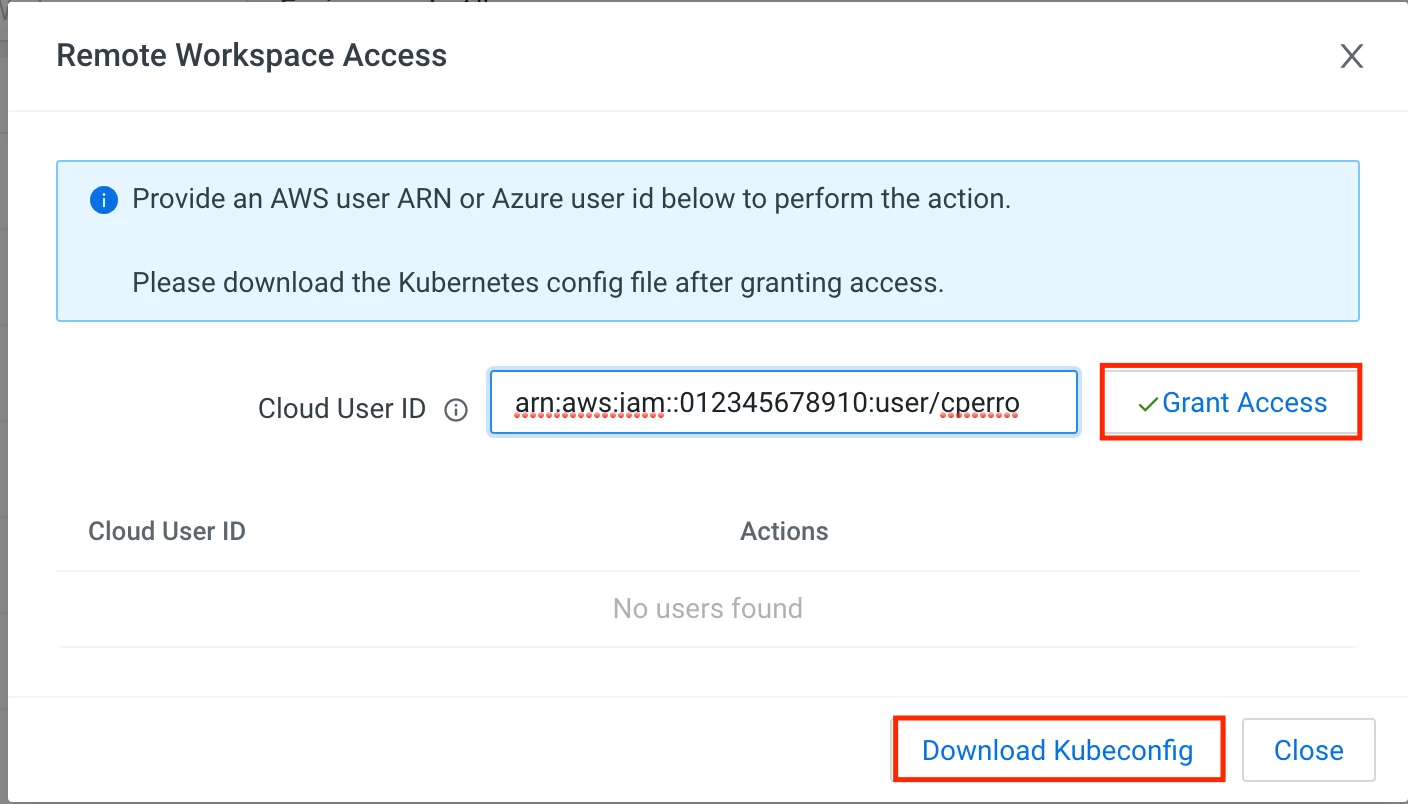
- Click Download Kubeconfig:
Step 4 - Query the Audit Database
Note: the --kubeconfig file should be the KubeConfig you downloaded in the previous step
#List the tables in the database - interactive shell for db-0 pod in mlx namespace -> execute the psql command with user "sense"
kubectl --kubeconfig ~/Downloads/perro-small-workspace-kubeconfig.yaml exec -it db-0 -n mlx -- psql -P pager=off -U sense -c "\l”

#Show the last 10 user events
kubectl --kubeconfig ~/Downloads/perro-small-workspace-kubeconfig.yaml exec -it db-0 -n mlx -- psql -P pager=off -U sense -c "SELECT id, user_id, event_name, description, created_at FROM user_events order by created_at desc limit 10;”

