


How To: Add a Leaflet Map To a Zeppelin Notebook
This article will give a quick demonstration to add Leaflet maps to an Angular paragraph in Zeppelin.
Background: Leaflet Maps
Leaflet is an open-source JavaScript library for interactive maps. Leaflet is designed with simplicity, performance and usability in mind.
Step 1: Adding a map to a Zeppelin notebook.
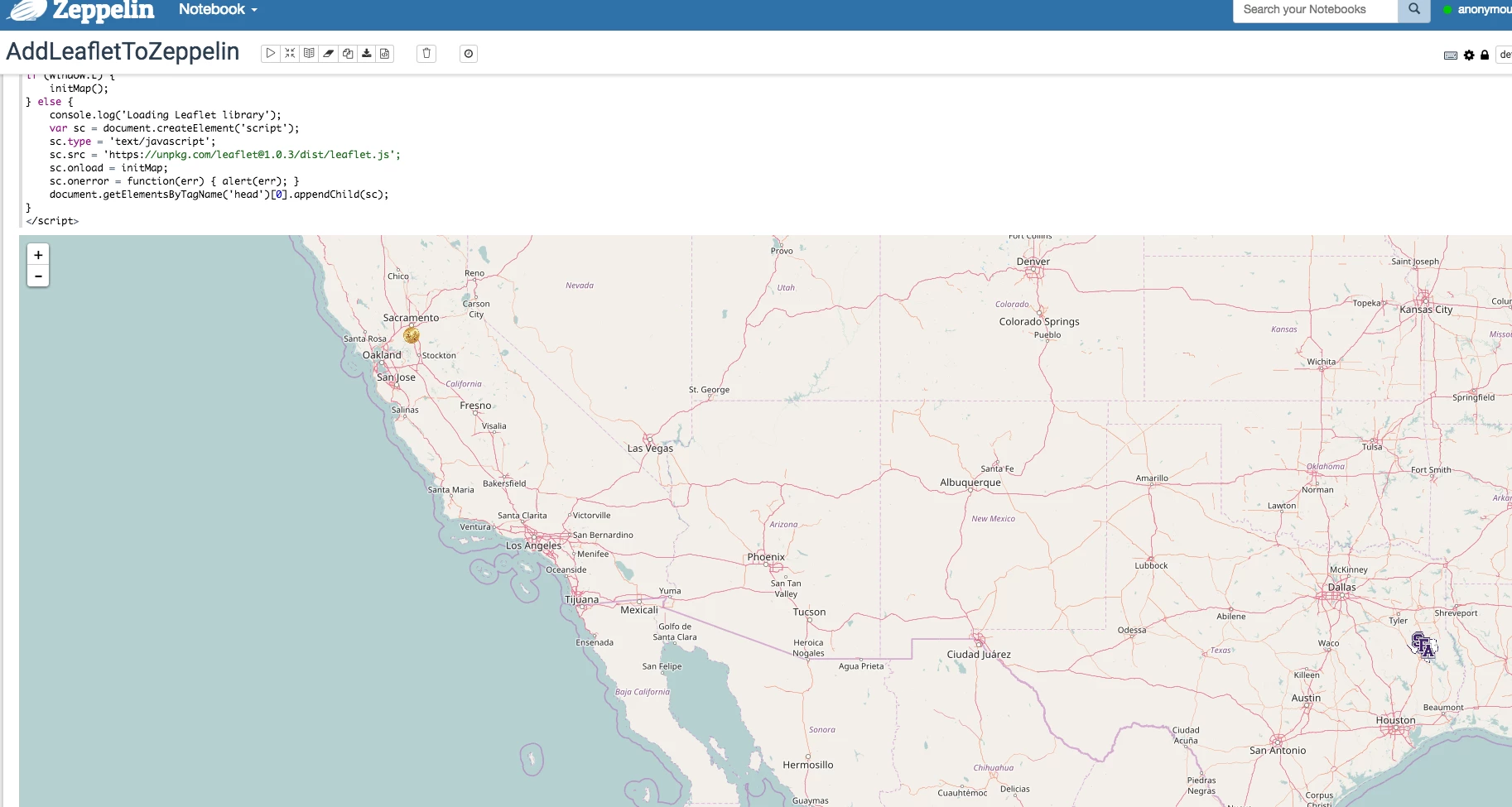
Code Source:
%angular
<link rel="stylesheet" href="https://unpkg.com/leaflet@1.0.3/dist/leaflet.css" />
<div id="map" style="height: 800px; width: 100%"> </div>
<script type="text/javascript">
function initMap() {
    var map = L.map('map').setView([33.415, -111.831], 6);
    L.tileLayer('http://{s}.tile.openstreetmap.org/{z}/{x}/{y}.png', {
        attribution: 'Map data © <a href="http://openstreetmap.org">OpenStreetMap</a> contributors',
        maxZoom: 15,
        minZoom: 3
    }).addTo(map);
    var geoMarkers = L.layerGroup().addTo(map);

}
if (window.L) {
    initMap();
} else {
    console.log('Loading Leaflet library');
    var sc = document.createElement('script');
    sc.type = 'text/javascript';
    sc.src='https://unpkg.com/leaflet@1.0.3/dist/leaflet.js';
    sc.onload = initMap;
    sc.onerror = function(err) { alert(err); }
    document.getElementsByTagName('head')[0].appendChild(sc);
}
</script>
Step 2: Adding markers to the map manually.
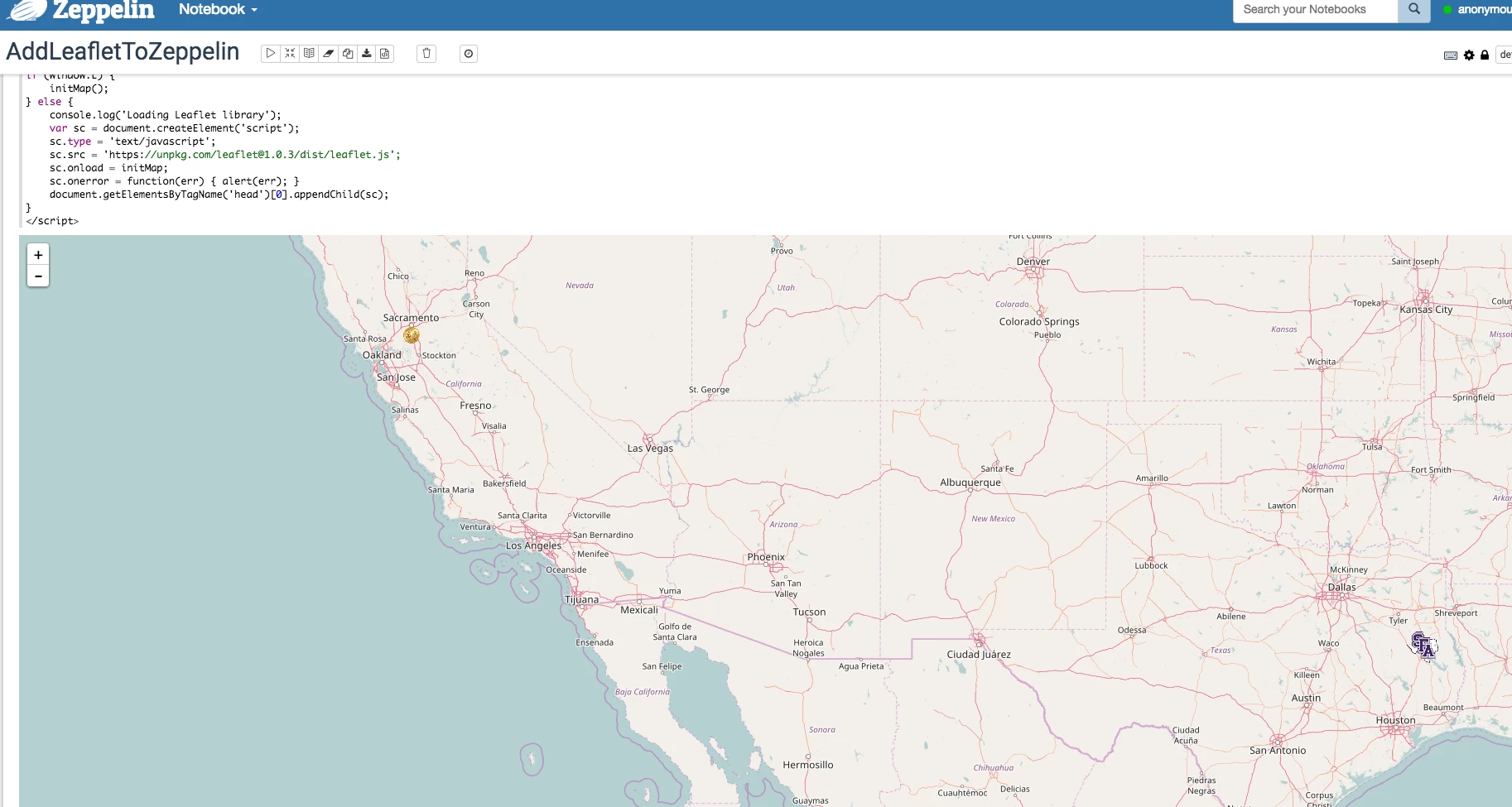
Code Source:
%angular
<link rel="stylesheet" href="https://unpkg.com/leaflet@1.0.3/dist/leaflet.css" />
<div id="map" style="height: 800px; width: 100%"> </div>
<script type="text/javascript">
function initMap() {
    var map = L.map('map').setView([33.415, -111.831], 12);
    L.tileLayer('http://{s}.tile.openstreetmap.org/{z}/{x}/{y}.png', {
        attribution: 'Map data © <a href="http://openstreetmap.org">OpenStreetMap</a> contributors',
        maxZoom: 15,
        minZoom: 3
    }).addTo(map);
    var geoMarkers = L.layerGroup().addTo(map);
    var lat = 31.603513;
    var long = -94.655487;
    var lat1 = 38.381572;
    var long1 = -121.49440;
    var LJIcon = L.icon({
    iconUrl: 'https://upload.wikimedia.org/wikipedia/en/f/ff/SFA_Athletics_logo.png',
    iconSize: [38, 38],
    });
    var goldIcon = L.icon({
    iconUrl: 'http://www.pngmart.com/files/3/Lakshmi-Gold-Coin-PNG-Transparent-Image.png',
    iconSize: [20, 20],
    });
   var marker = L.marker([ lat, long ],{icon: LJIcon} ).bindPopup("Nacogdoches, Tx" +" : " + "21ABC").addTo(map);
    var marker1 = L.marker([ lat1, long1 ],{icon: goldIcon} ).bindPopup("Sacramento, Ca" +" : " + "34DGC").addTo(geoMarkers)
}
if (window.L) {
    initMap();
} else {
    console.log('Loading Leaflet library');
    var sc = document.createElement('script');
    sc.type = 'text/javascript';
    sc.src='https://unpkg.com/leaflet@1.0.3/dist/leaflet.js';
    sc.onload = initMap;
    sc.onerror = function(err) { alert(err); }
    document.getElementsByTagName('head')[0].appendChild(sc);
}
</script>
Step 3: Adding map markers from a GeoJSON file.
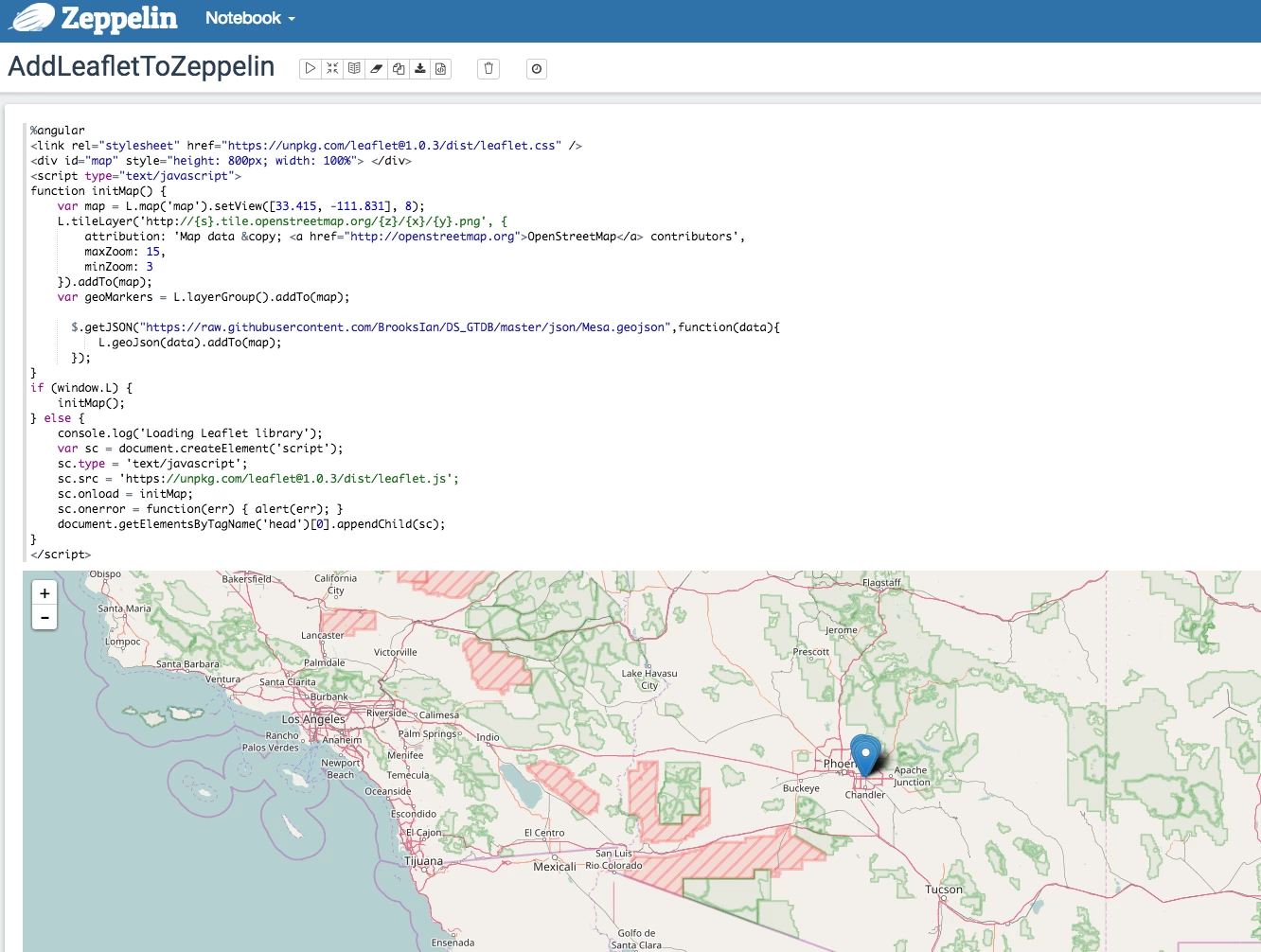
Code Source:
%angular
<link rel="stylesheet" href="https://unpkg.com/leaflet@1.0.3/dist/leaflet.css" />
<div id="map" style="height: 800px; width: 100%"> </div>
<script type="text/javascript">
function initMap() {
    var map = L.map('map').setView([33.415, -111.831], 8);
    L.tileLayer('http://{s}.tile.openstreetmap.org/{z}/{x}/{y}.png', {
        attribution: 'Map data © <a href="http://openstreetmap.org">OpenStreetMap</a> contributors',
        maxZoom: 15,
        minZoom: 3
    }).addTo(map);
    var geoMarkers = L.layerGroup().addTo(map);

      $.getJSON("https://raw.githubusercontent.com/BrooksIan/DS_GTDB/master/json/Mesa.geojson",function(data){
          L.geoJson(data).addTo(map);
      });
}
if (window.L) {
    initMap();
} else {
    console.log('Loading Leaflet library');
    var sc = document.createElement('script');
    sc.type = 'text/javascript';
    sc.src='https://unpkg.com/leaflet@1.0.3/dist/leaflet.js';
    sc.onload = initMap;
    sc.onerror = function(err) { alert(err); }
    document.getElementsByTagName('head')[0].appendChild(sc);
}
</script>

