


How to configure CML's Spark Connection
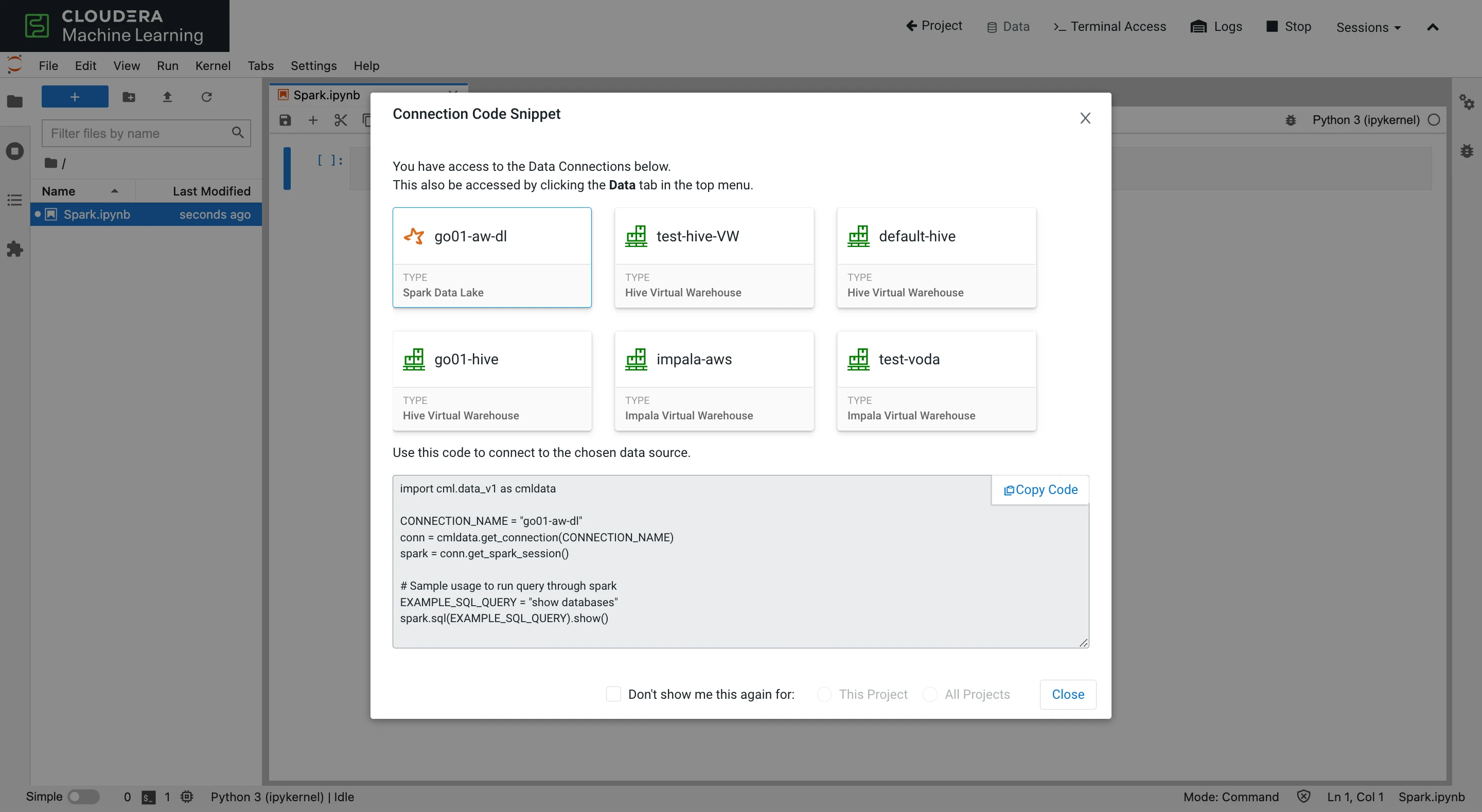
Python script
import cml.data_v1 as cmldata

from pyspark import SparkContext
SparkContext.setSystemProperty('spark.executor.cores', '4')
SparkContext.setSystemProperty('spark.executor.memory', '8g')

CONNECTION_NAME = "go01-aw-dl"
conn = cmldata.get_connection(CONNECTION_NAME)
spark = conn.get_spark_session()
2. Use spark-defaults.conf
By placing a file called spark-defaults.conf in your project root (/home/cdsw/), you can set Spark properties for your SparkSession. The properties configured in this file will be automatically appended to the global Spark defaults.
spark-defaults.conf
spark.executor.cores=4
spark.executor.memory=8g
Python script
import cml.data_v1 as cmldata

CONNECTION_NAME = "go01-aw-dl"
conn = cmldata.get_connection(CONNECTION_NAME)
spark = conn.get_spark_session()
Conclusion
CML supports flexibility by offering two ways to configure its Spark connection snippets. The inline option helps users who want to fine-tune their Spark applications and want to configure different properties per Spark job. The spark-defaults.conf option helps users who want to set Spark properties that are applied for the whole Project.
To read more about the Data Connections feature, read the following blog post: https://blog.cloudera.com/one-line-away-from-your-data/

