Silver ⭐️⭐️⭐️
August 19, 2020
How to configure K9s for Cloudera Data Engineering
- October 5, 2026 at 8:54 AM
- 0 replies
- 8553 views
- Translate All
Inspired by
The process is very similar, as you can see below.
Pre-Requisites
- CDE environment setup
- K9s installed on your machine (instructions here)
- AWS user ARN
- AWS configure (CLI) pointing to your AWS env (instructions here)
Step 1: Add your AWS user to the CDE environment
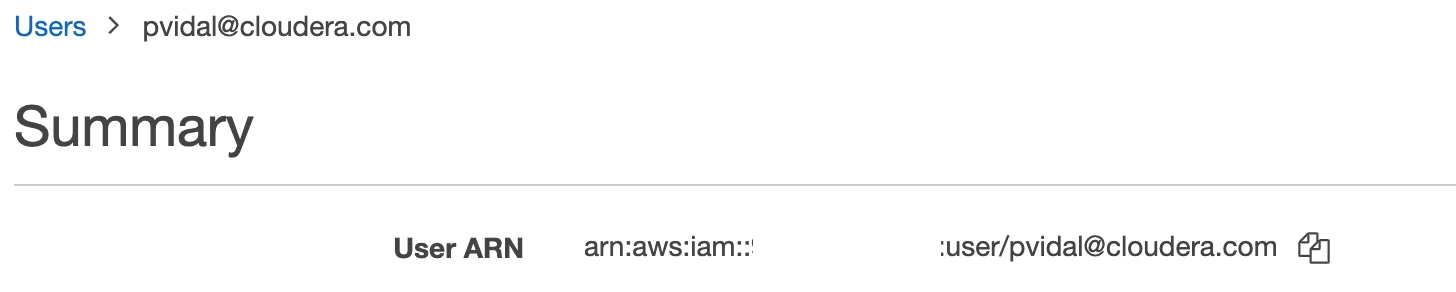
- In your AWS account console, go to IAM > Users > Search for your user name > copy your ARN:
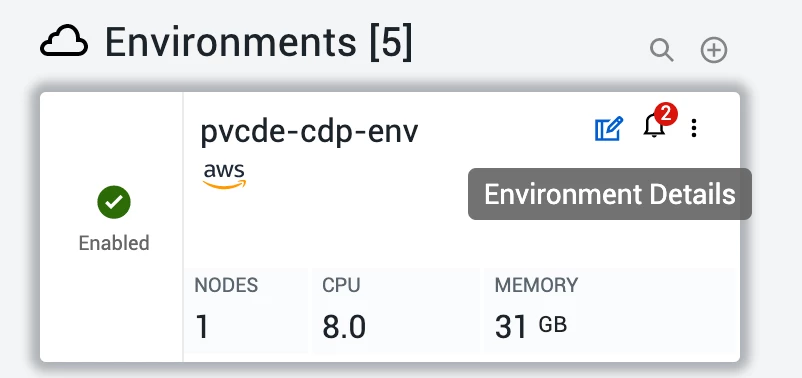
- In the CDE main page, go to environment details:
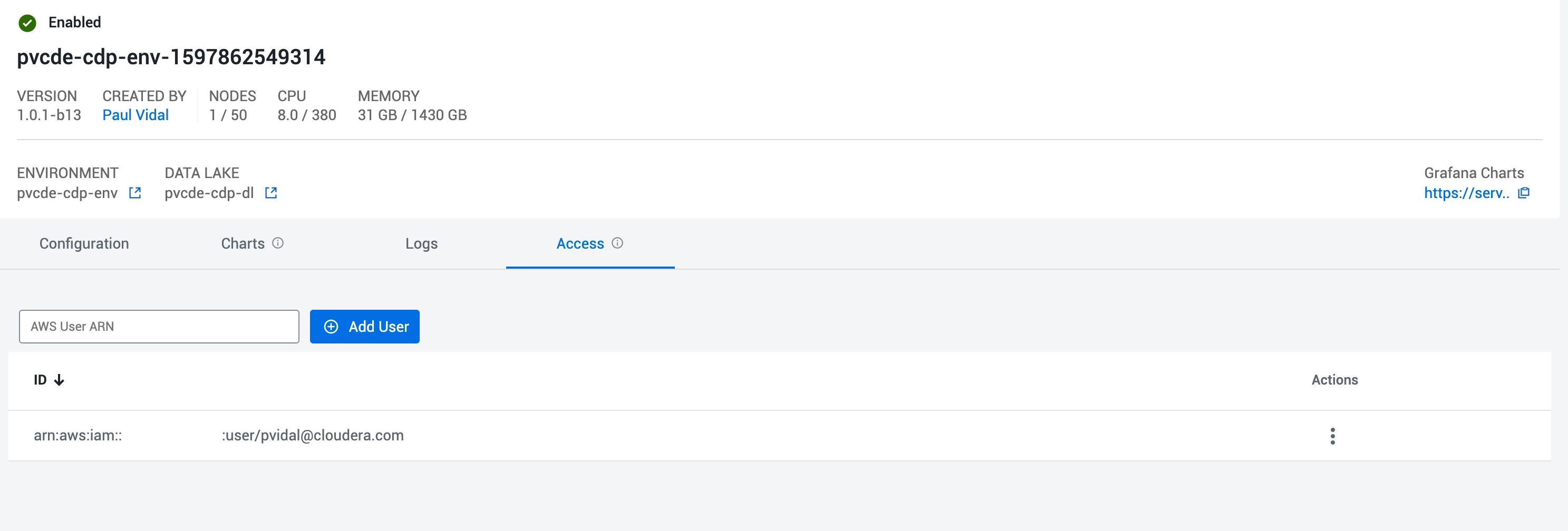
- Then, go to access and add your ARN:
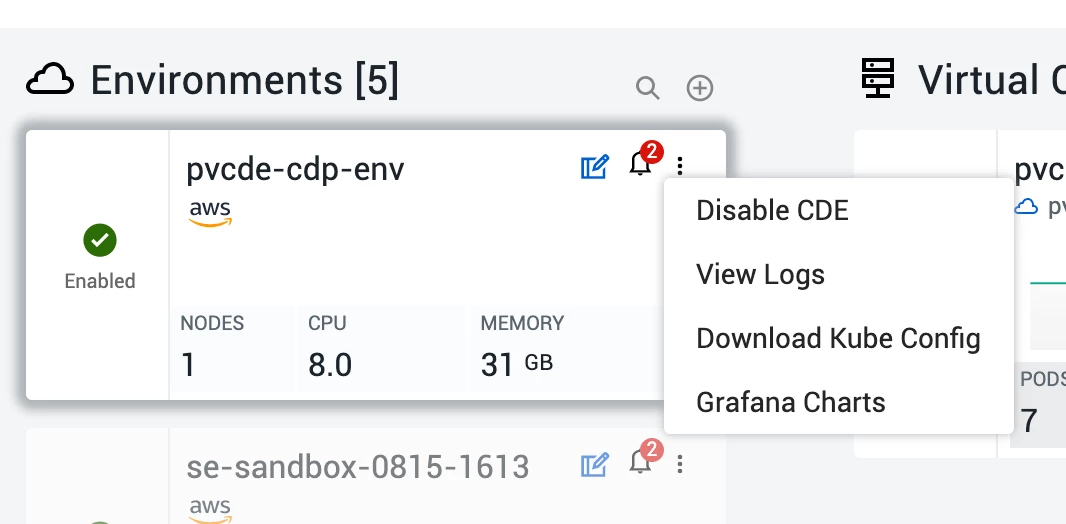
Step 2: Download the kubeconfig
- In the CDE main page, click on the 3 dots, then Download Kube Config:
Step 3: Run K9s
- You can now run k9s, by running:
Note: the path to your downloaded kubeconfig is subject to change of course.k9s --kubeconfig ~/Downloads/kubeconfig