

How to enable user impersonation for JDBC interpreter in Zeppelin with Kerberos disabled
PROBLEM
I have a non kerberized cluster. I did apply https://community.hortonworks.com/articles/81910/how-to-enable-user-impersonation-for-jdbc-interpre.html however the jdbc intepreter is still not impersonated.
NOTE: From HDP 2.6.2 (Zeppelin 0.7.2) JDBC interpreter on non-kerberised cluster is impersonated by having the following property added into Zeppelin UI -> Interpreter -> JDBC config:
hive.proxy.user.property=hive.server2.proxy.user
SOLUTION
1. Go to Zeppelin UI -> Interpreter
The configuration for JDBC hive interpreter should look like

2. Edit JDBC interpreter
Remove properties hive.user and hive.password and save the changes. So, now the configuration looks like

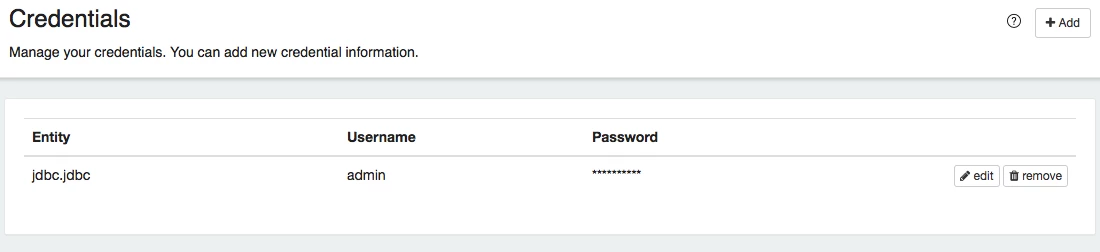
3. Go to Zeppelin UI -> Credential
Add the credentials for the user like
Entity: jdbc.jdbc
Username: <username>
Password: <password>
4. Run the query
Go to your notebook and run the jdbc query for hive. In RM UI this query is now running by YOU


