How to enable user impersonation for SH interpreter in Zeppelin 0.7
ENVIRONMENT and SETUP
I did test the below solution with
- HDP-2.6.0.3-8
- Ambari 2.5.0.3
To configure this environment, follow up the steps defined for HDP 2.5 (Zeppelin 0.6) - https://community.hortonworks.com/articles/81069/how-to-enable-user-impersonation-for-sh-interprete.html
As the Zeppelin UI -> Interpreter window has changed, follow this up.
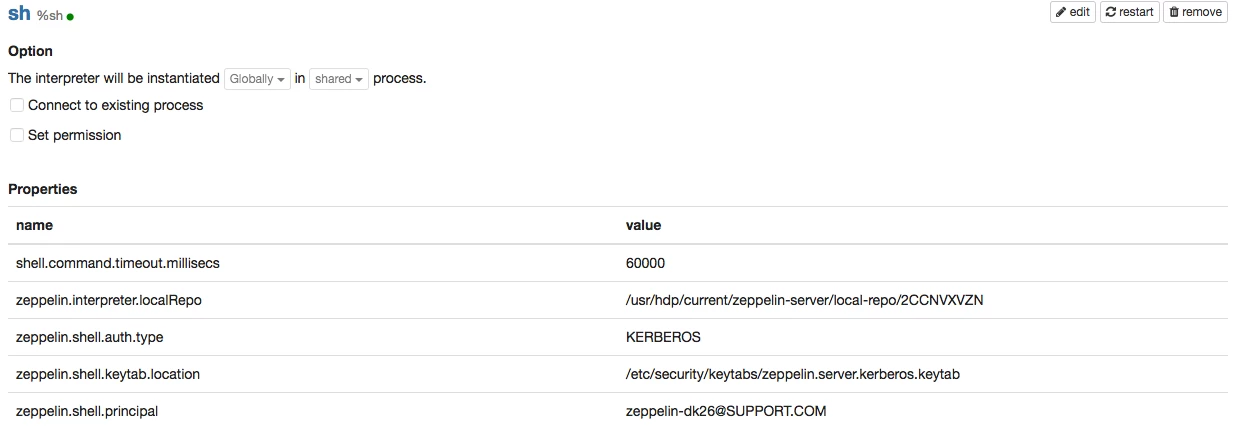
I. Default config looks like below:
II. Do the following change:
- edit the interpreter
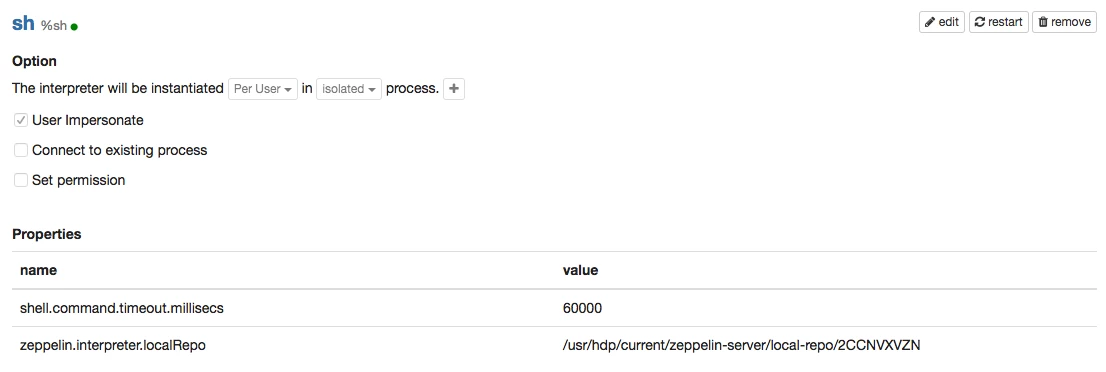
- change The interpreter will be instantiated from Globally to Per User and shared to isolated
- then you will be able to see and select User Impersonate check-box
- also remove
zeppelin.shell.auth.type
zeppelin.shell.keytab.location
zeppelin.shell.principal
III. Changed config looks like below:
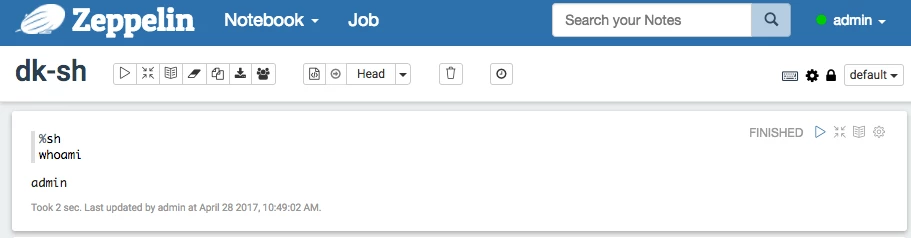
After Saving the changes and running below as admin
%sh
whoami
We get