


vnv
Gold ⭐️
Gold ⭐️
Sep 20, 2016 6:14 AM UTC

How to get Atlas up and running in HDP 2.5 Sandbox.

  • Oct 5, 2026 9:35 AM UTC
  • 9 replies
  • 12390 views
  • Translate All

If you haven't already done so first download the Sandbox from the Hortonworks Website and import it to Virtualbox/VMware.

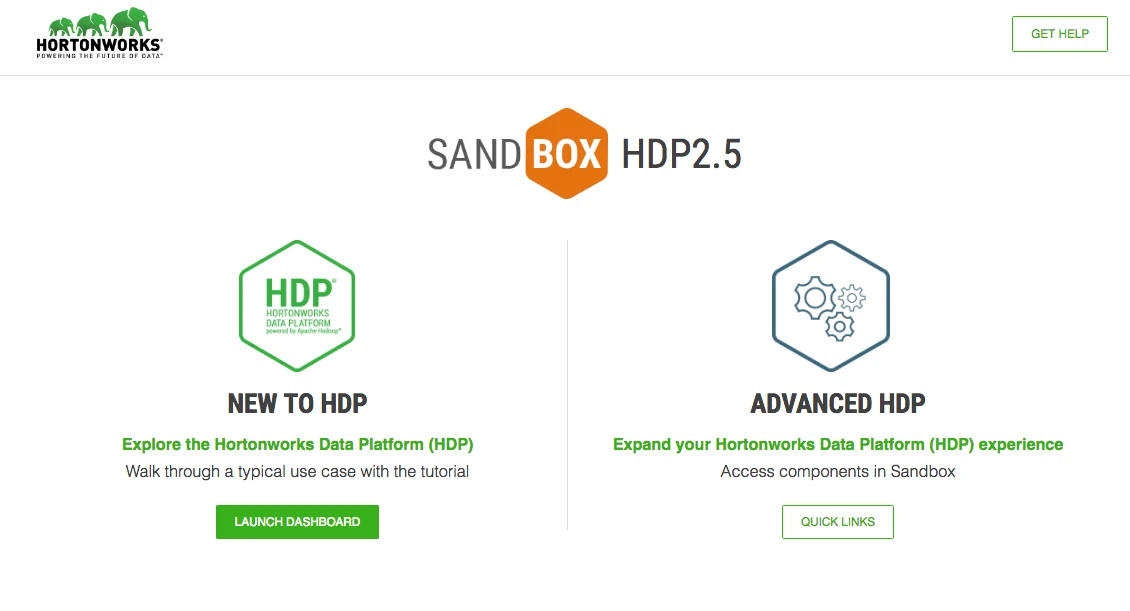
Once you start the Virtual Machine you are directed to the landing page for your new sandbox. http://localhost:8888/

Here you have 2 Paths to choose from. If you are completely new to HDP I encourage you to browse the "New to HDP" section.
7793-screen-shot-2016-09-19-at-23630-pm.png

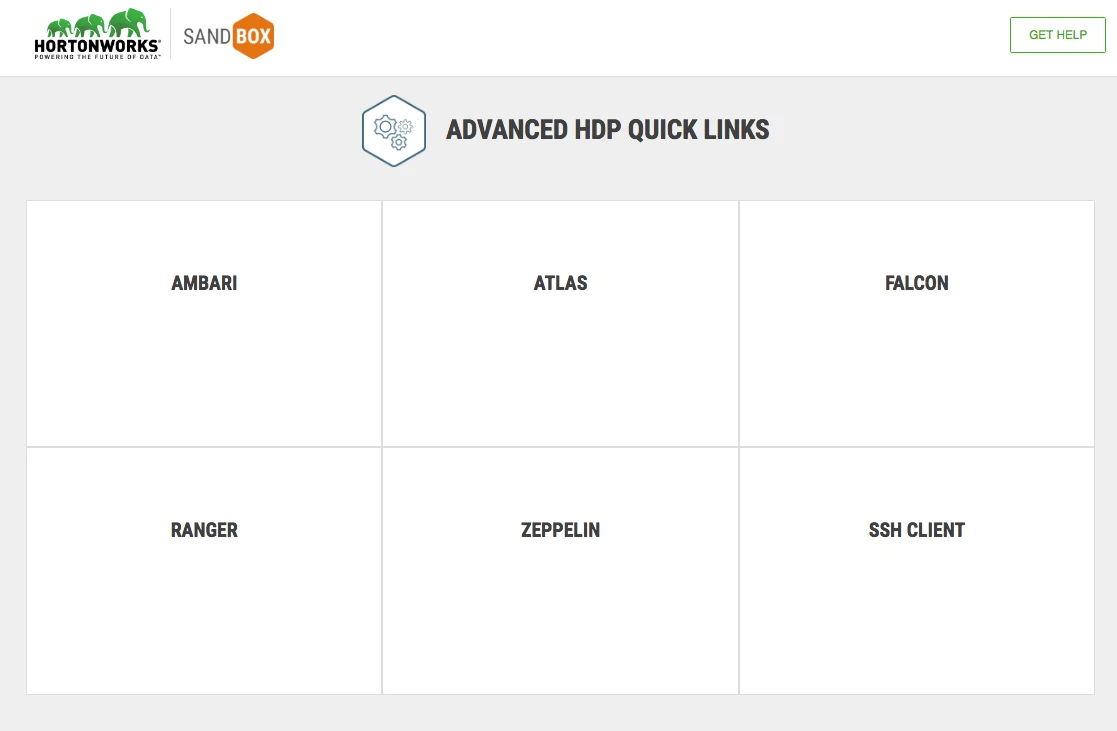
Click on Advanced HDP to get to the links for the components we will be using in this tutorial.

If you look at the Atlas link you see the Note: Off by default. Enable by logging in as raj_ops into Ambari
7796-screen-shot-2016-09-19-at-23615-pm.png

You will need to start in Ambari as user ... raj_ops

Go ahead and click the link for Ambari and login.

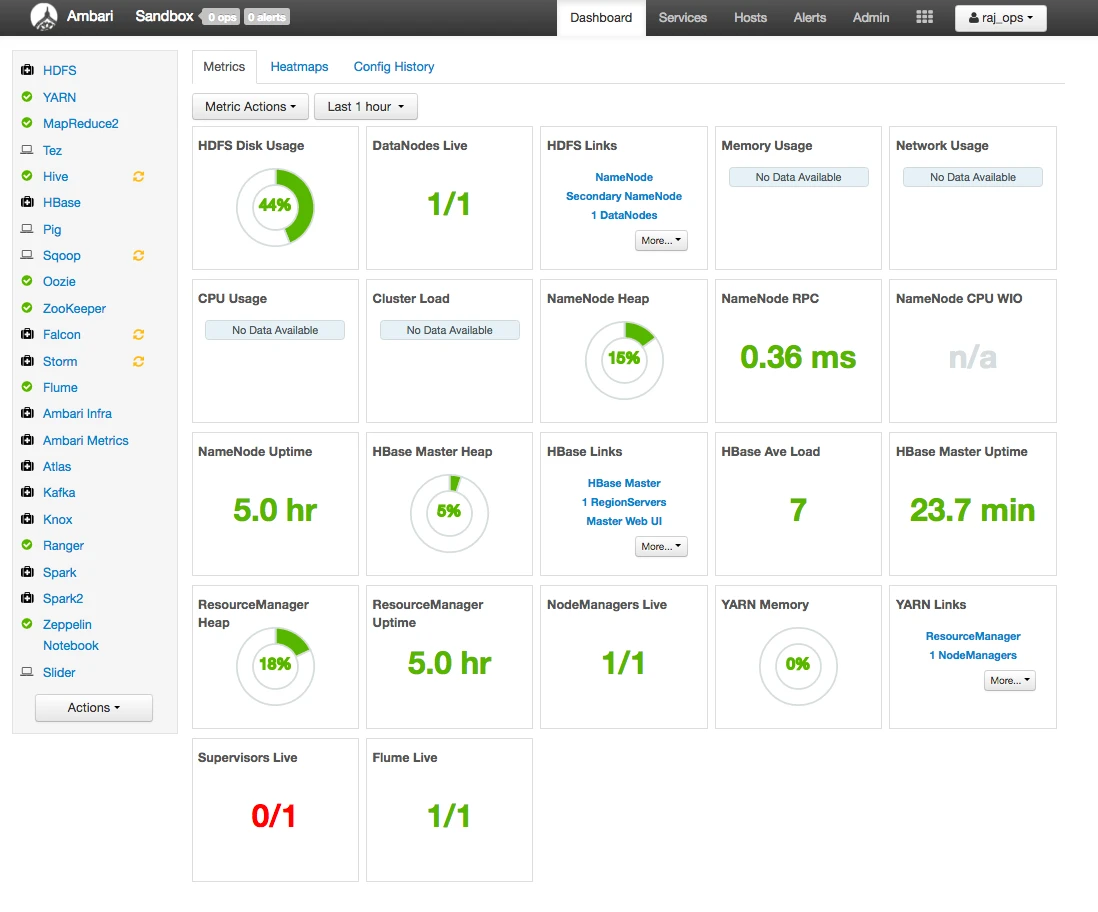
If you see a page that looks like this you are doing great!
7797-screen-shot-2016-09-19-at-24213-pm.png

Atlas has dependencies on other Apache projects. We need to make sure HDFS, Hbase, Kafka and Ambari Infra are all started.

Click on each service and then under the service actions drop down select start.

After verifying all components are up and running go ahead and follow the same process for Atlas.

You can now use the Quick links to navigate to the Atlas Home Page : Atlas

Login using the credentials provided on the Quick Links page.

You can now search for artifacts and begin exploring Atlas.

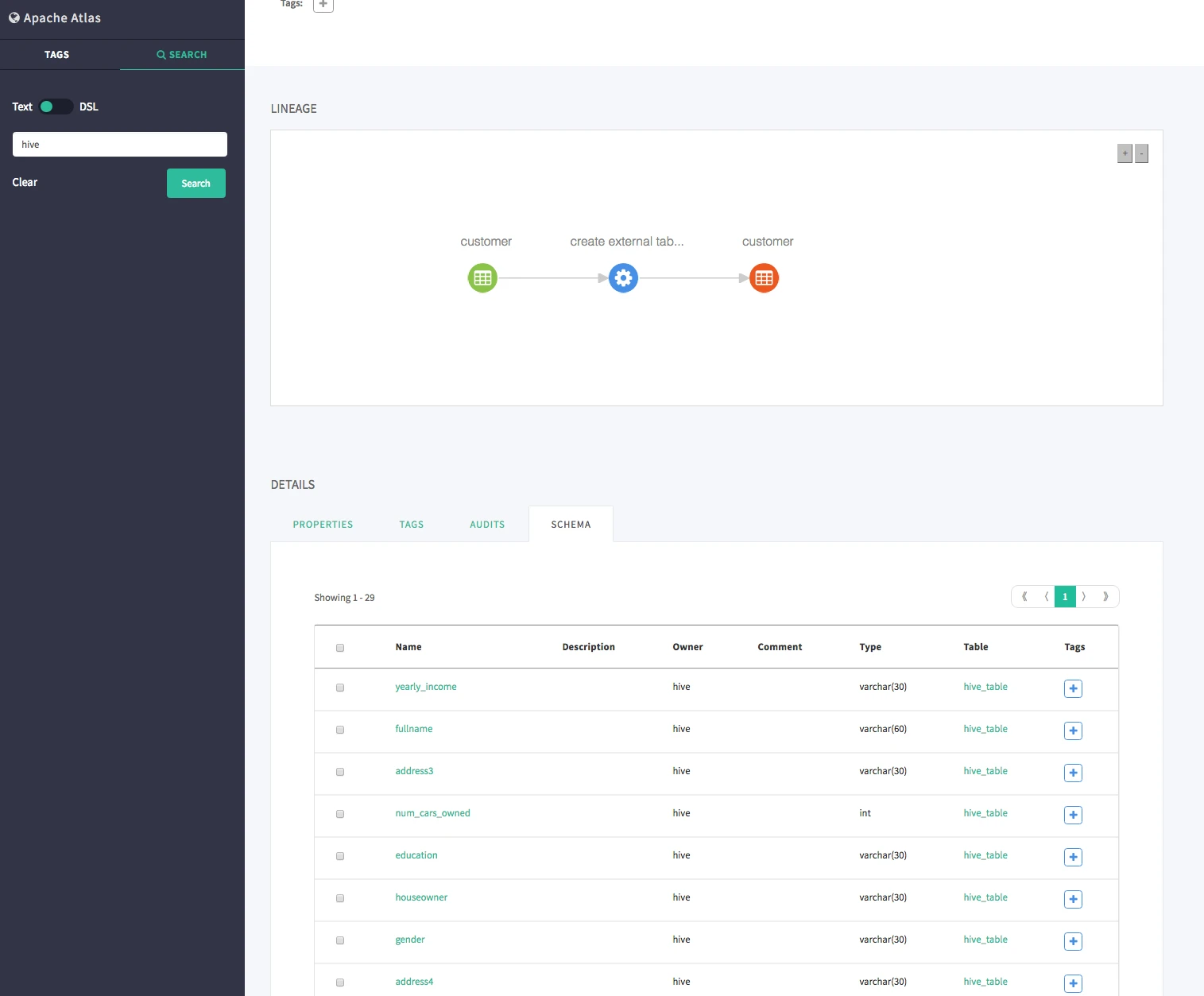
Try running a search for "hive" and selecting the "customer" table result. You get all the facts about that data source like the Schema and lineage seen below.
7798-screen-shot-2016-09-19-at-24927-pm.png

Hope this was helpful. If there are any Atlas features you would like to see articles for let me know and I will use that feedback to drive future post topics.


9 replies

florissmit10
Gold ⭐️
Sep 20, 2016 9:59 PM UTC

When I follow these instructions, the atlas installation doesnt seem to have any data. When i search for 'hive' it just says no results found.

I checked in ambari, and the default data is present in hive. Do you have any idea how that can be?

Translate
vnv
Gold ⭐️
vnvAuthor
Gold ⭐️
Sep 21, 2016 9:00 PM UTC

Are you on the 2.5 sandbox? If so when you search in atlas are you in the "search" tab? If you search hive in the "tags" tab it will not find anything.

Translate
florissmit10
Gold ⭐️
Oct 3, 2016 7:16 PM UTC

Iam using the 2.5 sandbox with virtualbox on ubuntu 16.04.

I enabled the following components: Amabari Infra, Kafka, HBase, Ranger, Atlas.

I did search in the search tab. Also, if i try to browse available hive tables through the DSL, it says no results found.

Should it work by default? or do you have to set some permissions in Ranger?

Translate
dconnolly
Gold ⭐️
Sep 26, 2016 6:21 PM UTC

Hi Vasilis, thanks for getting topic going. An article that would help for sure, and maybe I can help when I get back, is showing the taxonomy aspects and adding terms to assets. The earlier versions of tech preview had samples already running.

7974-atlastaxonomy.png

Translate
vnv
Gold ⭐️
vnvAuthor
Gold ⭐️
Sep 29, 2016 10:35 PM UTC

@Dennis Connolly Great idea. Here is a link to an article about the taxonomy features. https://community.hortonworks.com/articles/58932/understanding-taxonomy-in-apache-atlas.html

Translate