Gold ⭐️⭐️
January 12, 2023
How to install l Apache NiFi on Macbook, for learning
- October 5, 2026 at 8:45 AM
- 0 replies
- 10332 views
- Translate All
To install Apache NiFi on Macbook, do the following:
- Download the Zip file from Apache nifi Downloads. Ensure that you download the latest version zip file Apache NiFi Binary 1.19.1 [OpenPGP] [SHA-256] [SHA-512].
- Download it to MBP, and then unzip it:
chmod +x bin/nifi.sh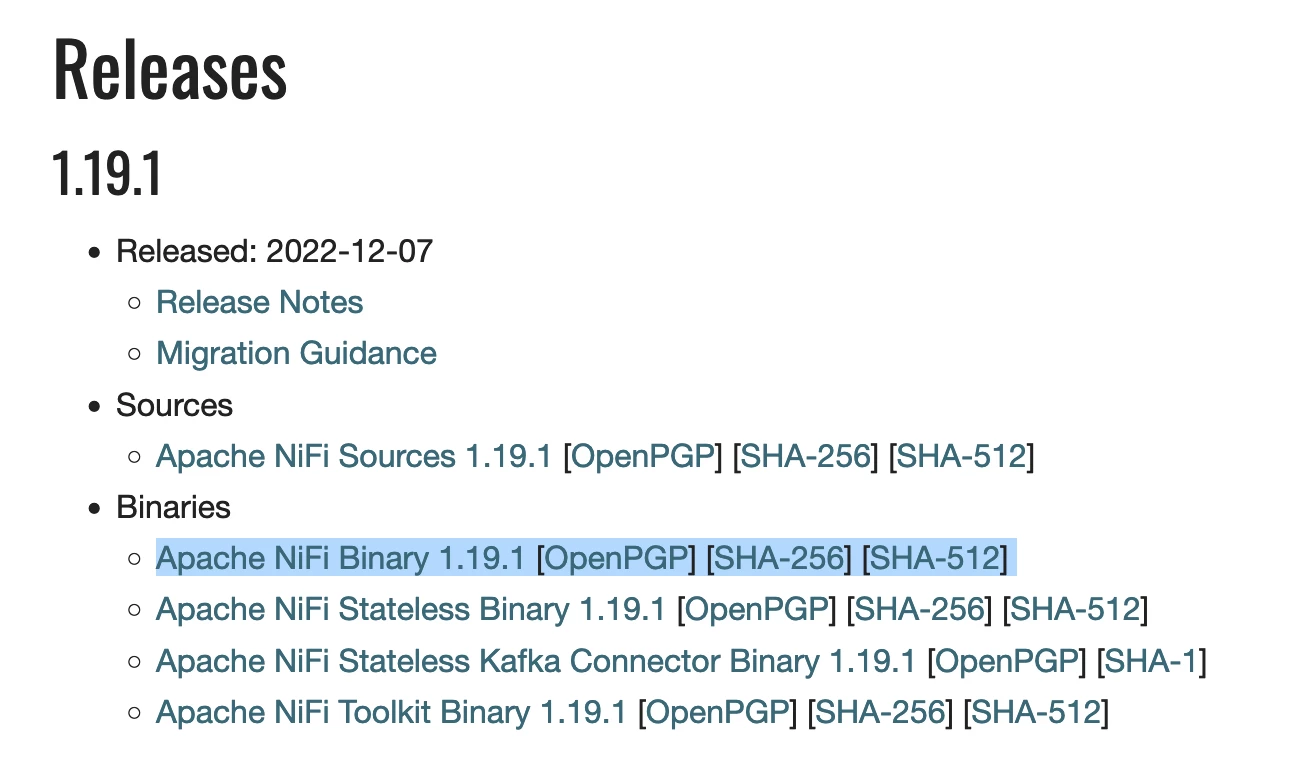
- Run the following command for User Generate:
bin/nifi.sh set-single-user-credentials zzeng <my long password> - Run the following command to Start:
bin/nifi.sh start bin/nifi.sh status netstat -an | grep LIST - Check the 8443 port is LISTEN:
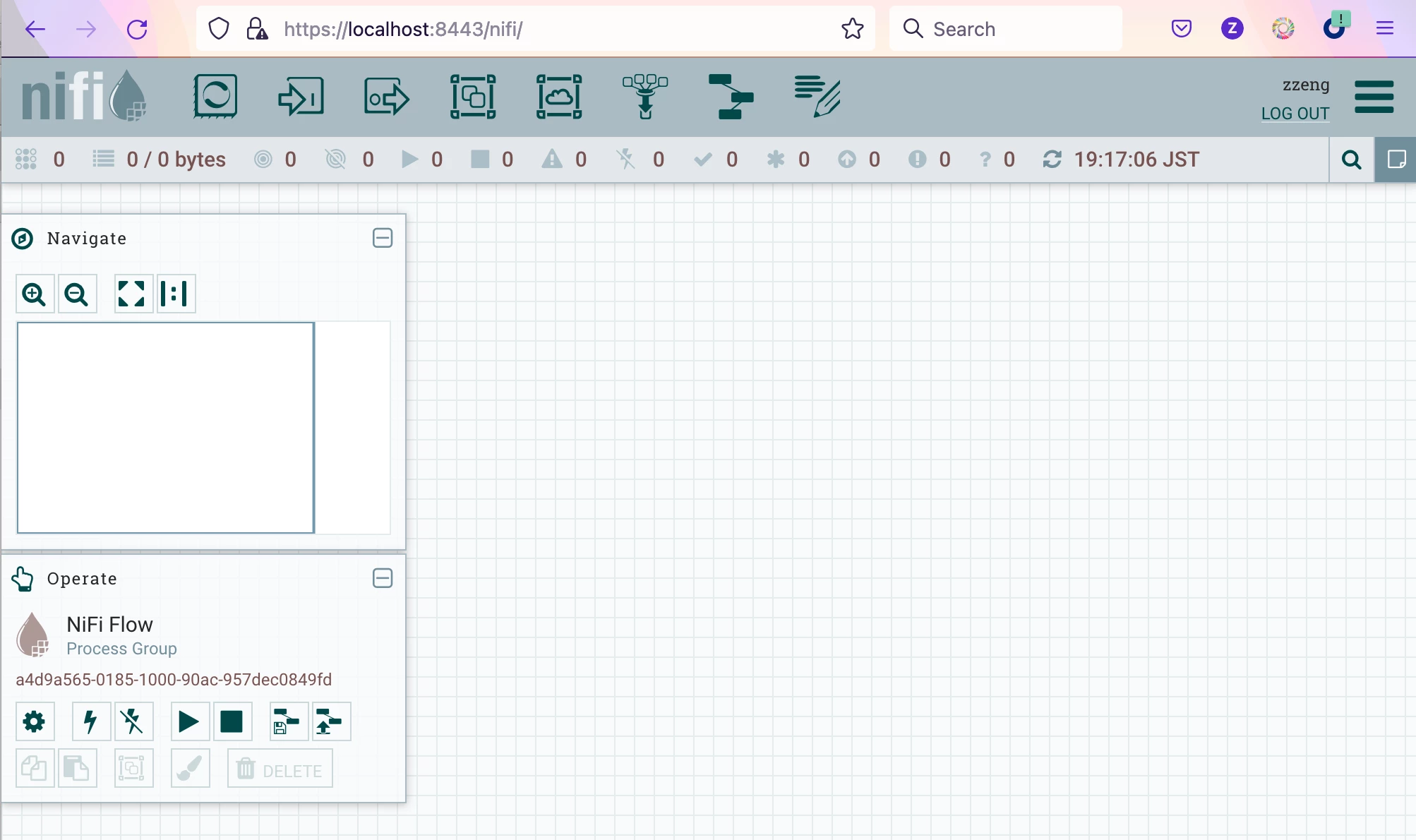
tcp4 0 0 127.0.0.1.8443 *.* LISTEN - Login from https://localhost:8443/nifi/