


Ingesting Box.com Documents into HDFS via Java
Create a Box.com Application
https://YourCompany.app.box.com/developers/services/
Get your client api, client secret, developer token, use server authentication with OAuth 2.0 + JWT, Add a public key from your developer machine and server.
This takes a few steps and you have to create a Private and Public key.
openssl genrsa -aes256 -out private_key.pem 2048
openssl rsa -pubout -in private_key.pem -out public_key.pem
Anatomy of a Box.com Directory
https://myenterprise.app.box.com/files/0/f/26783331215/NIFITEST
You need the bolded # for accessing that directory, it is the Folder ID.
Box.Com Java SDK
<dependency>
    <groupId>com.box</groupId>
    <artifactId>box-java-sdk</artifactId>
    <version>2.1.1</version>
</dependency>
Create a New Java Maven Application
mvn archetype:generate -DgroupId=com.yourenterprise -DartifactId=boxapp -DarchetypeArtifactId=maven-archetype-quickstart -DinteractiveMode=false
Java Code
package com.dataflowdeveloper;

import java.io.BufferedInputStream;
import java.io.FileInputStream;
import java.io.FileNotFoundException;
import java.io.FileOutputStream;
import java.io.InputStream;
import java.io.OutputStream;
import java.net.URI;
import java.nio.file.FileSystems;
import java.nio.file.Files;
import java.util.logging.Level;
import java.util.logging.Logger;

import org.apache.hadoop.conf.Configuration;
import org.apache.hadoop.fs.FileSystem;
import org.apache.hadoop.fs.Path;
import org.apache.hadoop.io.IOUtils;

import com.box.sdk.BoxAPIConnection;
import com.box.sdk.BoxFile;
import com.box.sdk.BoxFolder;
import com.box.sdk.BoxItem;
import com.box.sdk.BoxUser;

public final class Main {

    // developer token expires in an hour
    private static final String DEVELOPER_TOKEN = "somelongtokenlasts1hour";
    private static final int MAX_DEPTH = 1;

    private Main() { }

    public static void main(String[] args) {
        Logger.getLogger("com.box.sdk").setLevel(Level.ALL);

        BoxAPIConnection api = new BoxAPIConnection(DEVELOPER_TOKEN);
        BoxUser.Info userInfo = BoxUser.getCurrentUser(api).getInfo();
        System.out.format("Welcome, %s <%s>!\n\n", userInfo.getName(), userInfo.getLogin());


//   the example code lists everything from your root folder down, that could be
// alot, I have 75K files
//        BoxFolder rootFolder = BoxFolder.getRootFolder(api);
//        listFolder(rootFolder, 0);

        BoxFile file = null;

        // this is the id of the folder, you can get this two ways from either the URL or
 // looking at the output of the root crawl
        BoxFolder folder = new BoxFolder(api, "15296958056");
        for (BoxItem.Info itemInfo : folder) {
            if (itemInfo instanceof BoxFile.Info) {
                BoxFile.Info fileInfo = (BoxFile.Info) itemInfo;

  // lets look at all the attributes, many are null
                System.out.println("File:" + fileInfo.getCreatedAt() + "," +
                fileInfo.getDescription() + "," +
                fileInfo.getExtension() + ",name=" +
                fileInfo.getName() + ",id=" +
                fileInfo.getID() + "," +
                fileInfo.getCreatedBy() + "," +
                fileInfo.getSize() + "," +
                fileInfo.getVersion().getName() + "," +
                fileInfo.getCreatedAt() + "," +
                fileInfo.getModifiedAt() + "," +
                fileInfo.getModifiedBy() +
                "");

                // download all the pdfs
                if ( fileInfo.getName() != null && fileInfo.getID() != null && fileInfo.getName().endsWith(".pdf")) {
                 file = new BoxFile(api, fileInfo.getID());
                 FileOutputStream stream = null;
     try {
      stream = new FileOutputStream(fileInfo.getName());
     } catch (FileNotFoundException e) {
      e.printStackTrace();
     }
                 file.download(stream); // downloads to current directory specified in above fileoutputstream

                 //Input stream for the file in local file system to be written to HDFS
                 InputStream in = null;
     try {
      in = new BufferedInputStream(new FileInputStream(fileInfo.getName()));
     } catch (FileNotFoundException e1) {
      e1.printStackTrace();
     }

                 try{
                        System.out.println("Save to HDFS " + fileInfo.getName());


                      //Destination file in HDFS
                        Configuration conf = new Configuration();
                        String dst = "hdfs://yourserver:8020/box/" + fileInfo.getName();

                        FileSystem fs = FileSystem.get(URI.create(dst), conf);
                        OutputStream out = fs.create(new Path(dst));

                      //Copy file from local to HDFS
                      IOUtils.copyBytes(in, out, 4096, true);

                      java.nio.file.Path path = FileSystems.getDefault().getPath(fileInfo.getName());
                      Files.delete(path);

                 }catch(Exception e){
                  e.printStackTrace();
                     System.out.println("File not found");
                 }
                }
            }
        }
    }

    private static void listFolder(BoxFolder folder, int depth) {
        for (BoxItem.Info itemInfo : folder) {
            String indent = "";
            for (int i = 0; i < depth; i++) {
                indent += "    ";
            }

            // you need this ID for accessing a folder
            System.out.println(indent + itemInfo.getName() + ",ID=" + itemInfo.getID() );

            if (itemInfo instanceof BoxFolder.Info) {
                BoxFolder childFolder = (BoxFolder) itemInfo.getResource();
                if (depth < MAX_DEPTH) {
                    listFolder(childFolder, depth + 1);
                }
            }
        }
    }
}
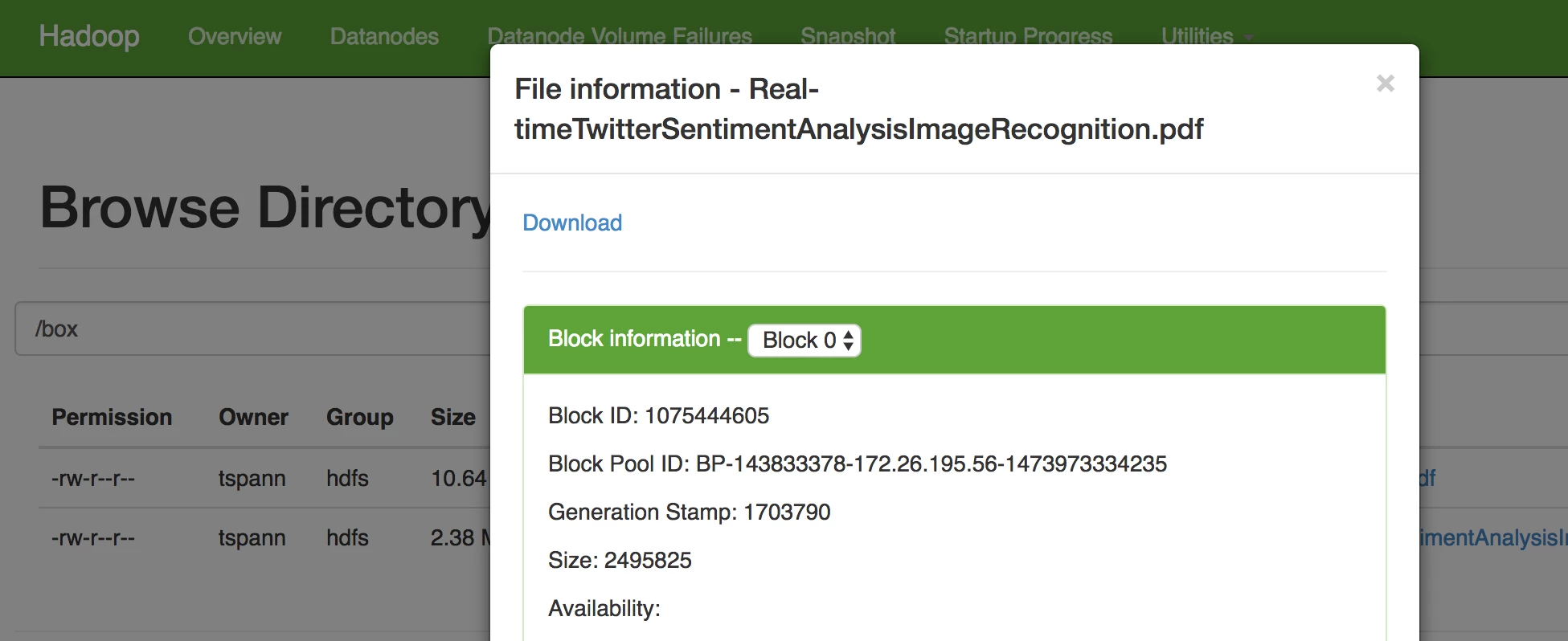
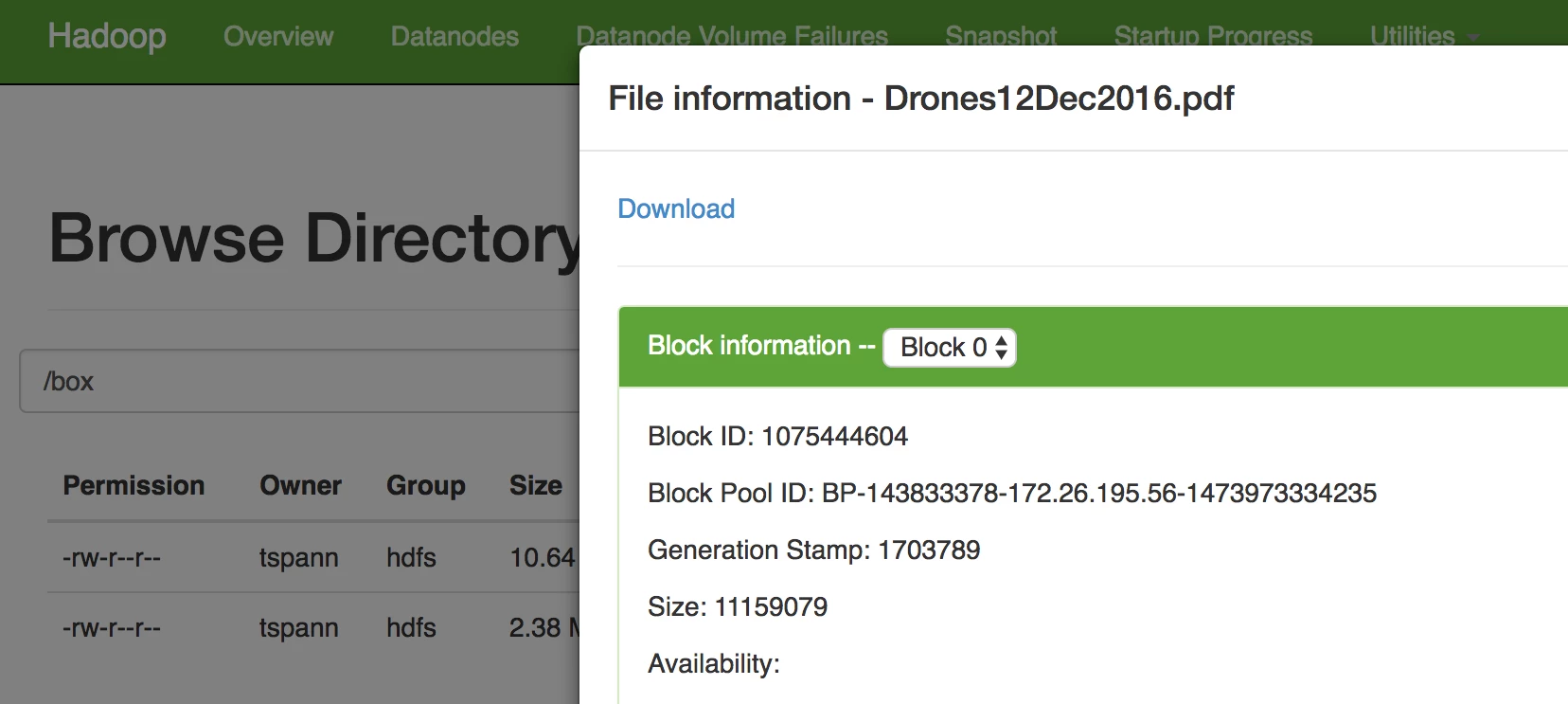
Caveats
By default you can only use the Developer Token which only lasts for 1 hour and as soon as you save it will vanish from the screen, so copy it first.
Reference:
- http://opensource.box.com/box-java-sdk/
- https://github.com/box/box-java-sdk/blob/master/doc/authentication.md
- https://github.com/box/box-java-sdk/blob/master/doc/folders.md
- https://github.com/box/box-java-sdk/blob/master/doc/files.md
- https://github.com/tspannhw/boxprocessor
- https://docs.box.com/v2.0/docs/configuring-box-platform
- https://docs.box.com/docs/app-auth
- https://github.com/box/box-java-sdk/blob/master/src/example/java/com/box/sdk/example/Main.java
- https://github.com/box/box-java-sdk/blob/master/doc/folders.md#get-a-folders-items
- https://github.com/box/box-java-sdk/blob/master/doc/files.md#download-a-file

