Ingesting GPS Data From Onion Omega2 Devices with Apache NiFi
IoT
Working with IoT data is a many layered process, not unlike a parfait. Scratch that, an Onion. In fact, an Onion Omega2, which is a great device that I just got yesterday does IoT really easily. This is so much easier to setup that RPI or other platforms. It also has a ton of pluggable modules that stack on top of this small chip. It's pretty small powered, but it's under $10.

The device is extremely well documented at their site.
Needed to run real tools, I added a USB stick and used that for storage and for extra SWAP space.
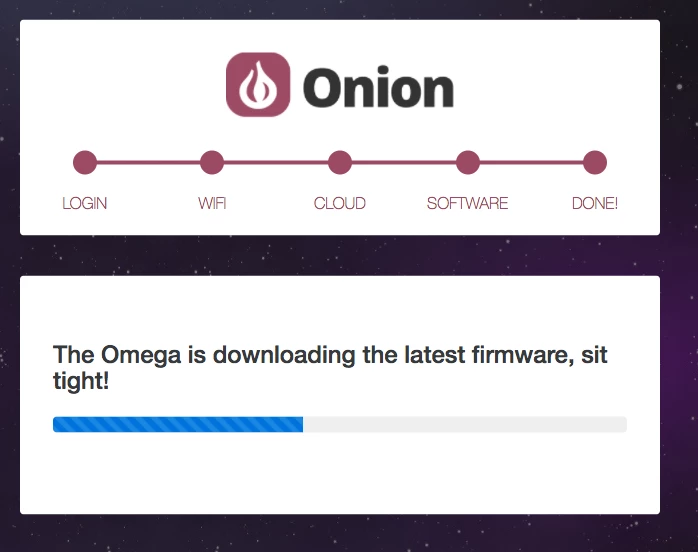
opkg update
opkg install kmod-usb-storage-extras e2fsprogs kmod-fs-ext4
umount /tmp/mounts/USB-A1
mkfs.ext4 /dev/sda1
mkdir /mnt/sda1
mount /dev/sda1 /mnt/sda1
mount /dev/sda1 /mnt/ ; tar -C /overlay -cvf - . | tar -C /mnt/ -xf - ; umount /mnt/
opkg update
opkg install block-mount
opkg update
opkg install swap-utils block-mount
dd if=/dev/zero of=/tmp/mounts/USB-A1/swap.page bs=1M count=256
mkswap /tmp/mounts/USB-A1/swap.page
swapon /tmp/mounts/USB-A1/swap.page
free

block detect > /etc/config/fstab
Adding GPS
ls /dev/ttyACM*
cat /dev/ttyACM0
opkg update
opkg install ogps
ubus list
/etc/init.d/rpcd restart
ubus call gps info
Using the GPS Expander, this is the JSON data returned from the utility:
{"age":0,"latitude":"40.2807","longitude":"-74.6418","elevation":"38.4","course":"","speed":"N"}
I then added Python and Paho MQTT Python Client for sending messages to my Cloud MQTT broker.
opkg install python
https://docs.onion.io/omega2-docs/installing-and-using-python.html#onion-python-modules
opkg install python-pip
pip install --upgrade setuptools
pip install paho-mqtt
crontab -e
/etc/init.d/cron restart
*/1 * * * * /opt/demo/run.sh
Once the data was sent a MQTT broker, it was easy to ingest with Apache NiFi.
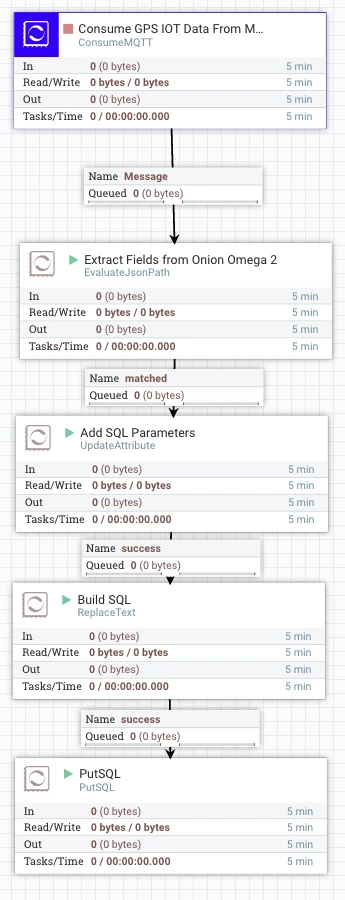
- I ingest MQTT messages from the broker
- Extra Fields from the JSON File
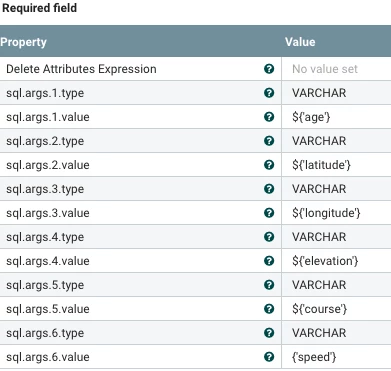
- Format some parameters for SQL
- build my SQL string
- then upsert into Phoenix/HBase.

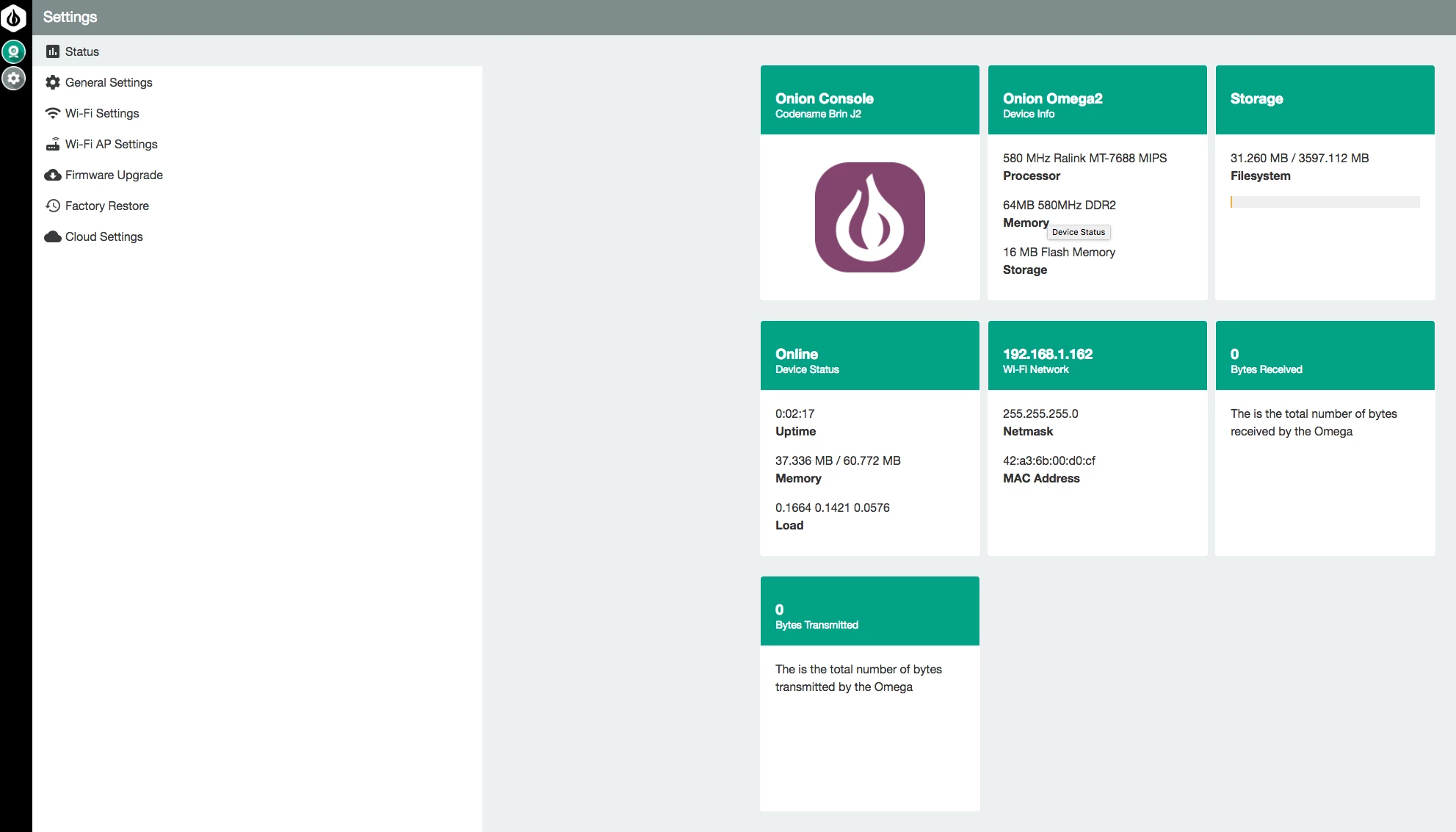
This is the beautiful Web Console that comes prerunning on the tiny Onion Omega2 device.

Report from the Table in Apache Zeppelin

Reference
https://docs.onion.io/omega2-docs/first-time-setup.html
https://docs.onion.io/omega2-docs/expansion-dock.html
https://docs.onion.io/omega2-docs/gps-expansion.html
https://docs.onion.io/omega2-docs/using-gps-expansion.html#using-gps-expansion
https://github.com/OnionIoT/onion-gpio-sysfs/tree/master/python/examples
https://github.com/OnionIoT/Onion-Sensor-Server
https://lede-project.org/docs/guide-quick-start/start
https://docs.onion.io/omega2-docs/boot-from-external-storage.html
https://wiki.onion.io/Tutorials/Extending-RAM-with-a-swap-file
https://docs.onion.io/omega2-docs/extending-omega-memory.html