


Install Nifi on one node using Cloudera Flow Management parcel on CDH 6.2
Introduction
CFM is out for CDH and that's awesome. While the install documentation is very thorough, I thought I'd share a screenshot based tutorial, avoiding some of the gotchas of the installation
Pre-Requisites
- Healthy CDH 6.2 cluster
- Admin privileges on the cluster and its nodes
- wget installed
- Open JDK 1.8 installed (see doc)
- Zookeeper service installed (see doc)
Step 1: Get the CFM CSD Files
Connect to your Cloudera Manager node as root, and enter the following:
cd /opt/cloudera/csd
wget http://archive.cloudera.com/CFM/csd/1.0.0.0/NIFI-1.9.0.1.0.0.0-90.jar
wget http://archive.cloudera.com/CFM/csd/1.0.0.0/NIFICA-1.9.0.1.0.0.0-90.jar
wget http://archive.cloudera.com/CFM/csd/1.0.0.0/NIFIREGISTRY-0.3.0.1.0.0.0-90.jar
chown cloudera-scm:cloudera-scm NIFI*.jar
chmod 644 NIFI*.jar
service cloudera-scm-server restart
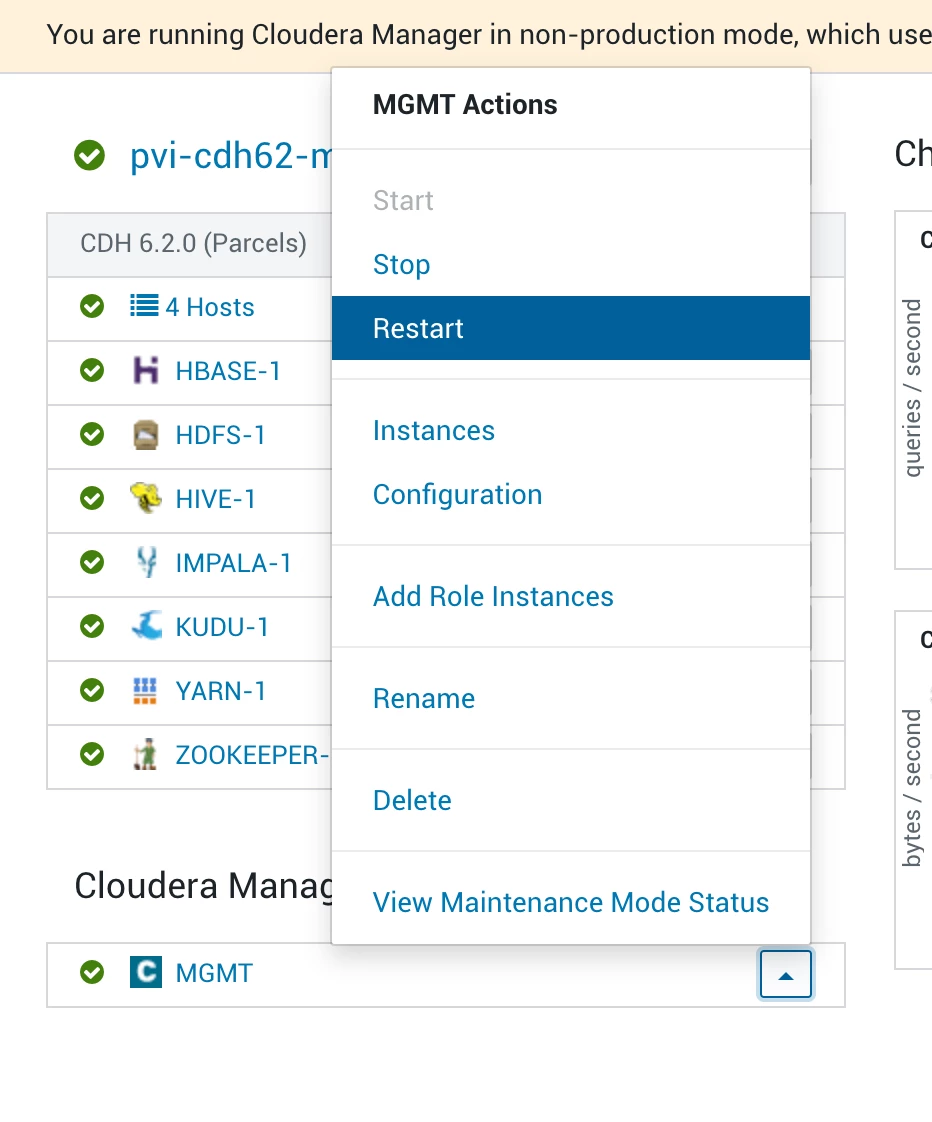
After restart, log to CM and restart the Cloudera Management Service:
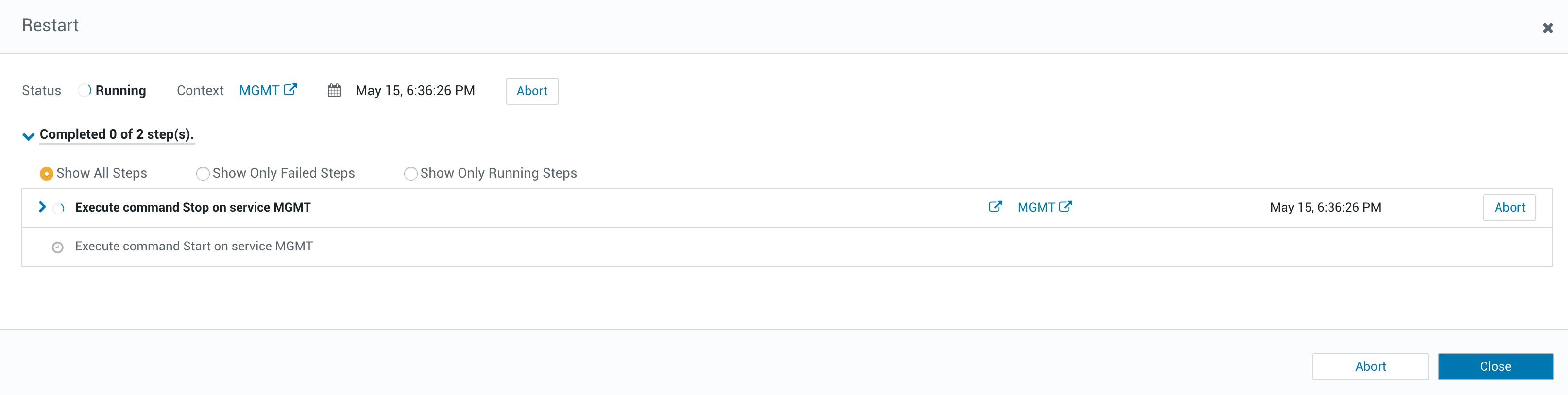
Wait for the restart to finish:
Step 2: Get the CFM Parcel
Go to the parcels configuration (parcel icon top right):
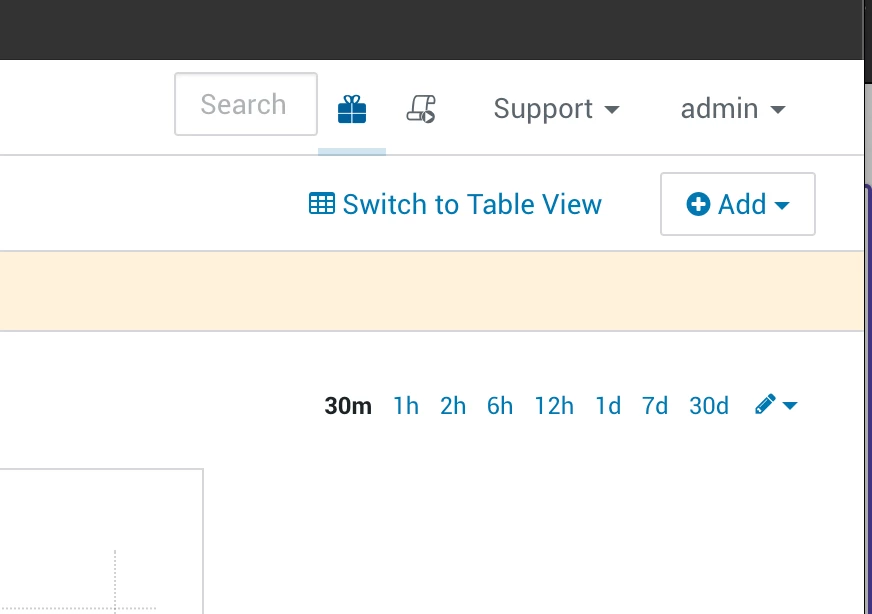
Go to parcel configuration and add http://archive.cloudera.com/CFM/parcels/1.0.0.0/ to the parcel repository list by clicking on the "+" icon:

Click on the "Check for New Parcels" button:

You should see a CFM parcel, click on "Download":

After the download completes, distribute and activate the parcel.
Step 4: Install services
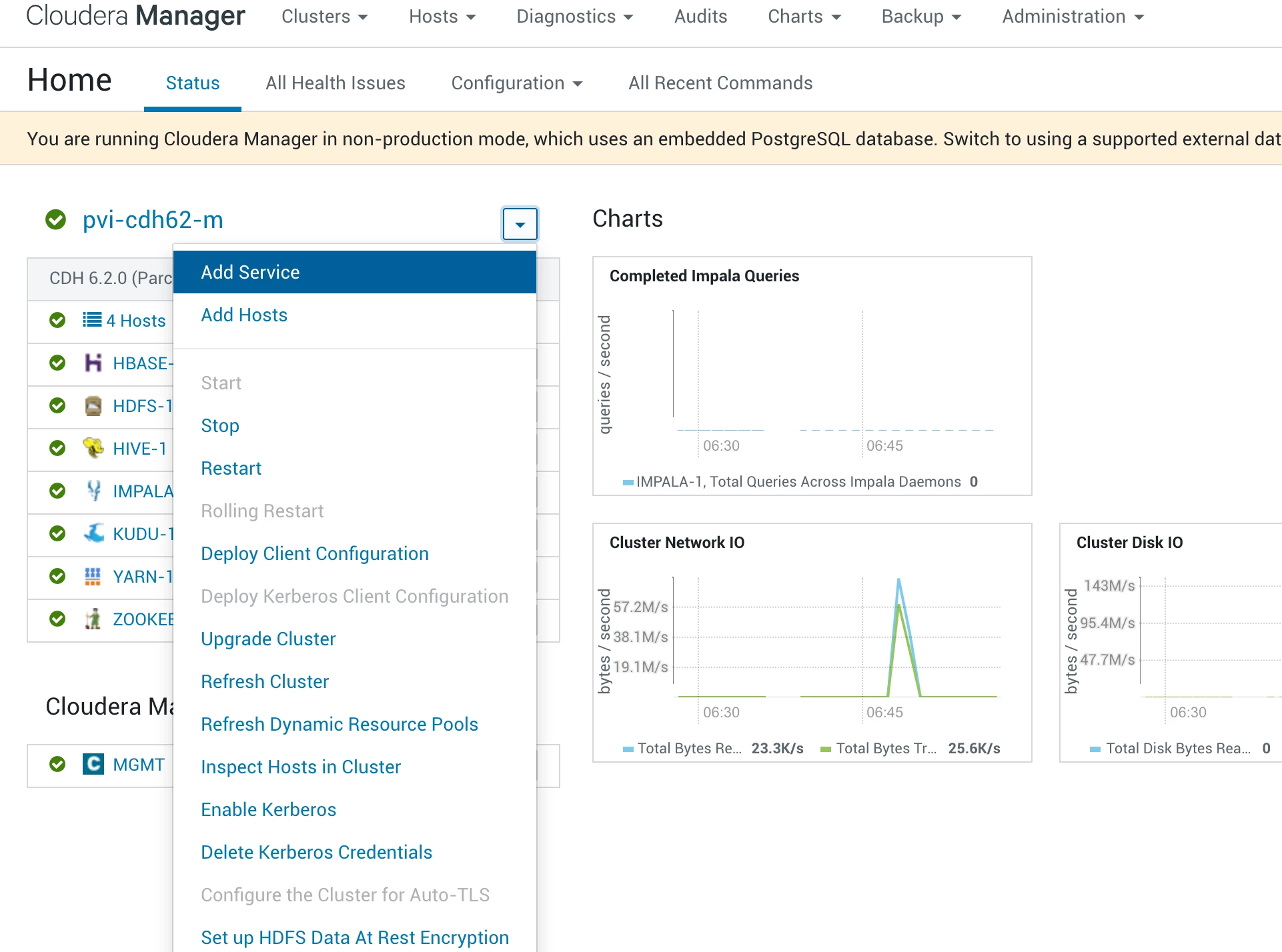
Go to your CM main page, and click on "Add Service":
Select the Nifi service:

Select the host onto which you want to install Nifi:
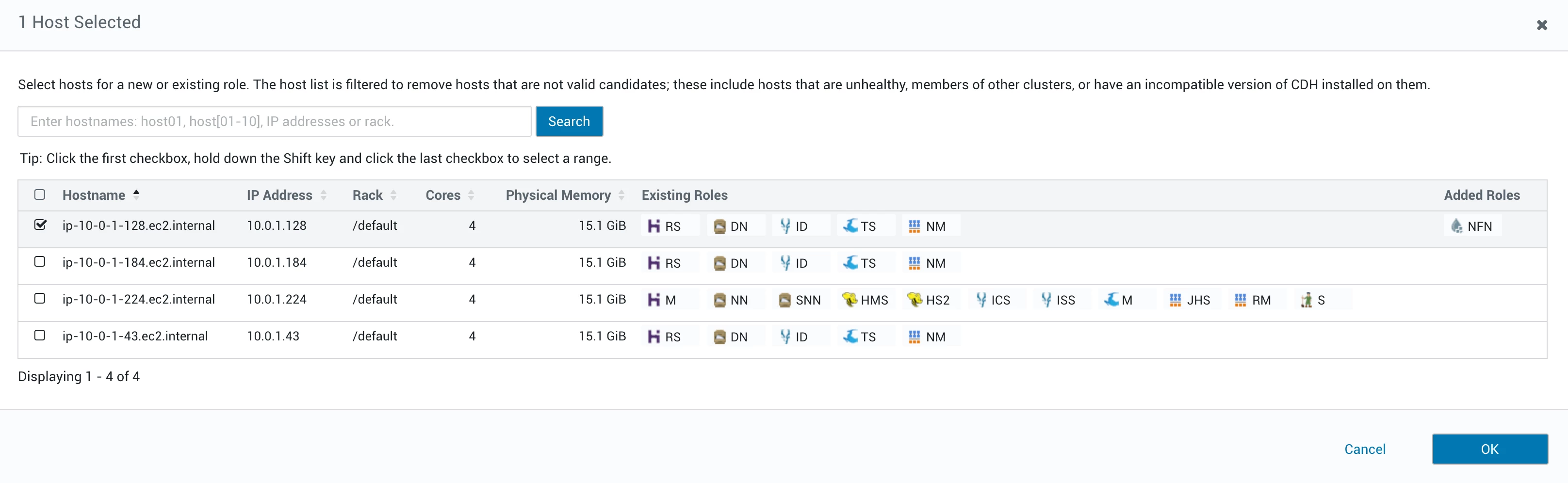
Click on next and wait for the service to install.
Step 5: Profit
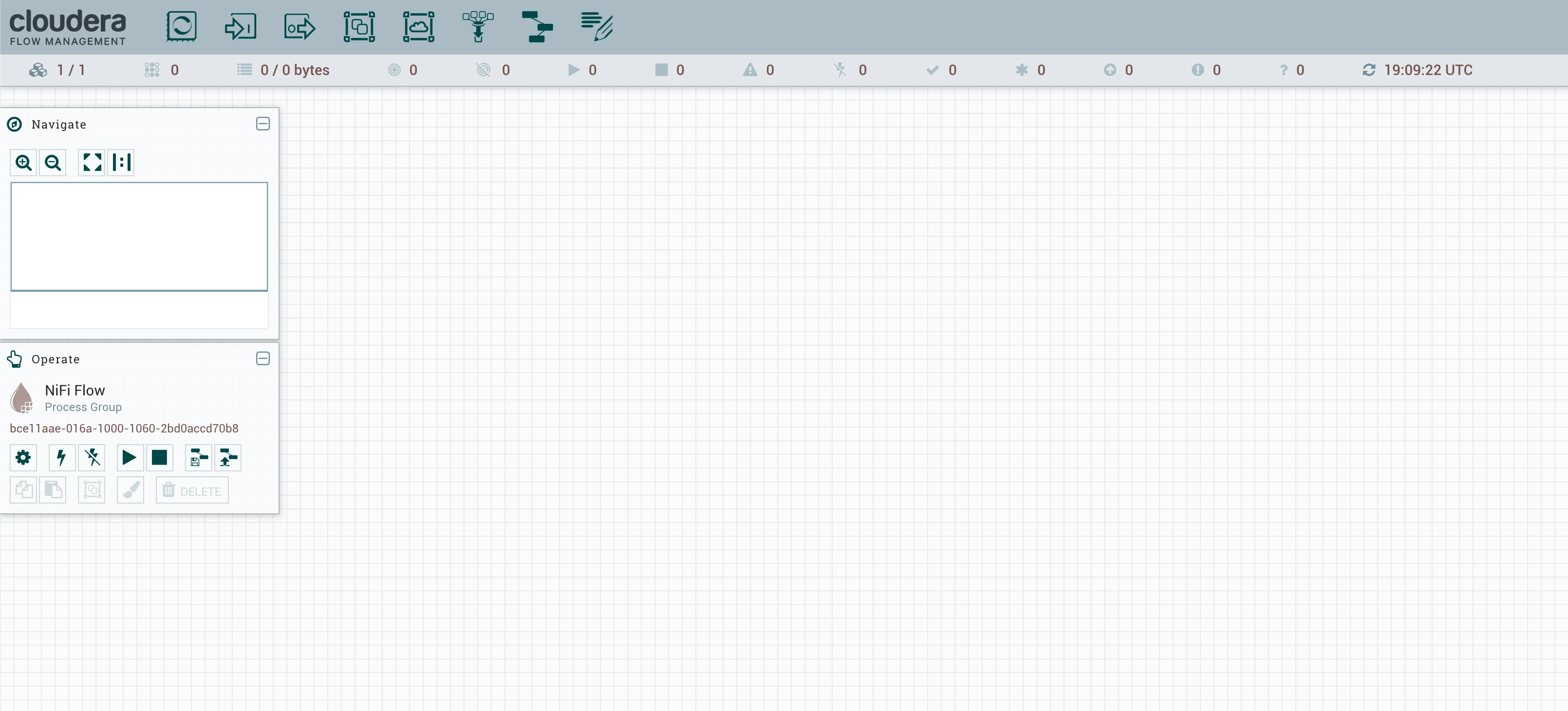
You can now go to your Nifi URL:
Bonus: Changing election timeout
By default, the nifi.cluster.flow.election.max.wait.time property is set to 5 minutes, which can be confusing by giving rise to a log message like Cluster is still in the process of voting on the appropriate Data Flow. You can modify the property by adding it to the nifi.properties.xml in CM, as follows:
 Restart your Nifi instance via CM, and voilà!

