


Integrating Keras (TensorFlow) YOLOv3 Into Apache NiFi Workflows
Integrating Keras (TensorFlow) YOLOv3 Into Apache NiFi Workflows
For this article I wanted to try the new YOLOv3 that's running in Keras.
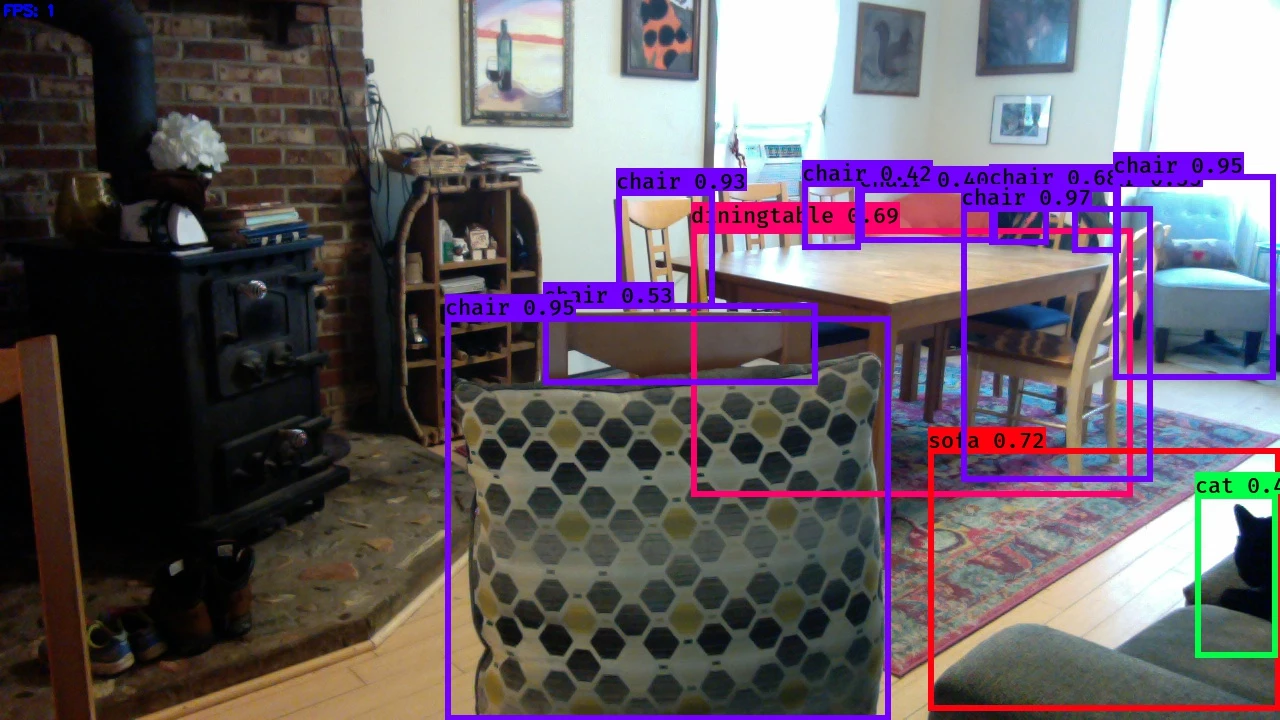
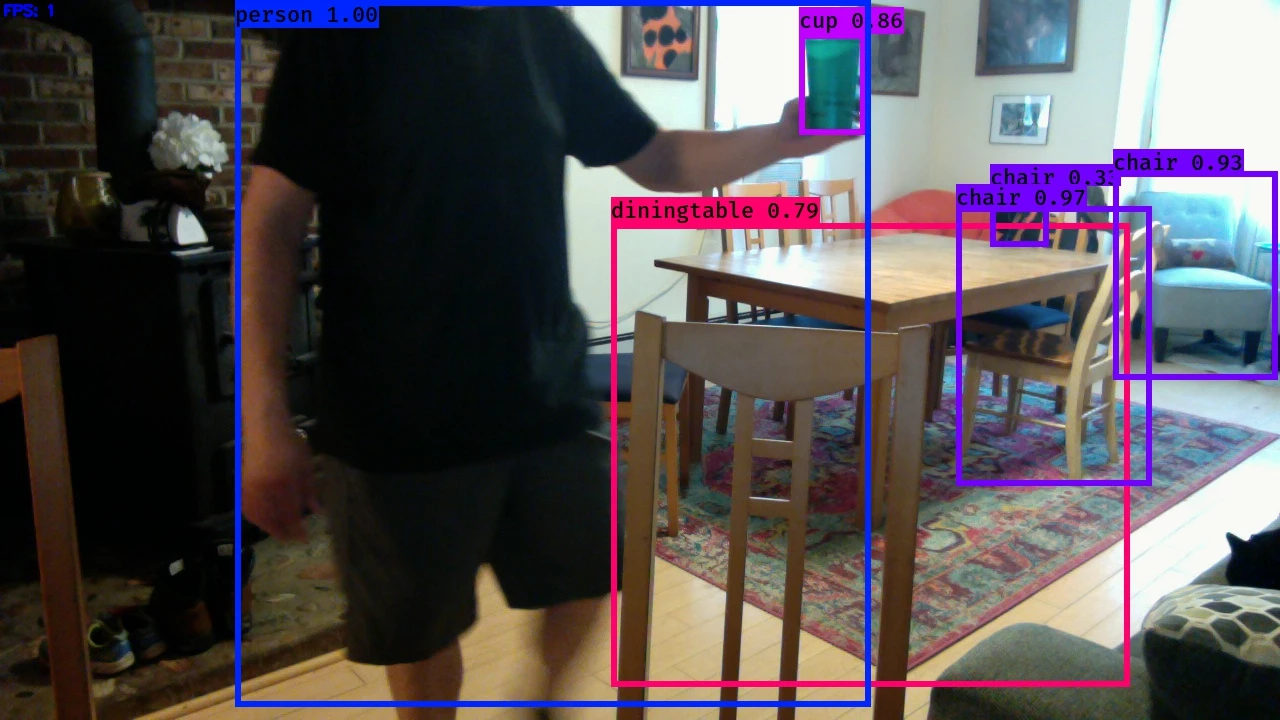
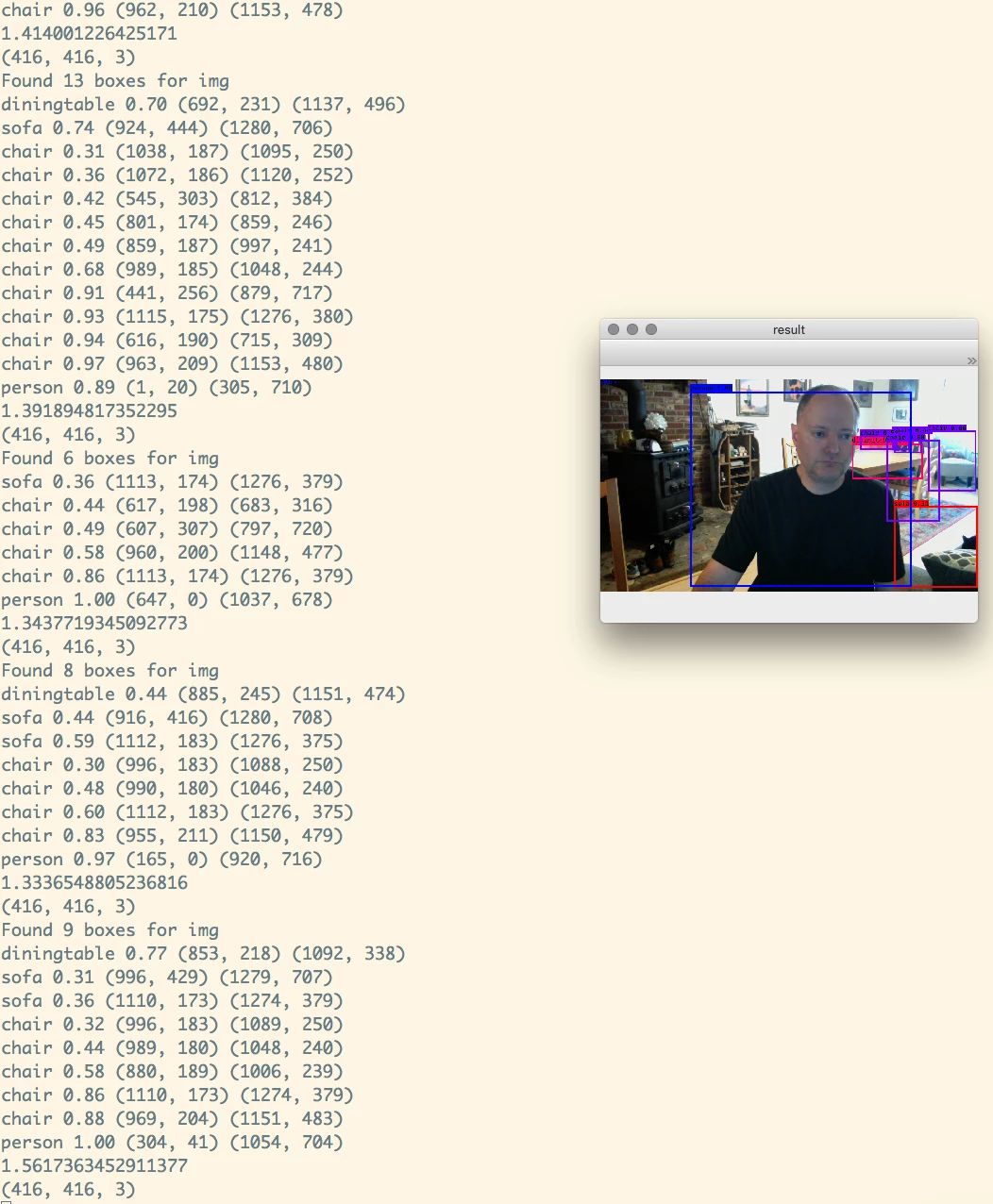
Out of the box with video streaming, pretty cool:
git clone https://github.com/qqwweee/keras-yolo3

wget https://pjreddie.com/media/files/yolov3.weights

python convert.py yolov3.cfg yolov3.weights model_data/yolo.h5

python yolo.py
See:
https://github.com/qqwweee/keras-yolo3
My article on Darknet original YOLO v3 is here: https://community.hortonworks.com/articles/191259/integrating-darknet-yolov3-into-apache-nifi-workfl.html
Example JSON Output
{
  "boxes" : "Found 8 boxes for img",
  "class7" : "diningtable",
  "score7" : "0.7484486",
  "left7" : "636",
  "right7" : "1096",
  "top7" : "210",
  "bottom7" : "693",
  "class6" : "sofa",
  "score6" : "0.31372178",
  "left6" : "1114",
  "right6" : "1276",
  "top6" : "172",
  "bottom6" : "381",
  "class5" : "chair",
  "score5" : "0.3455438",
  "left5" : "990",
  "right5" : "1048",
  "top5" : "183",
  "bottom5" : "246",
  "class4" : "chair",
  "score4" : "0.34554565",
  "left4" : "858",
  "right4" : "1000",
  "top4" : "186",
  "bottom4" : "244",
  "class3" : "chair",
  "score3" : "0.87056005",
  "left3" : "1114",
  "right3" : "1276",
  "top3" : "172",
  "bottom3" : "381",
  "class2" : "chair",
  "score2" : "0.9683409",
  "left2" : "958",
  "right2" : "1151",
  "top2" : "203",
  "bottom2" : "482",
  "class1" : "cup",
  "score1" : "0.49115792",
  "left1" : "691",
  "right1" : "770",
  "top1" : "84",
  "bottom1" : "229",
  "class0" : "person",
  "score0" : "0.9980049",
  "left0" : "187",
  "right0" : "709",
  "top0" : "2",
  "bottom0" : "720",
  "host" : "HW13125.local.fios-router.home",
  "end" : "1527443620.644303",
  "te" : "4.380625247955322",
  "battery" : 100,
  "systemtime" : "05/27/2018 13:53:40",
  "cpu" : 19.7,
  "diskusage" : "140607.7 MB",
  "memory" : 65.8,
  "yoloid" : "20180527175341_284c6051-a45d-4757-977a-fe1dd76f295b"
}
I created a YOLO ID so that the JSON, the ID and the image would have that ID for keeping them in sync as we send them across various distributed networks into a cluster for storage. I also have some other metadata I thought would be helpful such as date time, run time, battery available, disk usage, cpu and memory. Those are quick and easy to grab with Python and could be useful. This is running on a Mac laptop. This could be ported to the NVIDIA Jetson TX1. It may work on the RPI3 with Movidius, but I think it may be a touch slow. Even on a Mac with no GPU and some stuff running I am getting an image every 2-3 seconds produced. It's very choppy, I would like to try this on an UBuntu workstation with a few NVidia high end GPUs and TensorFlow compiled for GPU.
NiFi Flow for Ingest of JSON and Images
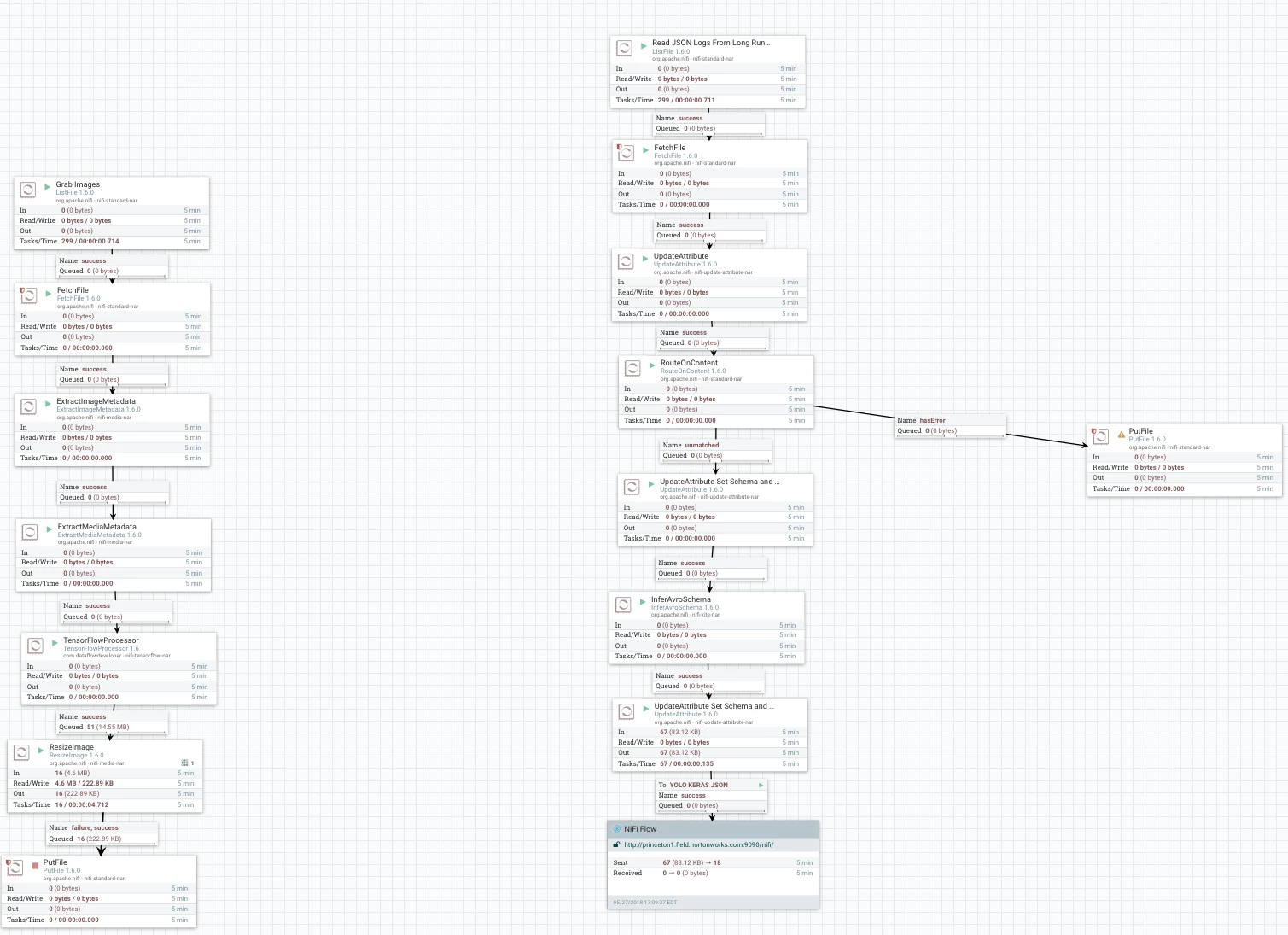
NiFi Server to process and store data in Hive and HBase
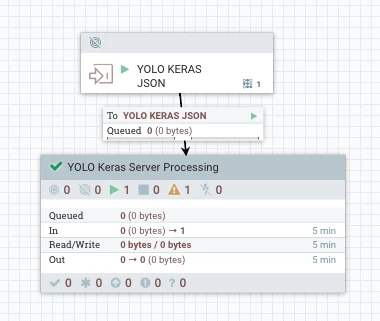
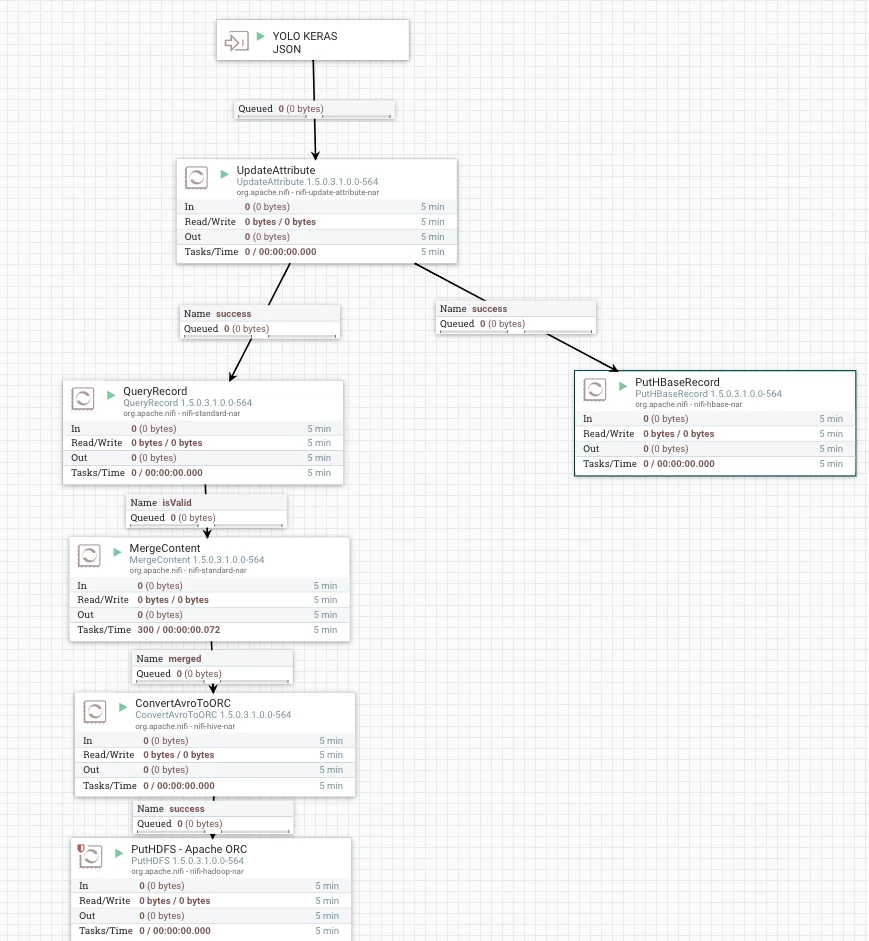
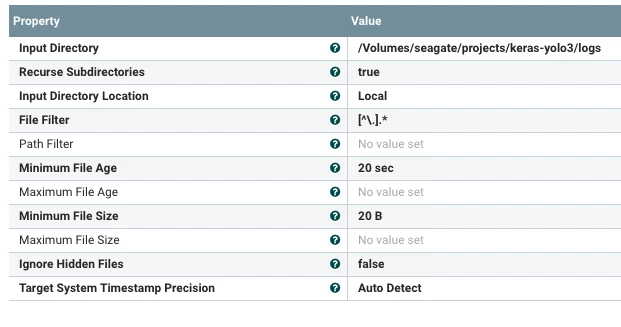
Read JSON from the Logs Directory Written by Python 3
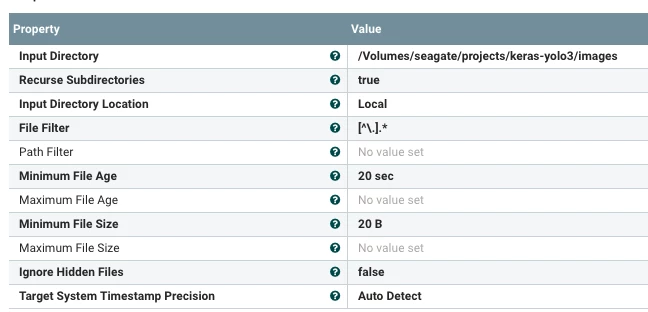
Ingest Images from Images Directory Written by YOLO v3
TensorFlow Analysis of Captured Image
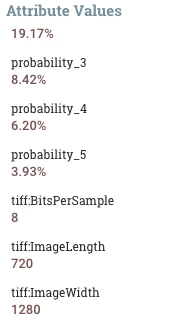
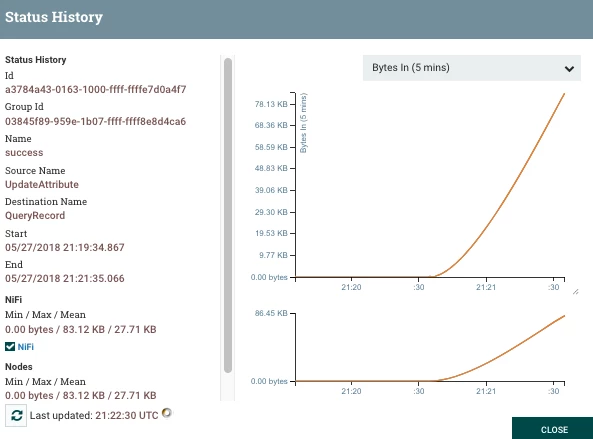
You can watch the data arrive
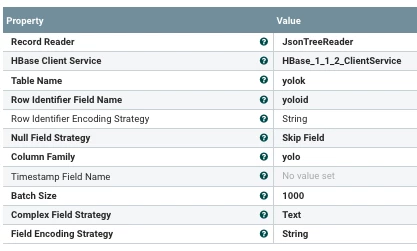
To Write Data to HBase is Easy (Just create an HBase table with a column family)
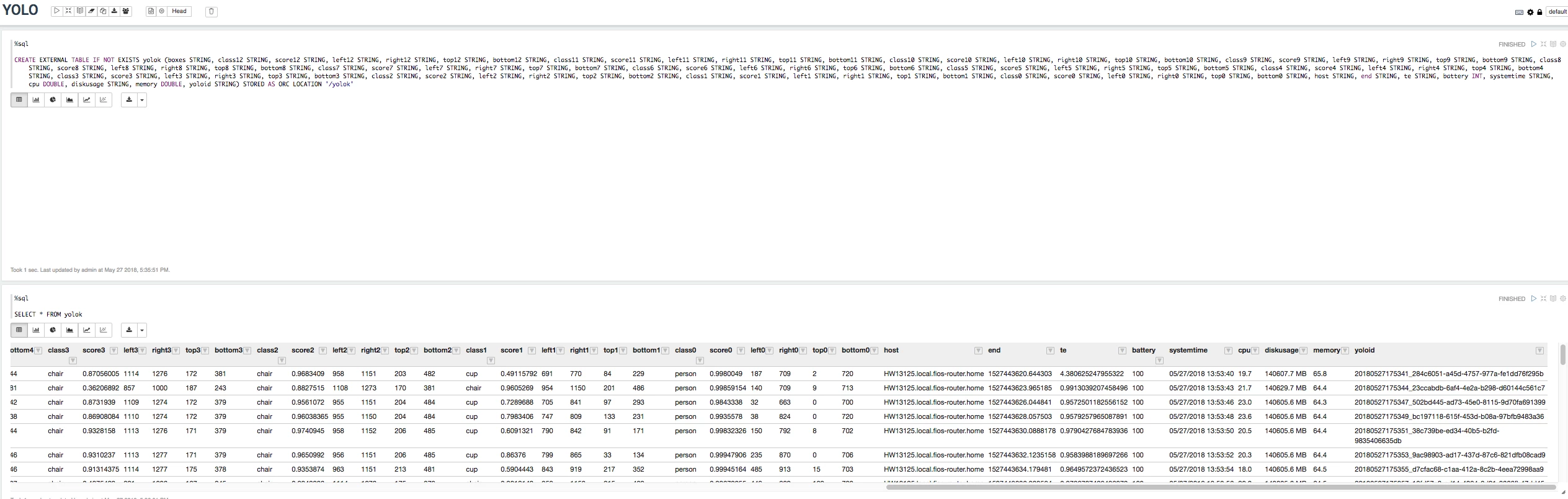
Apache NiFi generates my Hive table
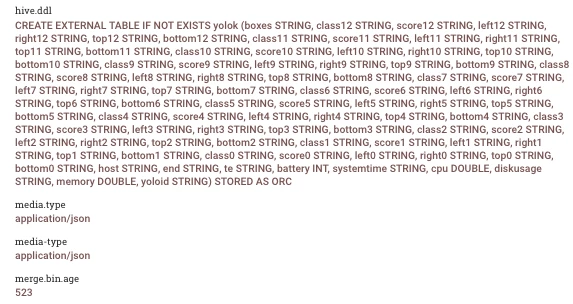
Once we have a generate table it is populated with our data and we can query it in Apache Zeppelin (or any JDBC/ODBC Tool)
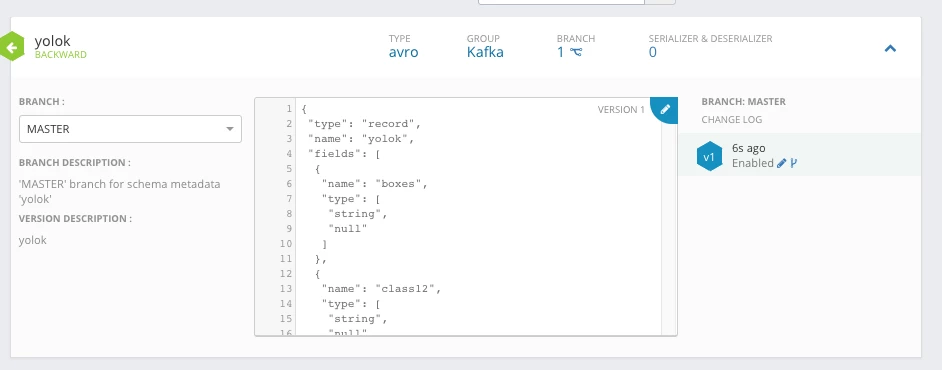
Using InferAvroSchema we had a schema created, we store it in Hortonworks Schema Registry for use.
Sample of Data Stored in HBase
 20180527175609_579164b3-031c-4993-bec1-50ff4cf58d1c       column=yolo:boxes, timestamp=1527456044351, value=Found 9 boxes for img
 20180527175609_579164b3-031c-4993-bec1-50ff4cf58d1c       column=yolo:class0, timestamp=1527456044351, value=person
 20180527175609_579164b3-031c-4993-bec1-50ff4cf58d1c       column=yolo:class1, timestamp=1527456044351, value=chair
 20180527175609_579164b3-031c-4993-bec1-50ff4cf58d1c       column=yolo:class2, timestamp=1527456044351, value=chair
 20180527175609_579164b3-031c-4993-bec1-50ff4cf58d1c       column=yolo:class3, timestamp=1527456044351, value=chair
 20180527175609_579164b3-031c-4993-bec1-50ff4cf58d1c       column=yolo:class4, timestamp=1527456044351, value=chair
 20180527175609_579164b3-031c-4993-bec1-50ff4cf58d1c       column=yolo:class5, timestamp=1527456044351, value=chair
 20180527175609_579164b3-031c-4993-bec1-50ff4cf58d1c       column=yolo:class6, timestamp=1527456044351, value=chair
 20180527175609_579164b3-031c-4993-bec1-50ff4cf58d1c       column=yolo:class7, timestamp=1527456044351, value=sofa
 20180527175609_579164b3-031c-4993-bec1-50ff4cf58d1c       column=yolo:class8, timestamp=1527456044351, value=diningtable
Flow (Local, Server) and Zeppelin Notebook:
yolo-keras-json-server-save.xml
keras-tensorflow-yolo-v3-osx.xml
Forked Python Code For Saving JSON and Images
https://github.com/tspannhw/yolo3-keras-tensorflow
Coming Soon:
Live Recording of YOLO v3 with Keras/TensorFlow recording of the capture stream.

