Investigating Twitter Heron

Twitter has opened source another real-time, distributed, fault-tolerant stream processing engine called Heron. They see as the successor for Storm. It is backwards compatible with Storm's topology API.
First I followed the getting started guide. Downloading and installing on MacOsx.
Downloads ./heron-client-install-0.14.0-darwin.sh --user
Heron client installer
----------------------


Uncompressing......
Heron is now installed!


Make sure you have "/usr/local/bin" in your path.


See http://heronstreaming.io/docs/getting-started.html for how to use Heron.


heron.build.version : 0.14.0
heron.build.time : Tue May 24 22:44:01 PDT 2016
heron.build.timestamp : 1464155053000
heron.build.host : tw-mbp-kramasamy
heron.build.user : kramasamy
heron.build.git.revision : be87b09f348e0ed05f45503340a2245a4ef68a35
heron.build.git.status : Clean
➜  Downloads export PATH=$PATH::/usr/local/bin
➜  Downloads ./heron-tools-install-0.14.0-darwin.sh --user
Heron tools installer
---------------------


Uncompressing......
Heron Tools is now installed!


Make sure you have "/usr/local/bin" in your path.


See http://heronstreaming.io/docs/getting-started.html for how to use Heron.


heron.build.version : 0.14.0
heron.build.time : Tue May 24 22:44:01 PDT 2016
heron.build.timestamp : 1464155053000
heron.build.host : tw-mbp-kramasamy
heron.build.user : kramasamy
heron.build.git.revision : be87b09f348e0ed05f45503340a2245a4ef68a35
heron.build.git.status : Clean
http://twitter.github.io/heron/docs/getting-started/
Run the example to make sure everything is installed
 heron submit local   ~/.heron/examples/heron-examples.jar com.twitter.heron.examples.ExclamationTopology ExclamationTopology

[2016-05-25 16:16:32 -0400] com.twitter.heron.scheduler.local.LocalLauncher INFO:  For checking the status and logs of the topology, use the working directory /Users/tspann/.herondata/topologies/local/tspann/ExclamationTopology
INFO: Topology 'ExclamationTopology' launched successfully
INFO: Elapsed time: 4.722s.


heron activate local ExclamationTopology
[2016-05-25 16:19:38 -0400] com.twitter.heron.spi.utils.TMasterUtils SEVERE:  Topology is already activateed
INFO: Successfully activated topology 'ExclamationTopology'
INFO: Elapsed time: 2.739s.
heron activate local ExclamationTopology
[2016-05-25 16:19:38 -0400] com.twitter.heron.spi.utils.TMasterUtils SEVERE:  Topology is already activateed
INFO: Successfully activated topology 'ExclamationTopology'
INFO: Elapsed time: 2.739s.
Run the UI
sudo heron-ui
25 May 2016 16:20:31-INFO:main.py:101: Listening at http://192.168.1.5:8889
25 May 2016 16:20:31-INFO:main.py:102: Using tracker url: http://localhost:8888
To not step on HDP ports, I change the port
sudo heron-tracker --port 8881
25 May 2016 16:24:14-INFO:main.py:183: Running on port: 8881
25 May 2016 16:24:14-INFO:main.py:184: Using config file: /usr/local/herontools/conf/heron_tracker.yaml
Look at the heron website: http://localhost:8881/topologies
{"status": "success", "executiontime": 4.291534423828125e-05, "message": "", "version": "1.0.0", "result": {}}
Let's run the UI:
sudo heron-ui --port 8882 --tracker_url http://localhost:8881

25 May 2016 16:28:53-INFO:main.py:101: Listening at http://192.168.1.5:8882
25 May 2016 16:28:53-INFO:main.py:102: Using tracker url: http://localhost:8881
Look at the Heron Cluster
http://localhost:8881/clusters

{"status": "success", "executiontime": 1.9073486328125e-05, "message": "",
"version": "1.0.0", "result": ["localzk", "local"]}
Using Heron CLI
heron
usage: heron <command> <options> ...

Available commands:
    activate           Activate a topology
    deactivate         Deactivate a topology
    help               Prints help for commands
    kill               Kill a topology
    restart            Restart a topology
    submit             Submit a topology
    version            Print version of heron-cli

Getting more help:
  heron help <command> Prints help and options for <command>

For detailed documentation, go to http://heronstreaming.io
If you need to restart a topology:
heron restart local ExclamationTopology
INFO: Successfully restarted topology 'ExclamationTopology'
INFO: Elapsed time: 3.928s.
Look at my topology
http://localhost:8881/topologies#/all/all/ExclamationTopology

{
"status": "success", "executiontime": 7.104873657226562e-05, "message": "",
"version": "1.0.0",
"result": {"local": {"default": ["ExclamationTopology"]}}
}
Adding --verbose will add a ton of debug logs.
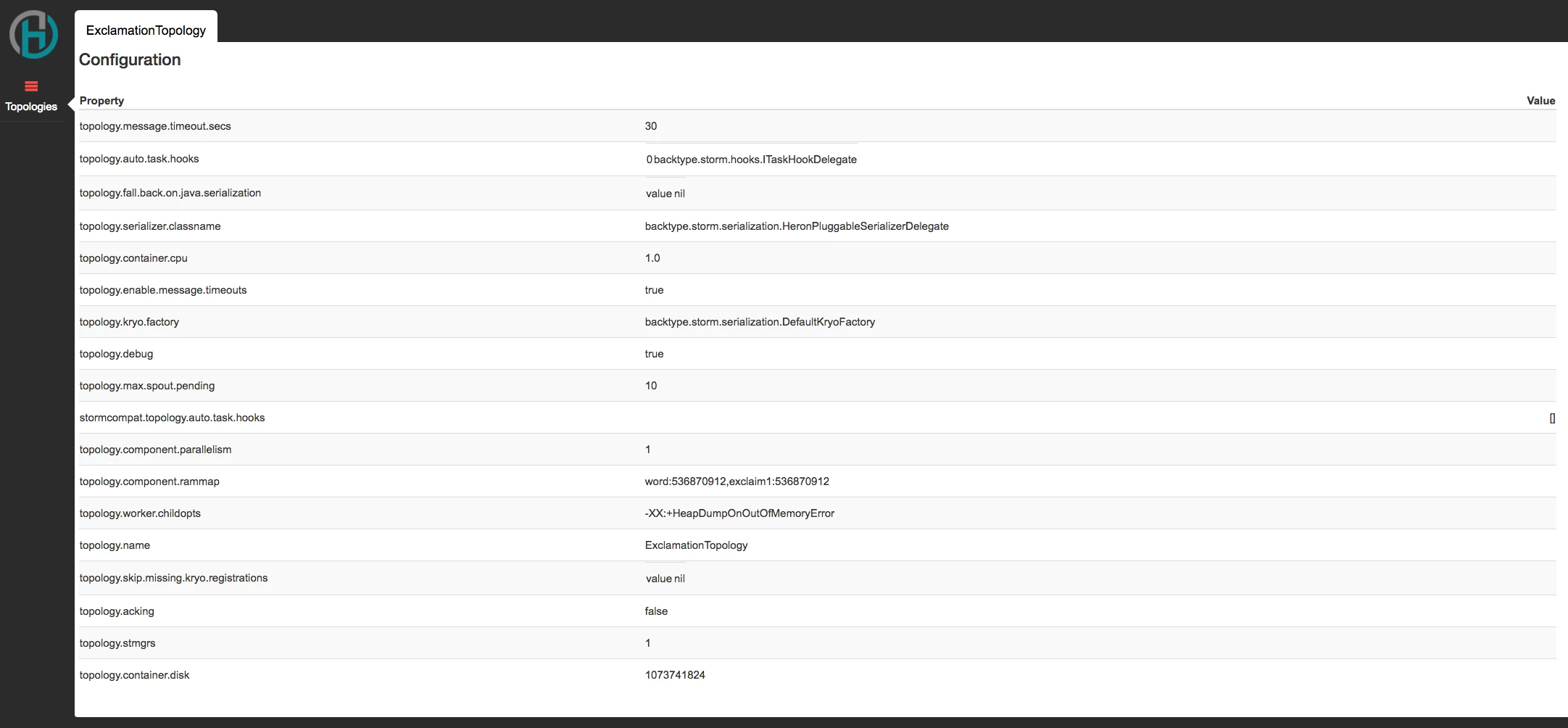
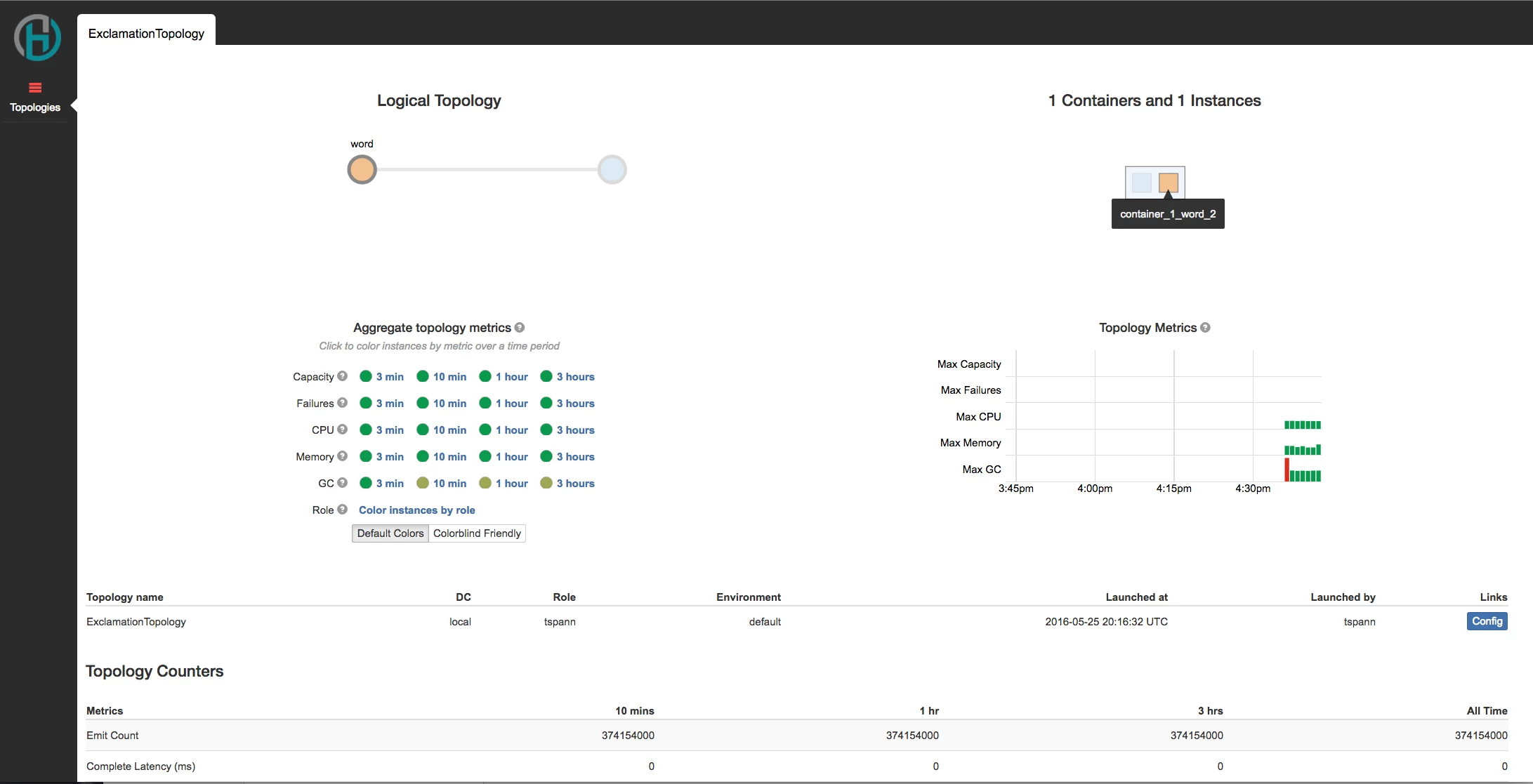
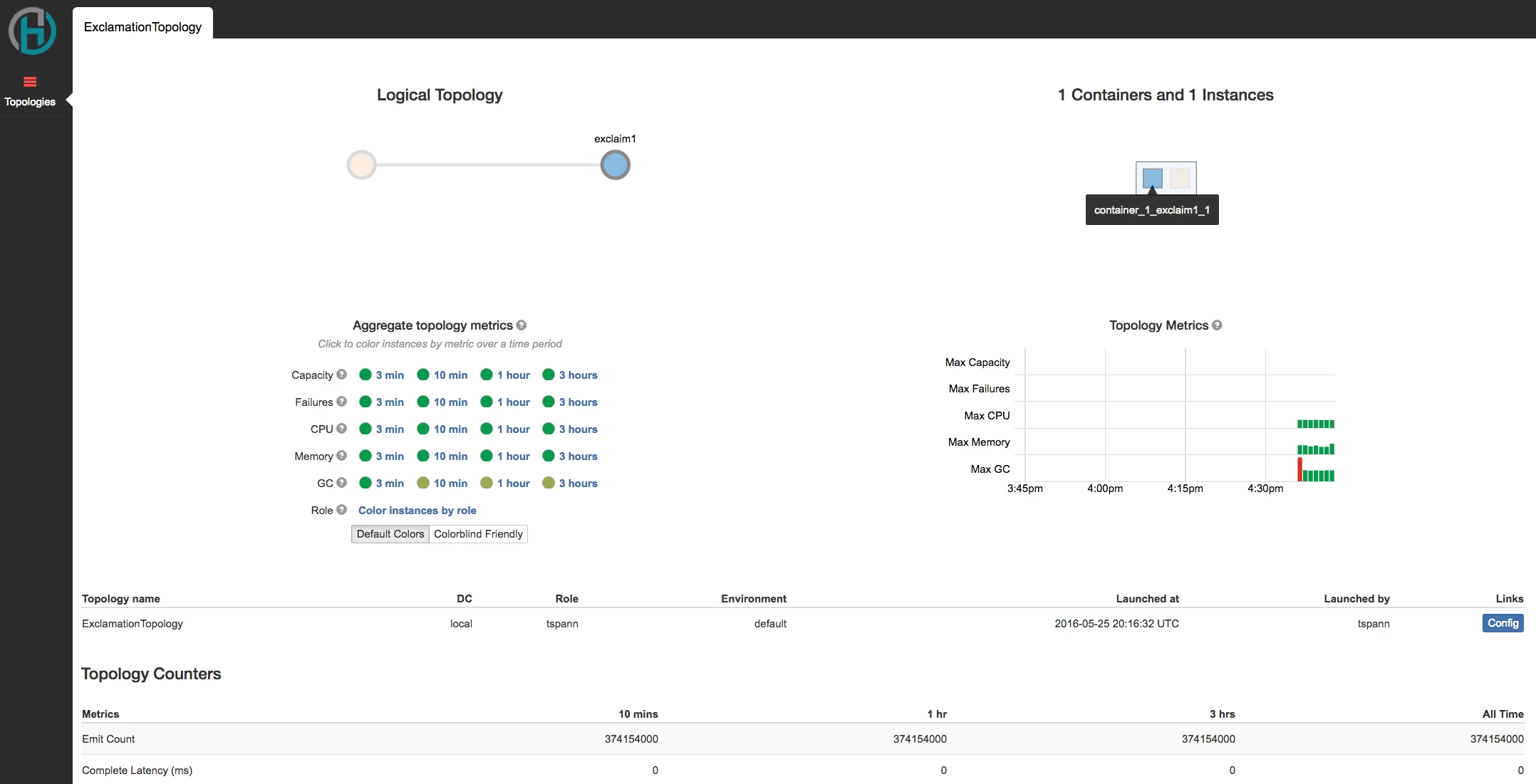
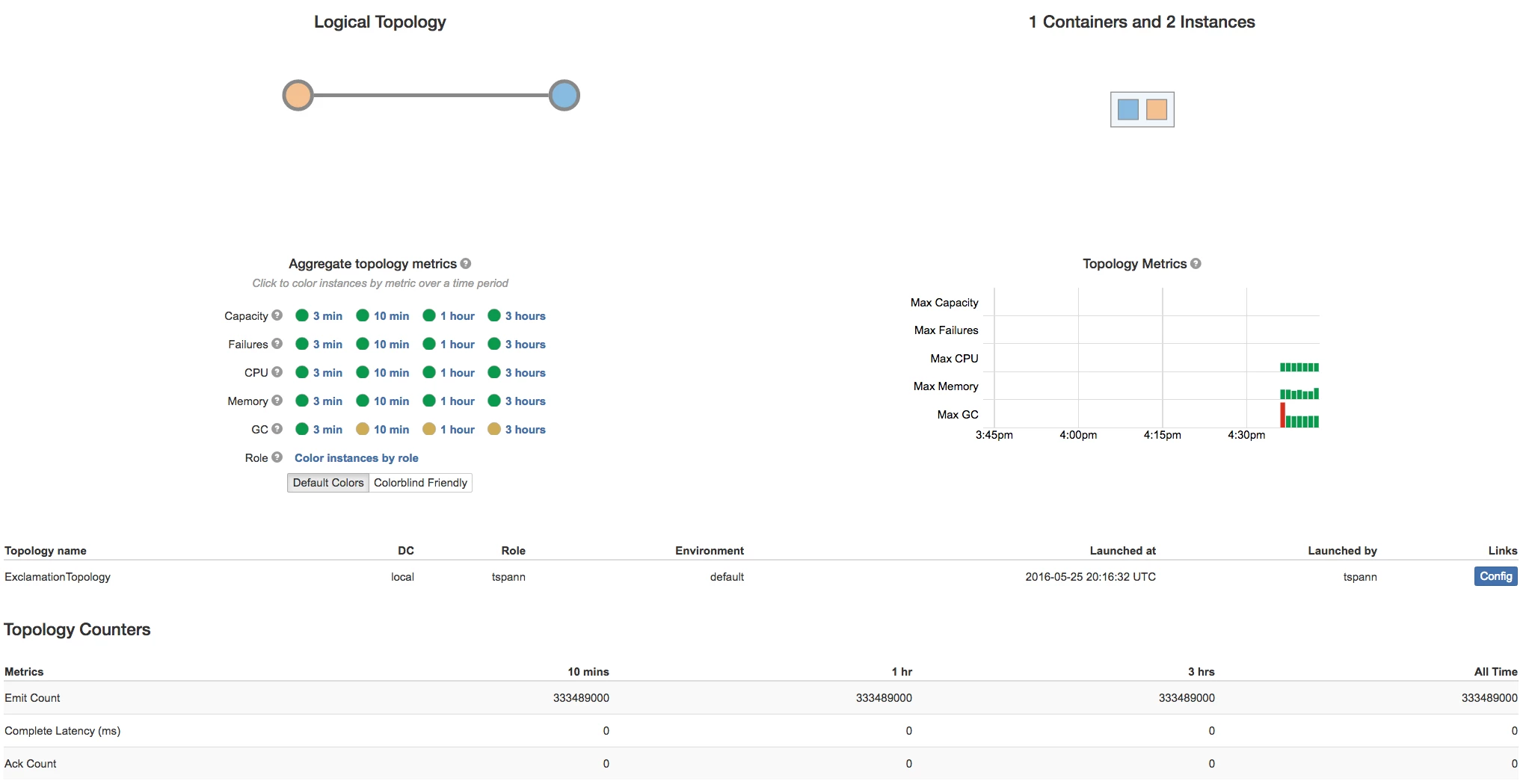
Attached are some screen shots. The Heron UI is decent.
I am hoping Heron screens will be integrated into Ambari.