


Monitor Apache NiFi with Apache NiFi
Monitoring Apache NiFi
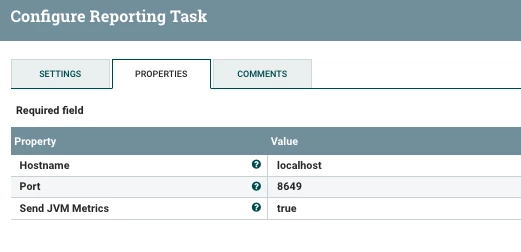
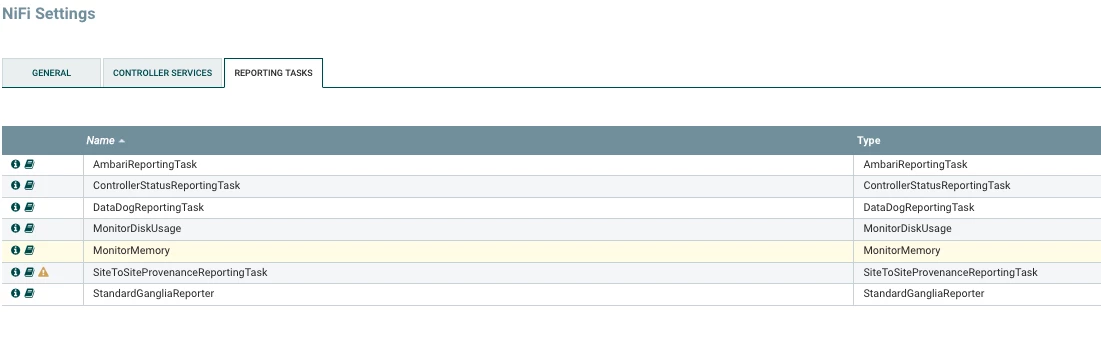
It's really important to pick some Reporting Tasks to let you know what's happening in Apache NiFi servers. Ambari will send it to your HDF Ambari which will show the results in nice Grafana graphs, charts and tables.
You can also monitor disk usage, memory and also send tasks to DataDog, Ganglia and Other Servers. It's also easy to write your own Reporting Task if you need a different one.
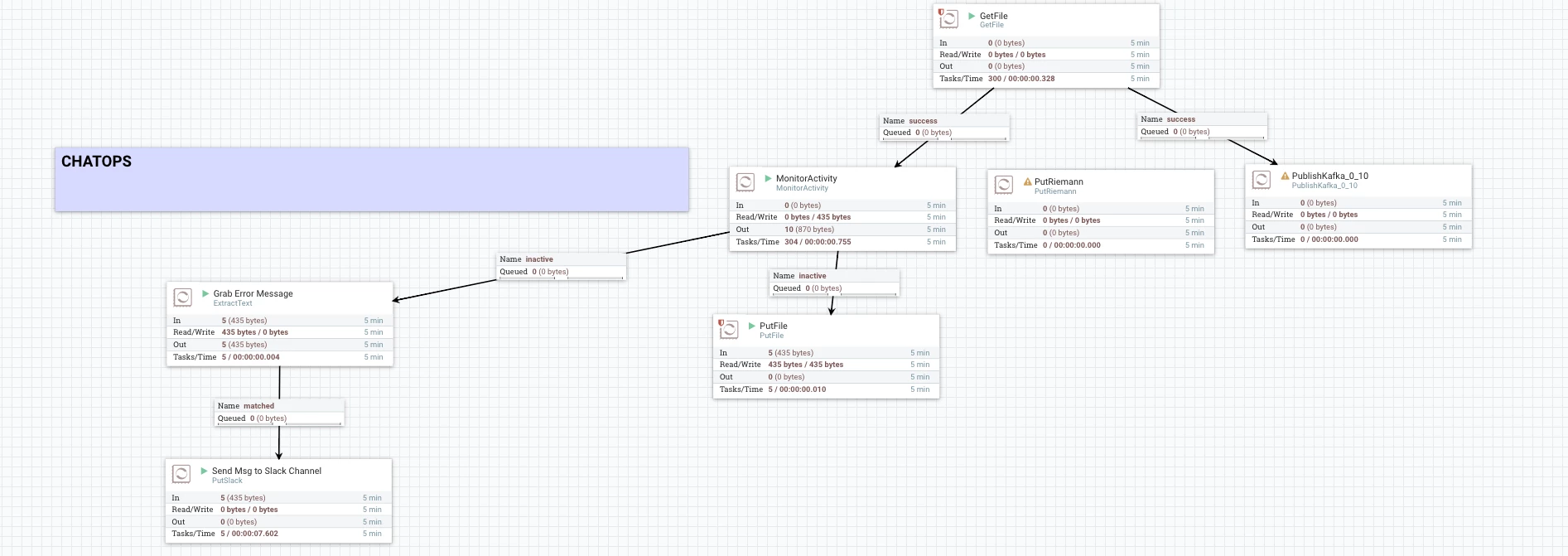
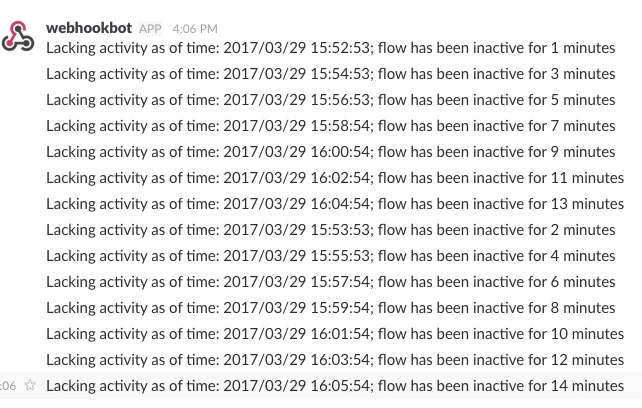
One of the ways to monitor your Apache NiFi Data Flows is to use the MonitorActivity processor which will create messages that can be sent to your Operations Dashboard, Console or elsewhere.
For people doing ChatOps, you can easily push these messages to Slack (there's a processor for that) PutSlack. You could also send a REST call to HipChat or other chat tools. Pretty easy to wrap that up in a custom processor as well.
Other Things to Monitor
REST END Points
server:port/nifi-api/system-diagnostics
See: https://nifi.apache.org/docs/nifi-docs/rest-api/
Logs
...nifi/logs/nifi-app.log and
..nifi/logs/nifi-user.log
These can be ingested with Apache NiFi for detailed log processing.
You can filter and send some messages to SumoLogic or elsewhere via Apache NiFi.

