


New Features in Apache NiFi 1.5 – Apache NiFi Registry and Version Control
For 2018, some awesome new in-demand features have come to my favorite Swiss Army Knife of IoT and Enterprise development, Apache NiFi. Speaking of knives, for fun say, “Apache NiFi” to Google Assistant. Okay, back to the awesome new release of Apache NiFi.
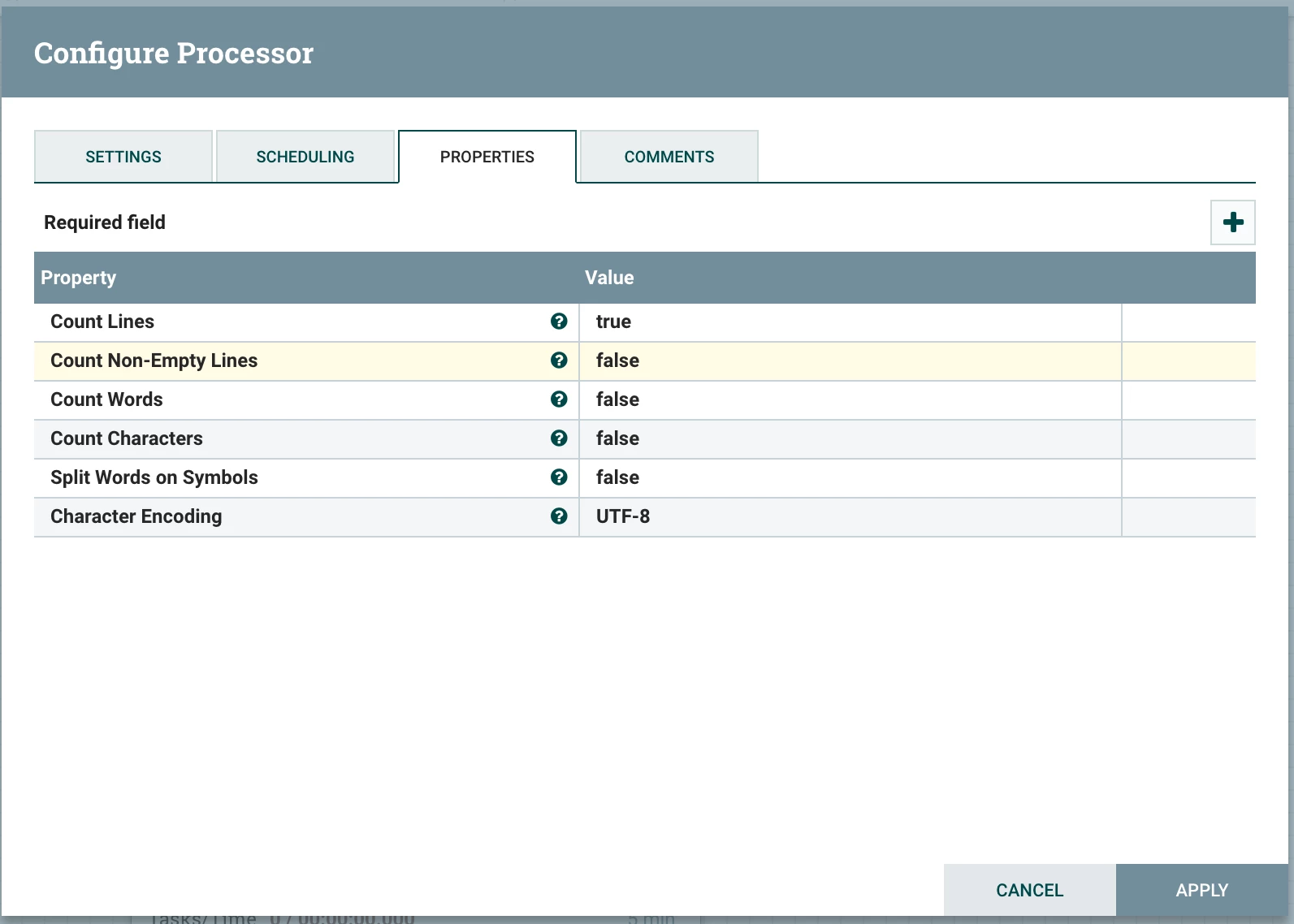
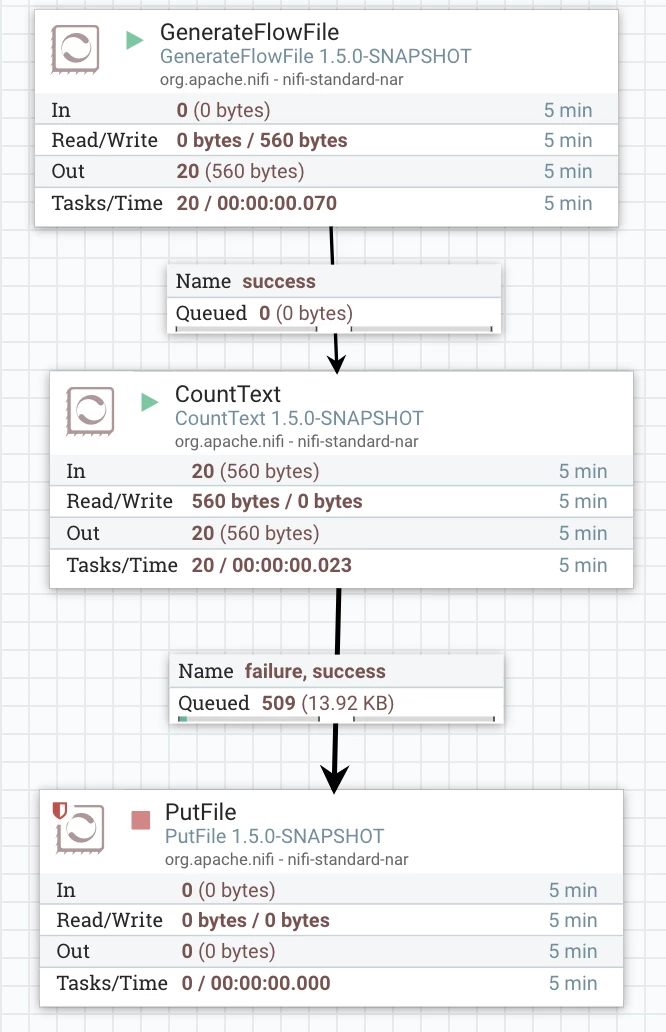
So there are a couple of new Processors that I want to highlight first. I am liking the new CountText processor, useful for counting elements of text documents like words and lines. My example flow is using it and I see some useful metrics gathering there. I also think some of these could be used as file validation checks to feed to machine learning algorithms. My files of type X are usually of this # of lines and words, but not this time. I have come across a couple of use cases on file ingest in the past that could use this. In one example a company was reading personnel files from an sFTP. The first step in validation was checking to see they received the proper number of lines, since one person per line. Another occasion sometimes the client would receive bad files in FTP, they looked fine but the last few records in a file would be missing so they needed to meet a minimum number of characters in the file. In yet another they were counting words for legal documents.
Example Run
text.line.count 1

No value set

text.word.count
Another cool processor that I will talk about in greater detail in future articles is the much-requested Spark Processor. The ExecuteSparkInteractive processor with its Livy Controller Service gives you a much better alternative to my hacky REST integration https://community.hortonworks.com/articles/148730/integrating-apache-spark-2x-jobs-with-apache-nifi.html to calling Apache Spark batch and machine learning jobs.
There are a number of enhancements, new processors and upgrades I’m excited about, but the main reason I am writing today is because of a new feature that allows for having an agile SDLC with Apache NiFi. This is now enabled by Apache NiFi Registry. It’s as simple as a quick git clone or download and then use Apache Maven to install Apache NiFi Registry and start it. This process will become even easier with future Ambari integration for a CLI-free install.
To integrate the Registry with Apache NiFi, you need to add a Registry Client. It’s very simple, to add the default local one, see below.

Accessing Apache NiFi Registry
By default, it will be running here:
http://localhost:18080/nifi-registry/
I did a quick install and did not set any security, with the next HDF release everything will be integrated and simple.
Accessing Apache NiFi Flow Registry API
As is the case with Apache NiFi, there is a great REST API that comes with the new Apache NiFi Registry. This API is very well documented and easy to follow. This will allow for easy integration with all the popular DevOps automation tools which will please all the DevOps focused teams out there.
Example Output:
{"identity":"anonymous","anonymous":true,"resourcePermissions":{"buckets":{"canRead":true,"canWrite":true,"canDelete":true},"tenants":{"canRead":true,"canWrite":true,"canDelete":true},"policies":{"canRead":true,"canWrite":true,"canDelete":true},"proxy":{"canRead":true,"canWrite":true,"canDelete":true},"anyTopLevelResource":{"canRead":true,"canWrite":true,"canDelete":true}}}
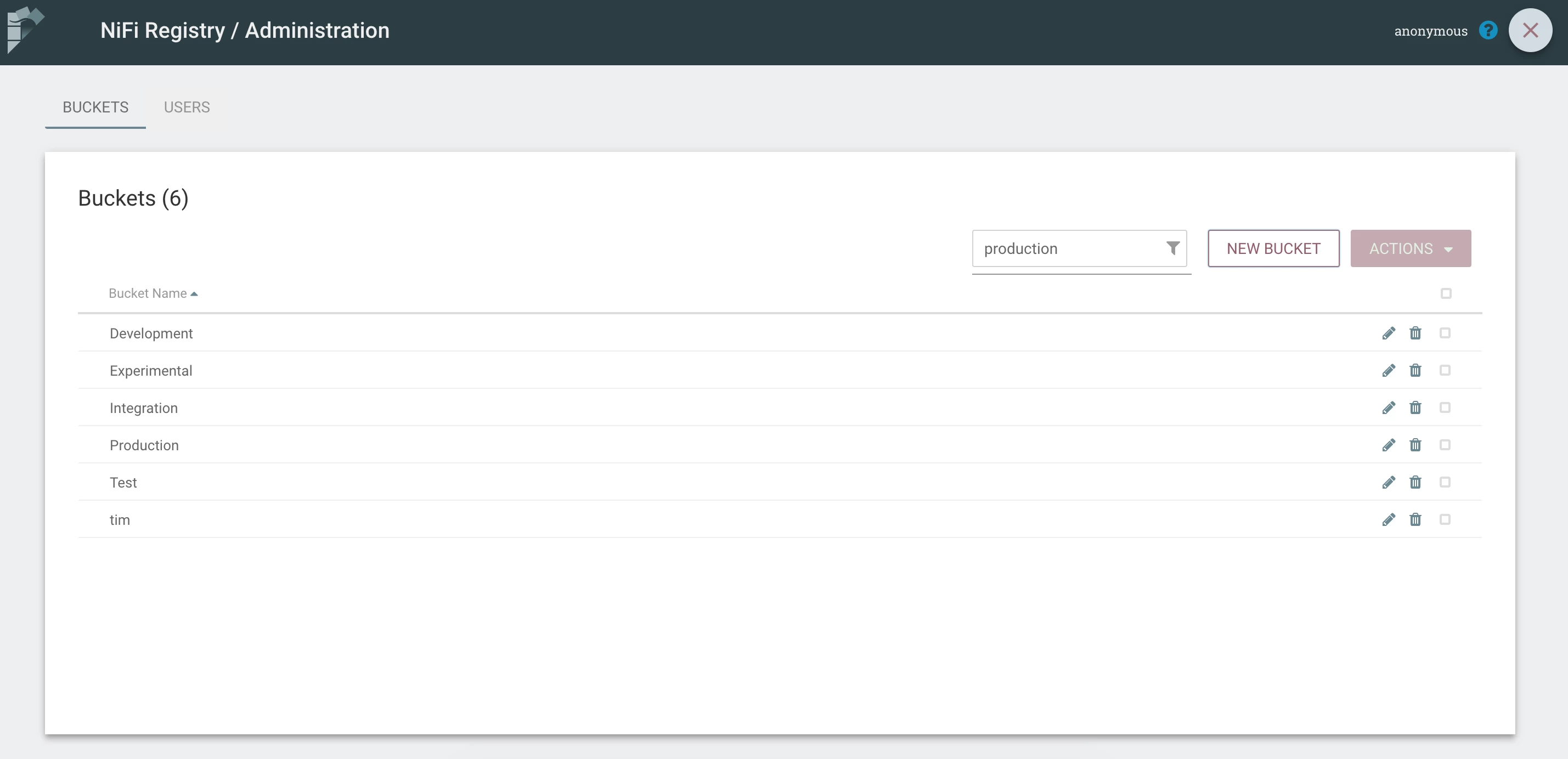
I added a few buckets to try out.
After you have done that, now you can start using it in Apache NiFi. It could not be easier.
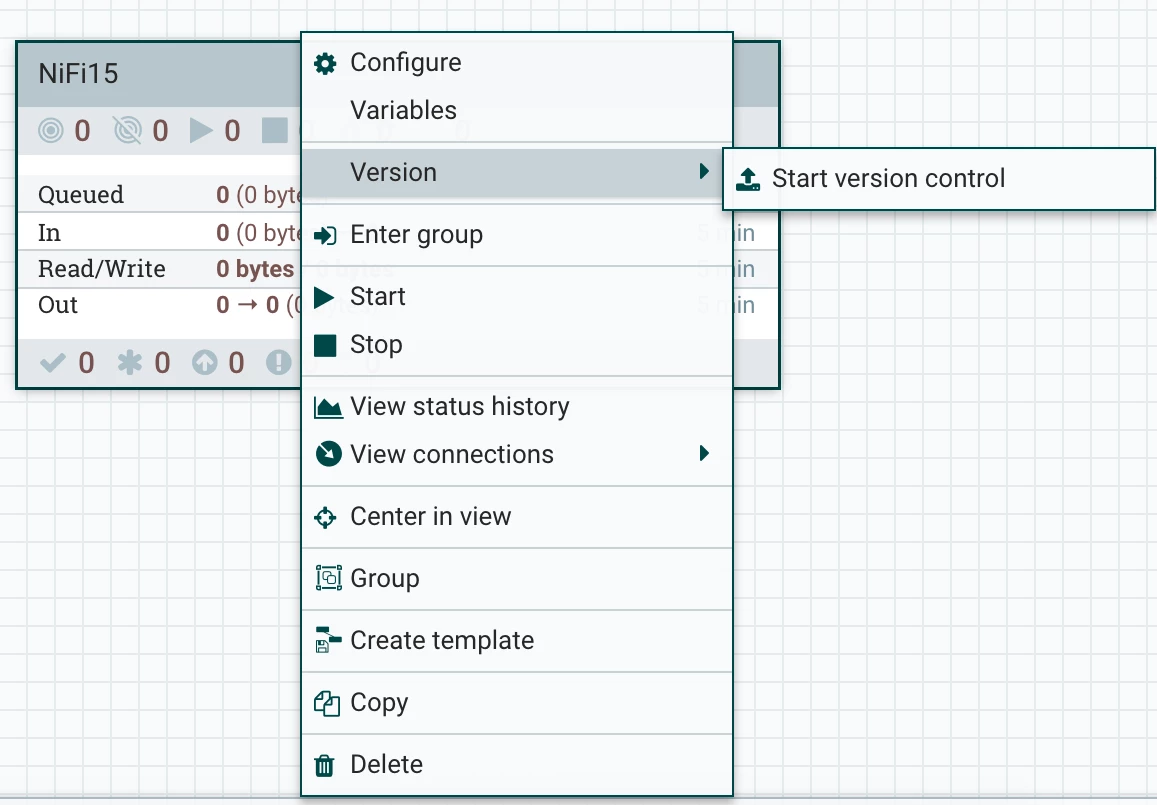
Step 1: Create or use an existing Processor Group.
Step 2: Right click and pick Version – Start version control.
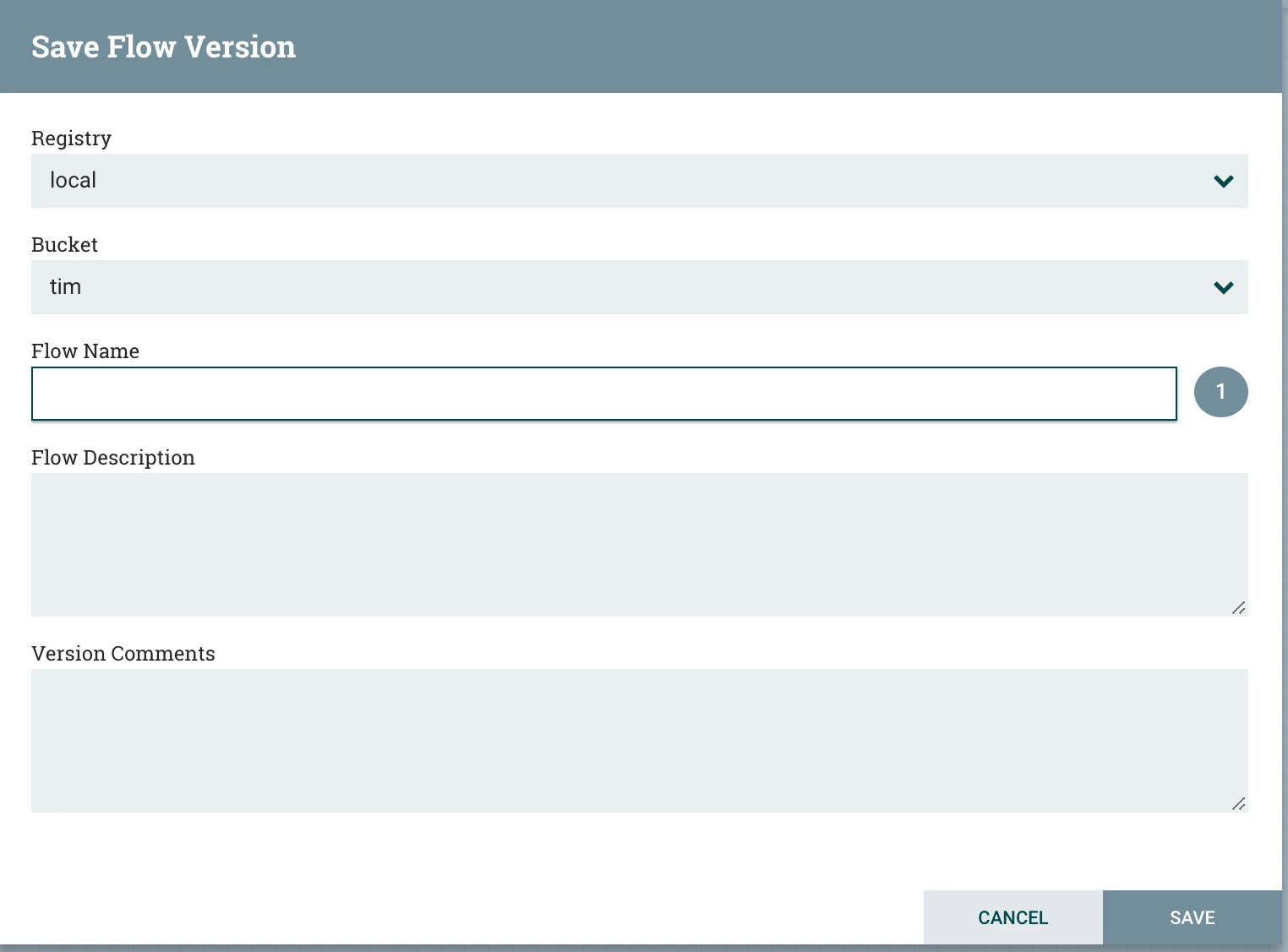
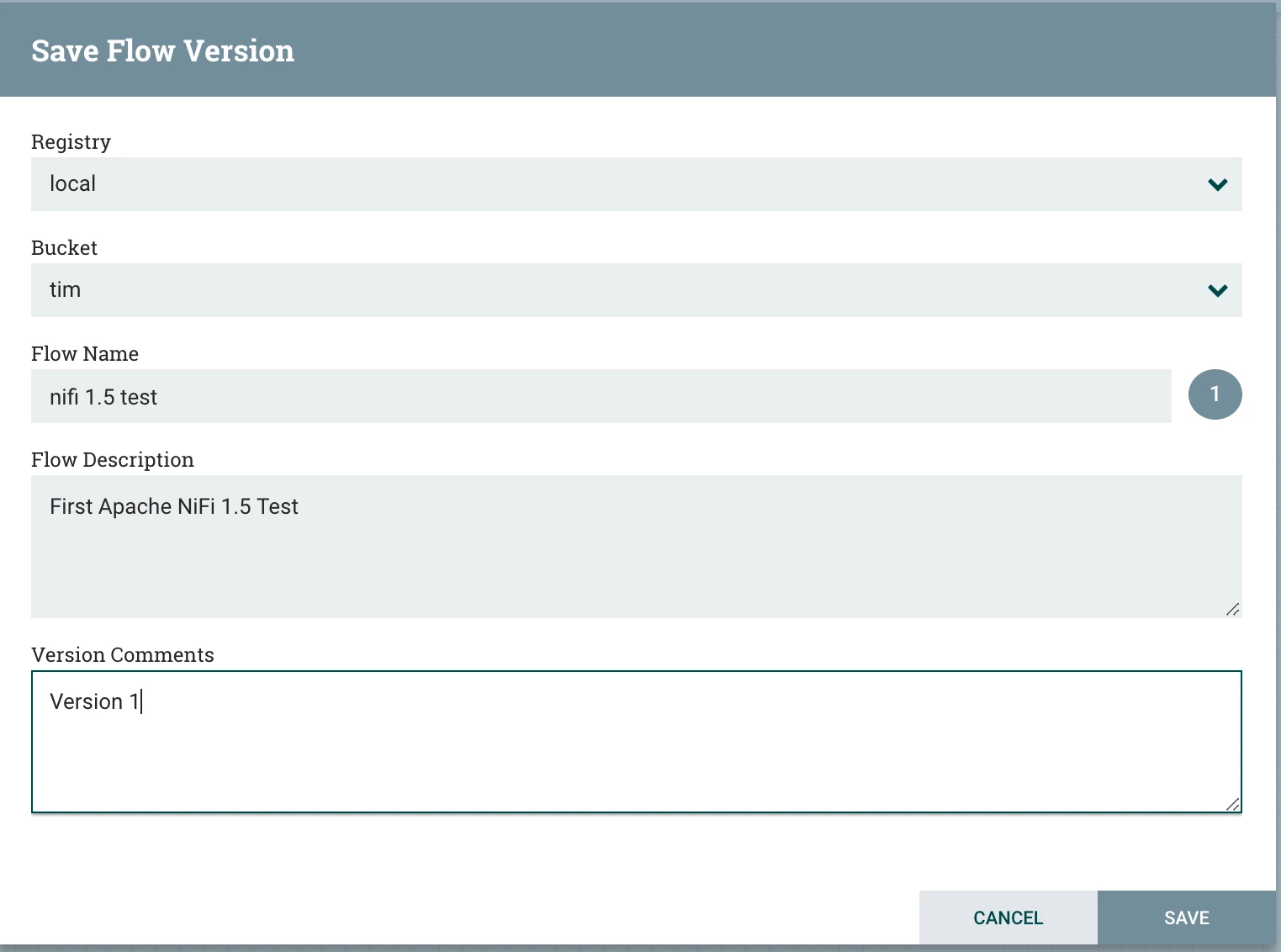
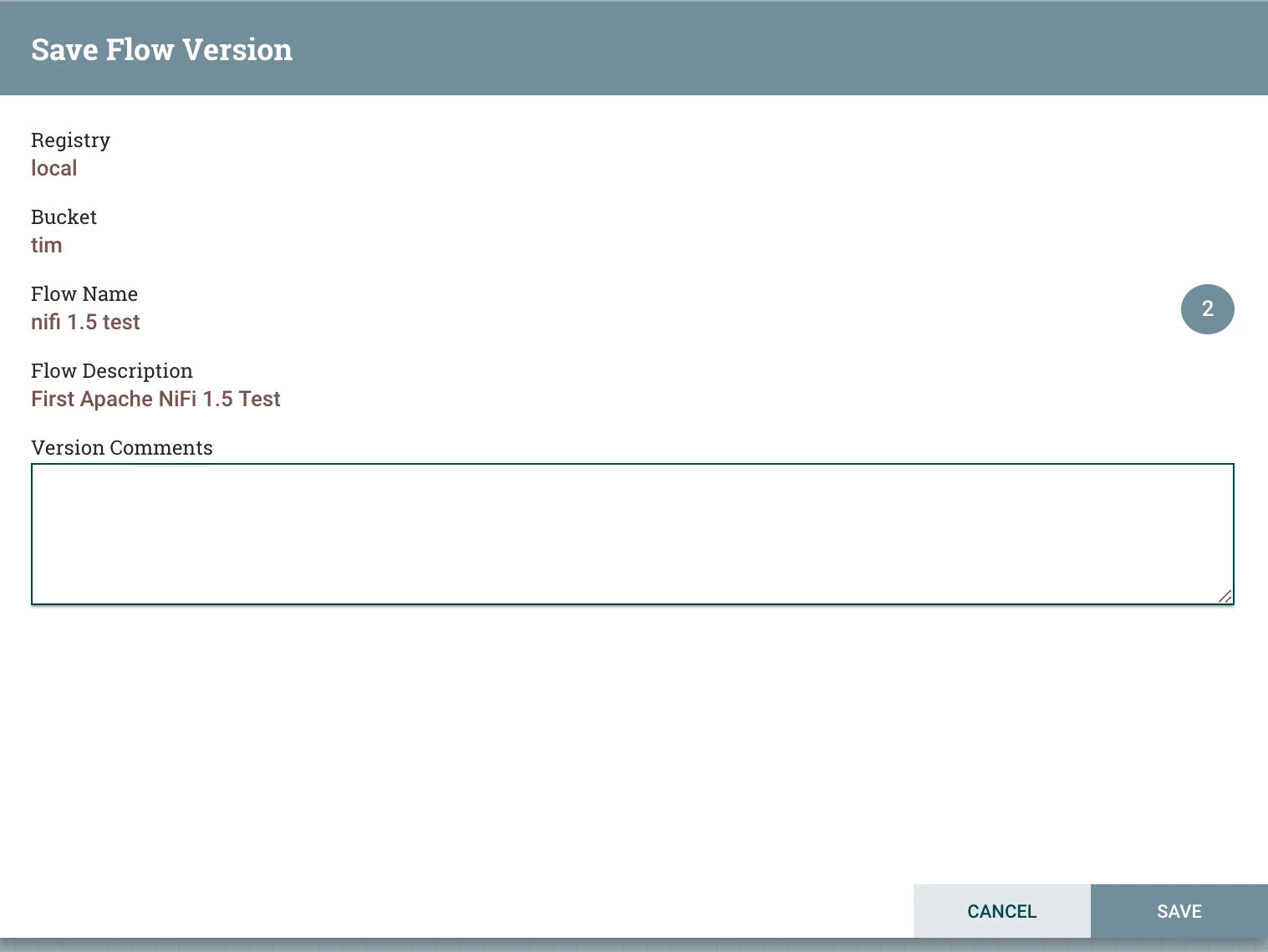
You then pick a Registry (if you have more than one) and a bucket. A bucket is a logical categorization of related flows. I created buckets for Development, Testing and Production. You then add a name, description, and comments for this particular flow and then SAVE. You have just versioned a Process Group. You can now run agile team development with Apache NiFi in your enterprise with familiar version control, team development and isolation.
You now have a versioned Processor Group:
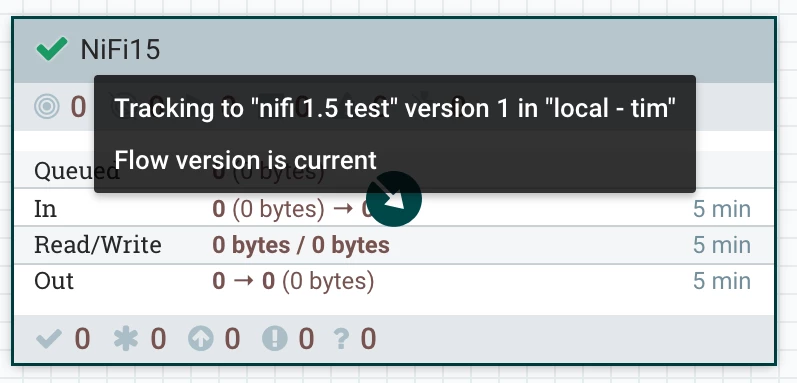
Now you can edit your flow and see that it has changed.
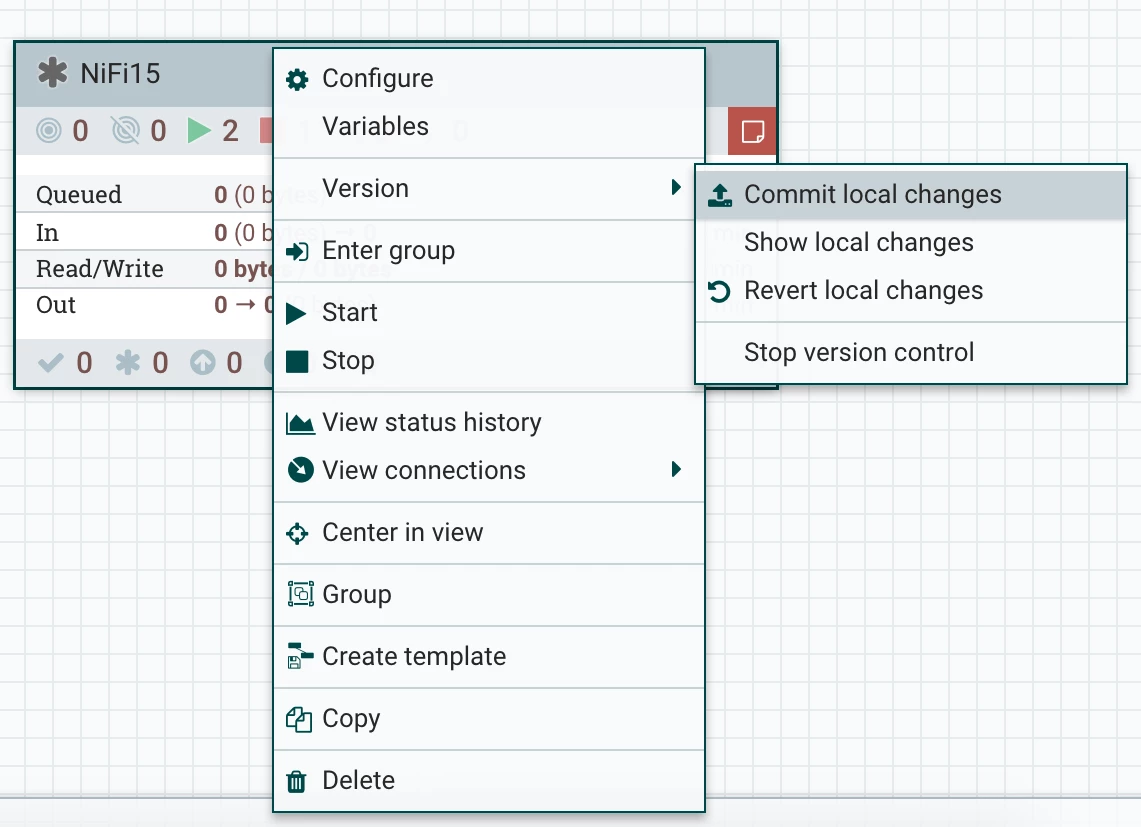
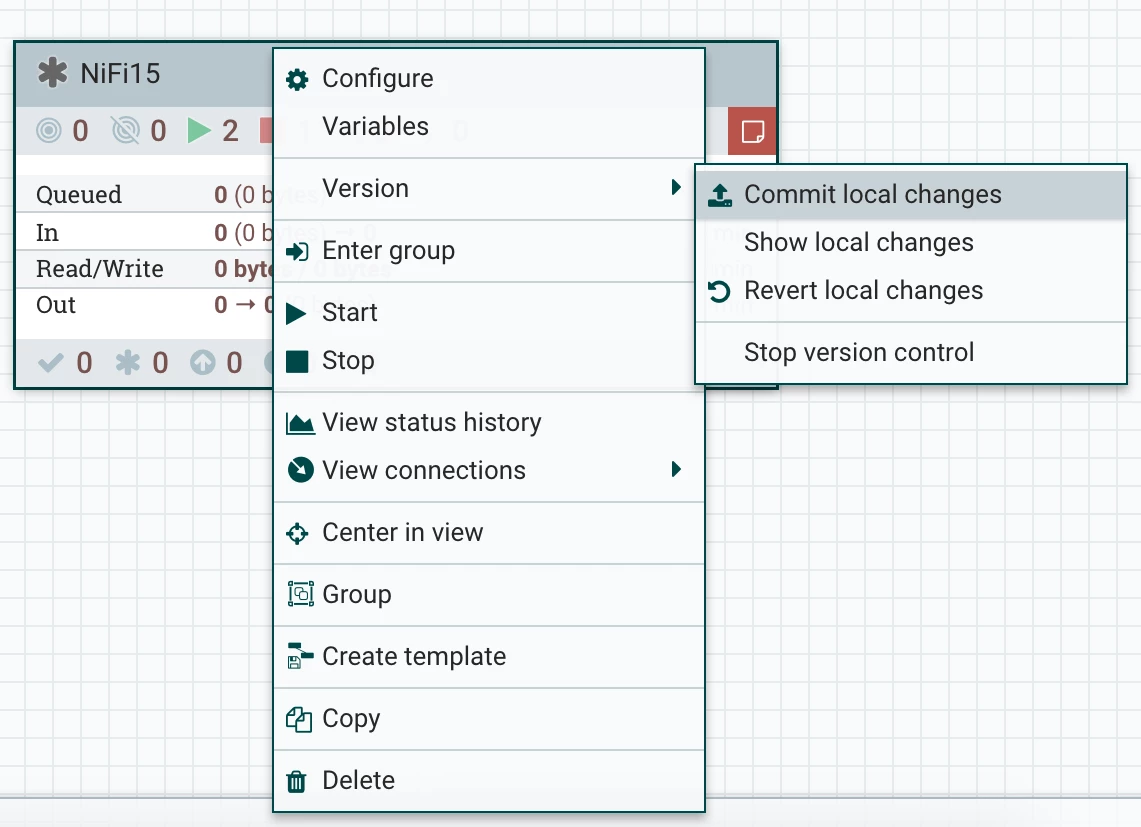
You can now easily commit those changes or revert. To see what changed just pick “Show local changes”
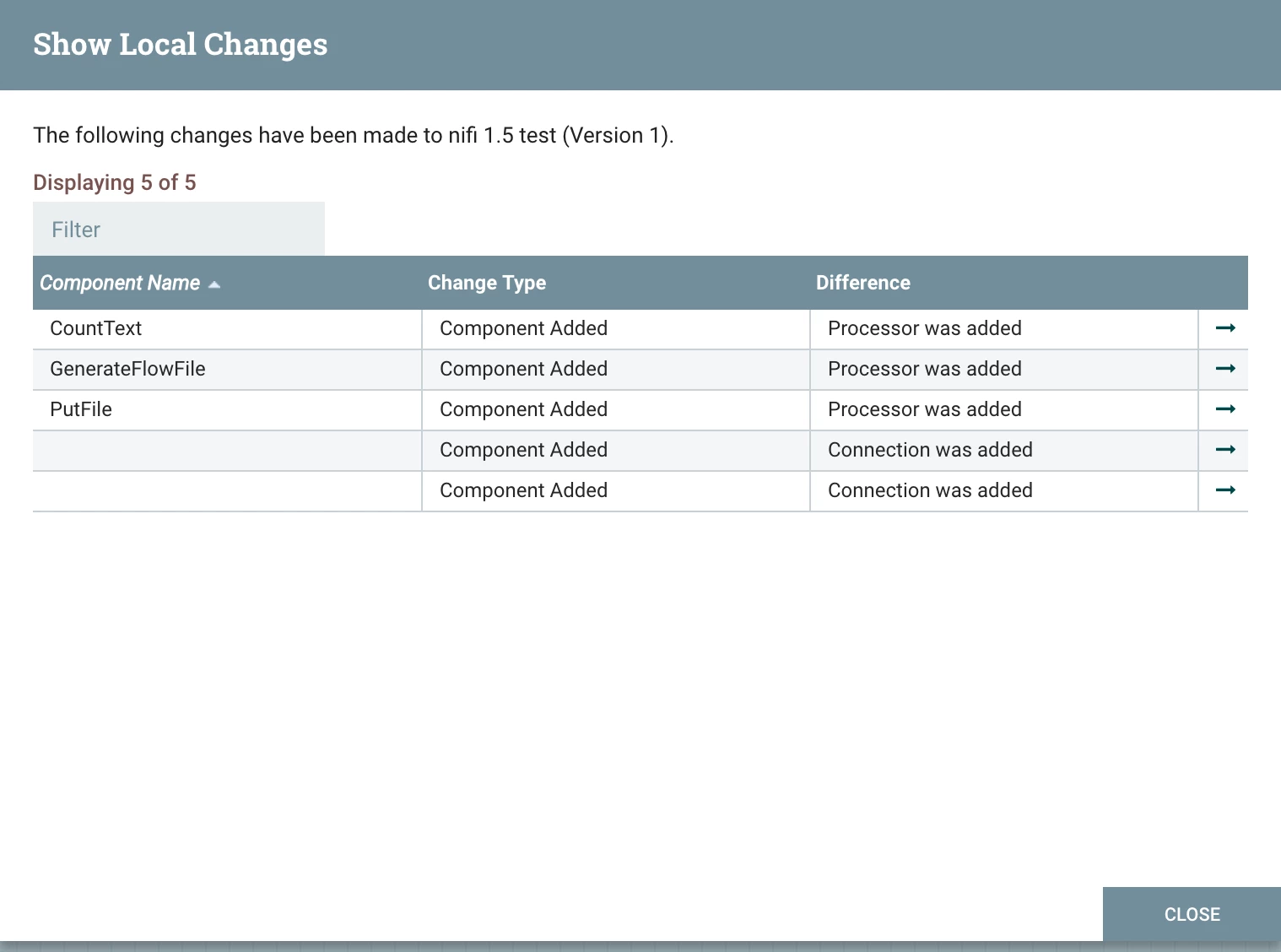
As you can see you get a very slick display of what changed to what component.
Step 3: Now let’s jump to Apache NiFi Registry and see what happened.

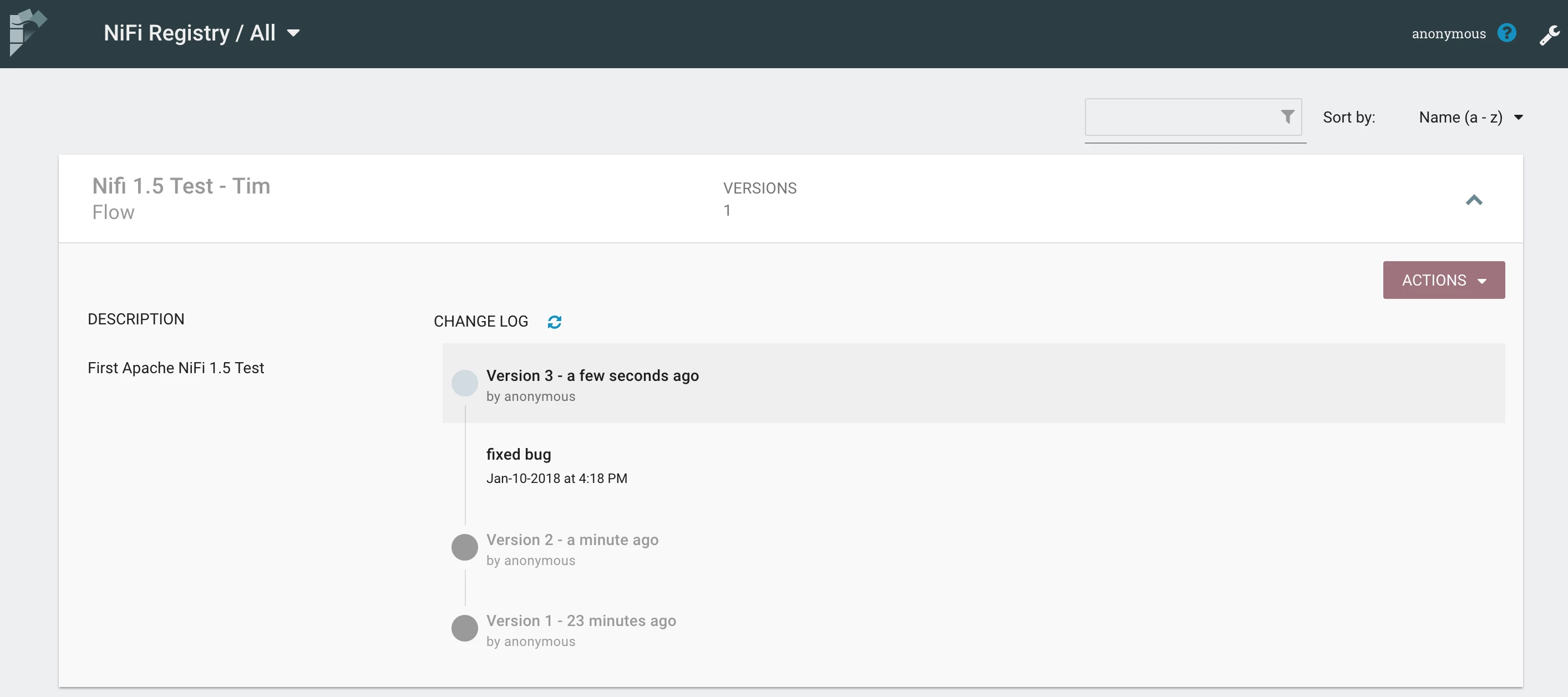
The above screenshot shows that my flow “Nifi 1.5 Test” has been stored in bucket “Tim” and has 3 saved versions.
An Example Versioned Test Flow
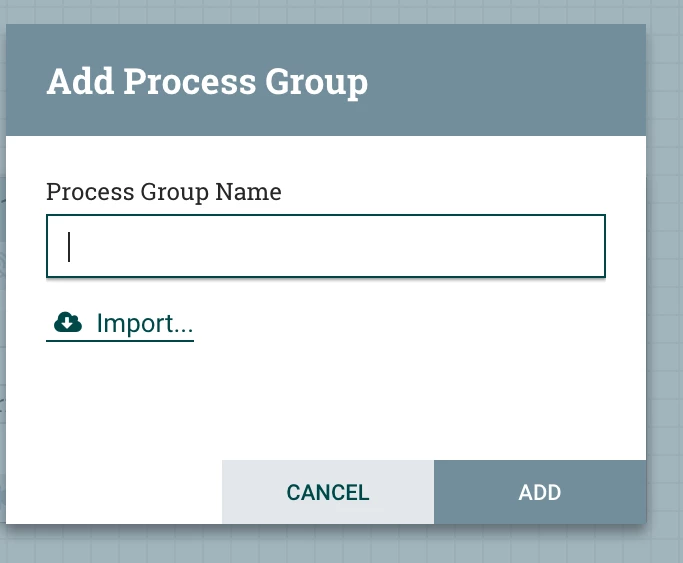
Now that your flow is version controlled, others can import that into their workspace (depending on security).
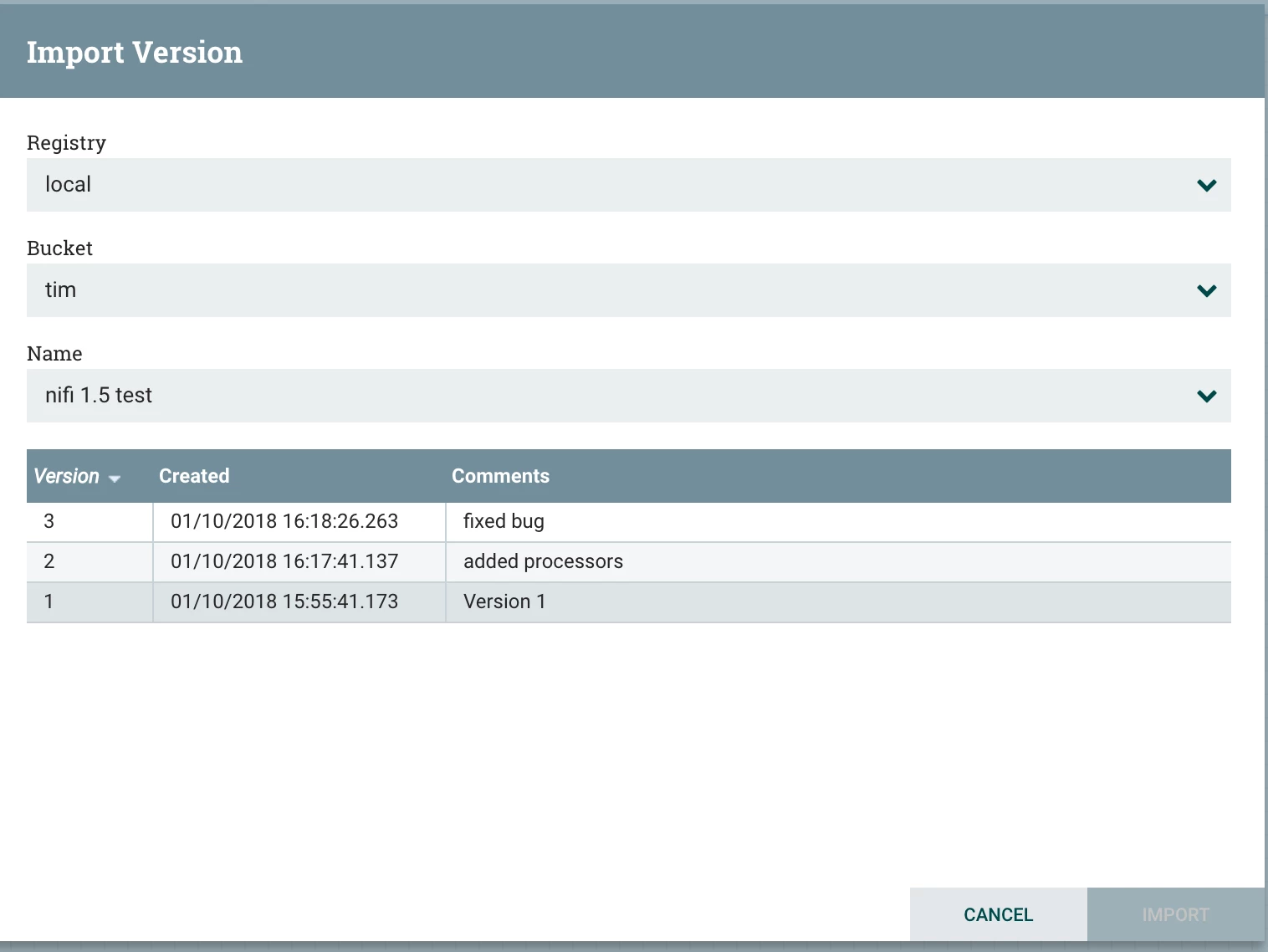
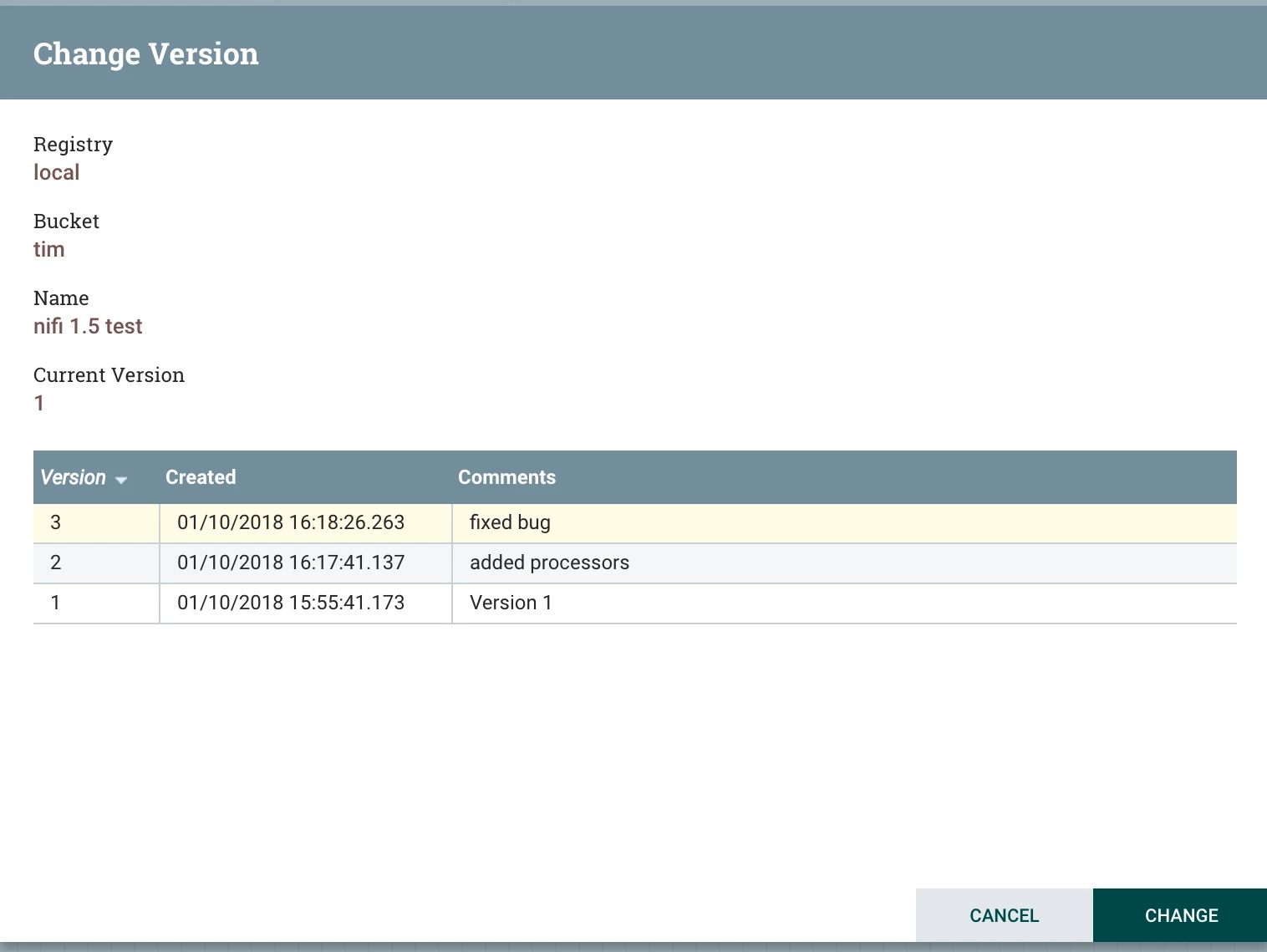
You can choose from any of the versions based on your needs.
For teams, this part is awesome:
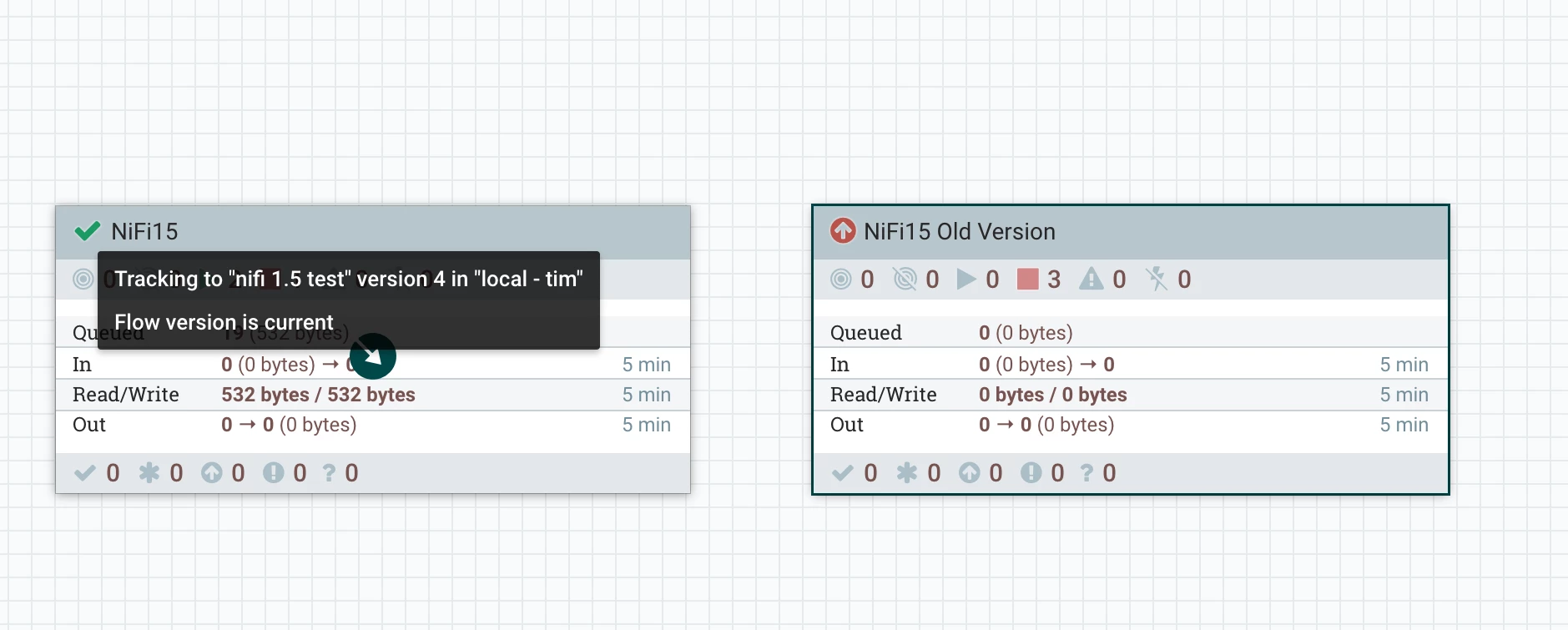
You will know if there’s a newer version and you can pick that one if you wish. Or not. You can run many copies of the same flow with different variables and versions.
My next article will be around updates to integrating with Apache Spark via Apache Livy.
Other Steps
Change to Another Version
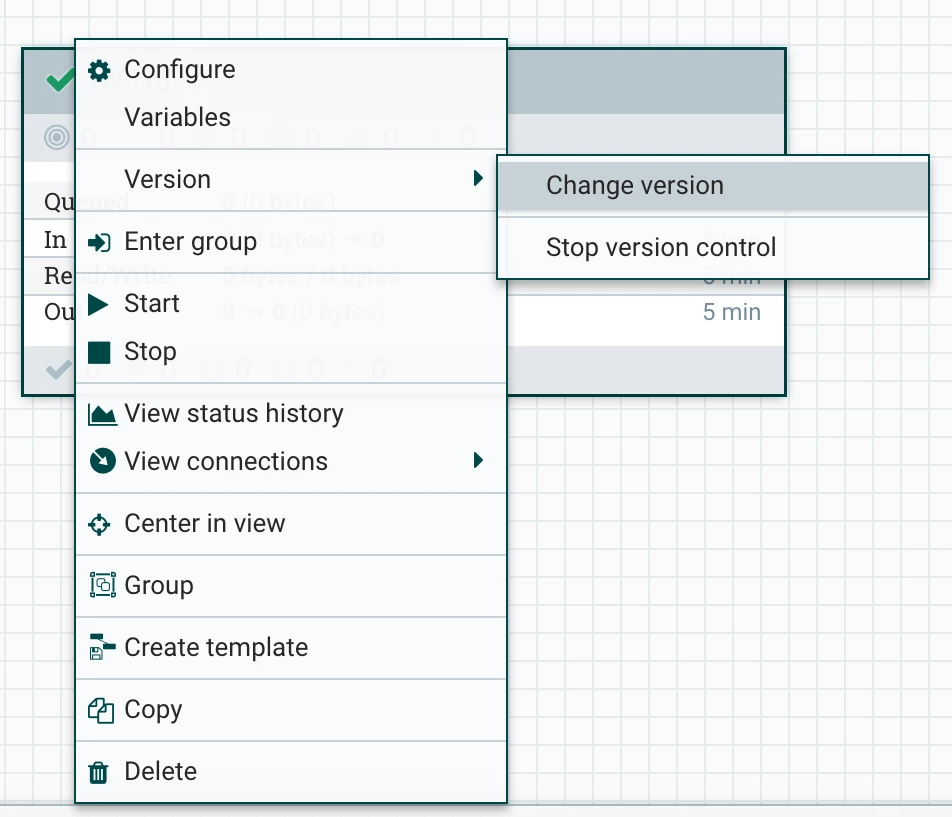
Commit Your Local Changes (or Revert Them)
Save Your Flow Version to Any Bucket or Registry You have Permissions To
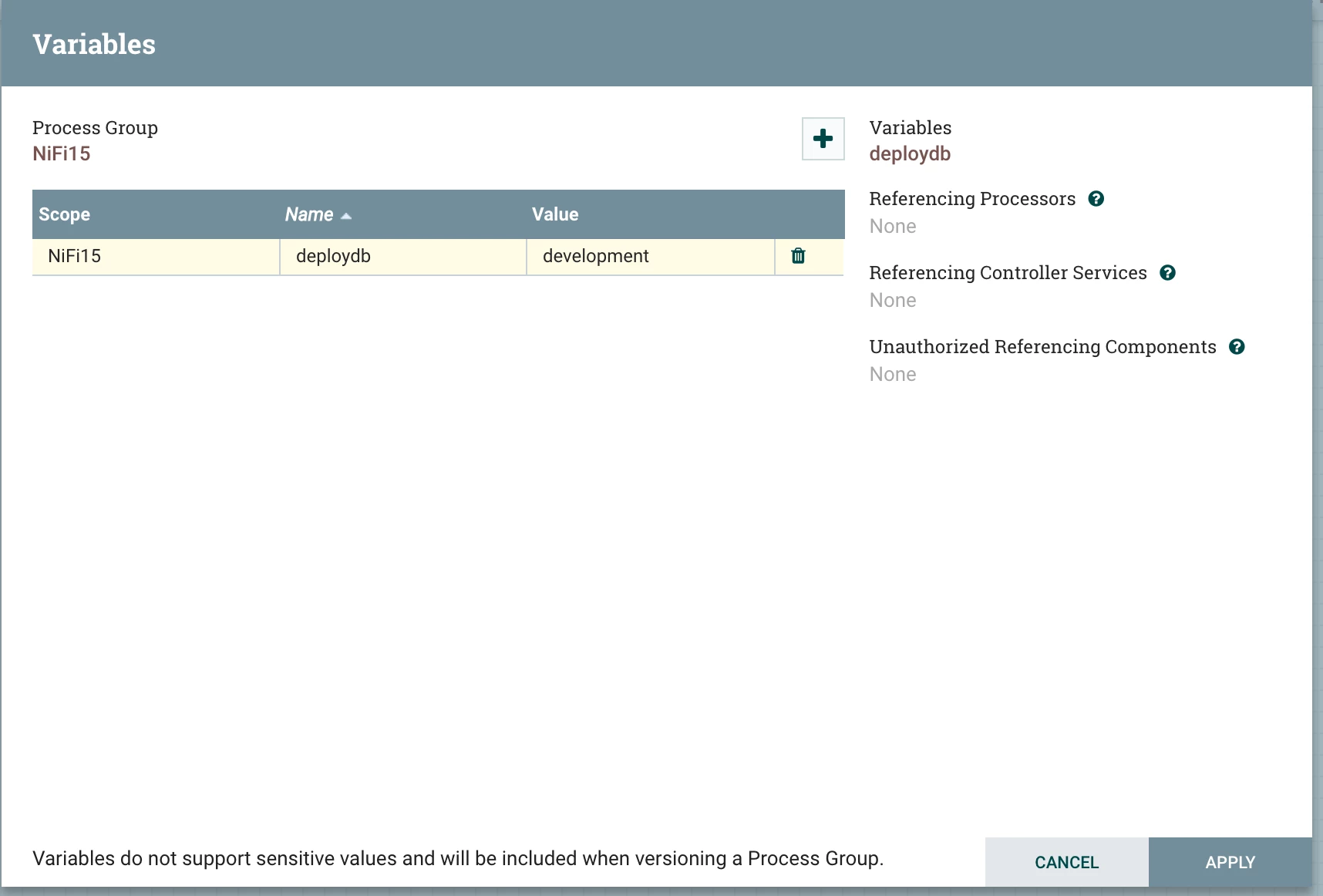
Your Variable Registry is Per Versioned Processor Group
This is the second version I am saving. Add some comments.
New Sub-Project, Processors, Tasks and Services:
- MoveHDFS Processor
- Kafka 1.0 Processors
- CSVRecordLookupService
- New Graphite Reporting Task
- Spark Job Executor with Apache Livy Integration
- FlattenJSON Processor
- DeleteMongo Processor
- TextCount Processor
- Apache NiFi Registry
Resources:
- https://cwiki.apache.org/confluence/display/NIFI/Release+Notes#ReleaseNotes-Version1.5.0
- https://github.com/apache/nifihttps://nifi.apache.org/download.html
- https://issues.apache.org/jira/secure/ReleaseNote.jspa?projectId=12316020&version=12341668
Apache NiFi Registry

