


Python Script in NiFi
In NiFi the data being passed between operators is referred to as a FlowFile and can be accessed via various scripting languages in the ExecuteScript operator.
In order to access the data in the FlowFile you need to understand a few requirements first.
In this example we will access the json data being passed into the ExecuteScript operator via a getTwitter operator.
This could be any data ingestion operator.
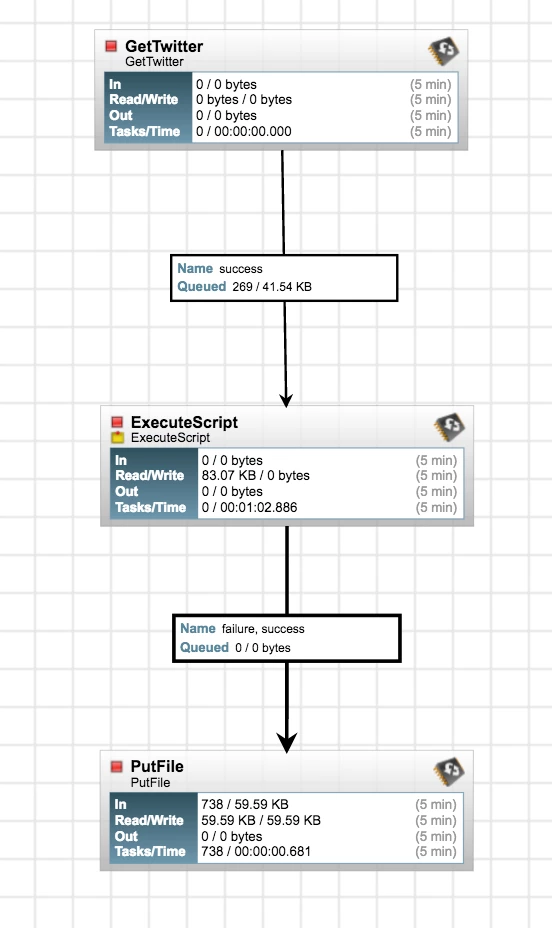
Using the ExecuteScript (Note: Execute script will use Jython libraries which are good but limited. If you have a python script which uses other libs and produces an output you can use Execute Process instead which will execute the python script on the machine using the full python lib and the output will become your flow file. ) operator set the script type to python and in the "script body" section enter the following code:
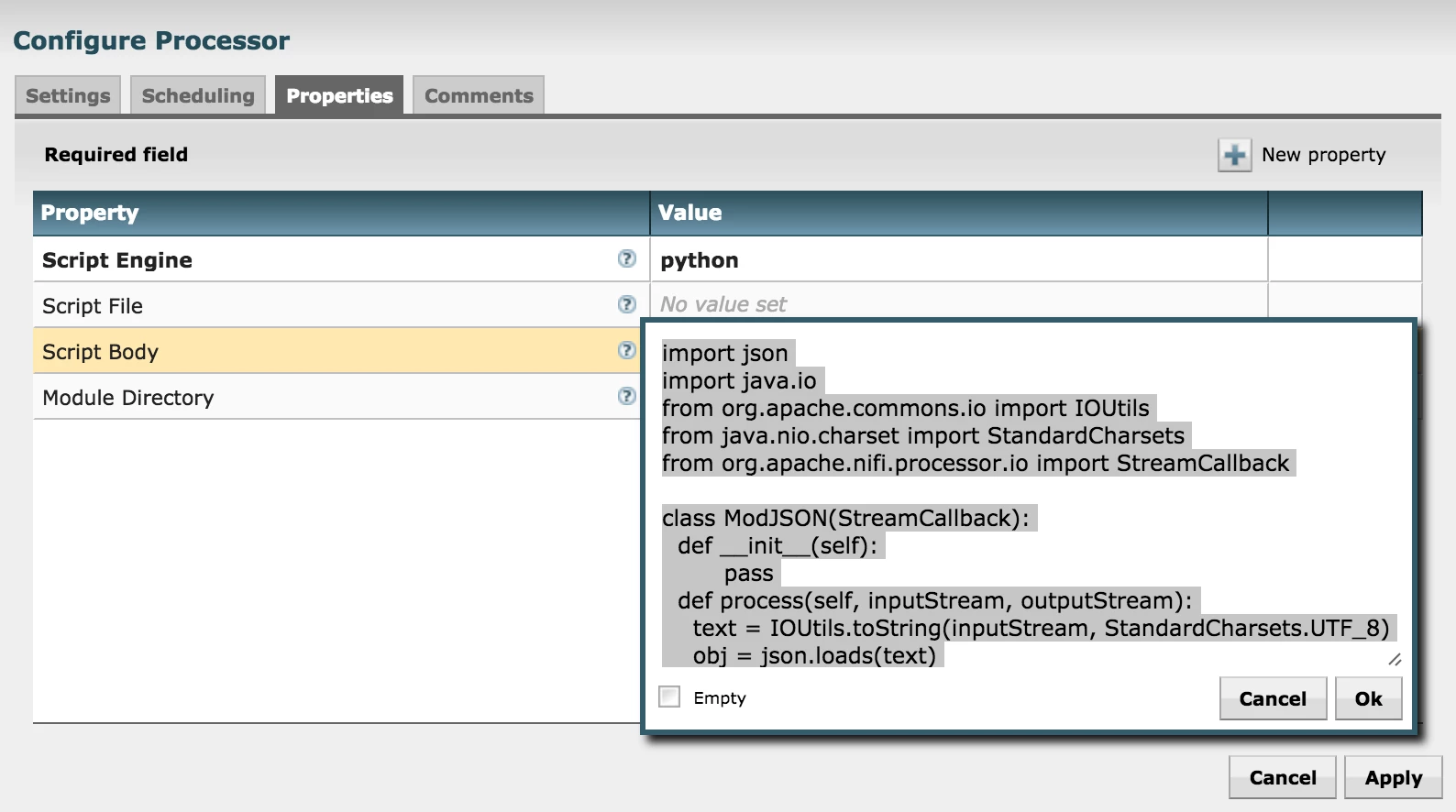
import json
import java.io
from org.apache.commons.io import IOUtils
from java.nio.charset import StandardCharsets
from org.apache.nifi.processor.io import StreamCallback

class ModJSON(StreamCallback):
  def __init__(self):
        pass
  def process(self, inputStream, outputStream):
    text = IOUtils.toString(inputStream, StandardCharsets.UTF_8)
    obj = json.loads(text)
    newObj = {
          "Source": "NiFi",
          "ID": obj['id'],
          "Name": obj['user']['screen_name']
        }
    outputStream.write(bytearray(json.dumps(newObj, indent=4).encode('utf-8')))

flowFile = session.get()
if (flowFile != None):
  flowFile = session.write(flowFile, ModJSON())
  flowFile = session.putAttribute(flowFile, "filename", flowFile.getAttribute('filename').split('.')[0]+'_translated.json')
session.transfer(flowFile, REL_SUCCESS)
session.commit()
the import statements are required to take advantage of the NiFi components.
The way we actually access the flowfile is through a global variable available to you in NiFi called "session".
As you can see:
flowFile = session.get()
is how we grab the IOStream from NiFi and the pass to the processing Class via the session.write() method.
You can build up a new JSON object while referencing attributes from the source JSON as you can see in the script:
    newObj = {
          "Source": "NiFi",
          "ID": obj['id'],
          "Name": obj['user']['screen_name']
        }
This should help you get started with using python scripts inside of NiFi.
I hope to see some posts of how you modify this to create more interesting flows.

