


Quickly Adding HDF to HDP 2.5 Sandbox
Adding HDF (with Apache NiFi) to your HDP 2.5 Sandbox is very quick, painless and easy.
Get the most recent Hortonworks DataFlow (download😞
wget http://d3d0kdwqv675cq.cloudfront.net/HDF/centos6/1.x/updates/1.2.0.1/HDF-1.2.0.1-1.tar.gz
tar -xvf HDF-1.2.0.1-1.tar.gz
cd HDF-1.2.0.1-1/nifi/
Then change the port used by NiFi in the conf/nifi.properties file to:
nifi.web.http.port=8090
Install NiFi as a Linux Service
bin/nifi.sh install
sudo service nifi start
NiFi home: /opt/HDF-1.2.0.1-1/nifi
Bootstrap Config File: /opt/HDF-1.2.0.1-1/nifi/conf/bootstrap.conf
2016-07-04 02:18:00,005 INFO [main] org.apache.nifi.bootstrap.Command Starting Apache NiFi...
2016-07-04 02:18:00,006 INFO [main] org.apache.nifi.bootstrap.Command Working Directory: /opt/HDF-1.2.0.1-1/nifi
You can check the status of single NiFi server via status command:
[root@sandbox nifi]# sudo service nifi status
nifi.sh: JAVA_HOME not set; results may vary
Java home:
NiFi home: /opt/HDF-1.2.0.1-1/nifi
Bootstrap Config File: /opt/HDF-1.2.0.1-1/nifi/conf/bootstrap.conf
2016-07-04 02:18:42,527 INFO [main] org.apache.nifi.bootstrap.Command Apache NiFi is currently running, listening to Bootstrap on port 43184, PID=4391
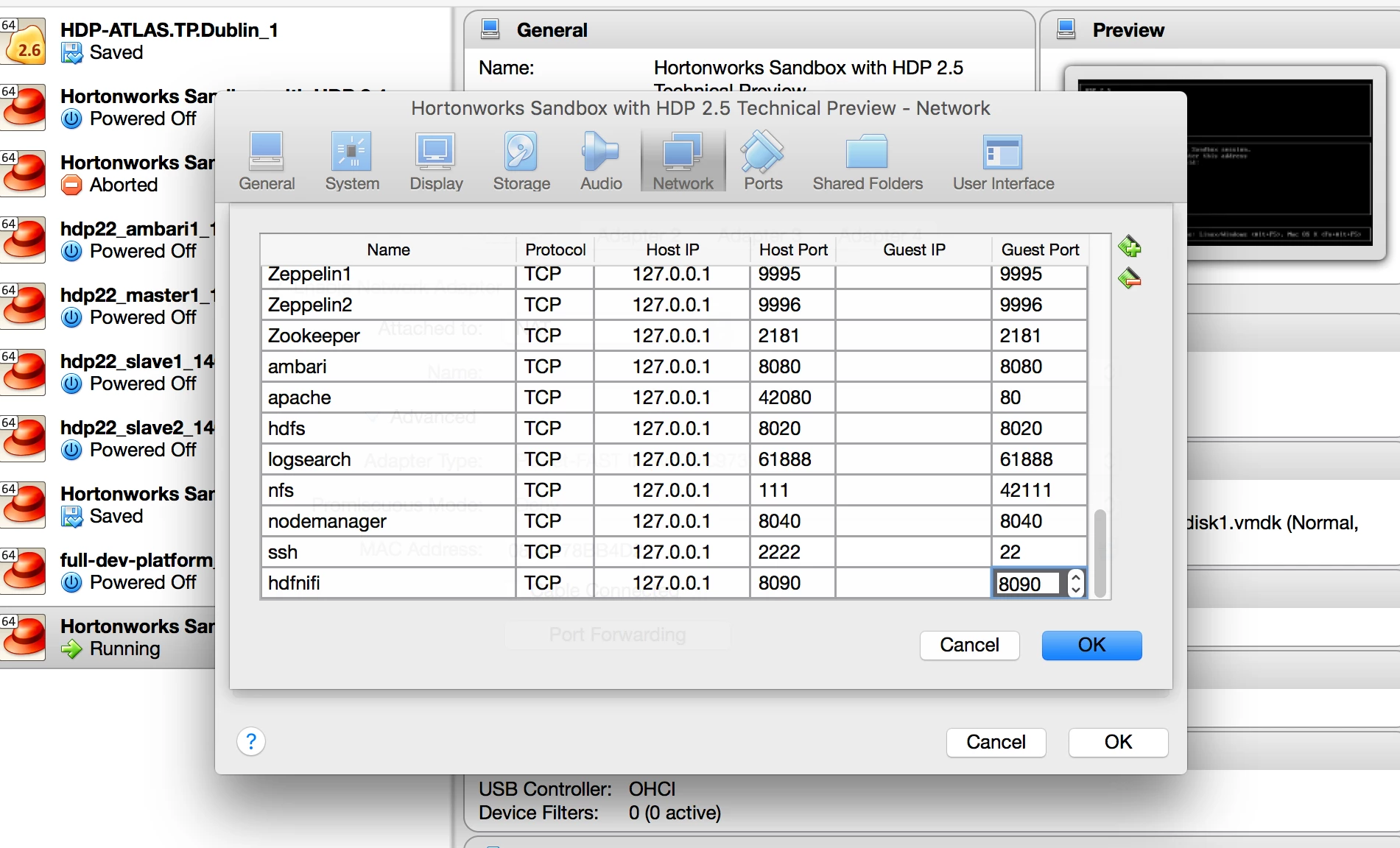
Make sure you add port 8090 to the sandbox networking.
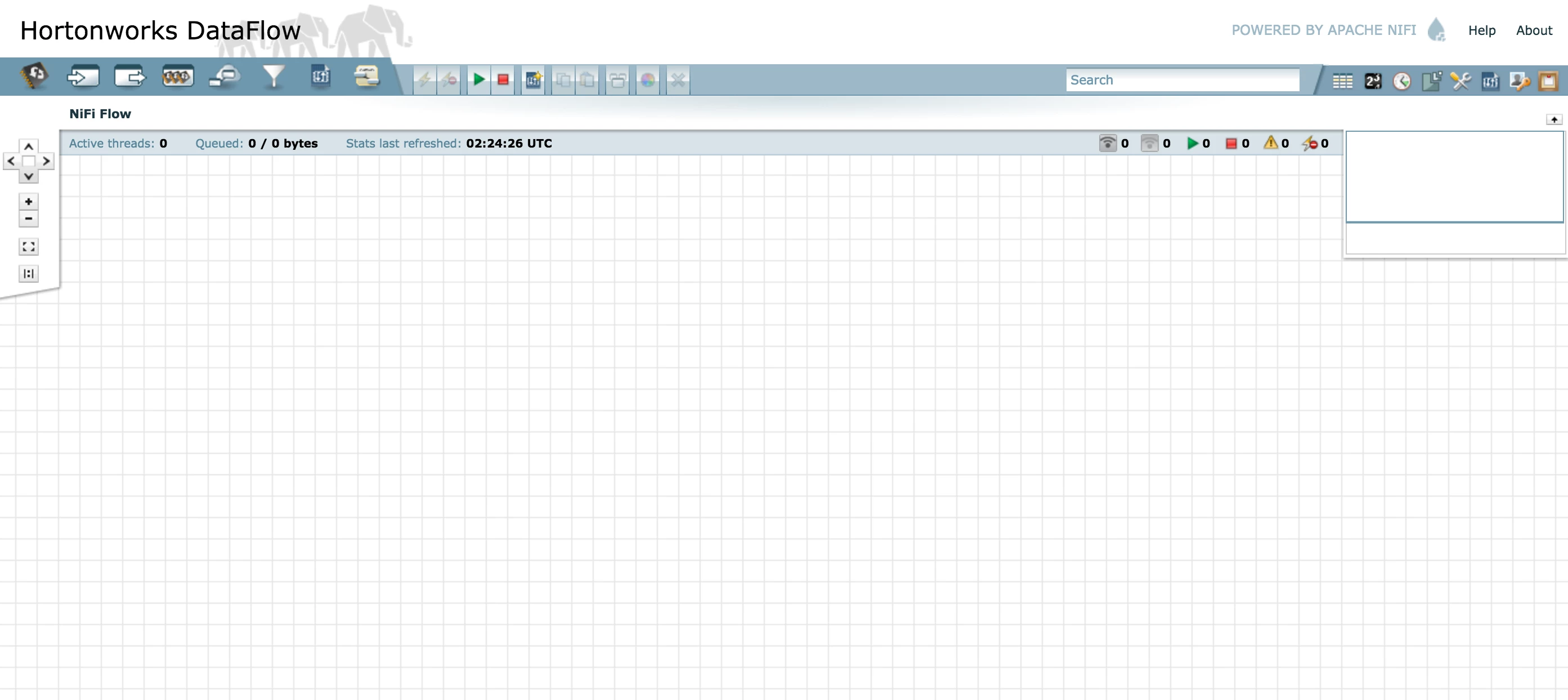
You are now ready to go. Now start flowing.

