

Rack Awareness Series 2
How within few minutes you can setup Rack Awareness through Ambari?
Series1: Introduction to Rack Awareness can be viewed here:
How does my cluster look?
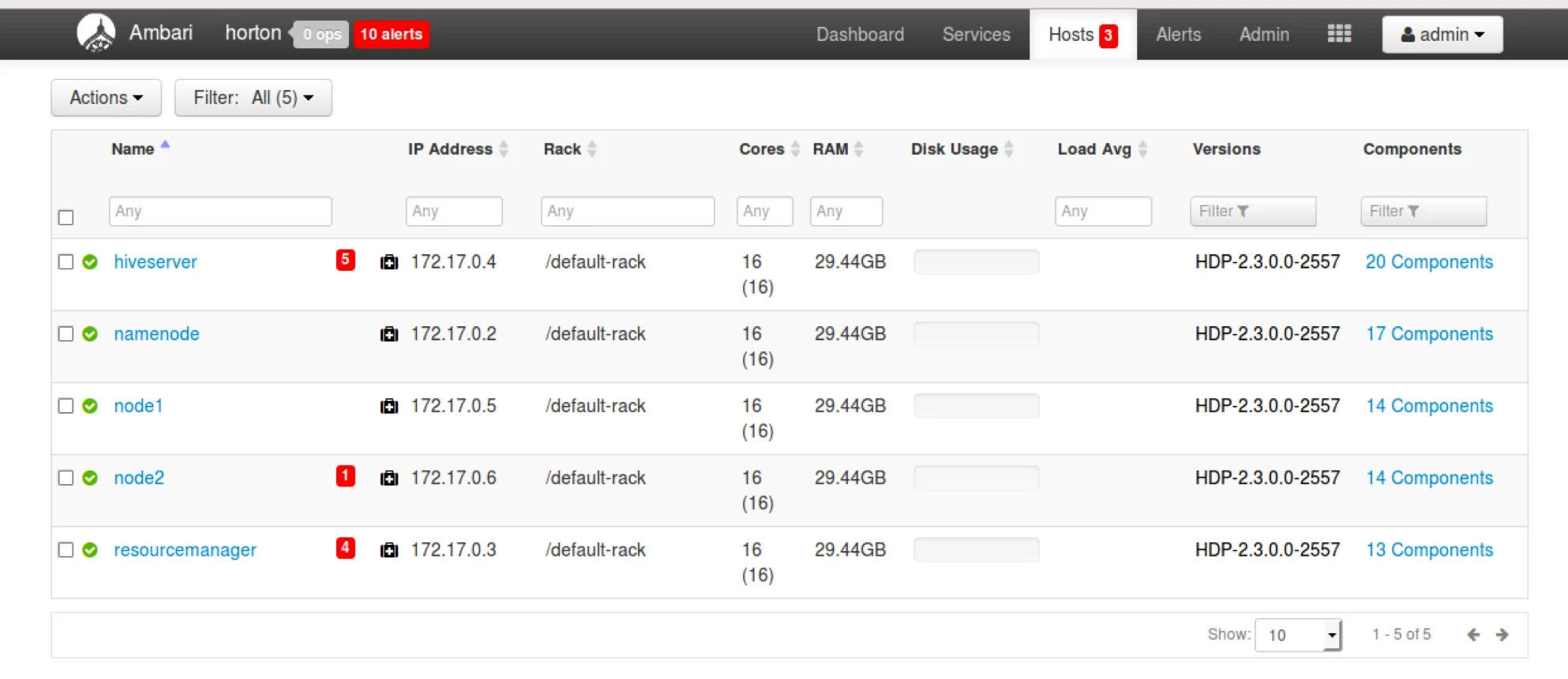
Image below shows the hosts and the rack:
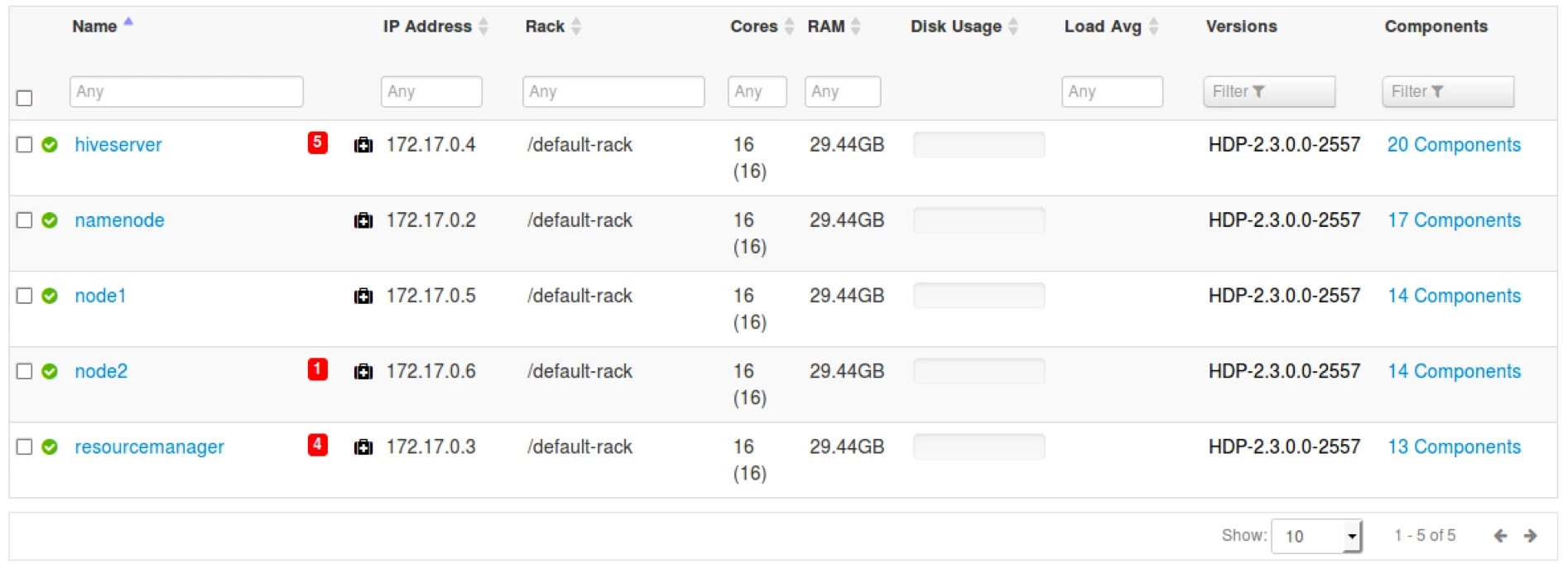
You will see that the rack mentioned for each of the hosts in the test cluster is “/default-rack”. Which means Ambari (And HDFS and YARN) thinks of this cluster inside a single rack i.e. default-rack. In other words, it is not rack aware.
Now let us examine the configurations that will change after we make the cluster rack-aware.
Steps to verify Rack Awareness:
- 1.Login to any node of your cluster. I am choosing node2.
ssh root@node2
- 2.List the configuration files for rack awareness and view the current mapping of the system:
ls –lrt /etc/hadoop/conf/topology* cat /etc/hadoop/conf/toplogy_mappings.data
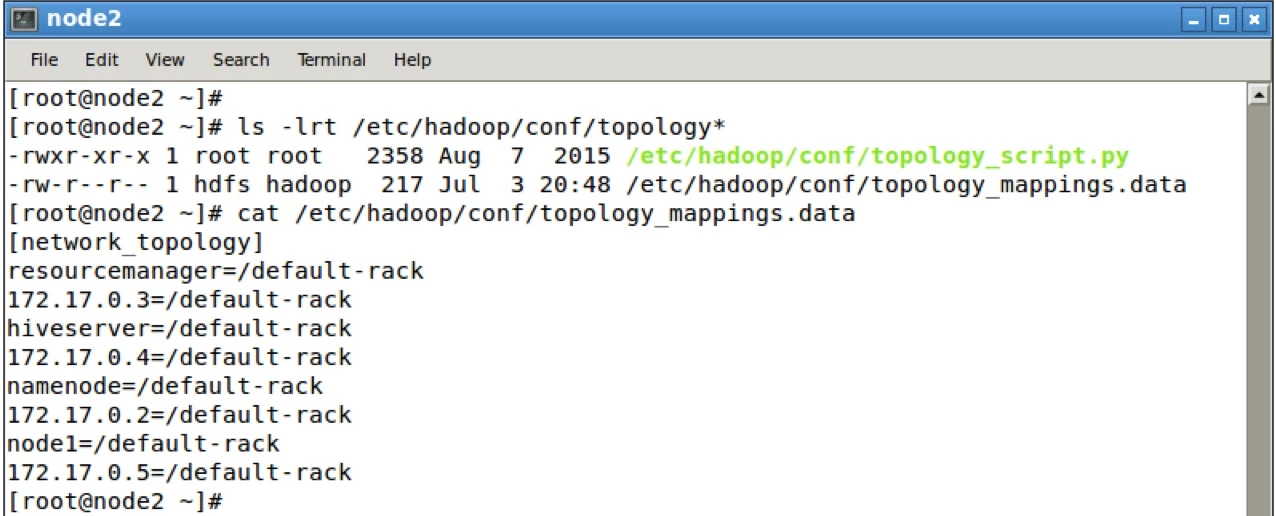
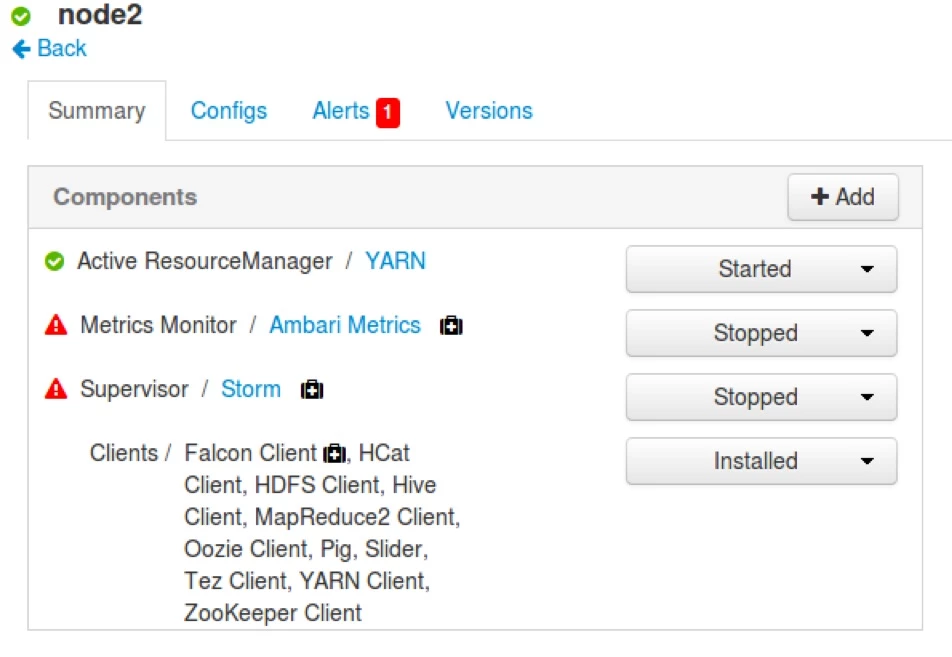
Qs: Why is node 2 not listed here?
Because node 2 does not contain a datanode.
- 3.As super user run the fsck and dfsadmin commands
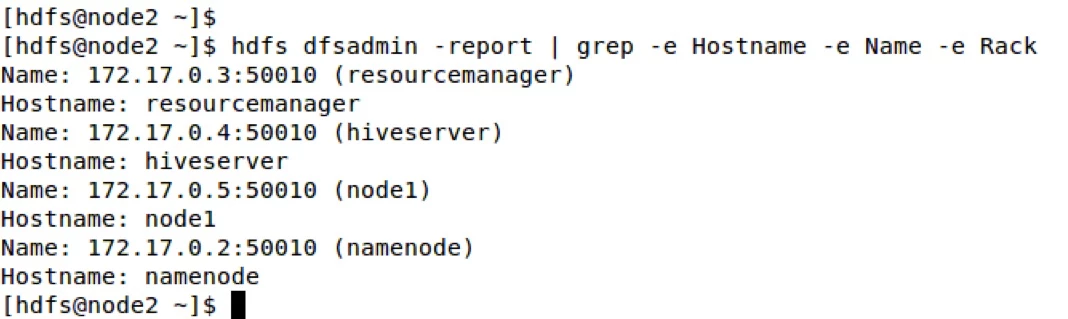
su – hdfs hdfs fsck –racks hdfs dfsadmin –report
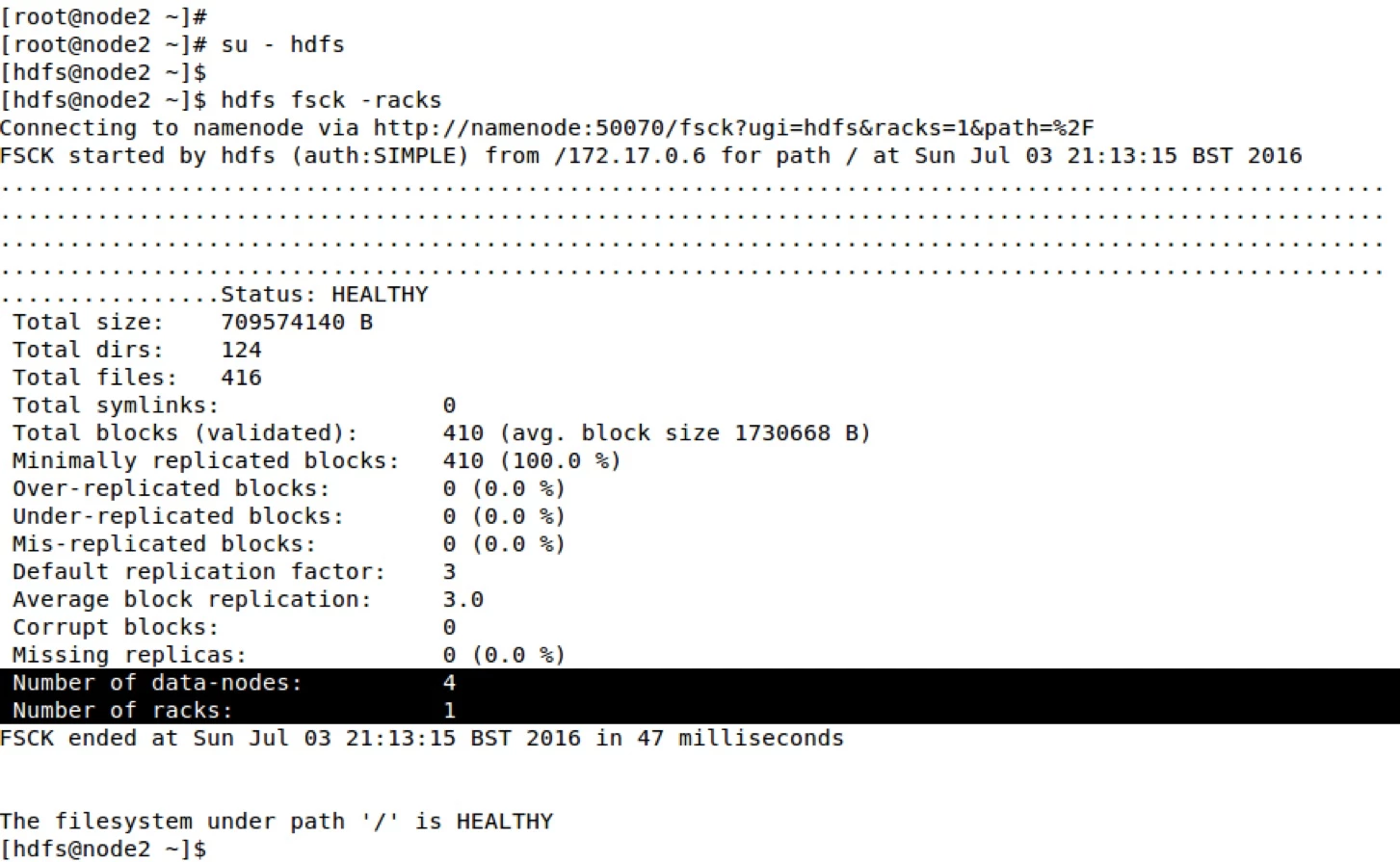
For showing the relevant entries I grepped “hdfs dfsadmin –report” command. You will see that there is no rack information attached to the current cluster
Steps to setup Rack Awareness through Ambari:
- 1.Log in to Ambari UI
- 2.Click on Hosts tab
 3.Click on Individual hosts and then click on Host actions:
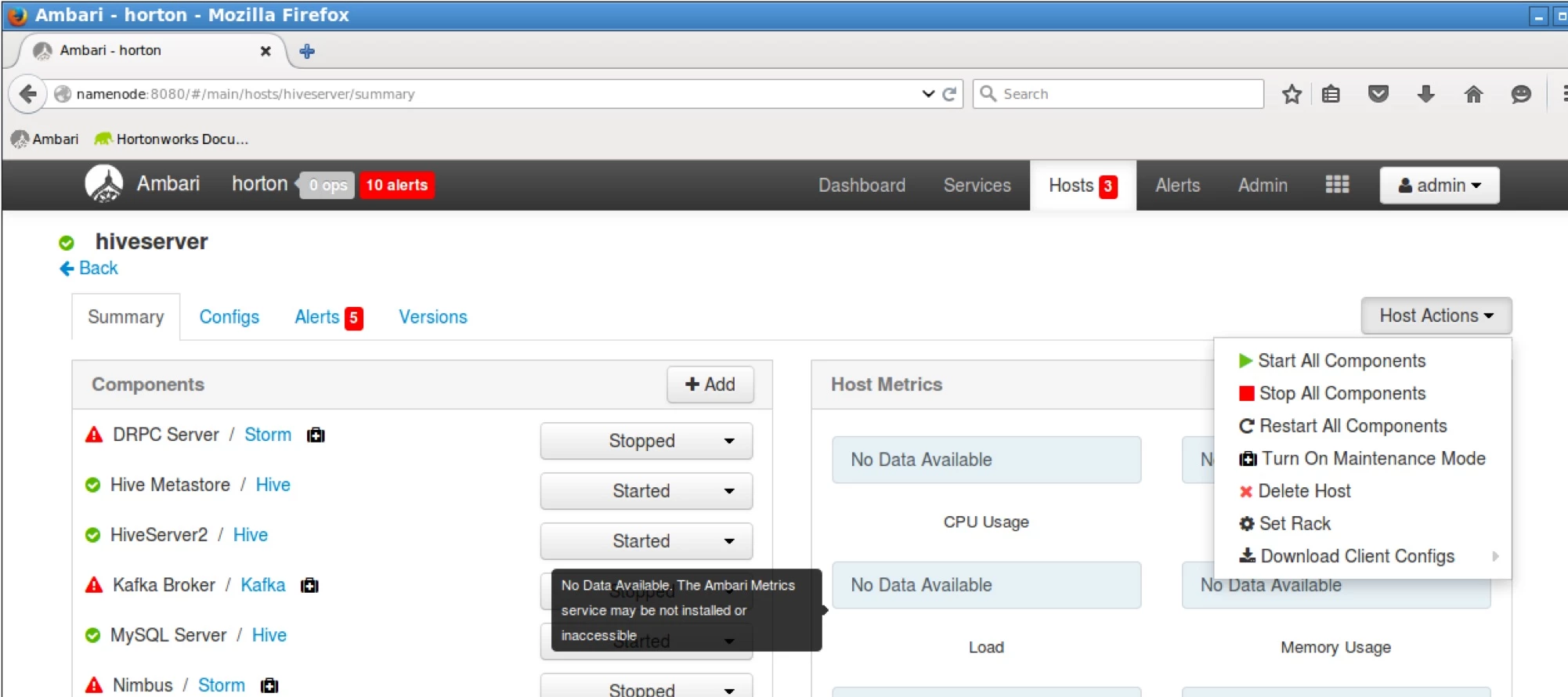
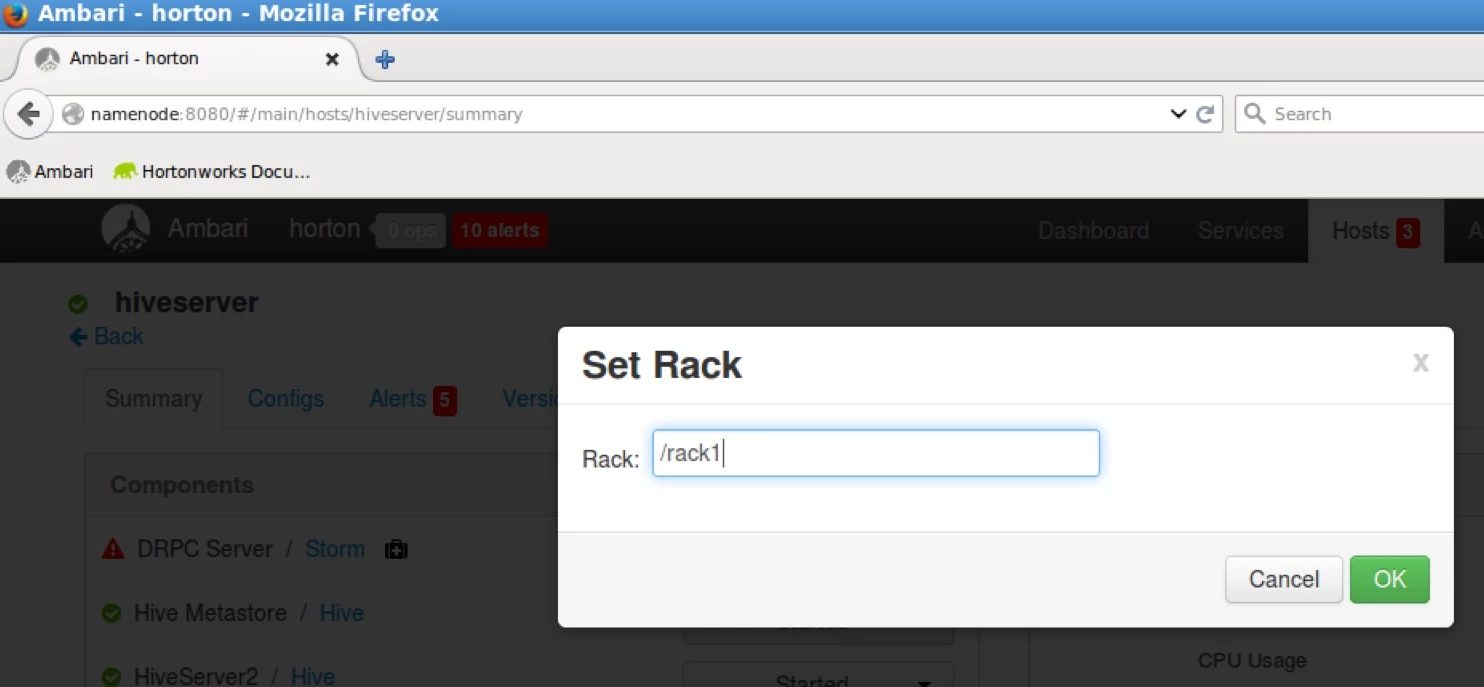
4.Click on Set Rack in the host actions and set the rack name (I choose two racks: rack1 and rack2). Then click ok.
5.Hit Back and go back to the Hosts page.
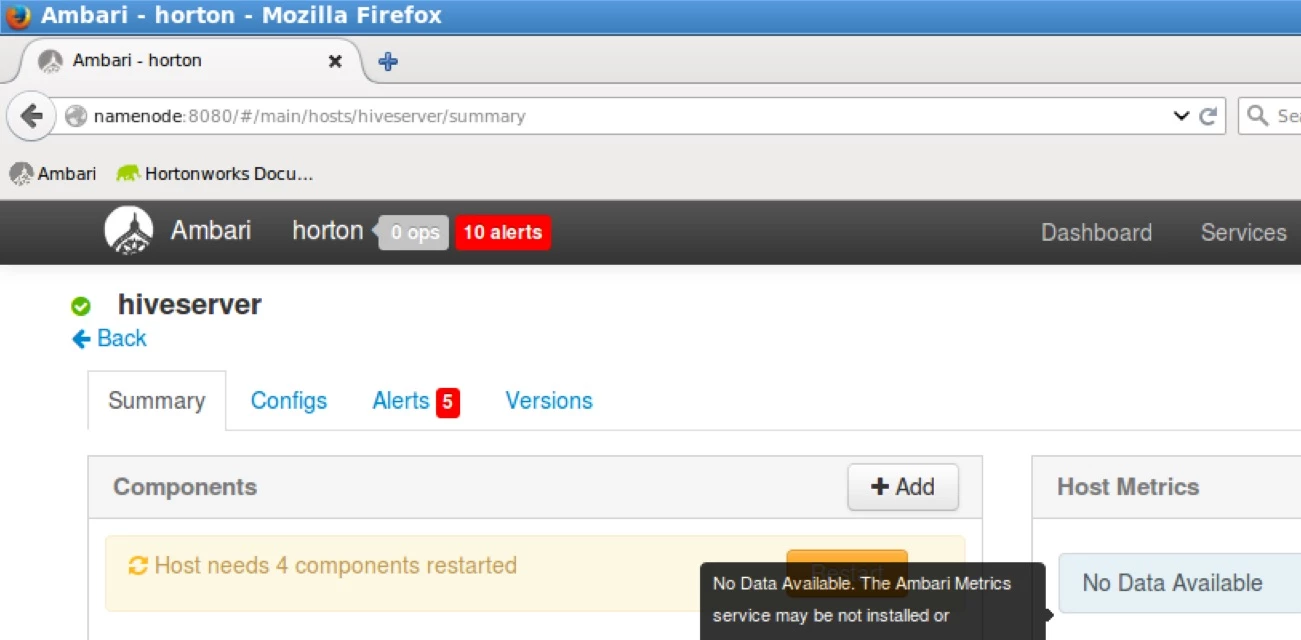
Similarly set rack names for the other nodes in your cluster.
So far you do not need to restart any components.
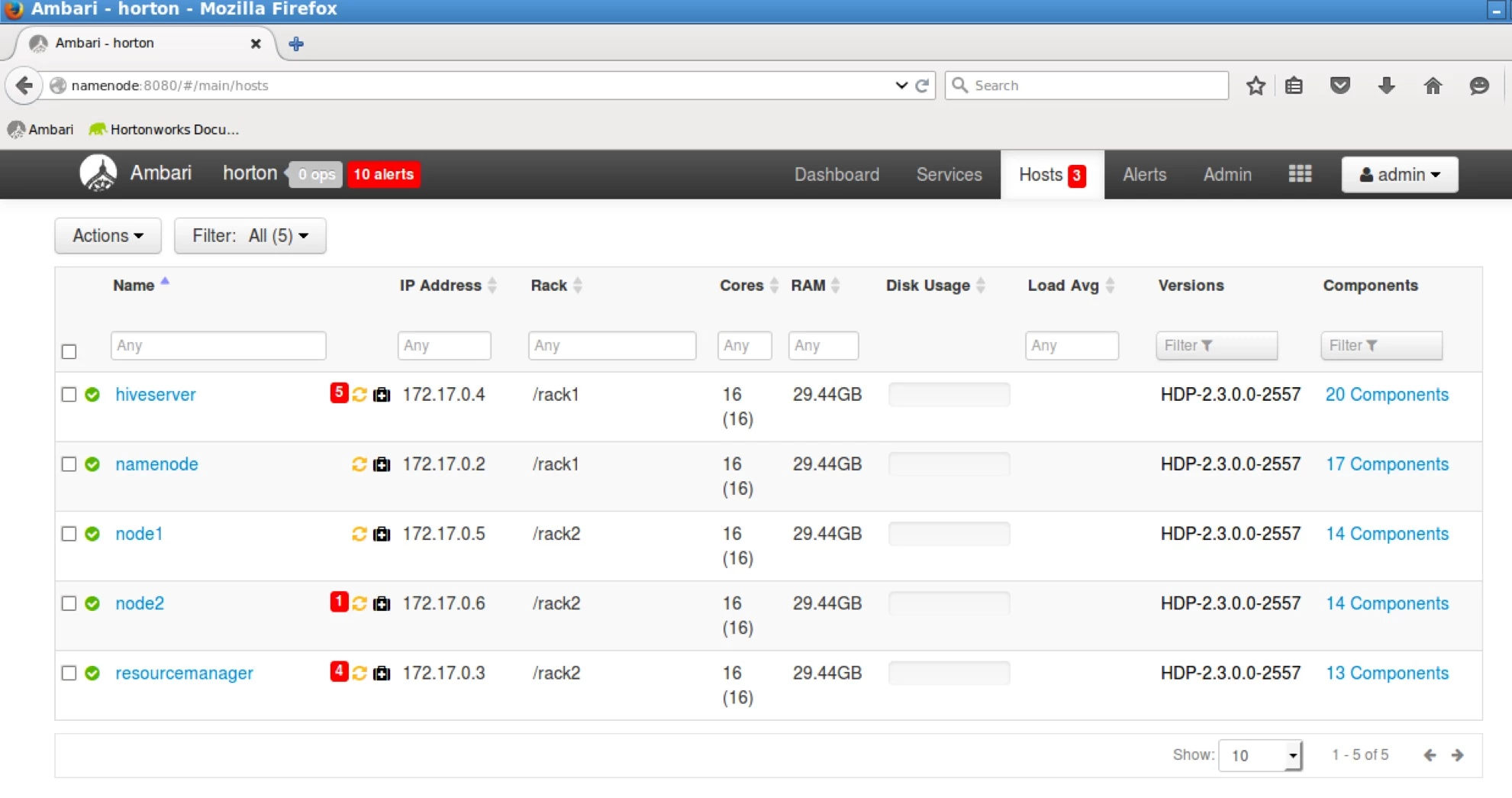
6.I have set up the following rack names for the different nodes in my cluster:
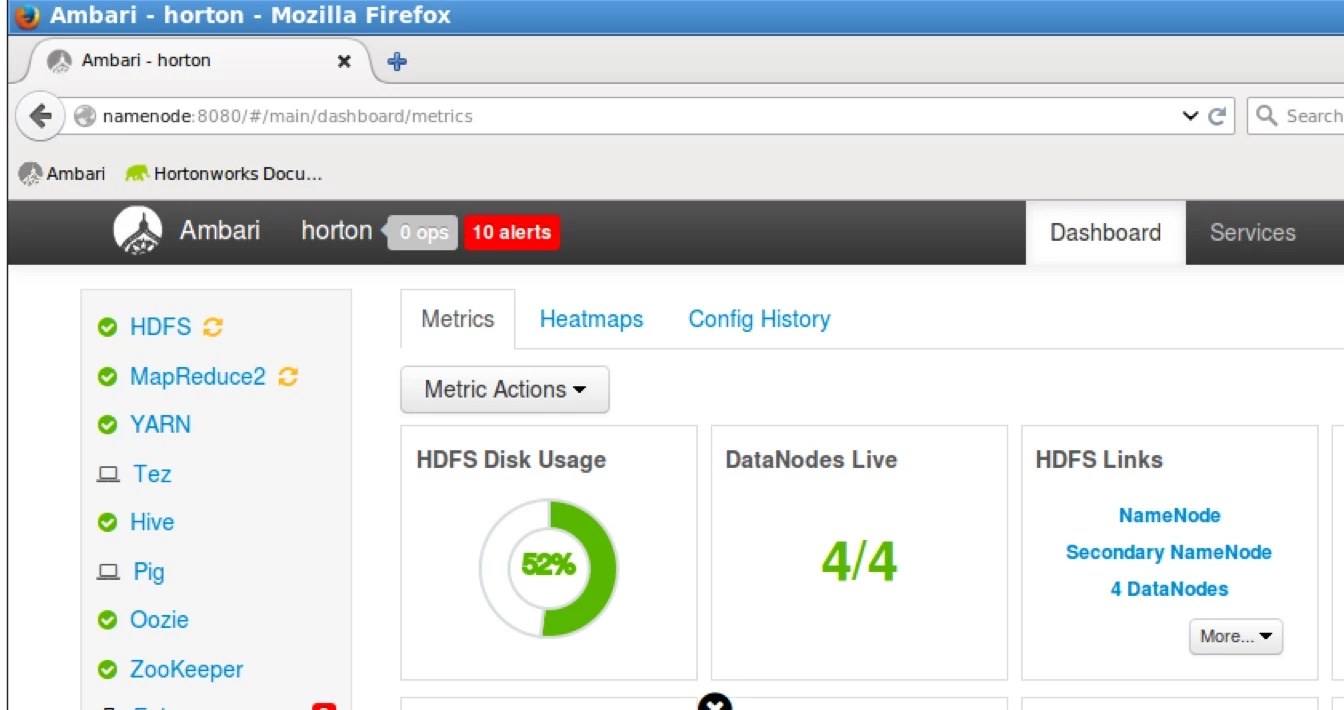
7.Now go back to your dashboard and you will see that HDFS and MapReduce2 services needs to be restarted
8.Restart those two services.
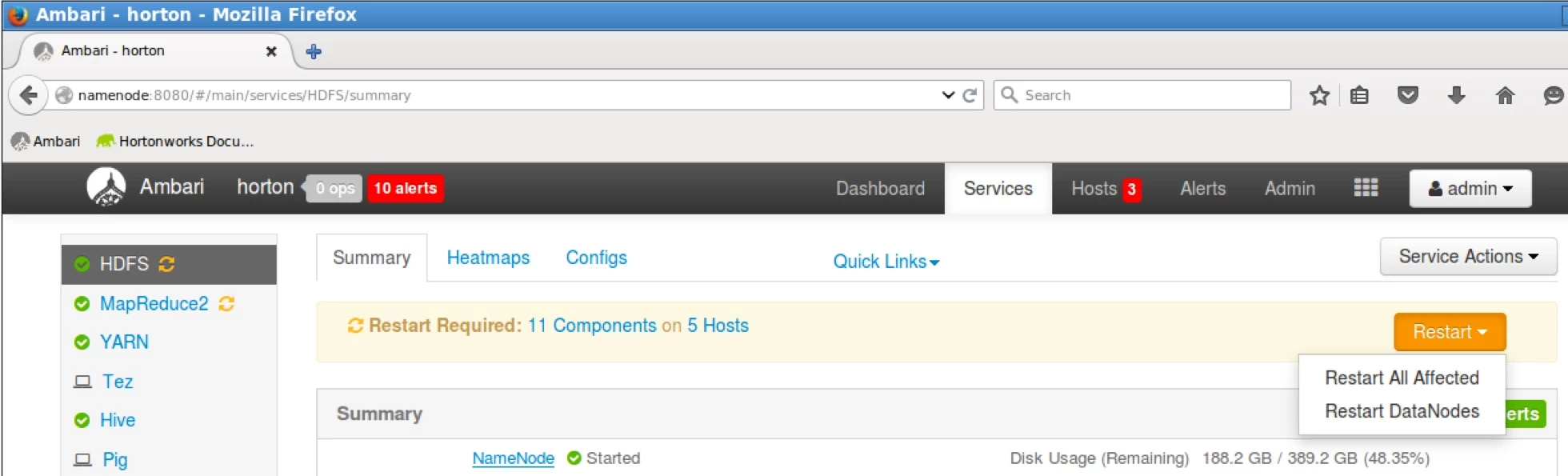
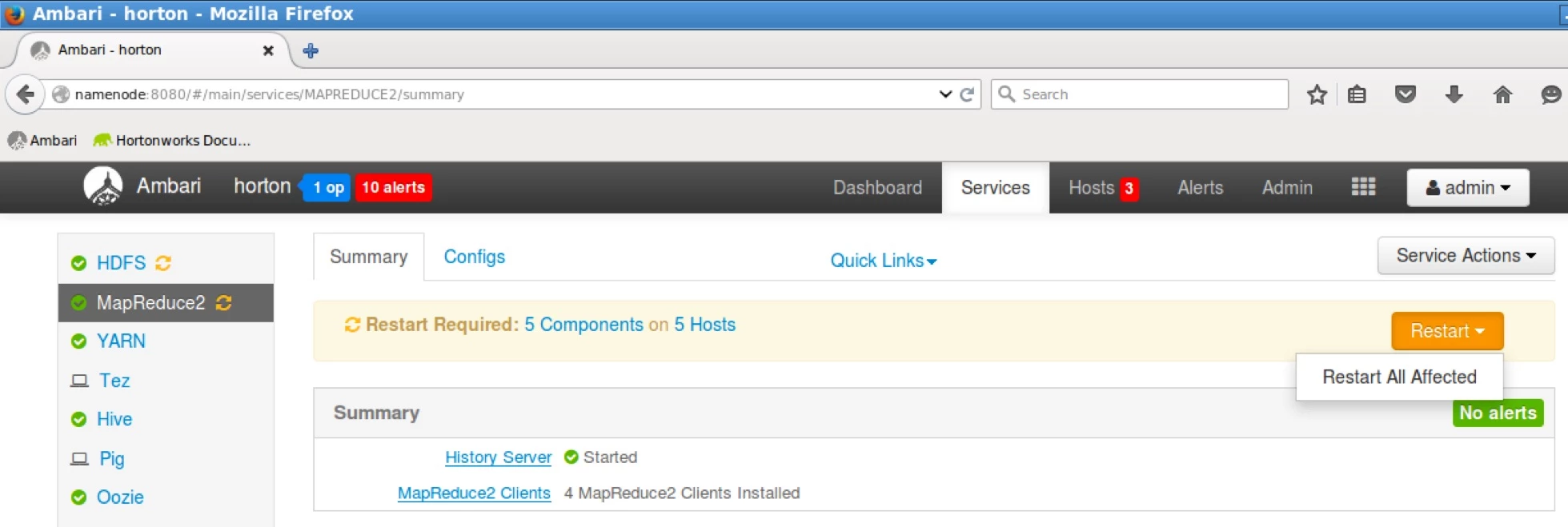
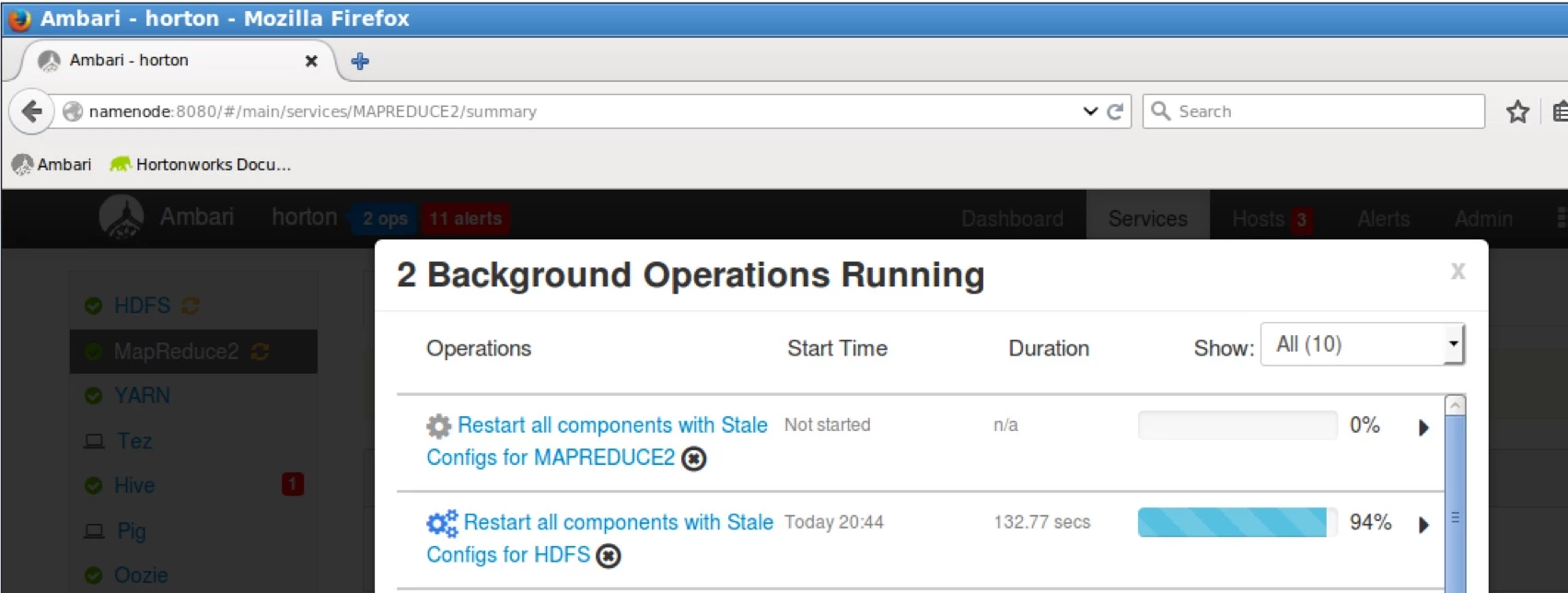
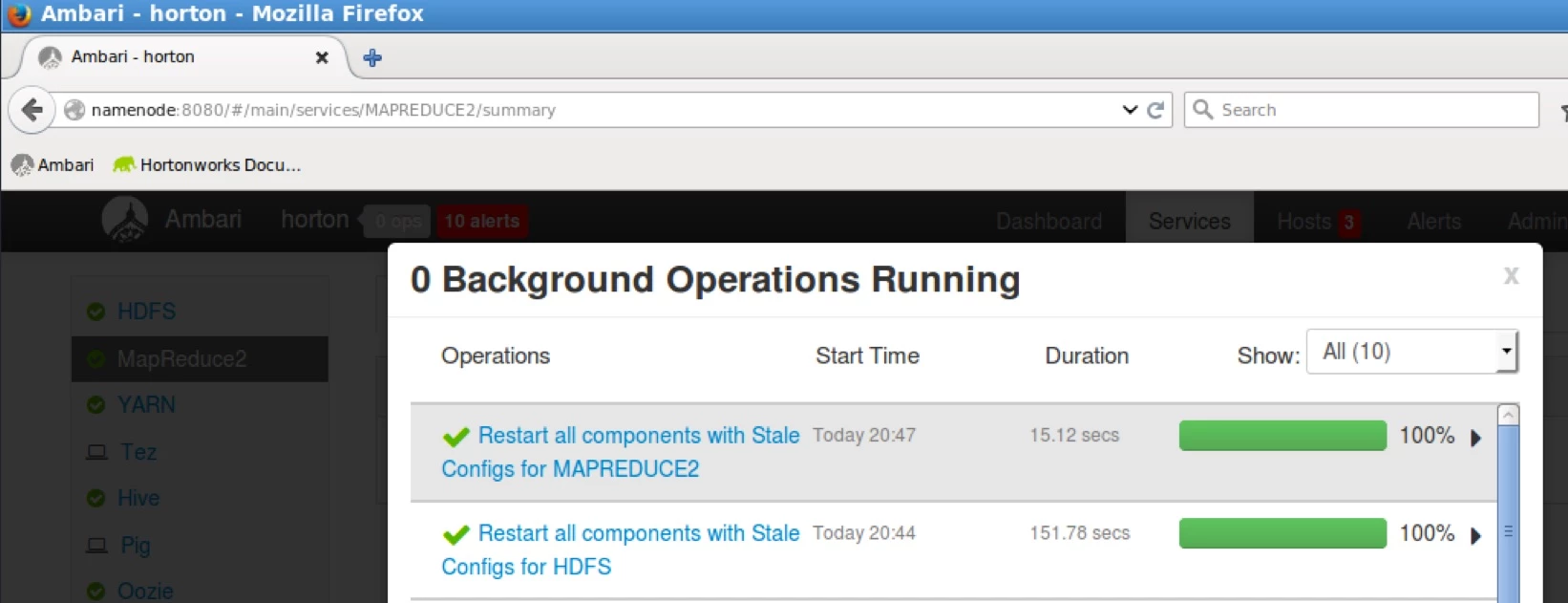
Wait for them to finish and your cluster is now Rack Aware
Steps to verify Rack Awareness:
1.On the same terminal view the current topology mapping of the system:
cat /etc/hadoop/conf/toplogy_mappings.data
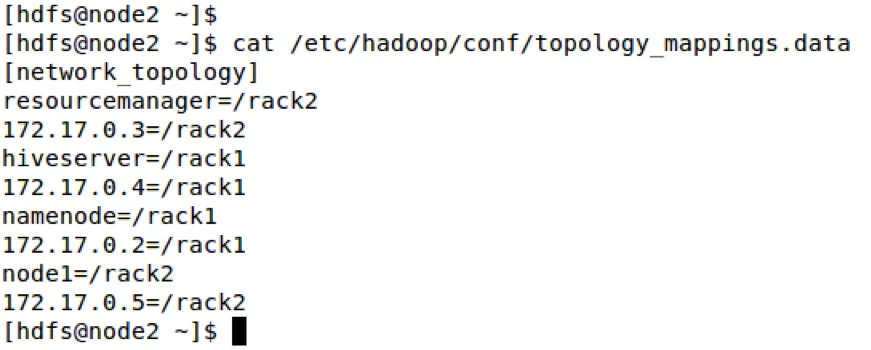
As you can see the racks are mapped as we intended through Ambari Admin console.
2.As super user run the fsck and dfsadmin commands
su – hdfs
hdfs fsck –racks
hdfs dfsadmin –report
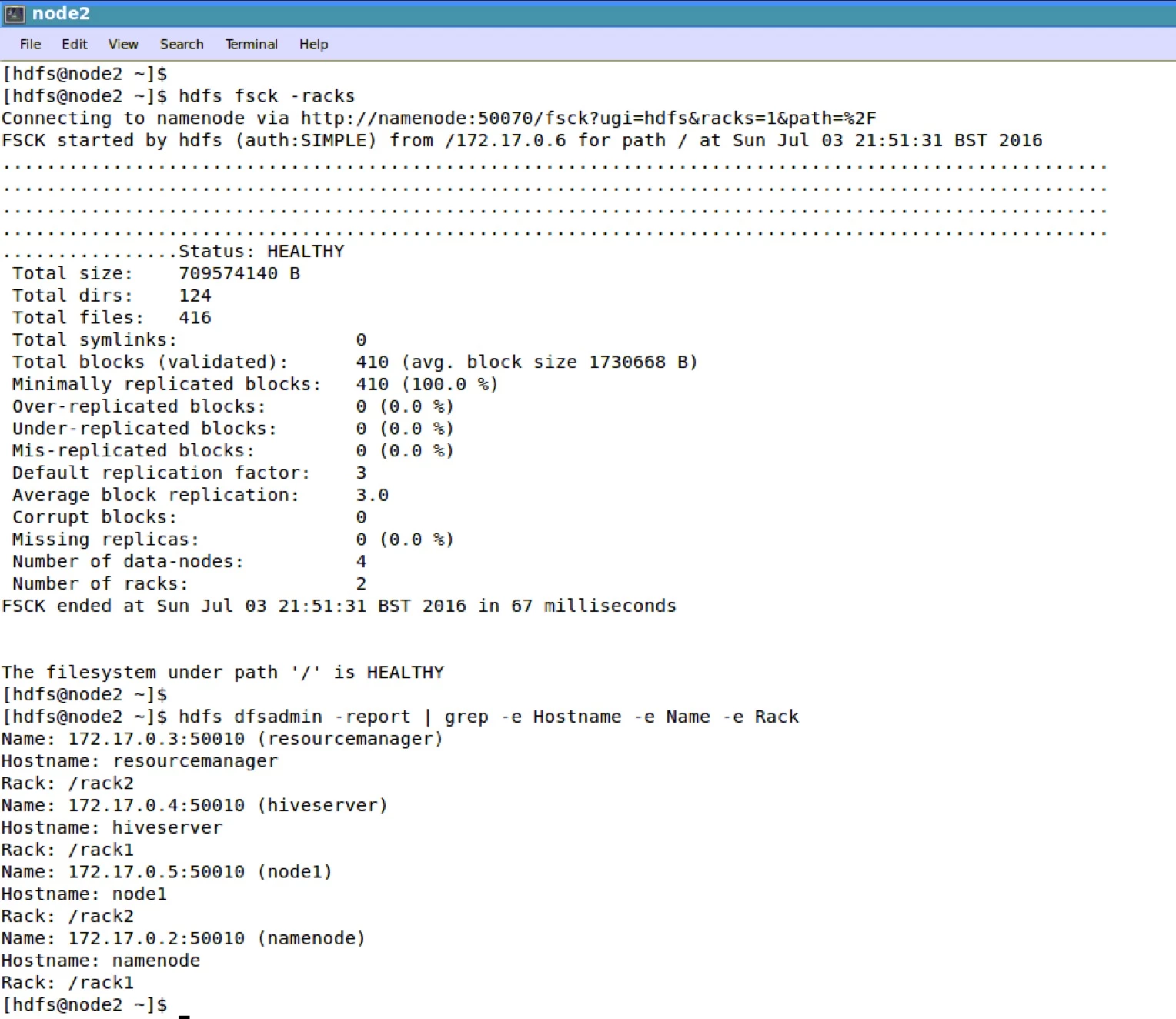
The report shows that Rack Awareness is in effect.
Logout from superuser aka hdfs in this case.
Congratulations your cluster is now Rack Aware!!!

