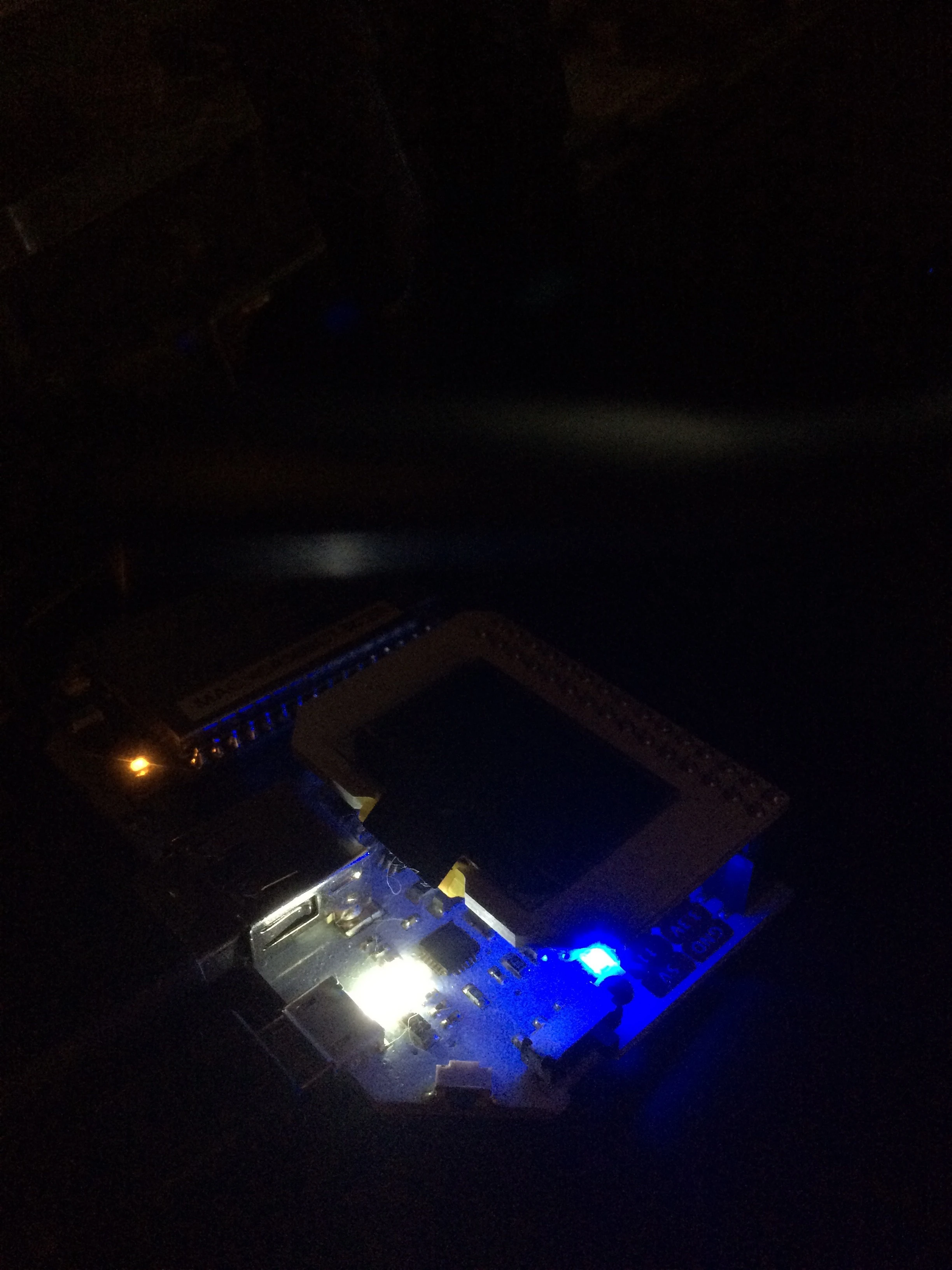

Sending Messages and Displaying Them on an OLED Screen with Onion Omega, MQTT, Micropython and Apache NiFi
 '
The Onion Omega 2+ is a small IoT device that runs a simple busybox Linux and can run Micropython. This let's you run some simple application and interact with some sensors and an OLED.
Onion Omega 2+ Stats
580MHz Cpu
128MB memory
32mb storage
added usb 32gb
usb 2
microusb
b/g/n wifi
15 gpio
2 pwm
2 uart
1 i2c
1 spi
1 i2s
Setting Up the Omega
opkg install python-pip
pip install --upgrade setuptools
pip install paho-mqtt

opkg install pyOledExp
Upgrading pyOledExp on root from 0.4-1 to 0.5-1...
Downloading http://repo.onion.io/omega2/packages/onion/pyOledExp_0.5-1_mipsel_24kc.ipk
Configuring pyOledExp.

mkdir /mnt/sda1
mount /dev/sda1 /mnt/sda1

./run.sh
> Initializing display
> Setting display to ON
> Enabling horizontal scrolling to the left
> Writing '[{"ipaddress": "192.168.1.176", "endtime": "2018-01-29 00:50:39", "end": "1517187039.44"}]' to display
0

crontab -e
crontab -l
*/1 * * * * /opt/demo/run.sh

1517187305: New connection from 192.168.1.176 on port 1883.
1517187305: New client connected from 192.168.1.176 as onion (c1, k60).
1517187305: Client onion disconnected.

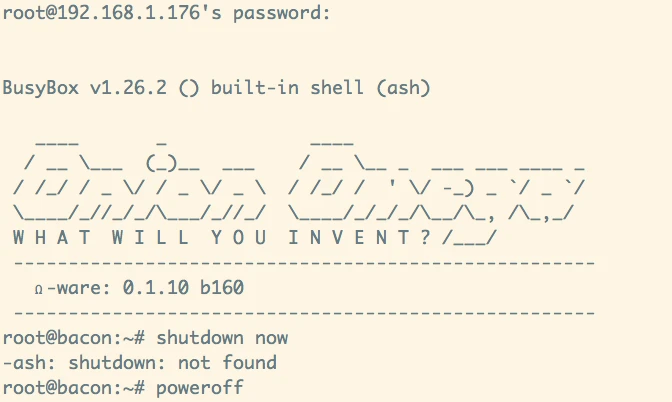
BusyBox v1.26.2 () built-in shell (ash)
   ____       _             ____
  / __ \___  (_)__  ___    / __ \__ _  ___ ___ ____ _
 / /_/ / _ \/ / _ \/ _ \  / /_/ /  ' \/ -_) _ `/ _ `/
 \____/_//_/_/\___/_//_/  \____/_/_/_/\__/\_, /\_,_/
 W H A T  W I L L  Y O U  I N V E N T ? /___/
 -----------------------------------------------------
   Ω-ware: 0.1.10 b160
 -----------------------------------------------------
 poweroff
Attributes Related to MQTT Message Sent
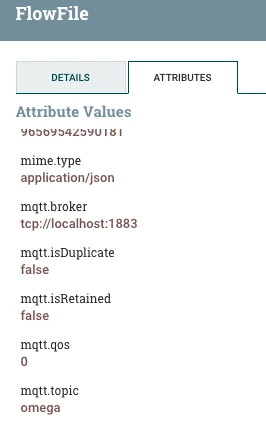
Example Flow File containing JSON

Apache NiFi Flow File to Process
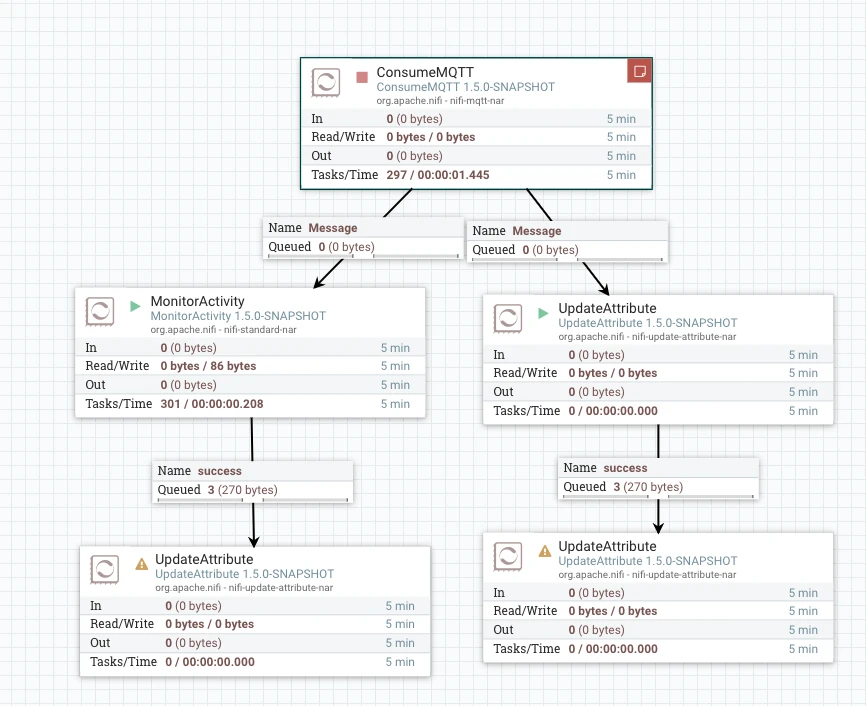
Running MQTT on an Mac
/usr/local/Cellar/mosquitto/1.4.14_2/sbin/mosquitto -c /usr/local/etc/mosquitto/mosquitto.conf
1517180449: mosquitto version 1.4.14 (build date 2017-10-22 16:34:22+0100) starting
1517180449: Config loaded from /usr/local/etc/mosquitto/mosquitto.conf.
1517180449: Opening ipv6 listen socket on port 1883.
1517180449: Opening ipv4 listen socket on port 1883.
1517180698: New connection from 127.0.0.1 on port 1883.
1517180698: New client connected from 127.0.0.1 as nififorthemqttguy (c1, k60).
In our simple example we are just reading the time and IP Address of the device and format it in JSON to send as MQTT messages to an MQTT server read by Apache NiFi. This is a good framework to start with on tiny devices. With the Onion platform you can add GPS, sensors, USB devices, USB webcam and other inputs. These can easily be added to the Python script to send to Apache NiFi as JSON.
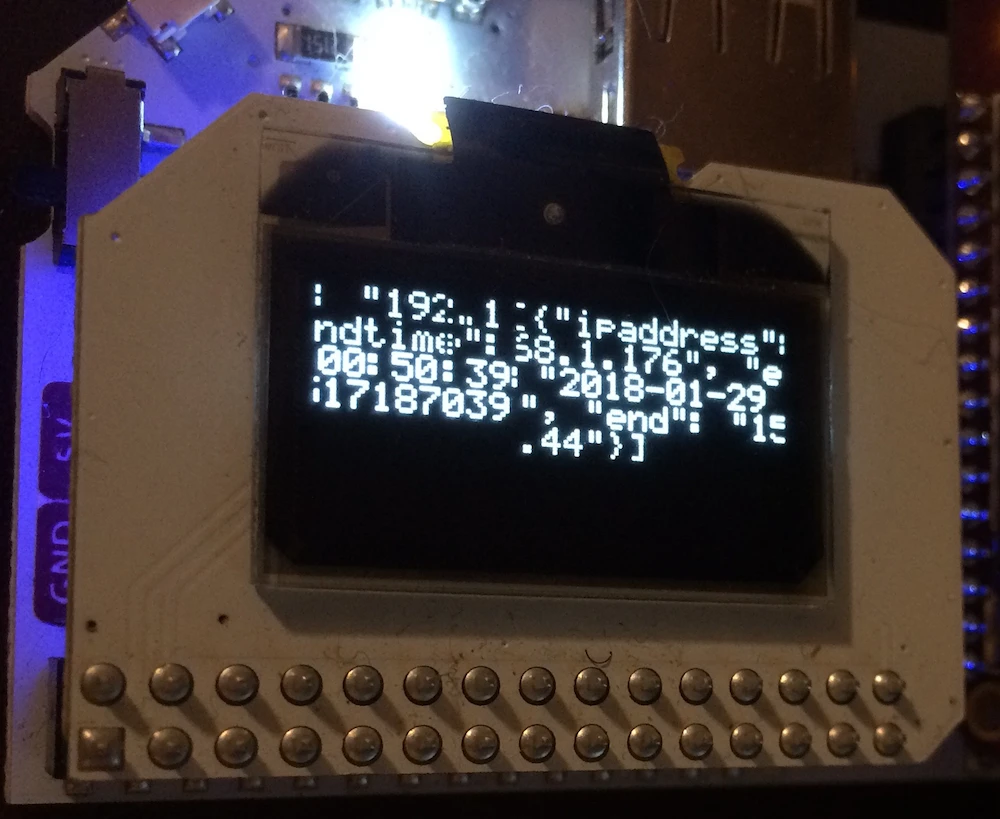
Source Code
https://github.com/tspannhw/onionomega-mqtt-micropython
Python Script
from OmegaExpansion import oledExp
import paho.mqtt.client as client
import time
import os
import datetime
import math
import random, string
import json
import sys
import socket
import json
from time import sleep
from string import Template
from time import gmtime, strftime

# Time
start = time.time()
currenttime= strftime("%Y-%m-%d %H:%M:%S",gmtime())
host = os.uname()[1]
external_IP_and_port = ('198.41.0.4', 53)  # a.root-servers.net
socket_family = socket.AF_INET

def IP_address():
        try:
            s = socket.socket(socket_family, socket.SOCK_DGRAM)
            s.connect(external_IP_and_port)
            answer = s.getsockname()
            s.close()
            return answer[0] if answer else None
        except socket.error:
            return None
ipaddress = IP_address()

status  = oledExp.driverInit()
status = oledExp.setDisplayPower(1)
status = oledExp.scroll (0, 0, 0, 8-1);
endtime= strftime("%Y-%m-%d %H:%M:%S",gmtime())
end = time.time()
row = [ { 'end': str(end), 'endtime': str(endtime), 'ipaddress': str(ipaddress) } ]
json_string = json.dumps(row)
broker="192.168.1.193"
port=1883
client1= client.Client("onion")                           #create client object
client1.connect(broker,port)                                 #establish connection
ret= client1.publish("omega",json_string)
client1.disconnect()

status = oledExp.write(json_string)
print(status)
References
- https://community.hortonworks.com/articles/89455/ingesting-gps-data-from-onion-omega2-devices-with.html
- https://github.com/tspannhw/onionomega-mqtt-micropython
- https://github.com/mccollam/omega
- https://github.com/micropython/micropython-lib/tree/master/umqtt.simple
- https://docs.onion.io/omega2-docs/using-oled-expansion.html#using-the-libraries-2
- https://iotbytes.wordpress.com/paho-mqtt-with-python/
- https://www.kickstarter.com/projects/onion/omega2-5-iot-computer-with-wi-fi-powered-by-linux