Sensor Data Analysis using HDP and HDF - Part 2
NIFI Installation on HDP
We will go through step by step instructions how to setup your own data pipeline. First to save time and resources we will install NiFi on HDP cluster using mpack.
1. Install and setup the HDP cluster.
2. Install the HDF mpack (versions may vary) on ambari server node and restart the ambari server.
1. wget http://public-repo-1.hortonworks.com/HDF/centos7/3.x/updates/3.2.0.0/tars/hdf_ambari_mp/hdf-ambari-mpack-3.2.0.0-520.tar.gz
2. cp -r /var/lib/ambari-server/resources /var/lib/ambari-server/resources.backup
3. ambari-server install-mpack --mpack=hdf-ambari-mpack-3.2.0.0-520.tar.gz  --verbose
4. ambari-server restart
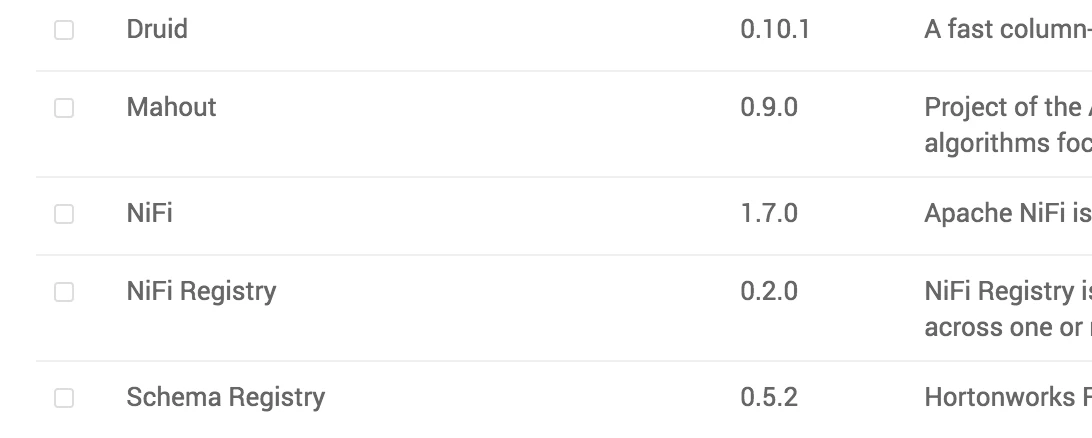
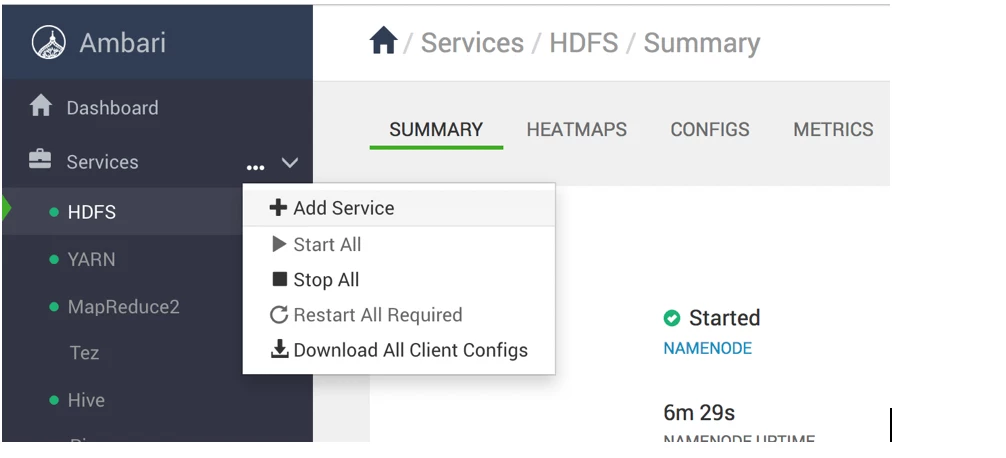
3. Once we restart the ambari-server, we will be now able to add Nifi service to the same HDP cluster. Two different clusters can be used for HDP and HDF, however we are using only one to reduce the complexity.
4. Select NiFi service