Setting up RStudio on Hortonworks Docker Sandbox 2.5
Please follow the below steps:
1. SSH into Sandbox by typing:
ssh root@127.0.0.1 -p2222
2. Download the RStudio rpm package and install it
wget https://download2.rstudio.org/rstudio-server-rhel-0.99.893-x86_64.rpm
sudo yum install --nogpgcheck rstudio-server-rhel-0.99.893-x86_64.rpm
3. Install dpkg to divert the location of /sbin/initctl.
yum install dpkg

dpkg-divert --local --rename --add /sbin/initctl

ln -s /bin/true /sbin/initctl
4. Install R and then verify the installation of RStudio
yum install -y R

yum -y install libcurl-devel

rstudio-server verify-installation
5. The default port of RStudio server is 8787 which is not opened in the Docker Sandbox. You can either add it by following this tutorial or just edit rserver.conf file to change the port to another which is opened. Let us edit the rserver.conf file, run the following sed command:
sed -i "1 a www-port=8090" /etc/rstudio/rserver.conf
6. Restart the server by typing
exec /usr/lib/rstudio-server/bin/rserver
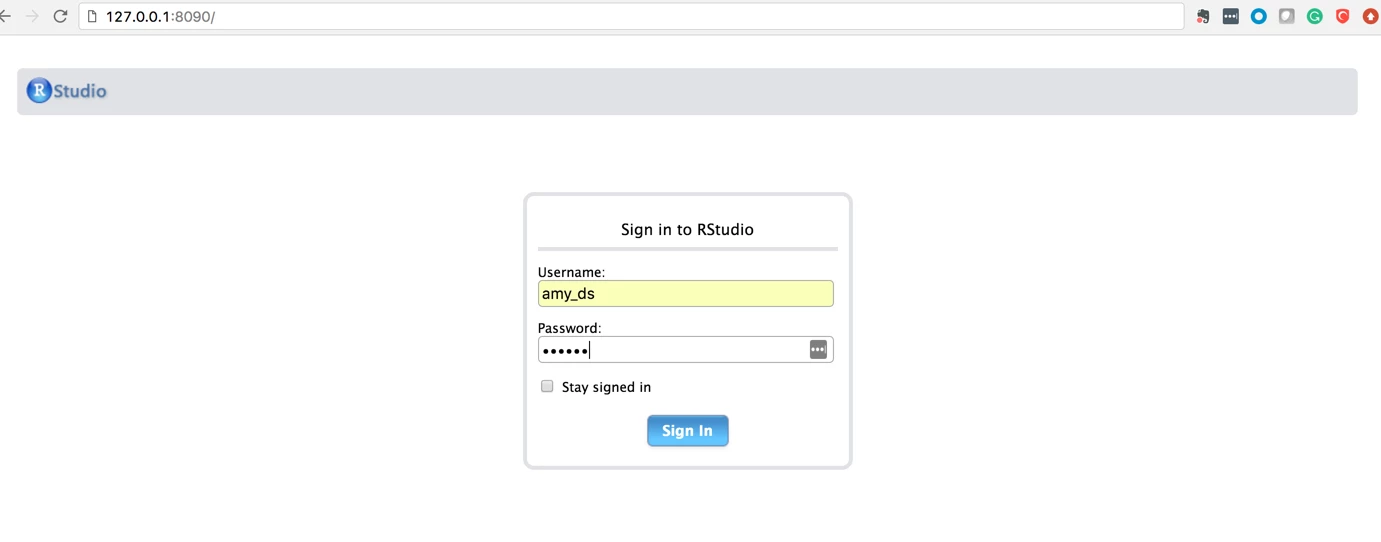
It will take you out from the docker shell but you can re-login. Go to browser anyway and access RStudio by typing 127.0.0.1:8090. The login page will appear, use user credentials amy_ds/amy_ds.