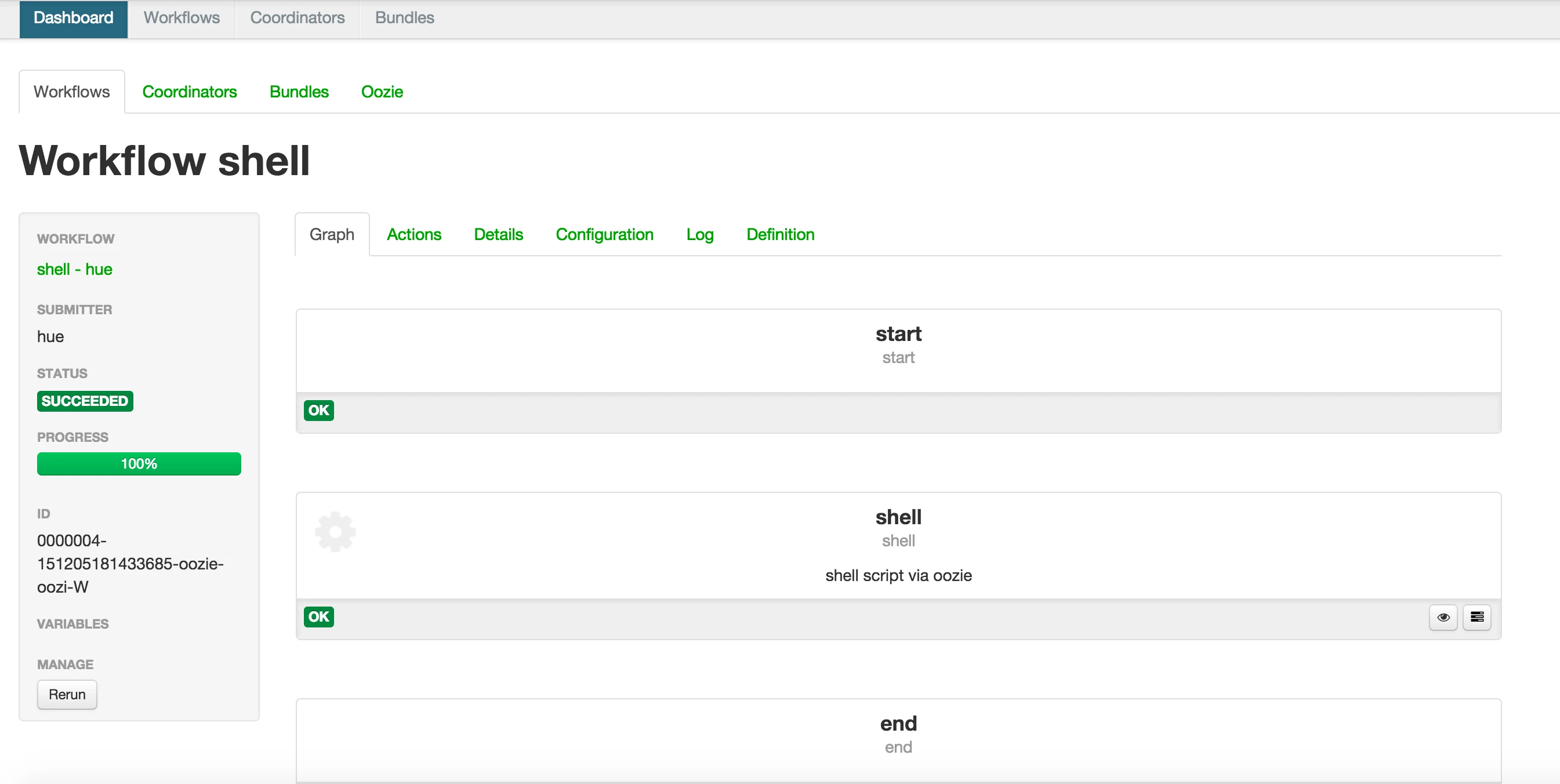
Shell action in oozie workflow via Hue
Step by step guide - Shell action in oozie workflow via Hue
Step1: Create a sample shell script and upload it to hdfs
[root@sandbox shell]# cat ~/sample.sh
#!/bin/bash
echo "`date` hi" > /tmp/output
hadoop fs -put sample.sh /user/hue/oozie/workspaces/
[root@sandbox shell]# hadoop fs -ls /user/hue/oozie/workspaces/
-rw-r--r--   3 root              hdfs         44 2016-02-15 10:26 /user/hue/oozie/workspaces/sample.sh
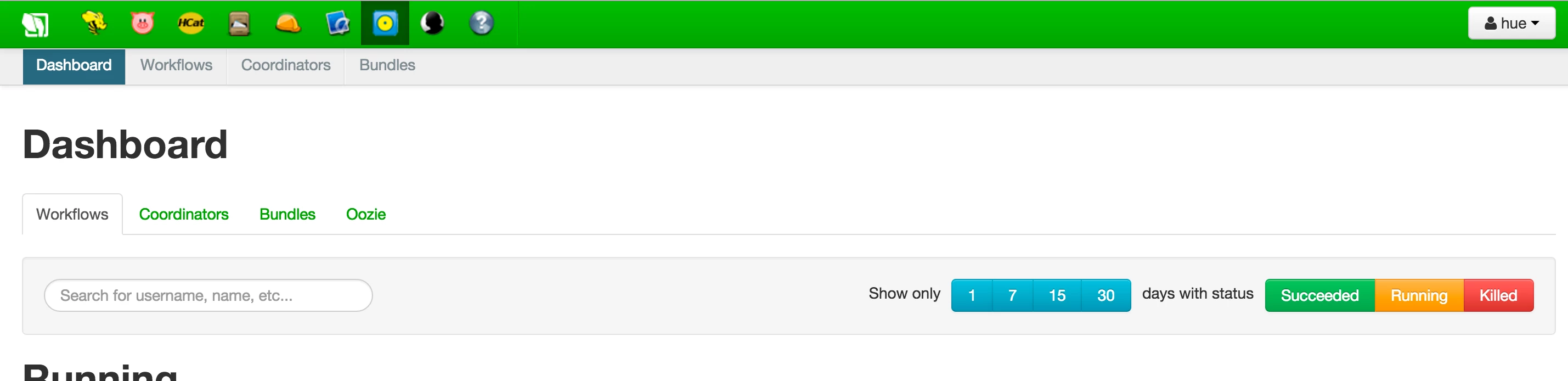
Step 2: Login to Hue Web UI and select Oozie editor/dashboard
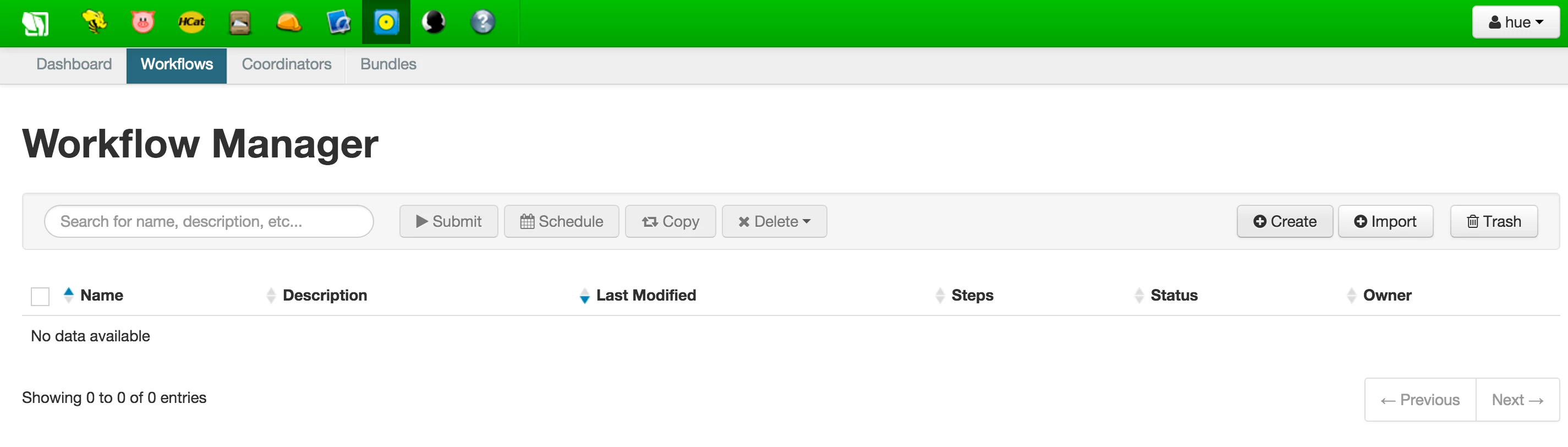
Step3: Goto "Workflows" tab and click on "Create" button
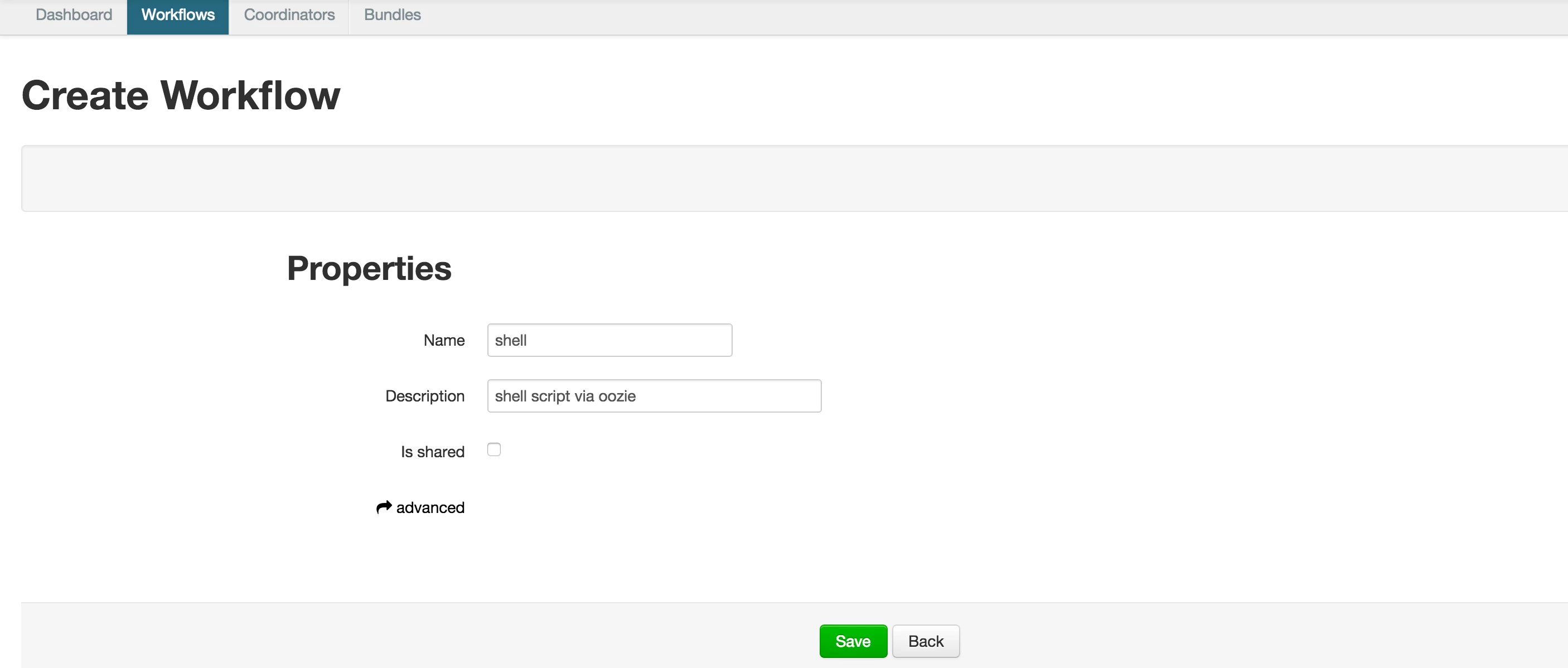
Step 4: Fill in the required details and click on save button
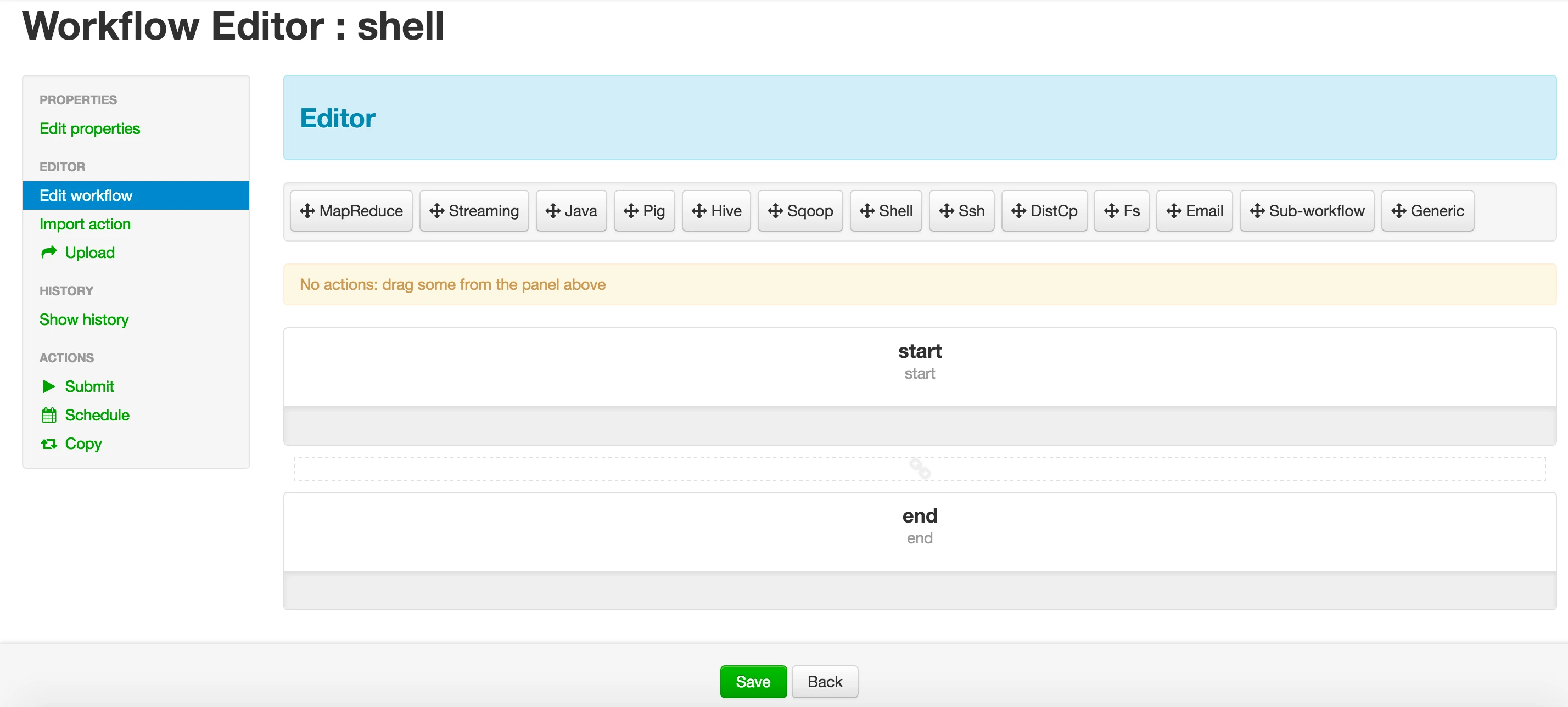
Step 5: Drag shell action between start and end phase
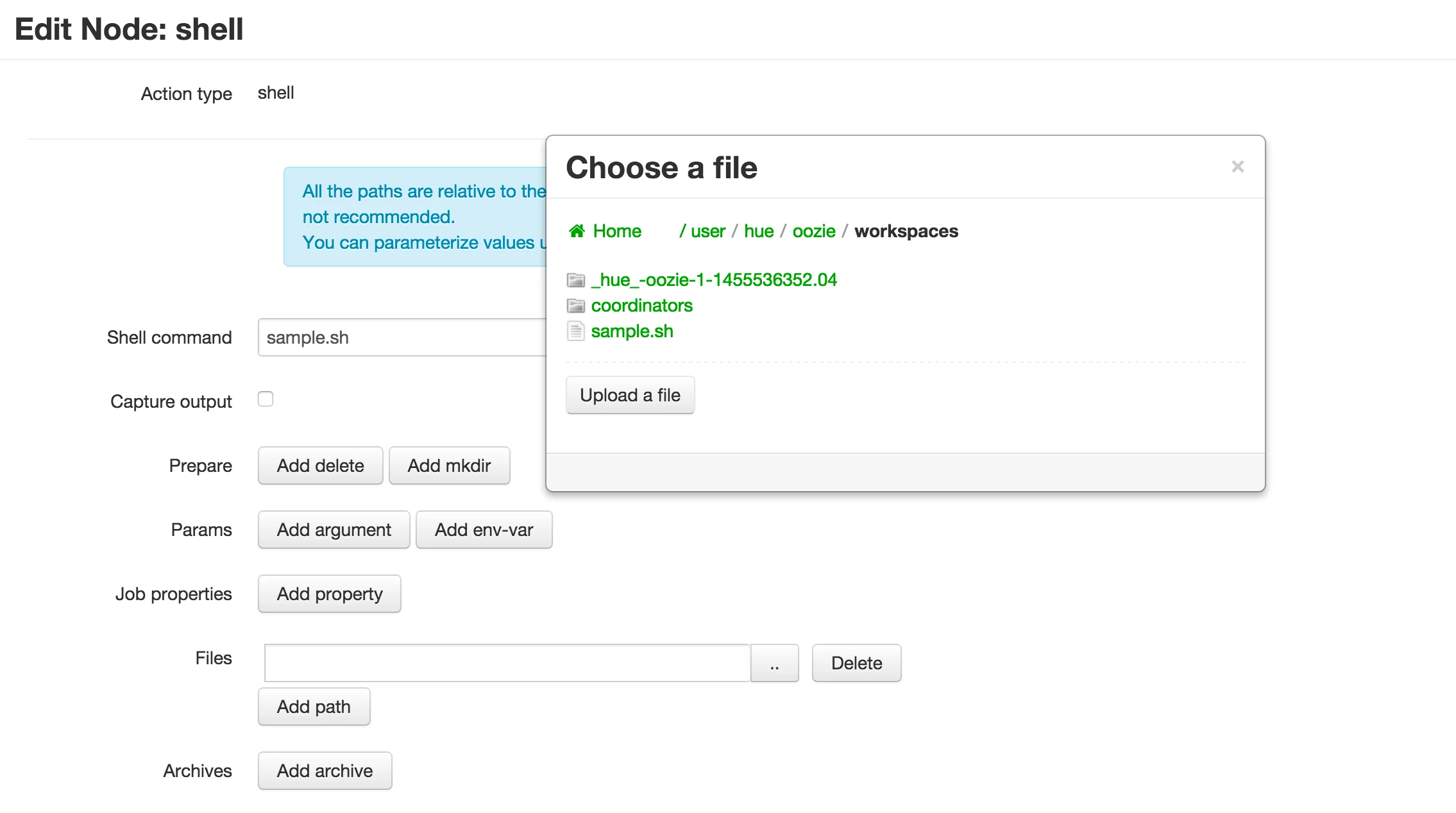
Step 6: Fill in the required details about shell action and click on "Done" button
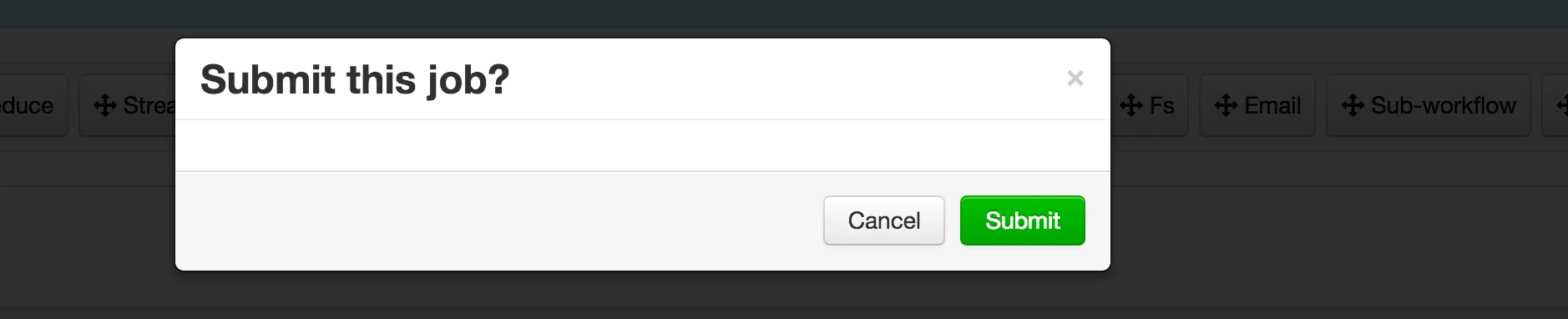
Step 7: Submit your workflow
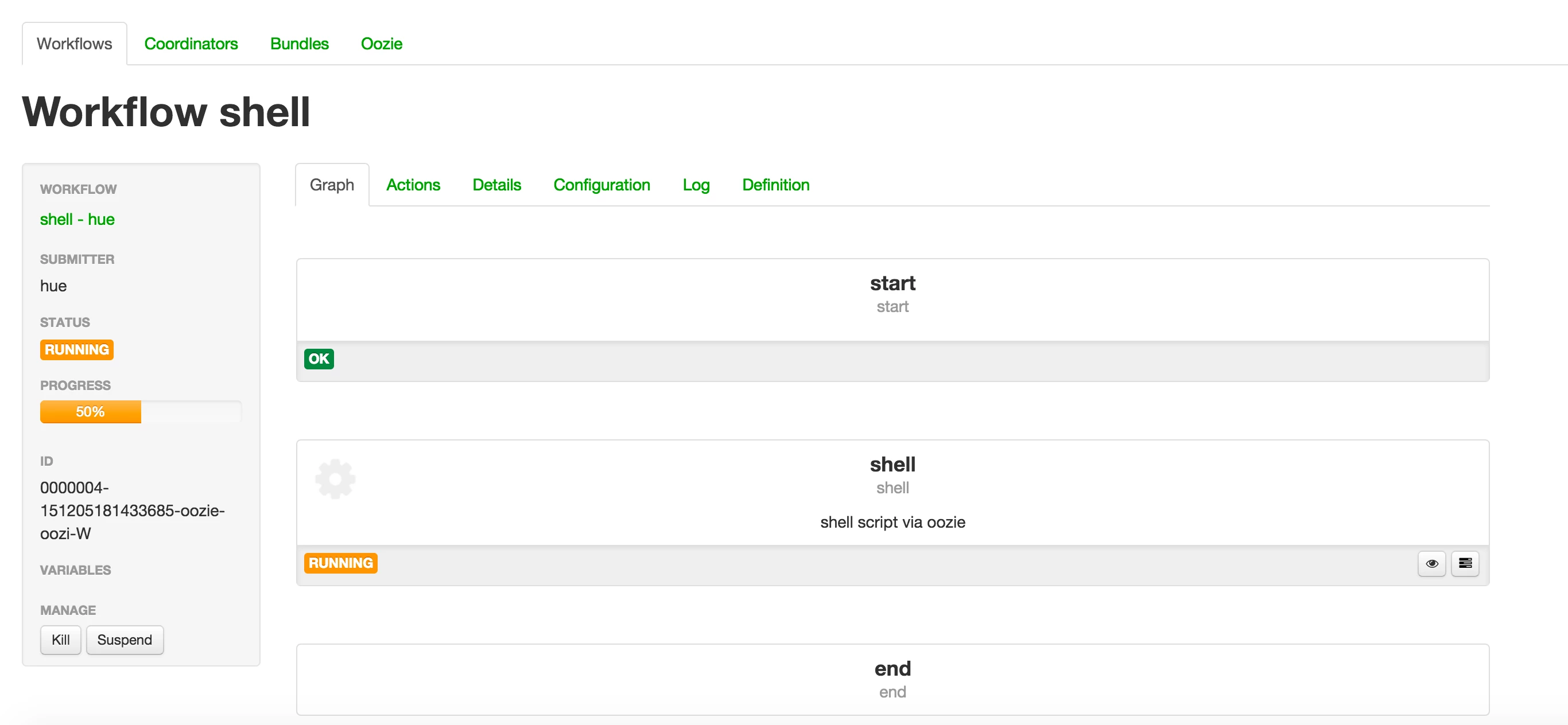
You will see that your job is in progress
Output 1
Output 2