


Simple NiFi template for flow management datahub
In this article, we will learn how to build Twitter NiFi template in a flow management datahub.
Pre-Requisite
CDP environment is created and flow management datahub is installed. In that, the required users are added.
Steps
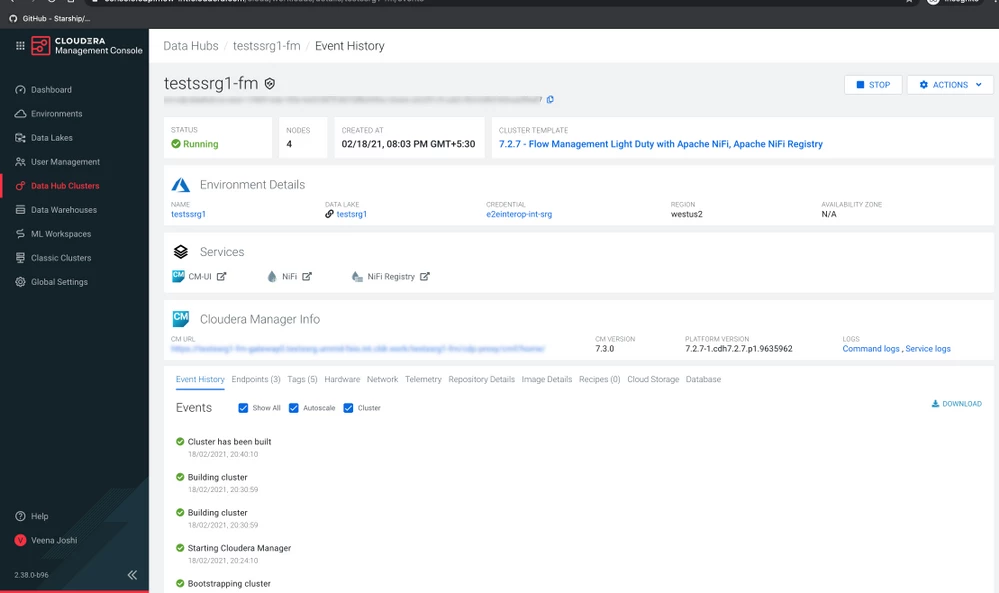
- Login to NiFi by clicking on the NiFi log as shown below:
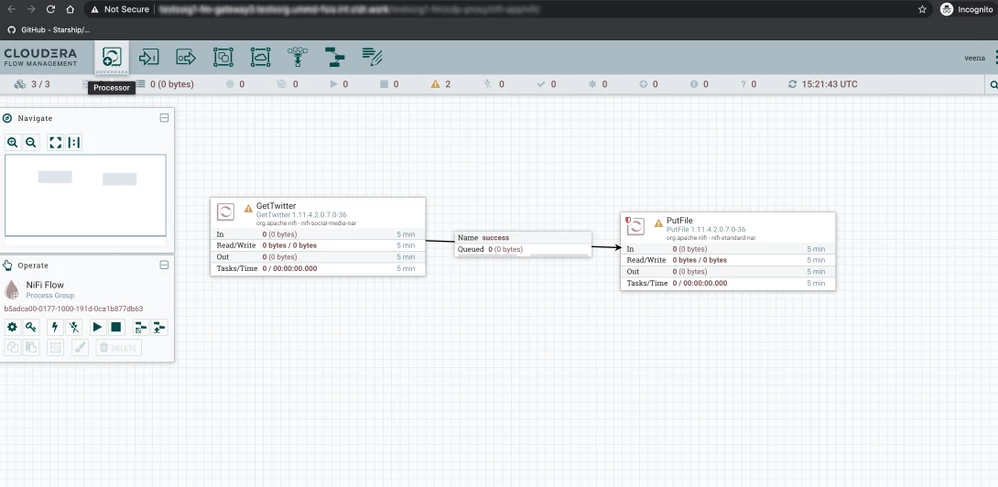
- Add GetTwitter process group and put a file from the process group as follows:
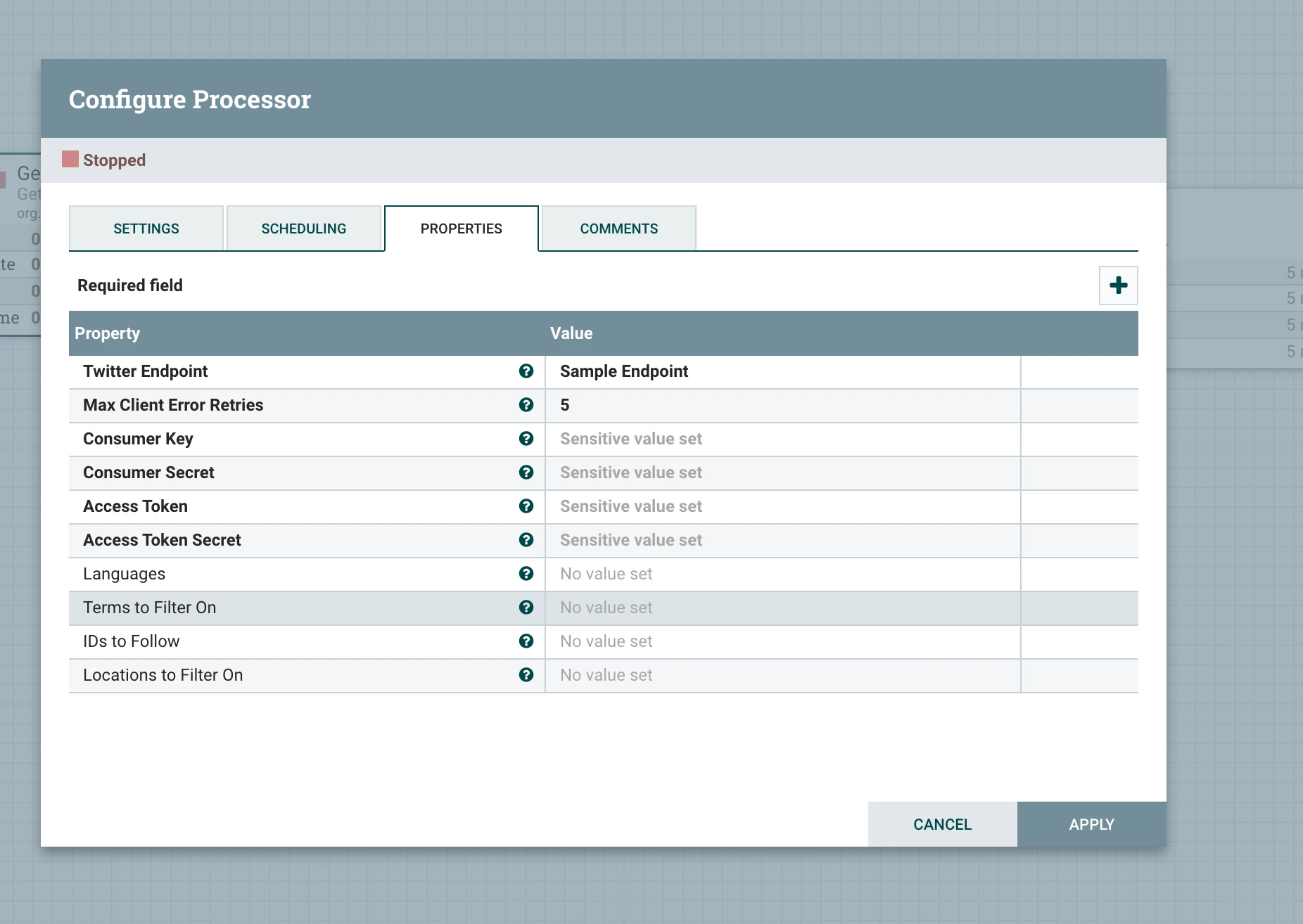
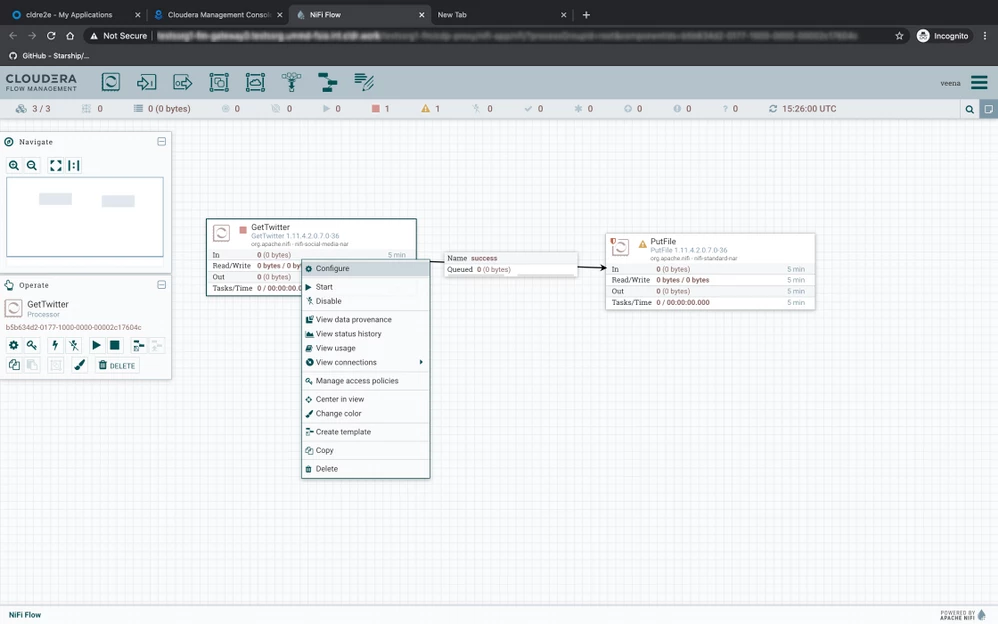
- Configure Twitter process group by right-clicking on GetTwitter process group, and then select Configure; add required parameters: Consumer Key, Consumer Secret, Access Token, Access Token Secret as shown as follows:
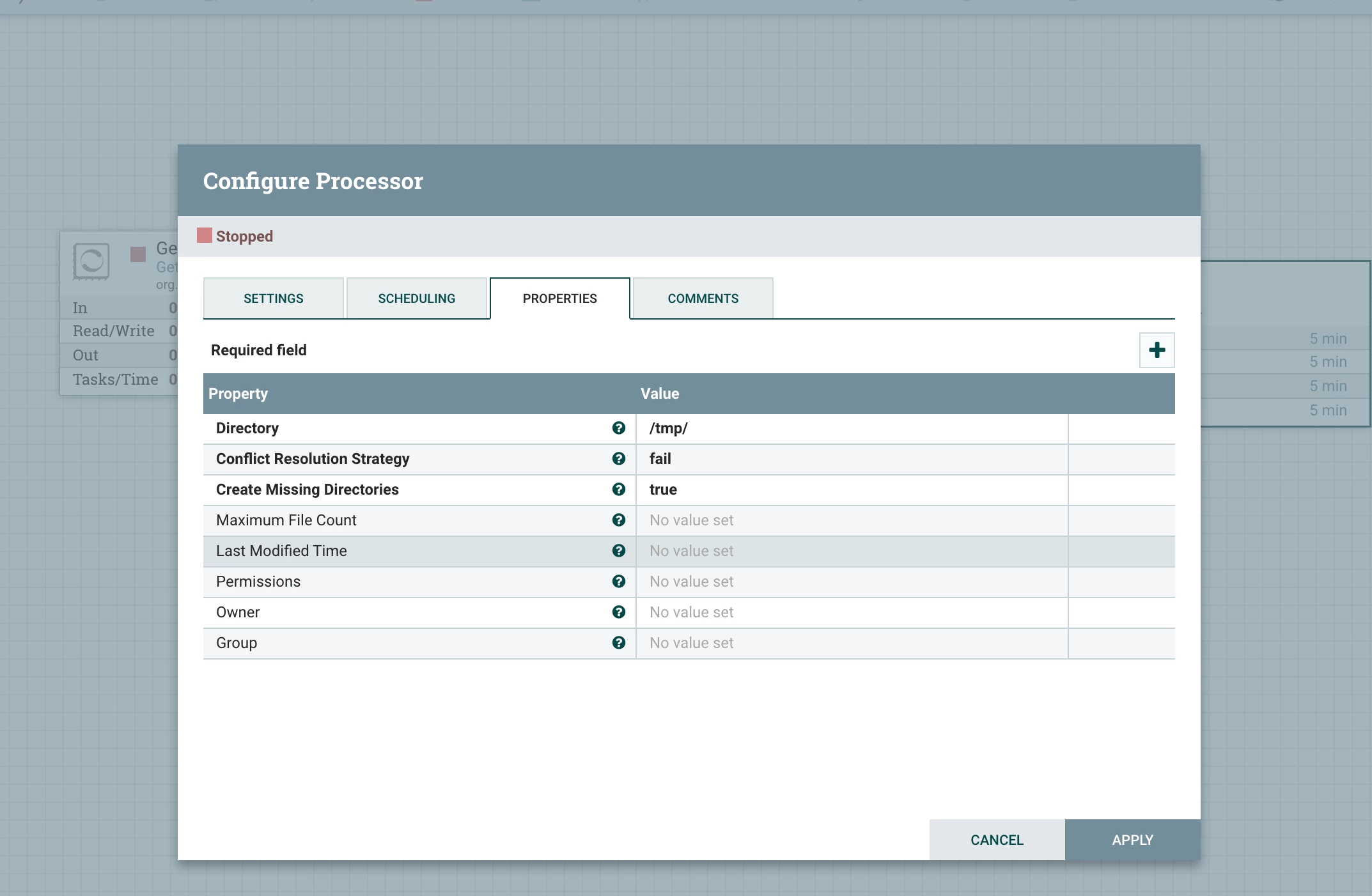
- Configure the PUT file process to store the Twitter JSON files in one of the NiFi hosts.
To verify the data received, log in to one of the NiFi hosts, and check the directory mentioned in the above step.

