


Storing Apache NiFi Versioned Flows in a Git Repository
Objective
With the release of NiFi Registry 0.2.0, flow contents can now be stored under a Git directory using the new GitFlowPersistenceProvider.
This tutorial walks you through how to configure this provider in NiFi Registry so that versioned flows in NiFi are automatically saved to a Git repository.
A video version of this tutorial can be seen here: https://youtu.be/kK7eVppg9Aw
Environment
This tutorial was tested using the following environment and components:
- Mac OS X 10.11.6
- Apache NiFi Registry 0.2.0
- Apache NiFi 1.7.1
GitFlowPersistenceProvider
Git Configuration
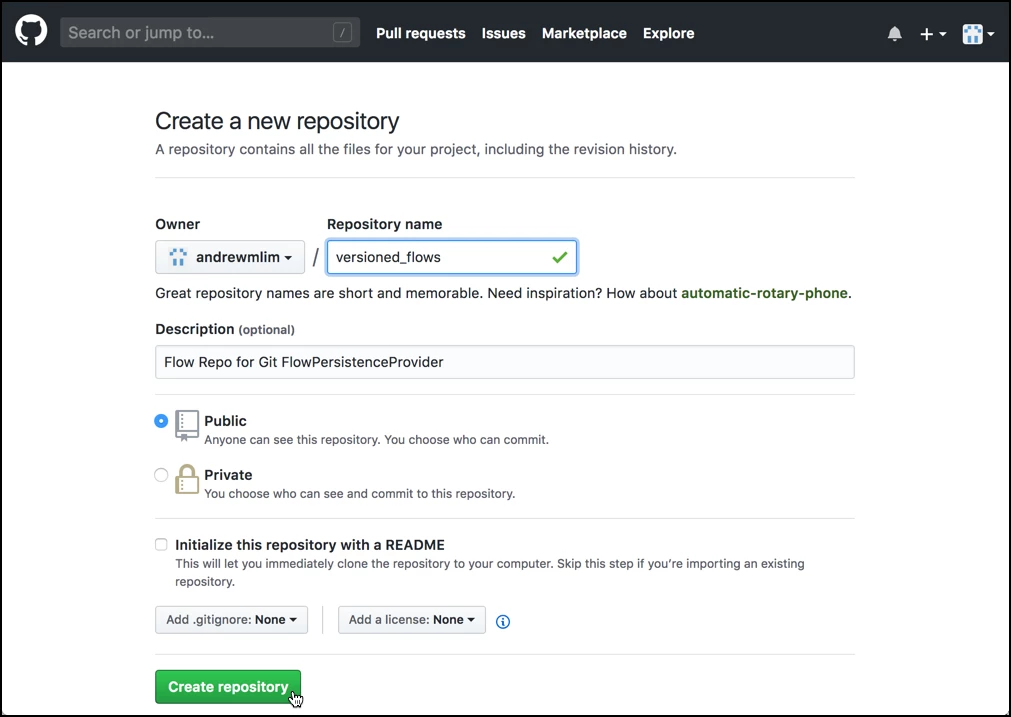
First, create a new GitHub repo:
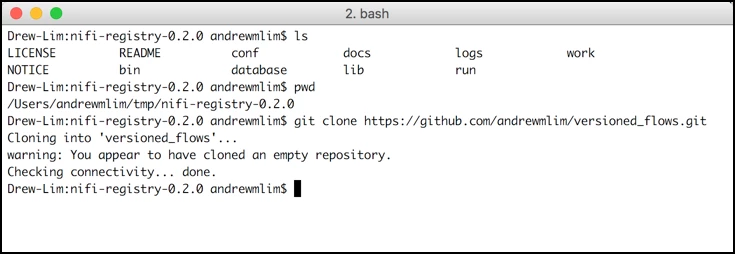
then clone it locally using the git clone command (e.g. git clone https://github.com/andrewmlim/versioned_flows.git):
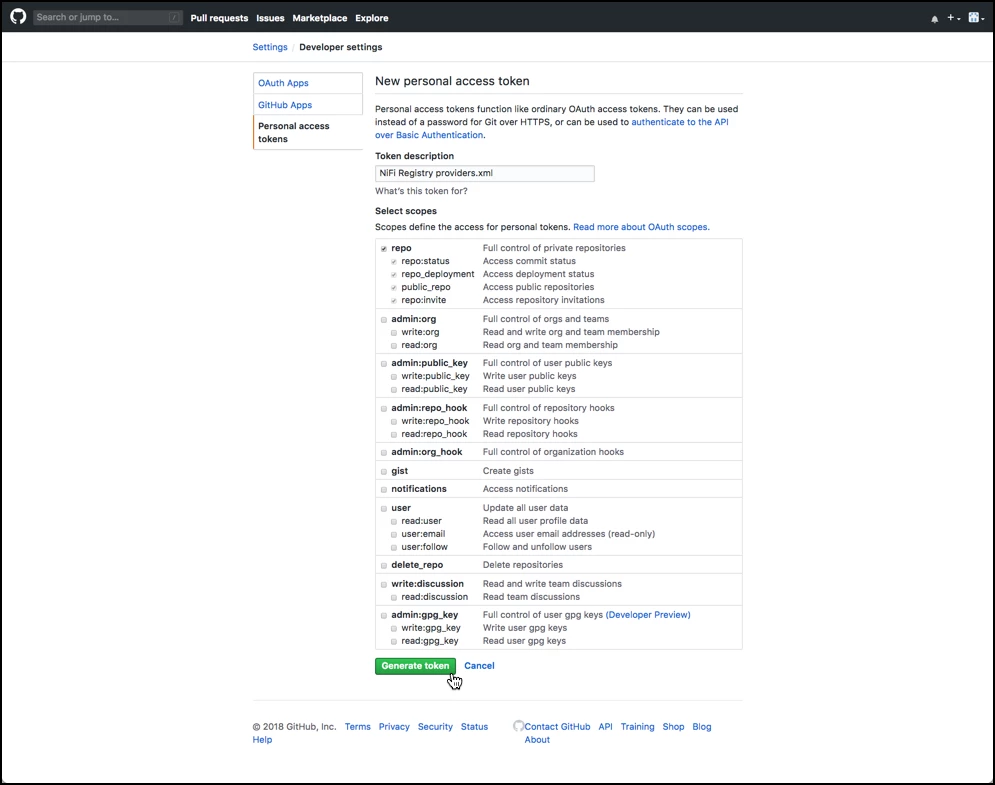
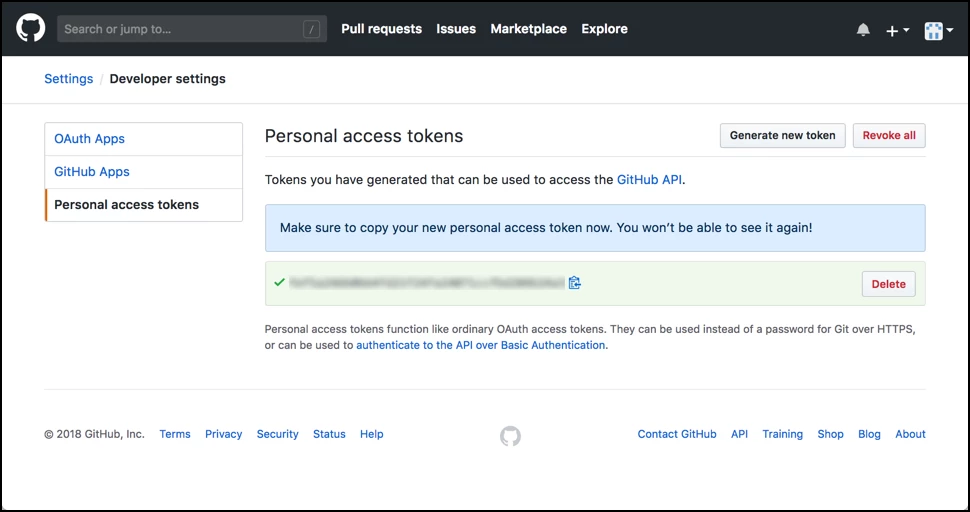
Next, go to GitHub’s “Developer settings” and create a new “Personal access token”:
NiFi Registry Configuration
In the ./conf/providers.xml file, configure the following properties:
- Set
org.apache.nifi.registry.provider.flow.git.GitFlowPersistenceProvideras the qualified class name - Set “Flow Storage Directory” to the directory where the repo was cloned
- Set "Remote to Push" to
origin - Set “Remote Access User” to your GitHub username
- Set “Remote Access Password” to the personal access token
Here is an example of these changes in providers.xml:
<flowPersistenceProvider>
 <class>org.apache.nifi.registry.provider.flow.git.GitFlowPersistenceProvider</class>
 <property name="Flow Storage Directory">./versioned_flows</property>
 <property name="Remote To Push">origin</property>
 <property name="Remote Access User">andrewmlim</property>
 <property name="Remote Access Password">f1295e16f933d4468d948ea276372da8b0585bda</property>
</flowPersistenceProvider>
Note: The “Remote To Push” property specifies the name of the remote to automatically push to. This property is optional and if not specified, commits will remain in the local repository unless a push is performed manually.
Saving a Versioned Flow to the Git Repo
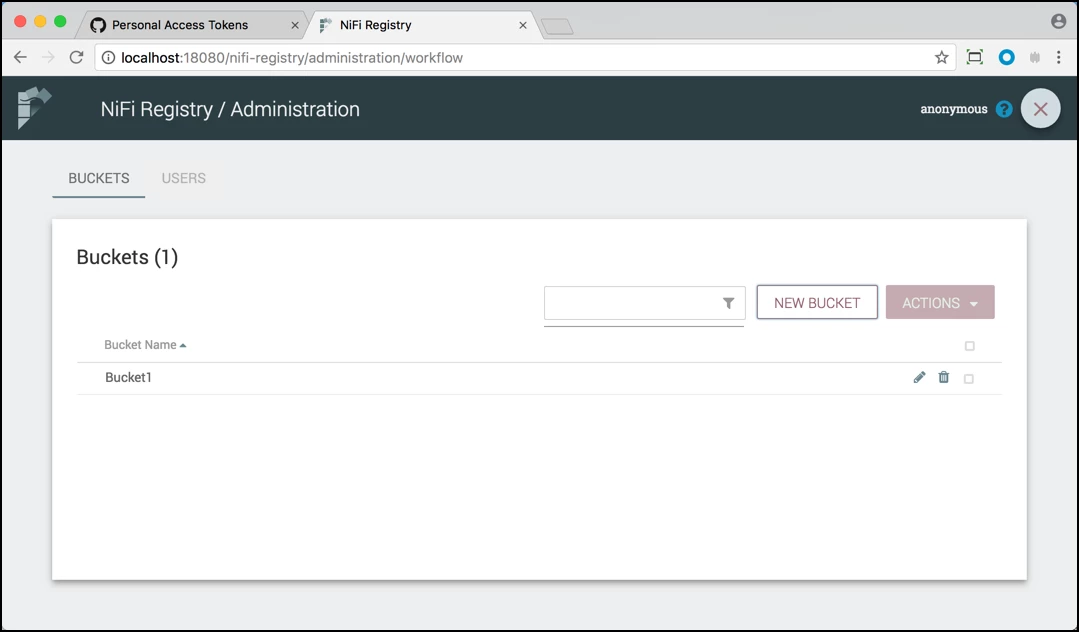
Start up NiFi Registry and create a bucket:
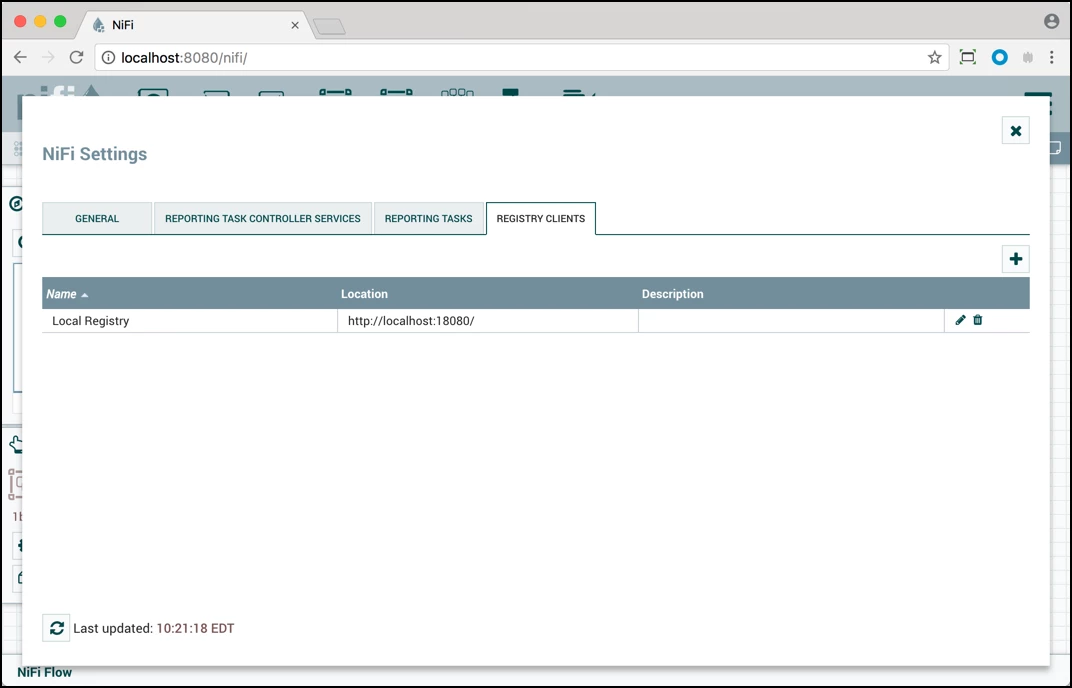
Start up a NiFi instance and connect to the Registry:
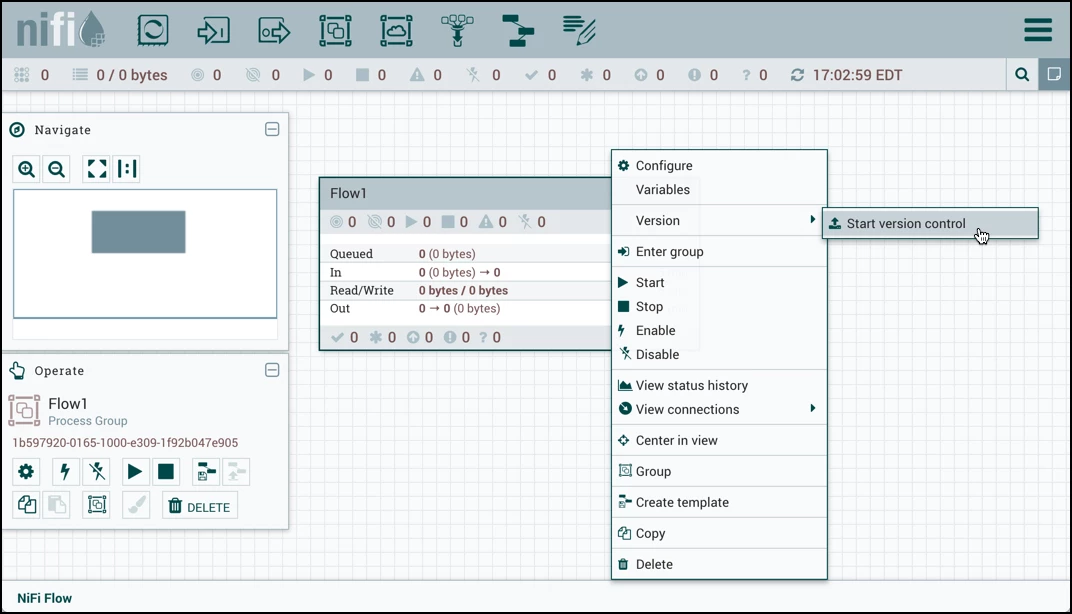
Create a process group. Start version control:
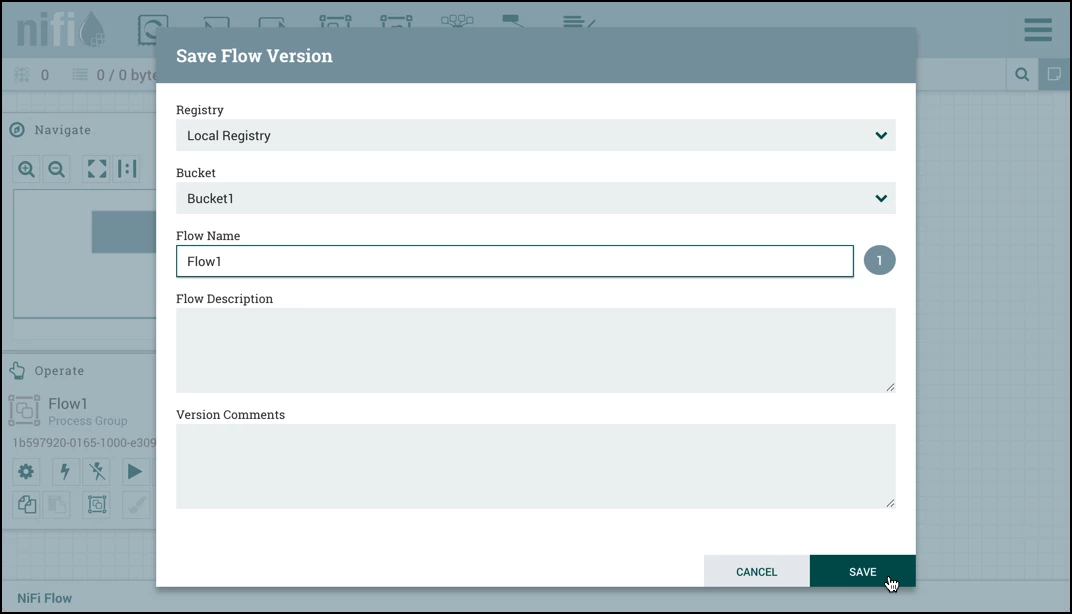
Save the flow:
In GitHub, you will see that the Bucket and Flow have been saved in your repo:
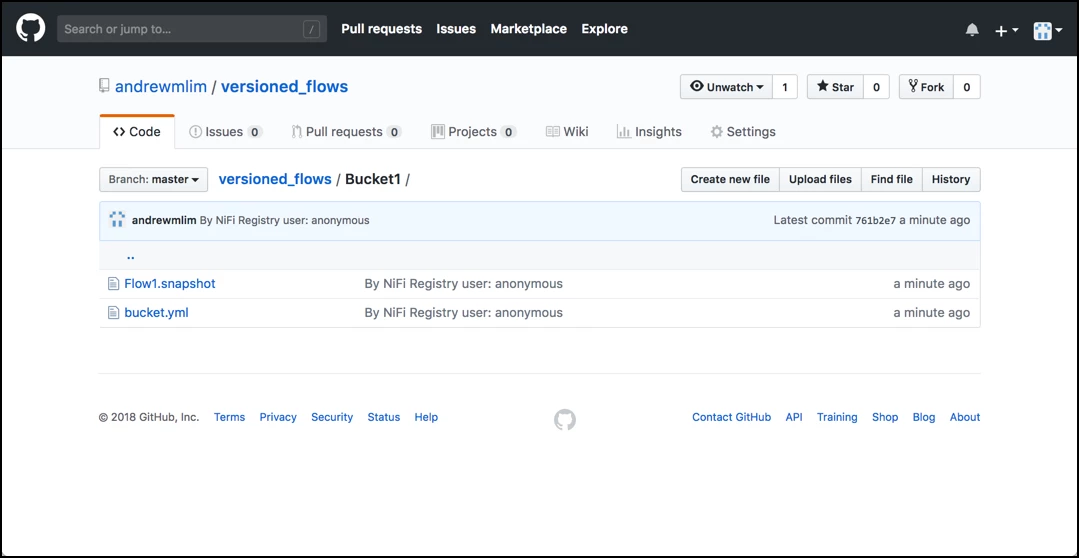
As shown, Buckets are represented as directories and Flow contents are stored as files in the Bucket directory they belong to. Flow snapshot histories are managed as Git commits, meaning only the latest version of Buckets and Flows exist in the Git directory.
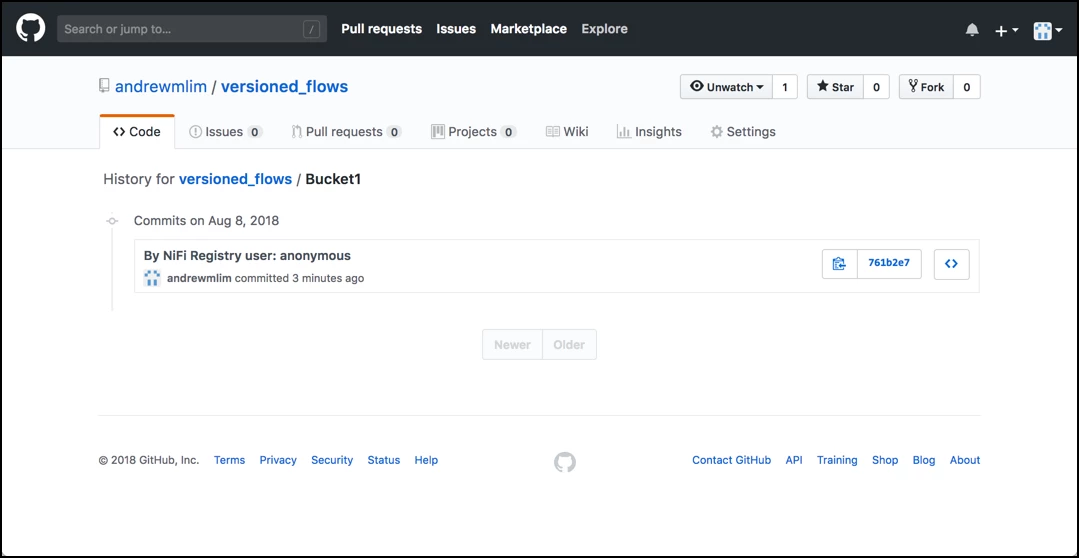
Note: The commit message states "By NiFi Registry user: anonymous" since the environment was unsecured and there was no user logged into NiFi. The commit message would have the user's identity if secure.
Helpful Links
Here are some helpful links that were used as references for this article:

