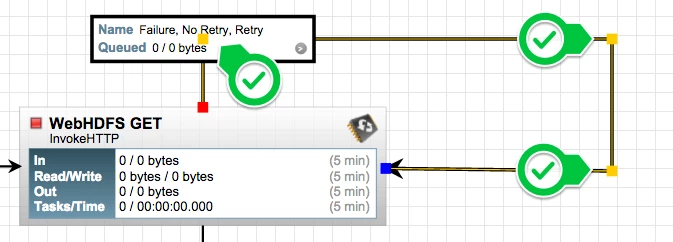

Tip: Bend those Connections
Once one moves beyond trivial flow design a visual image like the one below becomes common. Surely, it becomes more and more messy over time and harder to glance over.
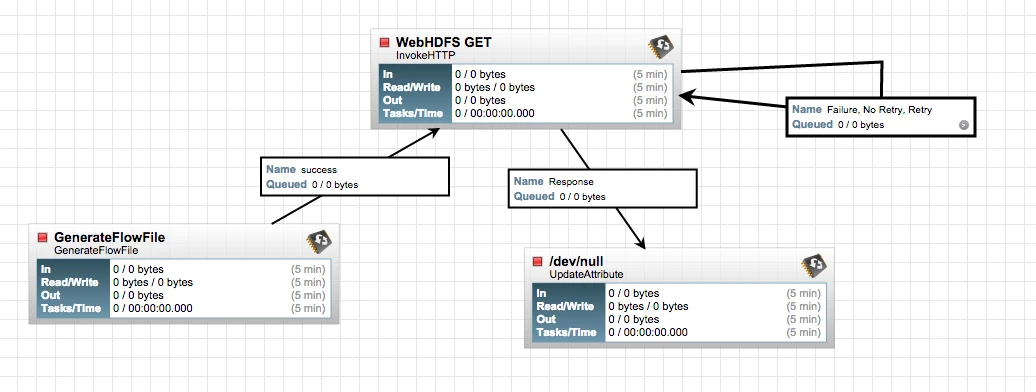
Here's a great tip - double-click on the connection line that you want to bend:
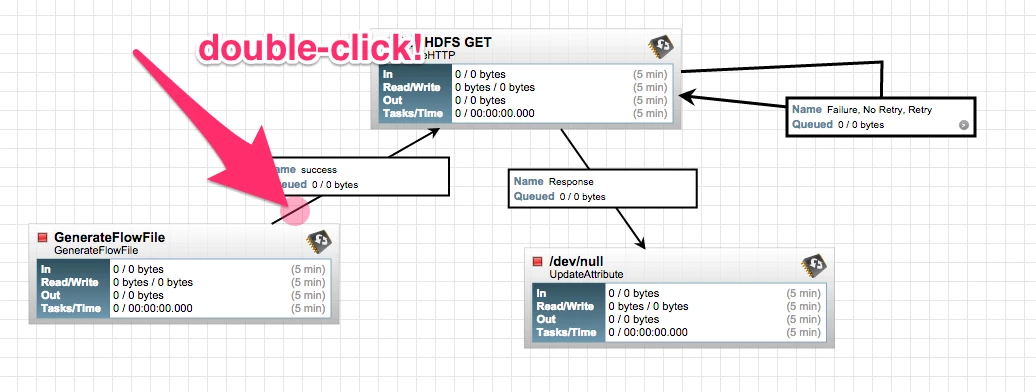
A new yellow anchor will appear which one can then drag around to organize things nicely.
Bonus tip - one can add multiple bend points to a connection.
To remove a specific anchor, simply double-click on it again, repeat for each yellow point.
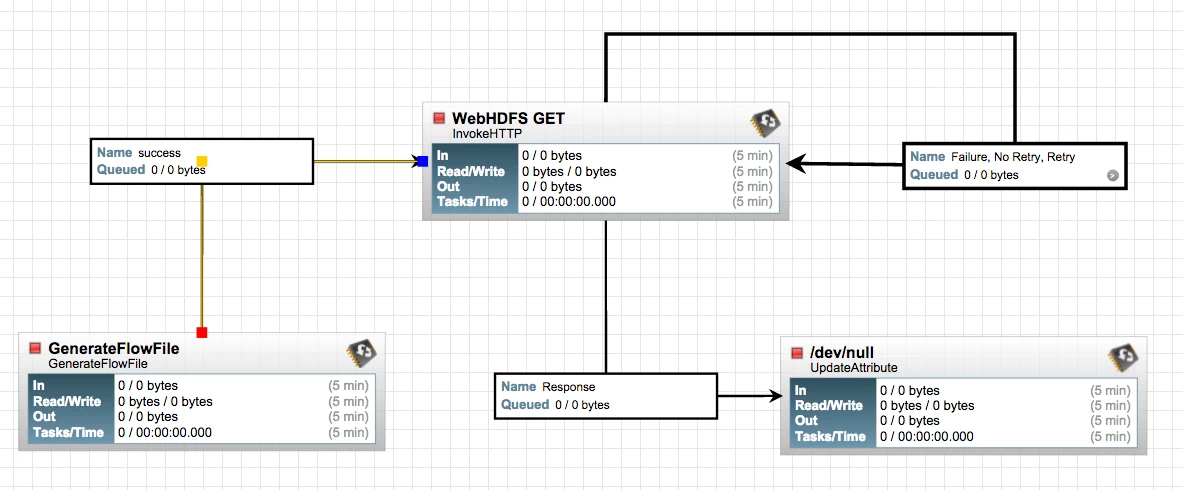
And an extra bonus courtesy of @mgilman@hortonworks.com: a connection label can be moved along the connection and snaps to a bend point, see below: