


Community Tips Series: Welcome to Our New Community
We have a fresh look and a simpler layout.
Section 1: Here is your map

1. Explore: Jump to the Q&A Forum, Articles, Blogs, Announcements and Resources.
2. Groups: Browse Groups.
3. Bell: Your notifications.
4. Create topic: Start a question or a discussion.
5. Your picture: Open your menu. See Your Profile, Your Way.
Explore menu detail
Hover over a menu with an arrow to see what is inside.
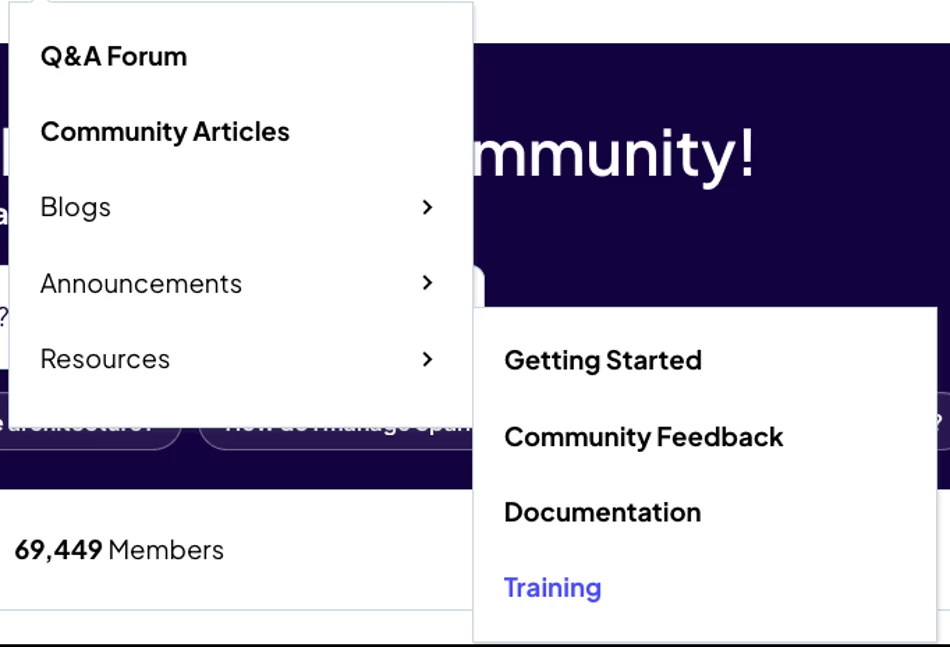
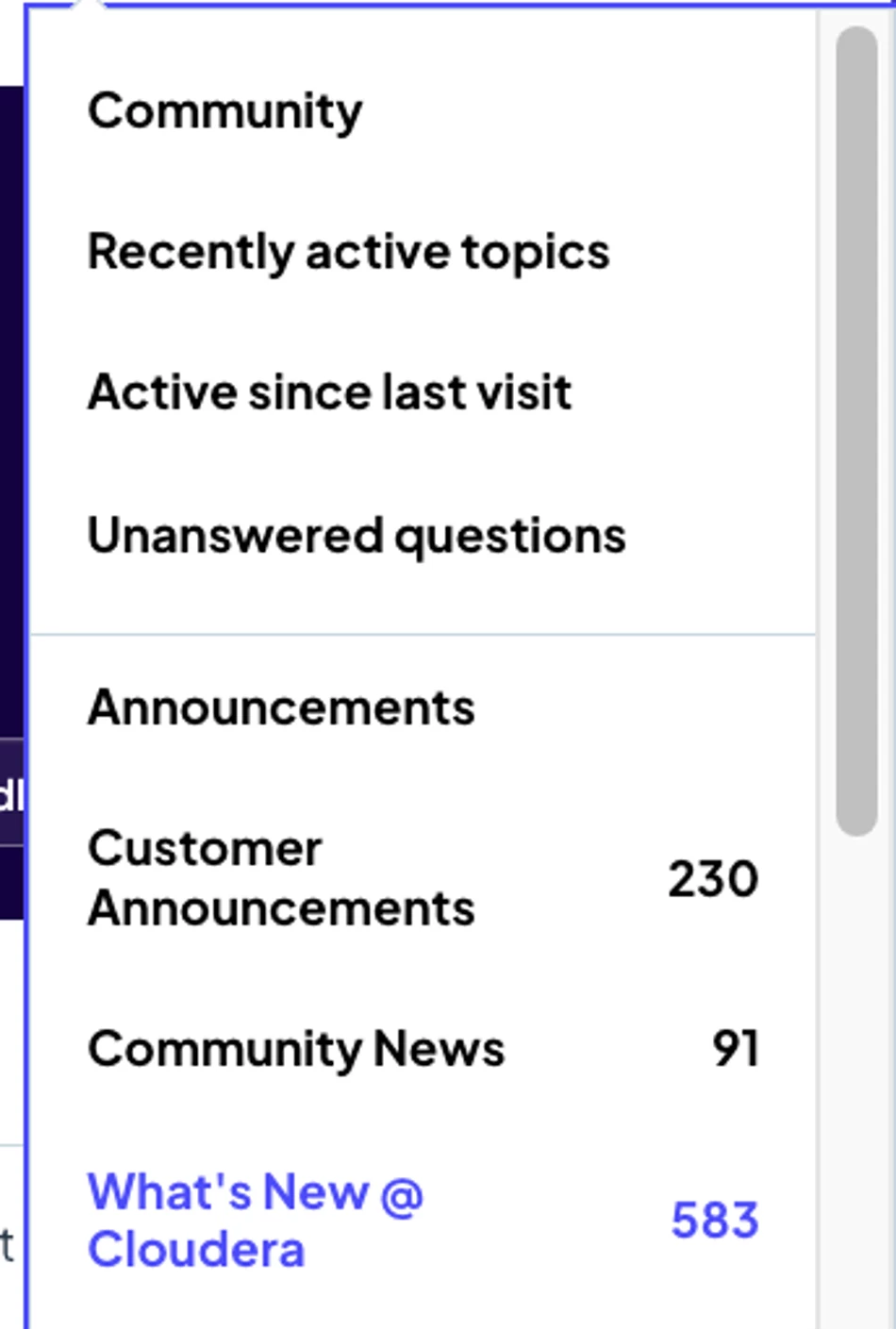
Community menu detail
Jump to Recently active topics, Active since last visit and Unanswered questions, or open any category. The numbers show how many topics are inside.
Section 2: The home page
Scroll down to see everything the community has to offer.
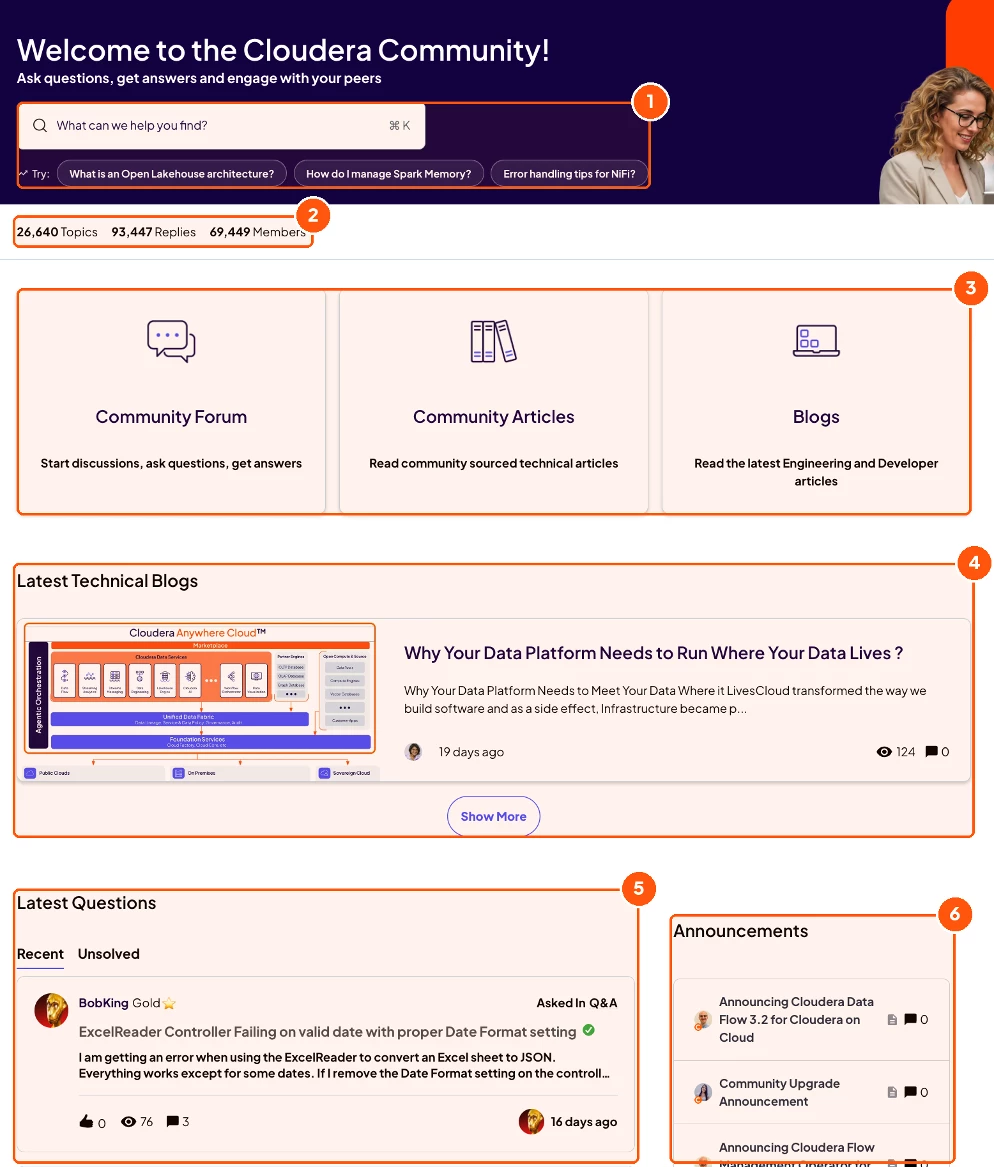
Upper-page elements:
1. Search: Type here, or click a suggestion. See Find Answers Fast.
2. At a glance: Total topics, replies and members.
3. Three doors: Community Forum to ask and answer, Community Articles, and Blogs.
4. Latest Technical Blogs: The newest Engineering and Developer posts.
5. Latest Questions: Switch between Recent and Unsolved.
6. Announcements: News from Cloudera and the Community team.
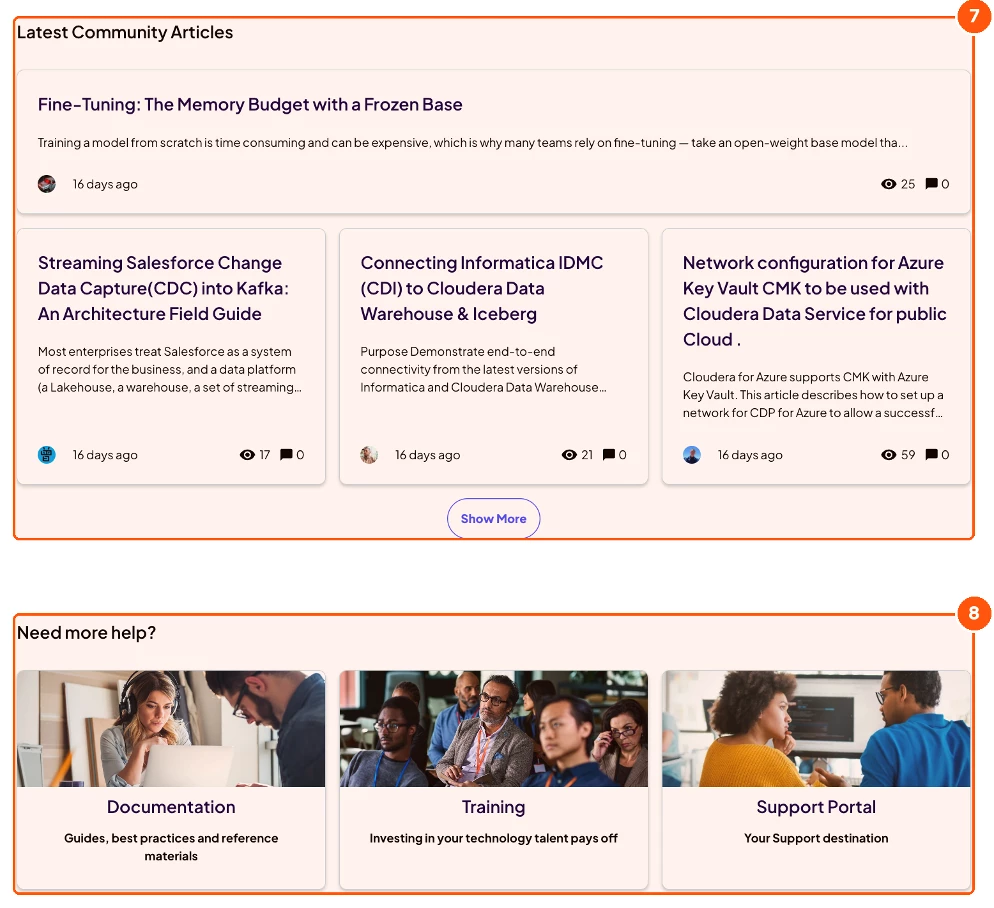
Lower-page elements:
7. Latest Community Articles: Fresh articles from members. Click Show More for more.
8. Need more help?: Documentation, Training and the Support Portal.
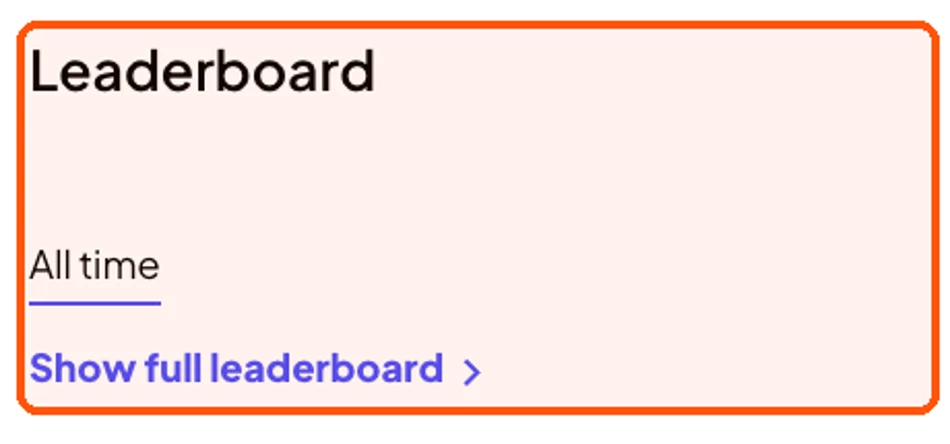
Leaderboard detail
See top contributors. Click Show full leaderboard for the full list.
💡 Thank you for helping us grow our collective knowledge, one question, reply, and solution at a time.

