deepak_s2
Silver ⭐️⭐️⭐️
March 14, 2019
Solved

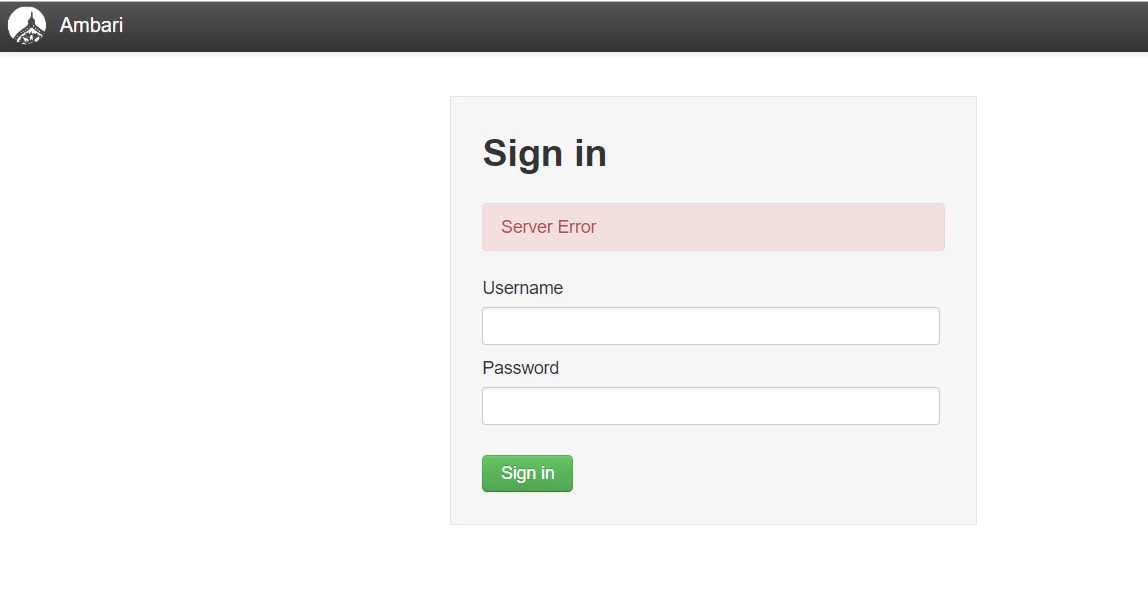
AMBARI UI LOGIN ISSUE : SERVER ERROR : VERY URGENT

Hi all, i was able to to login yesterday but when im trying to login today i'm facing this issue.

107151-1552499885836.png

Here is the output of ambari-server status from terminal


107161-1552500103125.png


Screen Shot of /var/log/ambari-server


107171-1552500225390.png


Also, here i attach the amabri-server.log ambari-server.txt

Any help is appreciated a lot. Thanks in advance


@Jay Kumar SenSharma @Geoffrey Shelton Okot

jsensharma
Platinum ⭐️⭐️
March 14, 2019

@Deepak SANAGAPALLI

The following kind of message indicates some filesystem issue:

Unable to access /var/log/ambari-server directory. Confirm the directory is created and is writable by Ambari Server user account 'root'

.

So please check if you have the mentioned directory created and you are able to create some dummy files inside that dir.

# echo "Test" > /var/log/ambari-server/test.log
# mkdir -p /var/log/ambari-server/one


Check if somehow the "/var/log" filesystem has become read-only by any chance? May be rebooting the host will help in such cases.

Also please check if the file "ambari.properties" is showing correct username there:

# grep 'ambari-server.user' /etc/ambari-server/conf/ambari.properties
ambari-server.user=root

.

3 replies

jsensharma
Platinum ⭐️⭐️
Platinum ⭐️⭐️
March 14, 2019

@Deepak SANAGAPALLI

The following kind of message indicates some filesystem issue:

Unable to access /var/log/ambari-server directory. Confirm the directory is created and is writable by Ambari Server user account 'root'

.

So please check if you have the mentioned directory created and you are able to create some dummy files inside that dir.

# echo "Test" > /var/log/ambari-server/test.log
# mkdir -p /var/log/ambari-server/one


Check if somehow the "/var/log" filesystem has become read-only by any chance? May be rebooting the host will help in such cases.

Also please check if the file "ambari.properties" is showing correct username there:

# grep 'ambari-server.user' /etc/ambari-server/conf/ambari.properties
ambari-server.user=root

.

Translate
jsensharma
Platinum ⭐️⭐️
Platinum ⭐️⭐️
March 14, 2019

@Deepak SANAGAPALLI

Ambari simply makes the following Python call to check if it is able to create directories inside the failing directory with 0755 permission or not?
https://github.com/apache/ambari/blob/release-2.7.3/ambari-server/src/main/python/ambari_server/serverConfiguration.py#L438-L448

Translate
deepak_s2
deepak_s2Author
Silver ⭐️⭐️⭐️
March 15, 2019

Hey Thanks alot @Jay Kumar SenSharma it did work after reboot. But Now i'm facing different issue HST agent is redirecting to fail mode after restart. can you please help on this.

Translate