Vishn
Bronze ⭐️⭐️⭐️
September 6, 2023
Solved

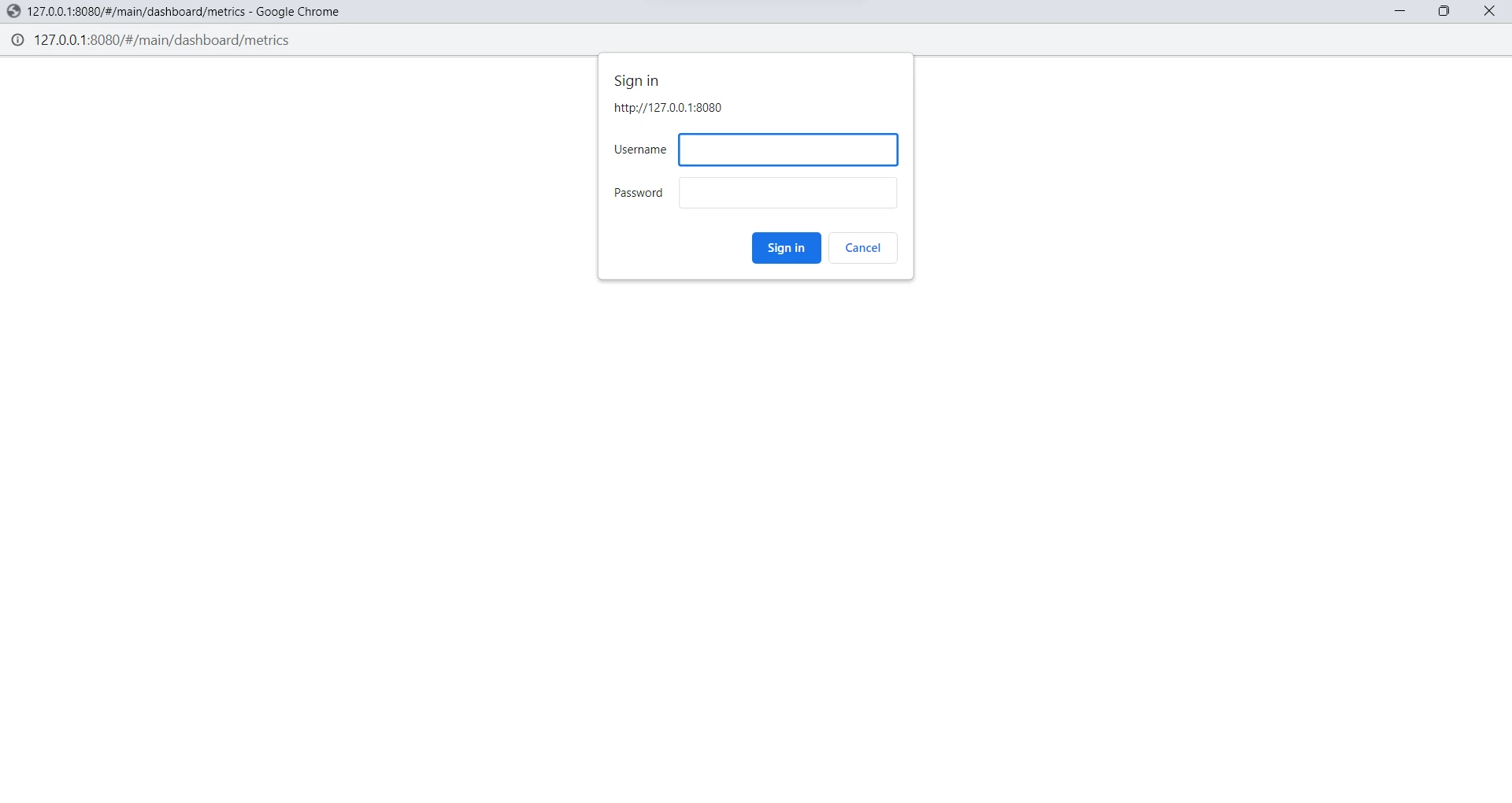
Ambari UI login not working .

Hi,

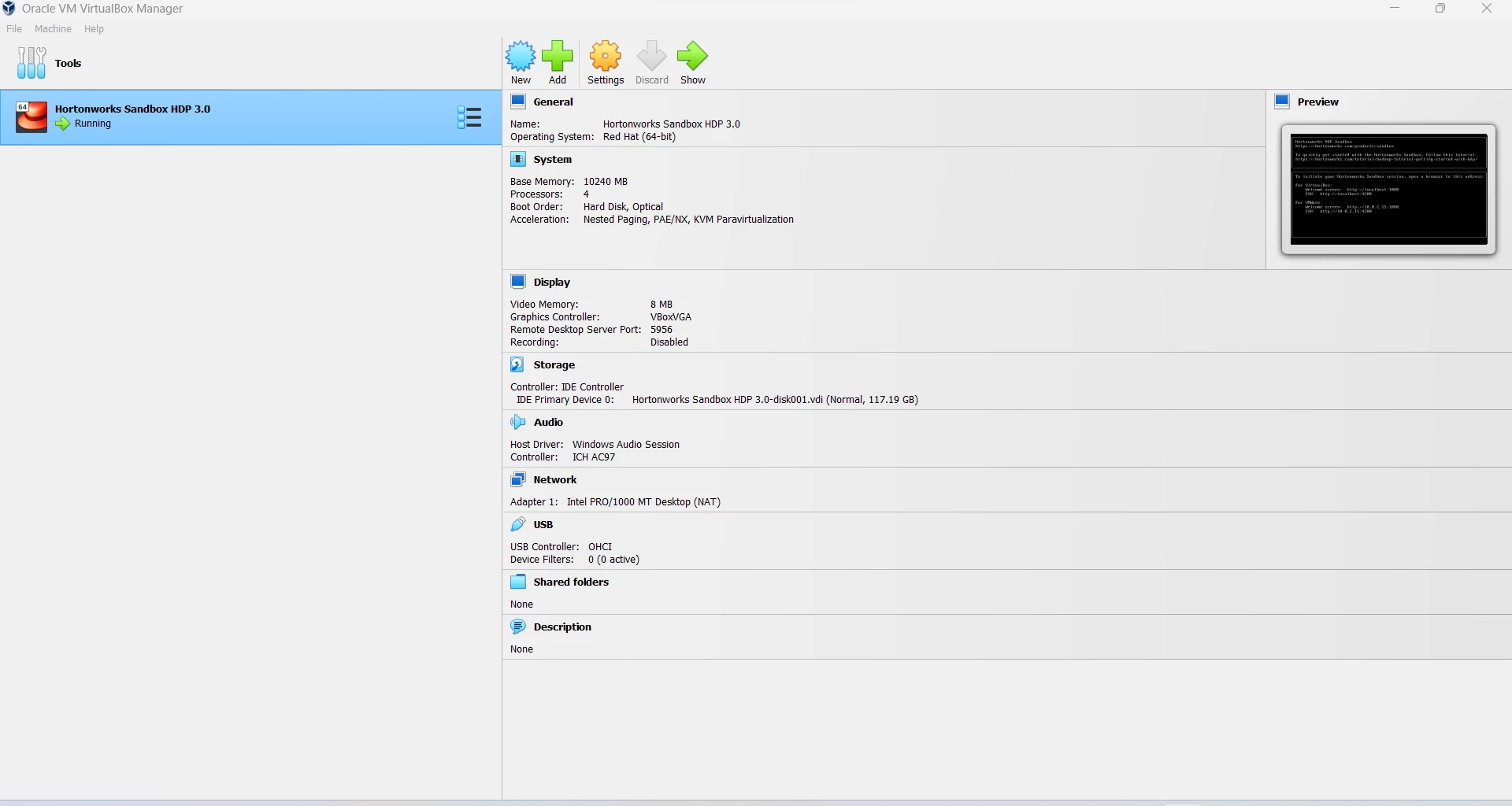
After tried to login, it is taking me back to reenter the credentials.

I have tried all the passwords.

Pls help....Screenshot 2023-09-06 191027.pngScreenshot 2023-09-06 191213.png
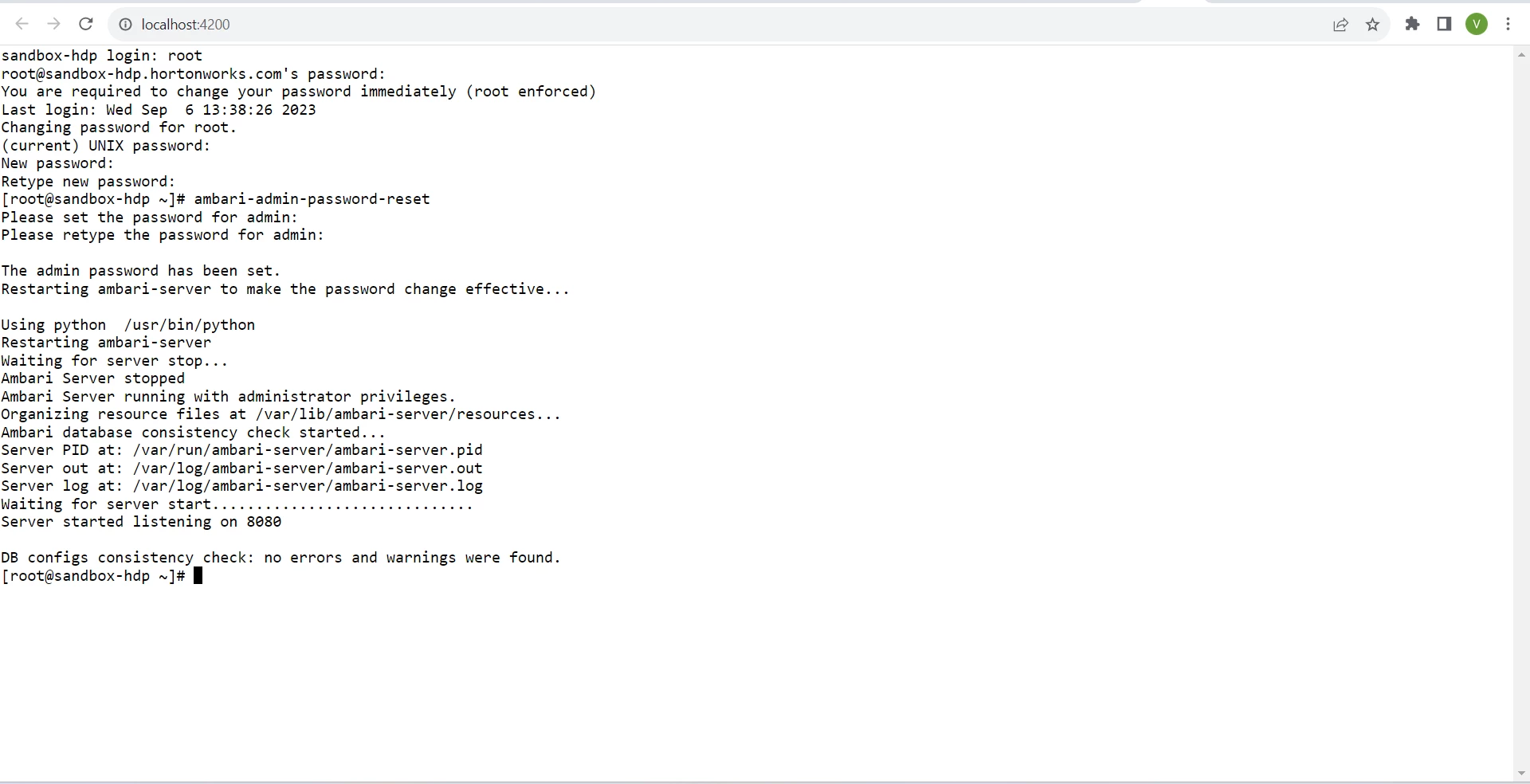
 

Screenshot 2023-09-06 170616.png

Asok
AsokAnswer
Gold ⭐️
September 6, 2023

1. Log on to Ambari server DB host shell
2. Run 'psql -U ambari-server ambari'
3. Enter password 'bigdata'
4. In psql:

update ambari.users set user_password='538916f8943ec225d97a9a86a2c6ec0818c1cd400e09e03b660fdaaec4af29ddbb6f2b1033b81b00' where user_name='admin'

5. Quit psql
6. Run 'ambari-server restart'

This will reset the admin account back to the password of 'admin'

2 replies

Asok
Gold ⭐️
AsokAnswer
Gold ⭐️
September 6, 2023

1. Log on to Ambari server DB host shell
2. Run 'psql -U ambari-server ambari'
3. Enter password 'bigdata'
4. In psql:

update ambari.users set user_password='538916f8943ec225d97a9a86a2c6ec0818c1cd400e09e03b660fdaaec4af29ddbb6f2b1033b81b00' where user_name='admin'

5. Quit psql
6. Run 'ambari-server restart'

This will reset the admin account back to the password of 'admin'

Translate
DianaTorres
Community Manager
Community Manager
September 18, 2023

@Vishn Has the reply helped resolve your issue? If so, please mark the appropriate reply as the solution, as it will make it easier for others to find the answer in the future. Thanks.

Translate
Regards, Diana Torres, Senior Community Moderator