

CDP CLI df metrics time period argument poorly documented
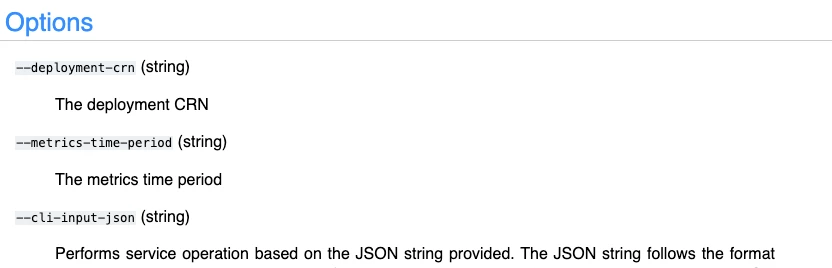
I'm trying to use the cdp cli (v. 0.9.106 on my local machine) to get KPI metrics from CDF. I'm using the command `cdp df list-deployment-system-metrics --deployment-crn my-deployment-crn` but struggling to correctly format the required `--metrics-time-period` arg. The documentation isn't helpful here:
I've tried a few things like:
`--metrics-time-period "2024-03-24T12:00:00Z:2024-03-24T16:00:00Z"`
`--metrics-time-period LAST_24_HOURS`
`--metrics-time-period "yesterday"`
But they all scream back:
An error occurred: No enum constant com.cloudera.dfx.metrics.TimeSpan.TimePeriod.yesterday (Status Code: 400; Error Code: INVALID_ARGUMENT; Service: df; Operation: listDeploymentSystemMetrics;
If someone could elaborate on what this command is expecting, or better yet, offer up some examples of successful executions, that'd be great!


