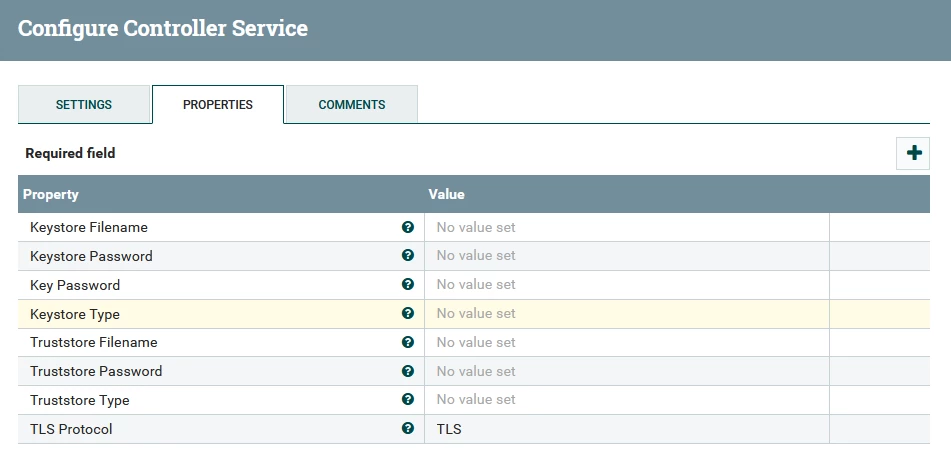
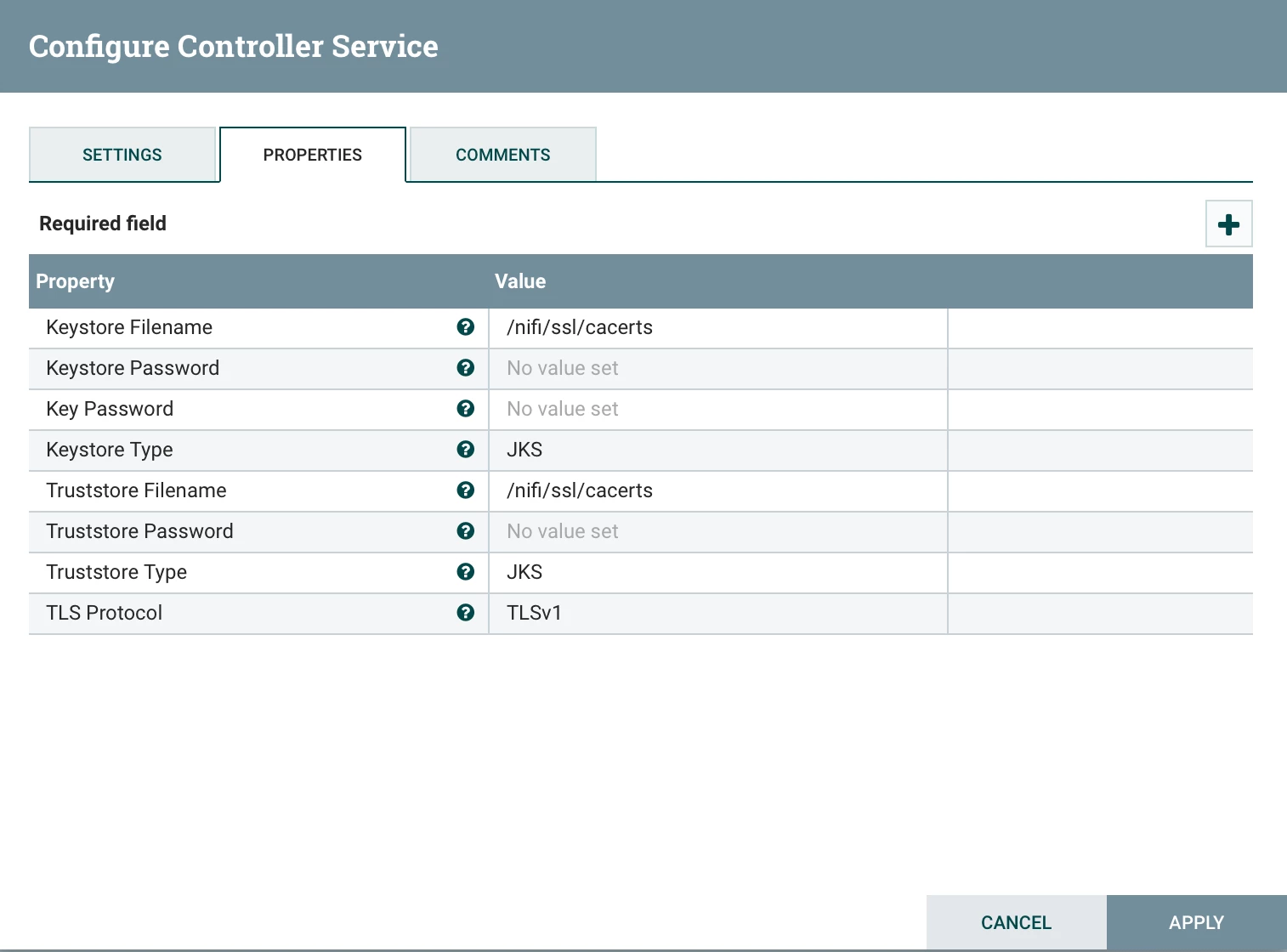
I suspect you have not completed a step, or missing something. The cacerts works for me in all cases if the cert is publicly trusted (standard public cert from public CA) which it should be. You should share info on the configurations you tried and what if any errors you got from that. The bare minimum settings you need for that are keystore (file location), password, key type (jks), and TLS version. Assuming you copied your java cacert file to all nodes as /nifi/ssl/cacerts the controller service properties should look like:
If cacerts doesnt work, then you must create keystores and/or trust stores with the public cert. Use the openssl command to get the cert. That command looks like:
openssl s_client -connect https://secure.domain.com
You can also get it from the browser when you visit the elk interface; for example cluster health, or indexes. Double click cert lock icon in the browser then use the browser's interface to see/view/download public certificate. You need the .cer or .crt file. Then you use the cert to create the keystore with keytool commands. An example is:
keytool -import -trustcacerts -alias ambari -file cert.cer -keystore keystore.jks
Once you have created a keystore/truststore file you need to copy it to all nifi nodes, ensure the correct ownership, and make sure all the details are correct in the SSL Context Service. Lastly you may need to modify the TLS type until testing works.
Here is working example of getting the cert and using it with keytool from a recent use case:
echo -n|openssl s_client -connect https://secure.domain.com | sed -ne '/-BEGIN CERTIFICATE-/,/-END CERTIFICATE-/p' > publiccert.crt

keytool -import -file publiccert.crt -alias astra -keystore keyStore.jks -storepass password -noprompt

keytool -import -file publiccert.crt -alias astra -keystore trustStore.jks -storepass password -noprompt

mkdir -p /etc/nifi/ssl/
cp *.jks /etc/nifi/ssl
chown -R nifi:nifi /etc/nifi/ssl/