

Configuring alert email without providing mail server user name & password
Hi All,
I'm using Cloudera Express 6.3.0. I'm trying to configure alert emails to be received by a list of users. While configuring properties, it is asking for mail server user name & password. We have SMTP enabled and we are triggering emails with sendmail command on the nodes where Cloudera is installed. But, here why we need to provide the mail server user name & password for receiving the alert emails on our mail id. I have found a solution for this in Cloudera community (https://community.cloudera.com/t5/Support-Questions/Why-does-Alert-Publisher-require-mail-server-login-amp/m-p/41003#M36254), but it is not working for my version of Cloudera. Does any know a turnaround for this.
Please refer to the link above for the solution provided & please also see the picture attached for better understanding.
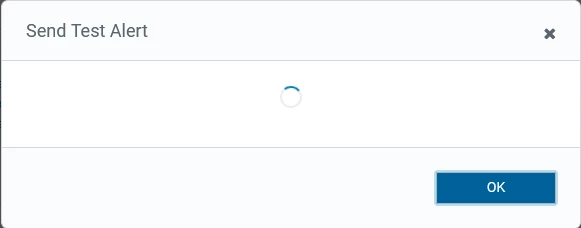 When i click on Send Test Alert, i see this pop up & the email is not triggering
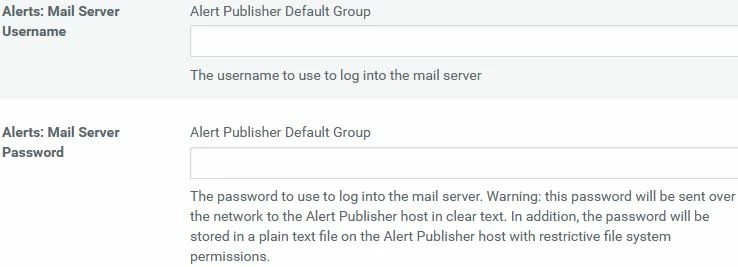 Mail Server UN & PWD


