Thank you for your question.
You may try using UpdateAttribute Processor's stateful value to deal with the incoming flow files in a batch mode.
============================
Here is the settings for UpdateAttribute
============================
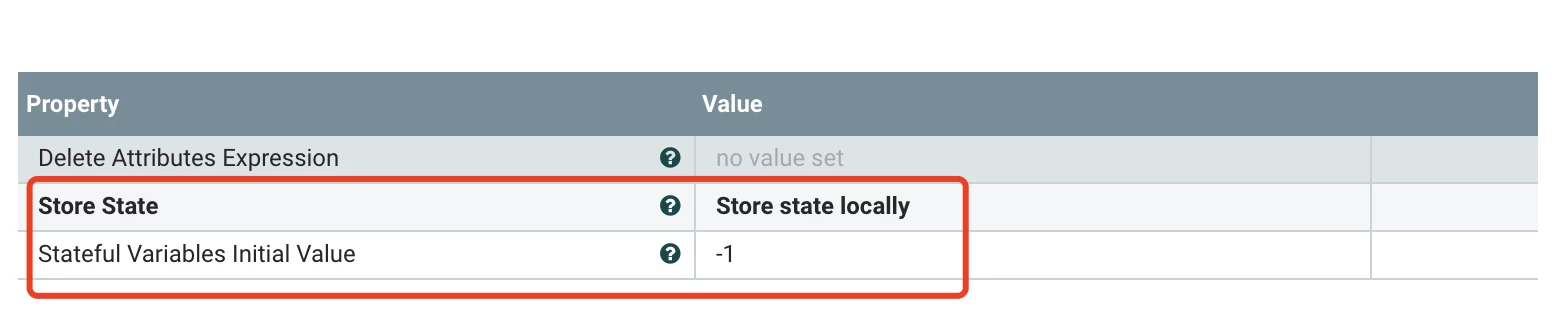
Under the Advanced Mode of UpdateAttribute Processor:
- Set two rules as below:
- R0 -> initializeBatchIndex
- Conditions:
- ${getStateValue("fragment.index"):equals(-1):or(${getStateValue('fragment.index'):plus(1):ge(${batchSize})})}
- Actions (add fragment related attributes):
- fragment.count
- fragment.identifier (For each batch, it should generate a new UUID as the identifier)
- fragment.index
- ${getStateValue('fragment.index'):plus(1):mod(${batchSize})}
- R1 -> Iterations
- Conditions:
- ${getStateValue("fragment.index"):equals(-1):or(${getStateValue('fragment.index'):plus(1):ge(${batchSize})}):not()}
- Actions (add fragment related attributes):
- fragment.count(This parameter may be optional as it always be the same size around one specific batch test )
- ${getStateValue('fragment.count')}
- fragment.identifier
- ${getStateValue('fragment.identifier')}
- fragment.index
- ${getStateValue('fragment.index'):plus(1):mod(${batchSize})}
NOTE:
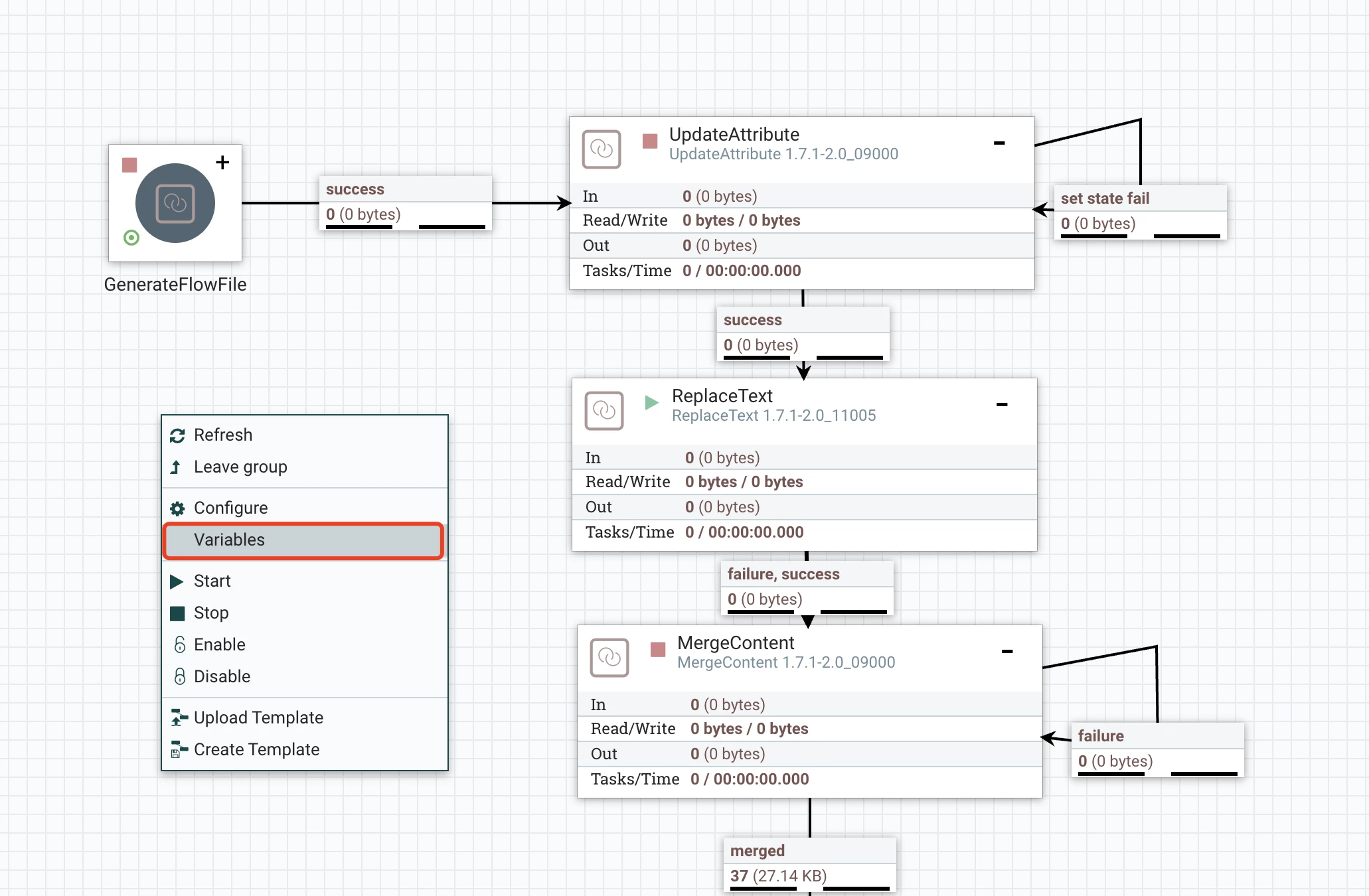
Before that, we can set a Variables in your current Process Group( right click en empty area inside your process group, select variables, and add a variable named batchSize, with proper merged count you wanna set)

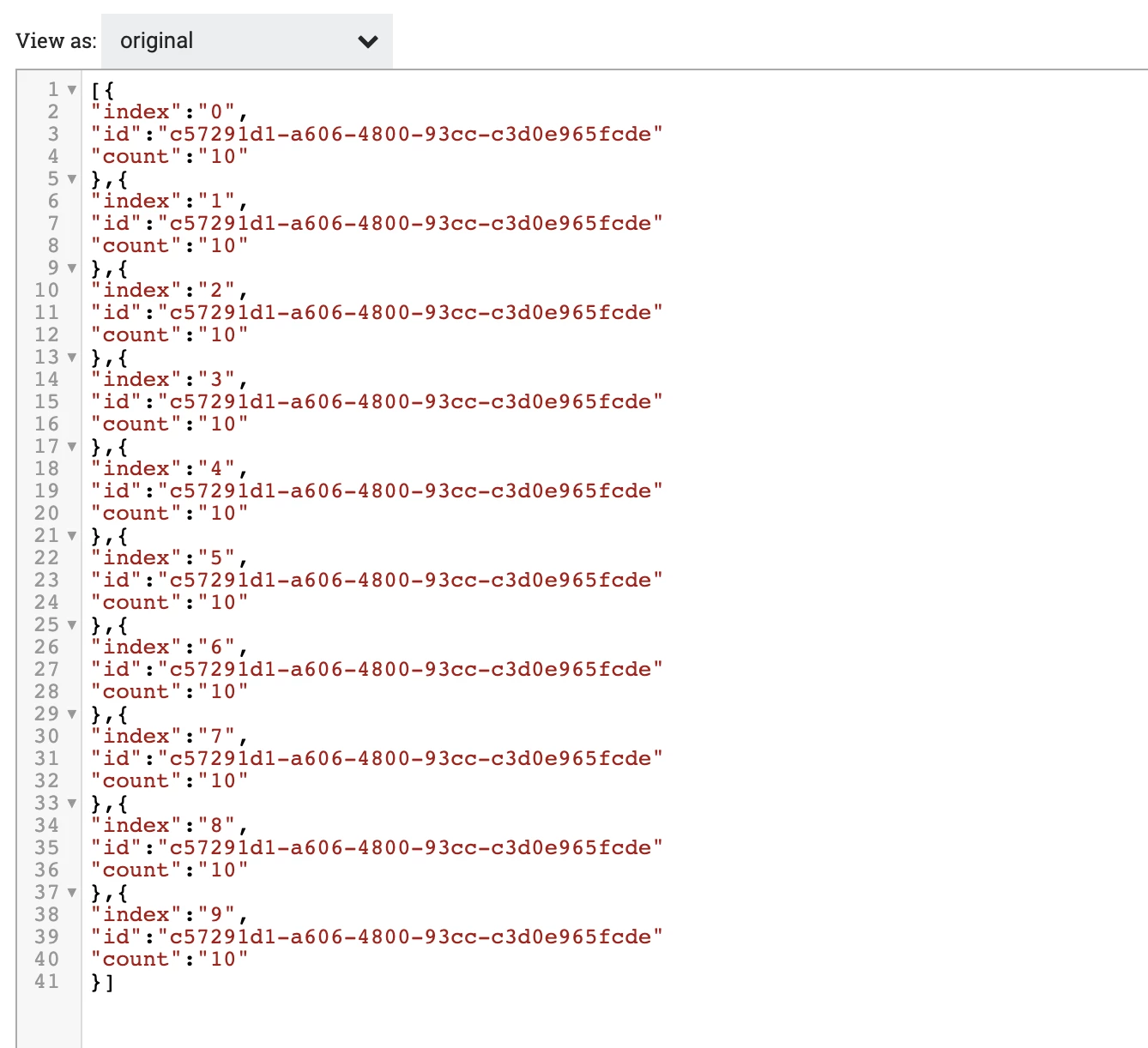
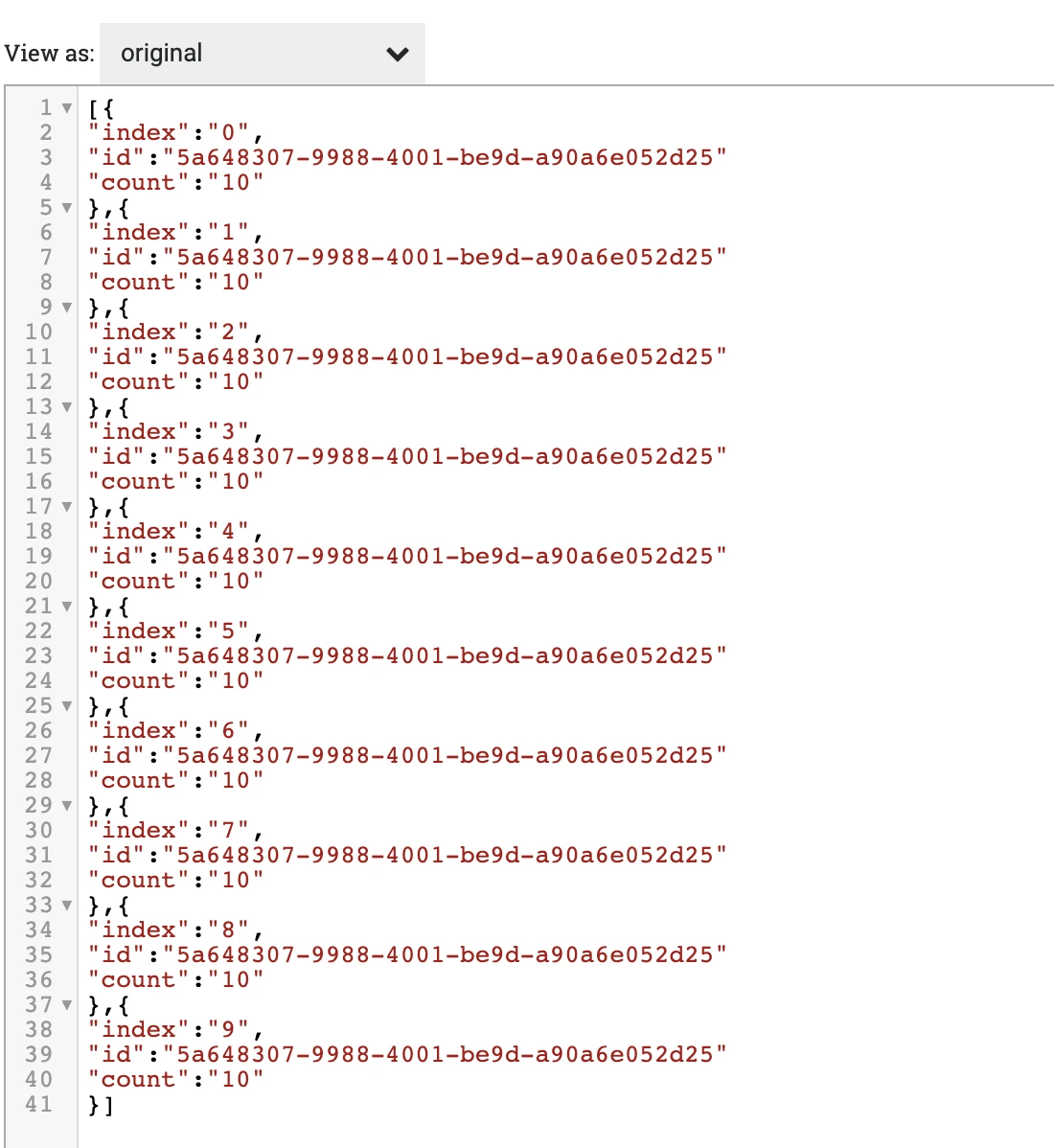
The result of the merged flow files would be merged via the same fragment.identifier.
Please let me know if this helps.
Thanks & Regards,
Oliver Gong