ExcelReader Controller Failing on valid date with proper Date Format setting
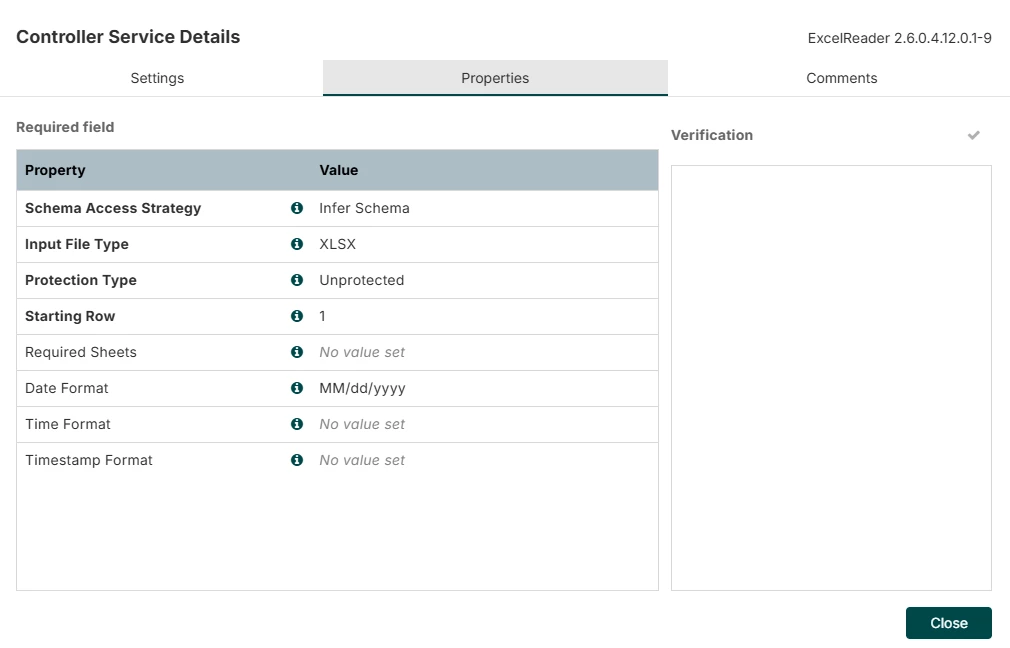
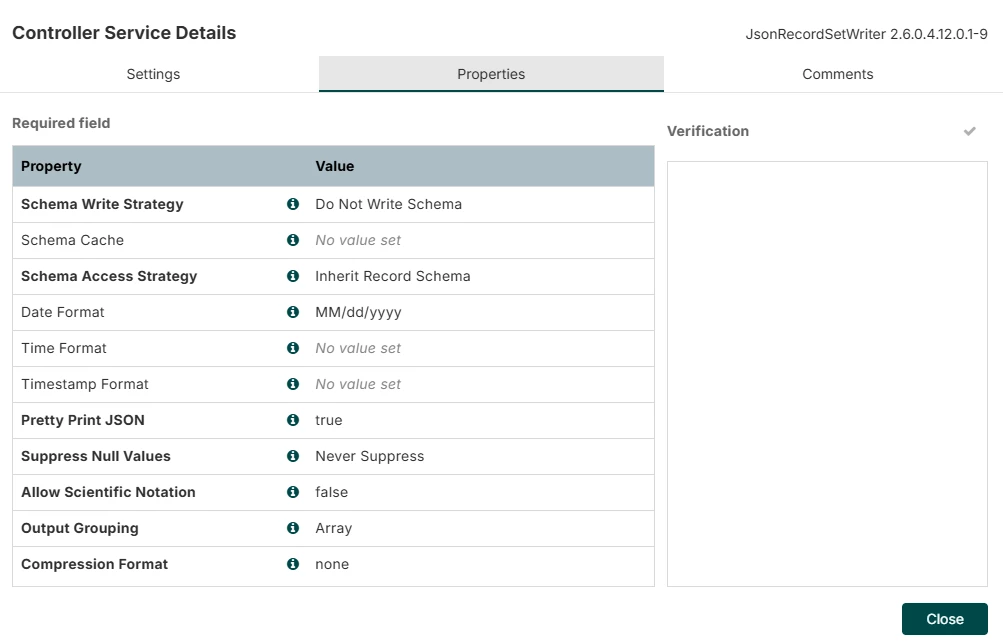
I am getting an error when using the ExcelReader to convert an Excel sheet to JSON. Everything works except for some dates. If I remove the Date Format setting on the controller, no issue, but get the date in milliseconds from 1/1/1970, which I do not want. The ExcelReader is failing on the date 05/01/2017. This is a valid MM/dd/yyyy date. The error I get is:
ERROR
015de330-01a0-1000-0000-00001cb4e04e
All Nodes
ConvertRecord[id=015de330-01a0-1000-0000-00001cb4e04e] Failed to process FlowFile[filename=Test_File.xlsx]; will route to failure: org.apache.nifi.processor.exception.ProcessException: Could not parse incoming data
- Caused by: org.apache.nifi.serialization.MalformedRecordException: Read next Record from Excel XLSX failed on row 59 in sheet Data
- Caused by: org.apache.nifi.serialization.record.field.FieldConversionException: Conversion failed for [05/01/2017] named [column_9] to [java.time.LocalDate] [java.time.format.DateTimeParseException] Text '05/01/2017' could not be parsed at index 0
It did not fail on other dates like 6/30/2026. Is it possible that NiFi ExcelReader cannot support a leading 0 on months? This could be a big issue for us as a leading 0 on single digit months is standard.
I would be grateful for any insights.
I am using NiFi 2.0 with Cloudera Data Flow 2.6.0.4.12.0.1-9. I attached my ExcelReader and JsonRecordSetWritter settings.