DanhH
Gold ⭐️
Jun 19, 2023 10:55 AM UTC
Solved

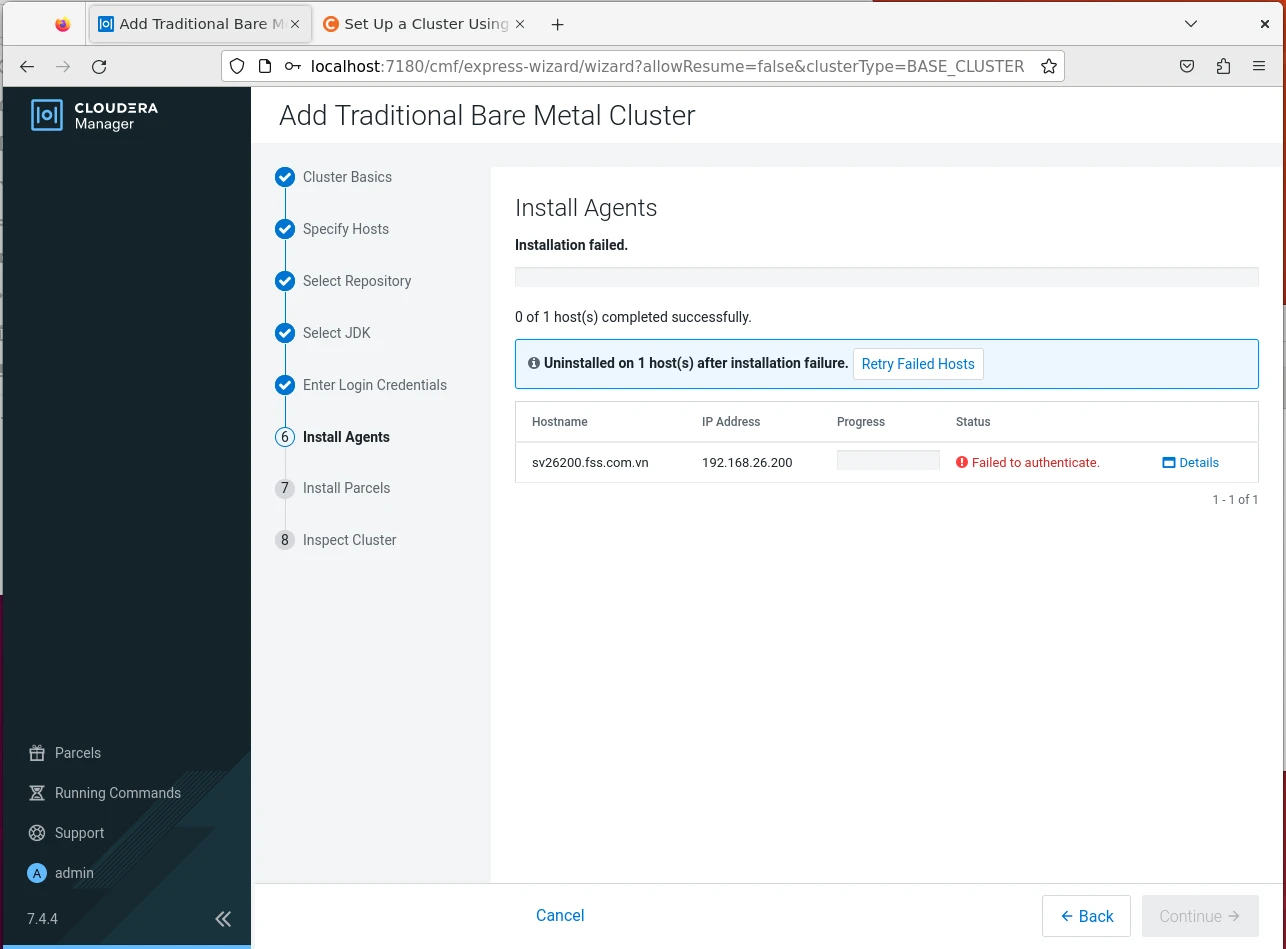
Faild to authenticate at Install Agents step

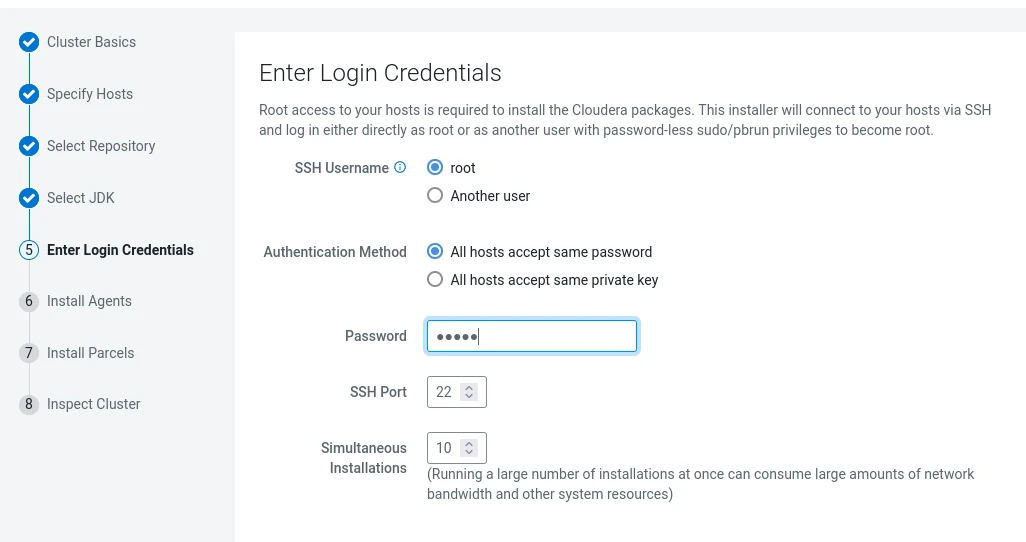
I am setting up a stand-alone CDP cluster. However, getting errors when doing the agents installation steps. 
DanhH_0-1687171854735.png

DanhH_1-1687171946554.png

I have used this command but it still error:

DanhH_2-1687172076887.png


DanhH
DanhHAnswer
Gold ⭐️
Jun 20, 2023 9:30 AM UTC

The problem is solved.

Follow the below steps to fix it.

sudo nano /etc/ssh/sshd_config

In the file now look for PermitRootLogin without-password and replace it with this

PermitRootLogin yes

Now restart the ssh service

sudo service ssh restart

retry the installation and it should work.

2 replies

VidyaSargur
Community Manager
Community Manager
Jun 20, 2023 7:05 AM UTC

@DanhH, Welcome to our community! To help you get the best possible answer, I have tagged in our CDP experts @vaishaakb @tjangid @rki_ who may be able to assist you further.

Please feel free to provide any additional information or details about your query, and we hope that you will find a satisfactory solution to your question.


Translate
Regards, Vidya Sargur Madabhushi| Senior Community Manager | Was your question answered? Make sure to mark the answer as the Best Answer. If you find a reply useful, say thanks by clicking on the thumbs up button.
DanhH
DanhHAuthorAnswer
Gold ⭐️
Jun 20, 2023 9:30 AM UTC

The problem is solved.

Follow the below steps to fix it.

sudo nano /etc/ssh/sshd_config

In the file now look for PermitRootLogin without-password and replace it with this

PermitRootLogin yes

Now restart the ssh service

sudo service ssh restart

retry the installation and it should work.

Translate