Fix: NiFi PutDatabaseRecord CHOICE Type Conversion Error
Hi all
I have the following Nifi template which ingests data from a csv file and put them in a database.
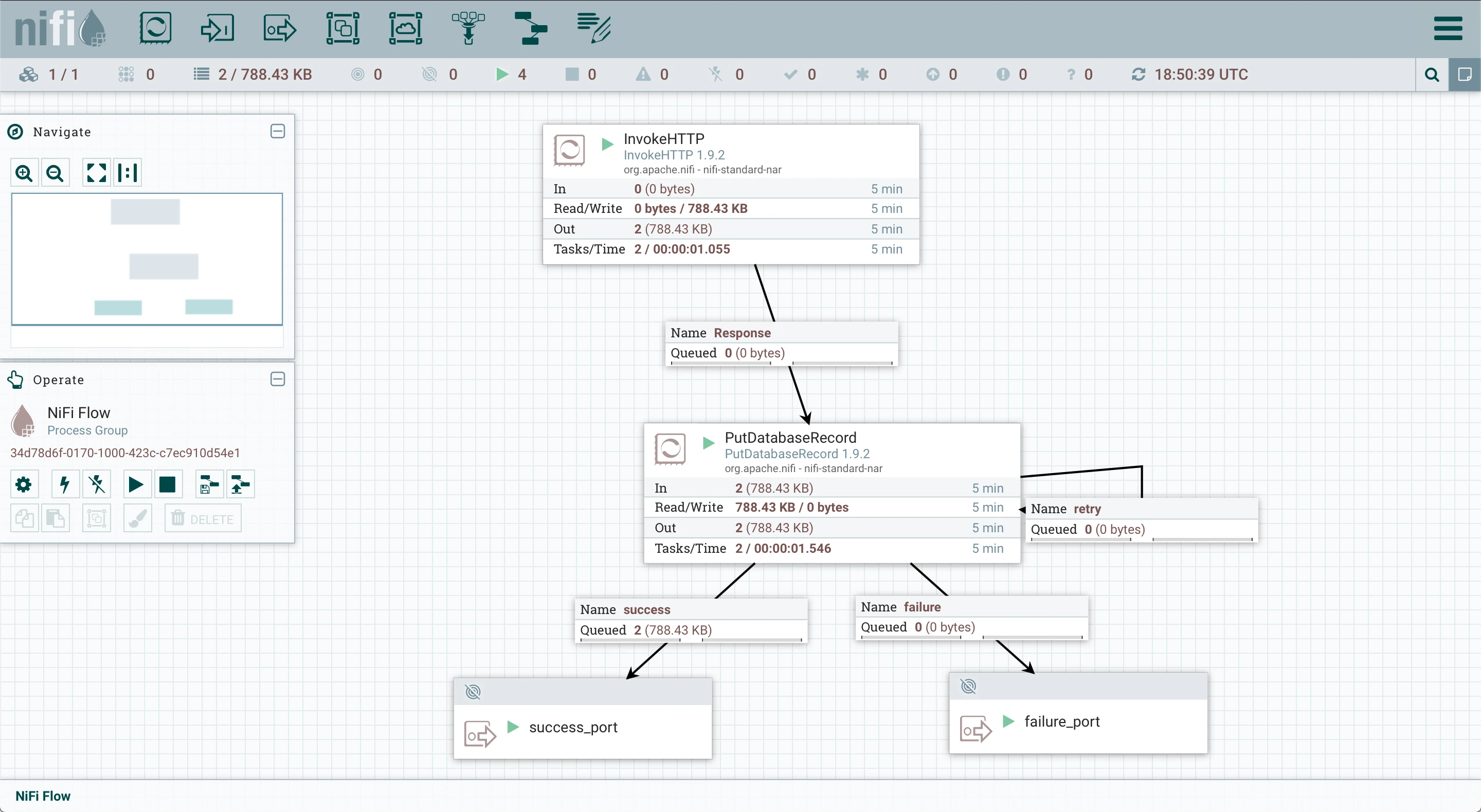
The template is available here
https://github.com/cetic/fadi/blob/master/examples/basic/basic_example_final_template.xml
The template is composed of two processes InvokeHTTP and PutDatabaseRecord
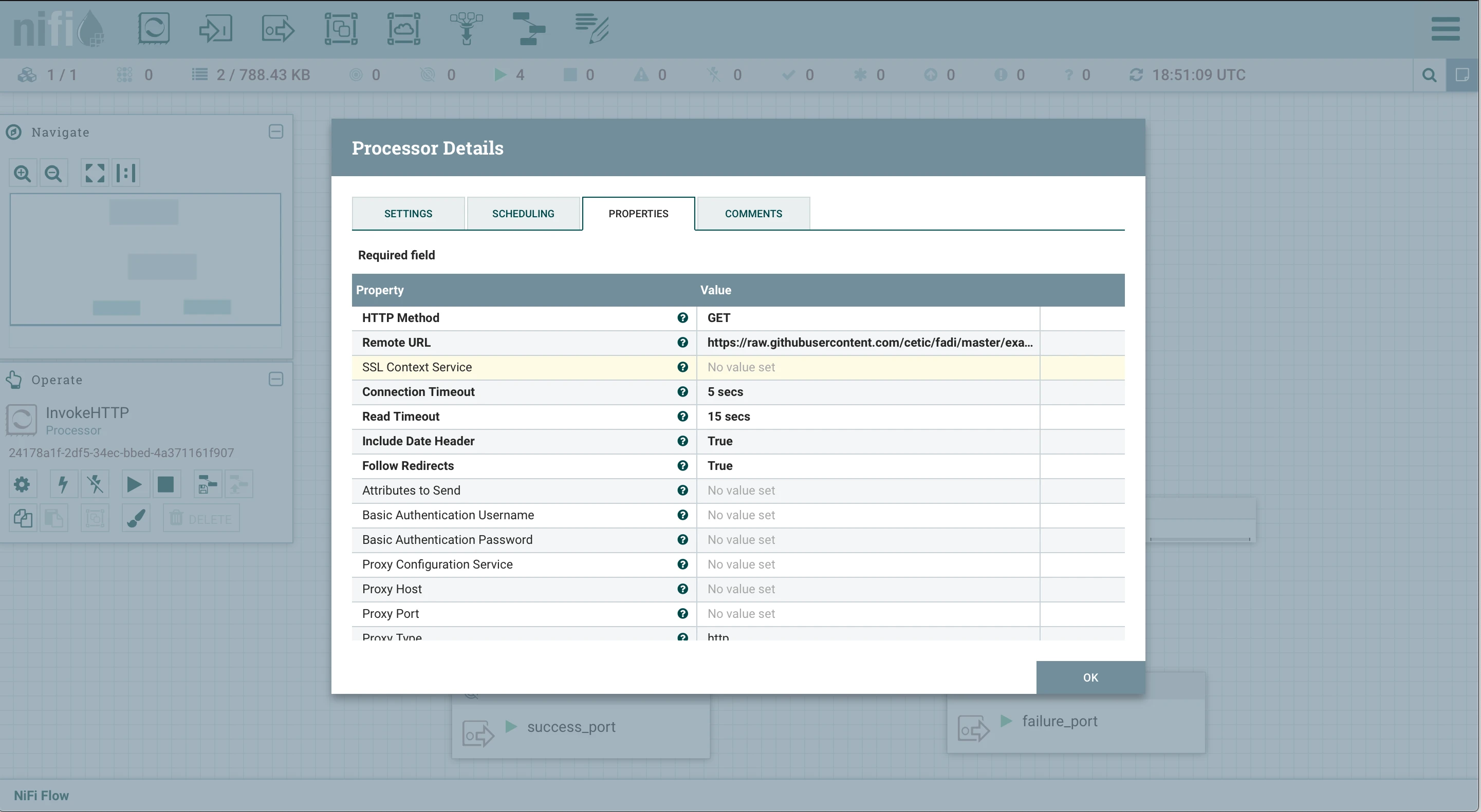 InvokeHTTP
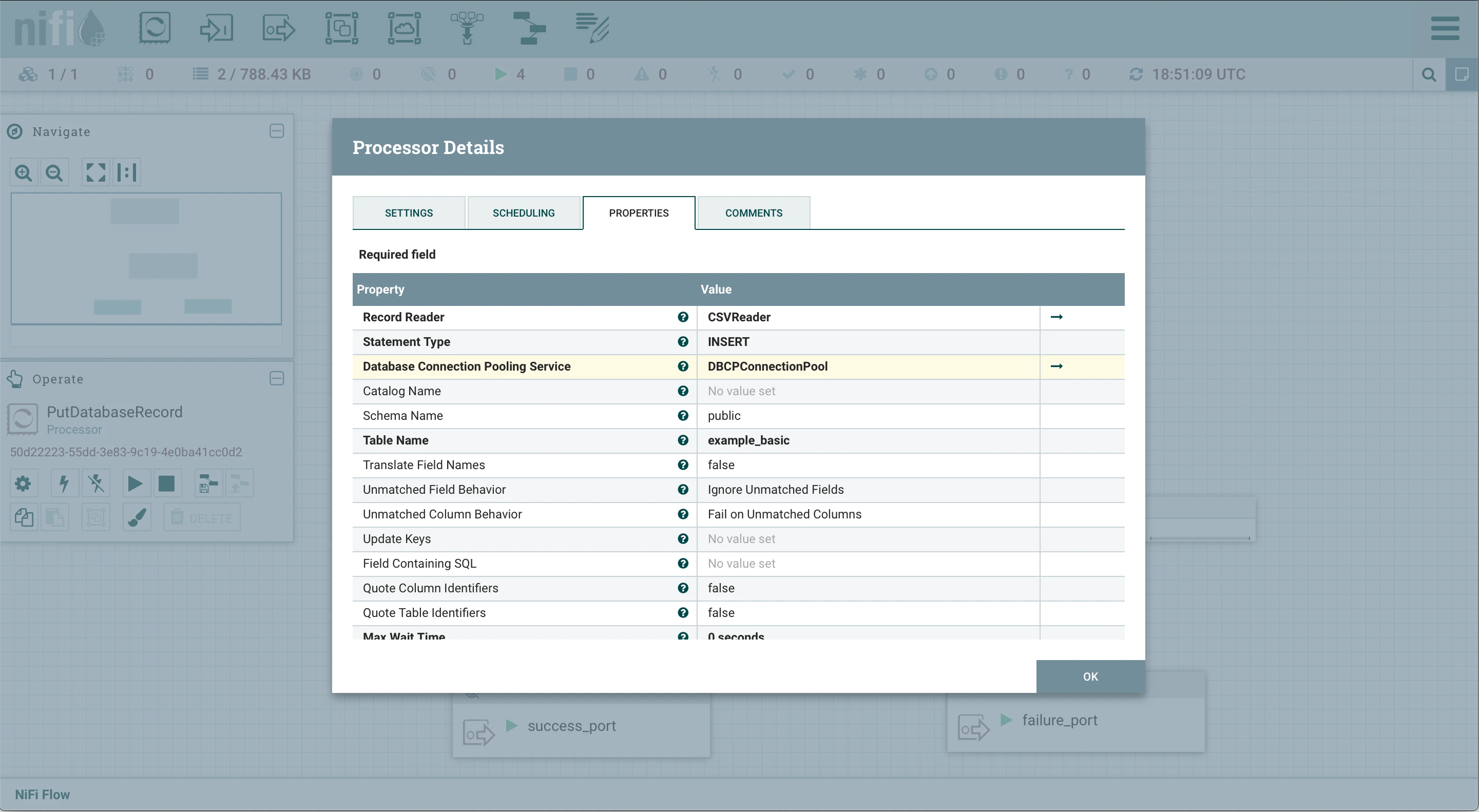 PutDatabase
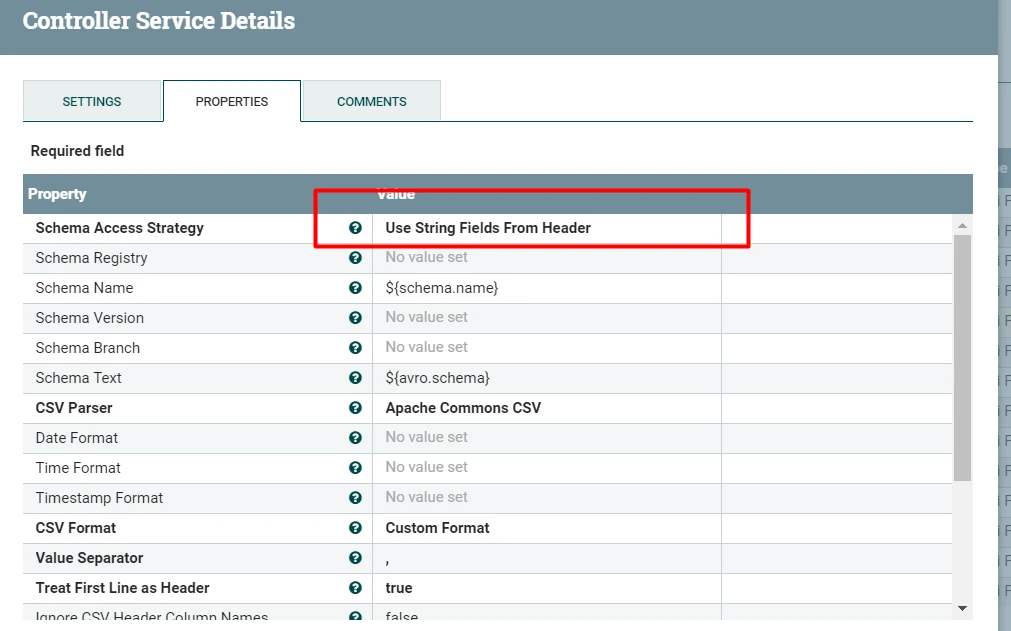
It has also two controller services : CSV Reader and DBCPCOnnectionPool
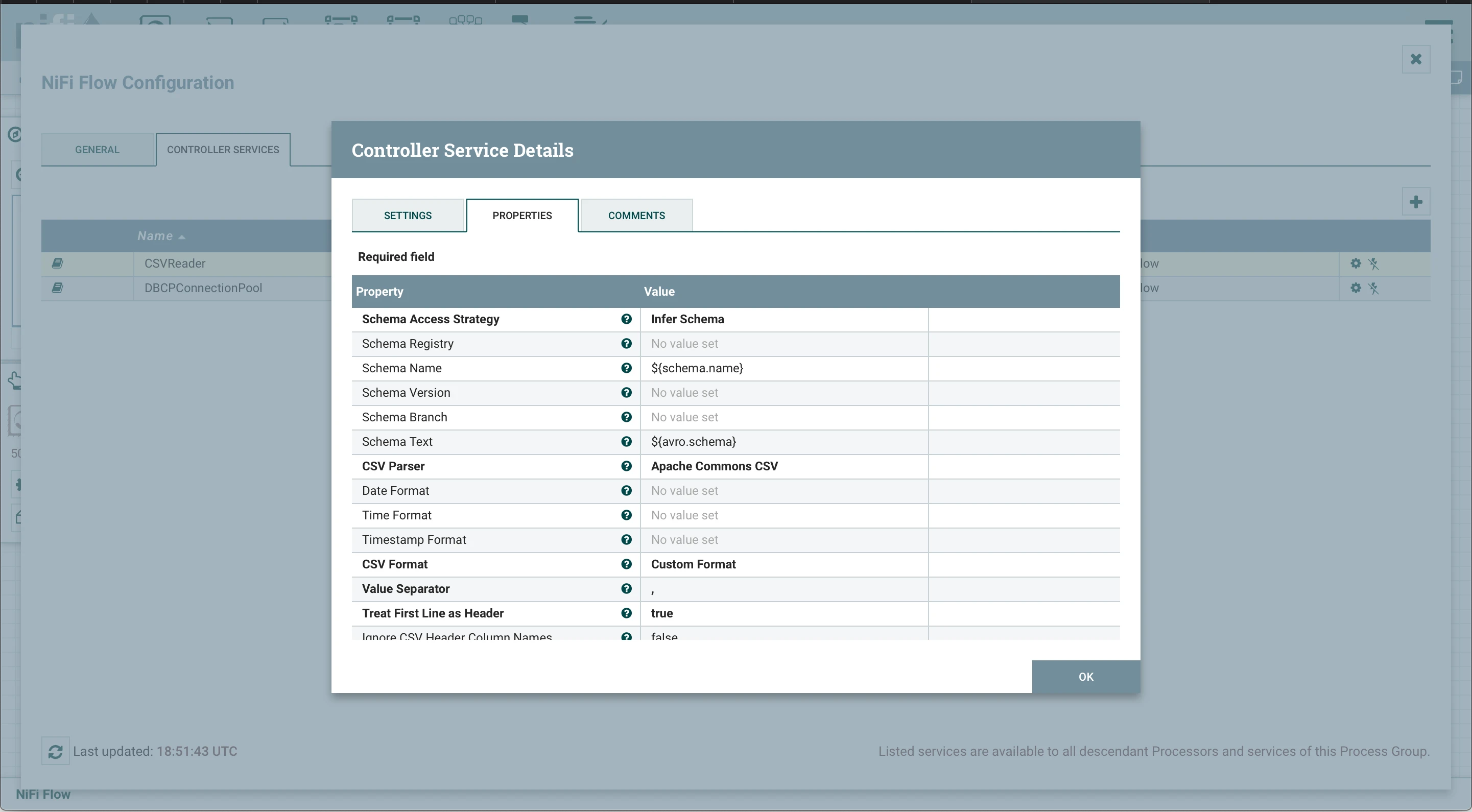
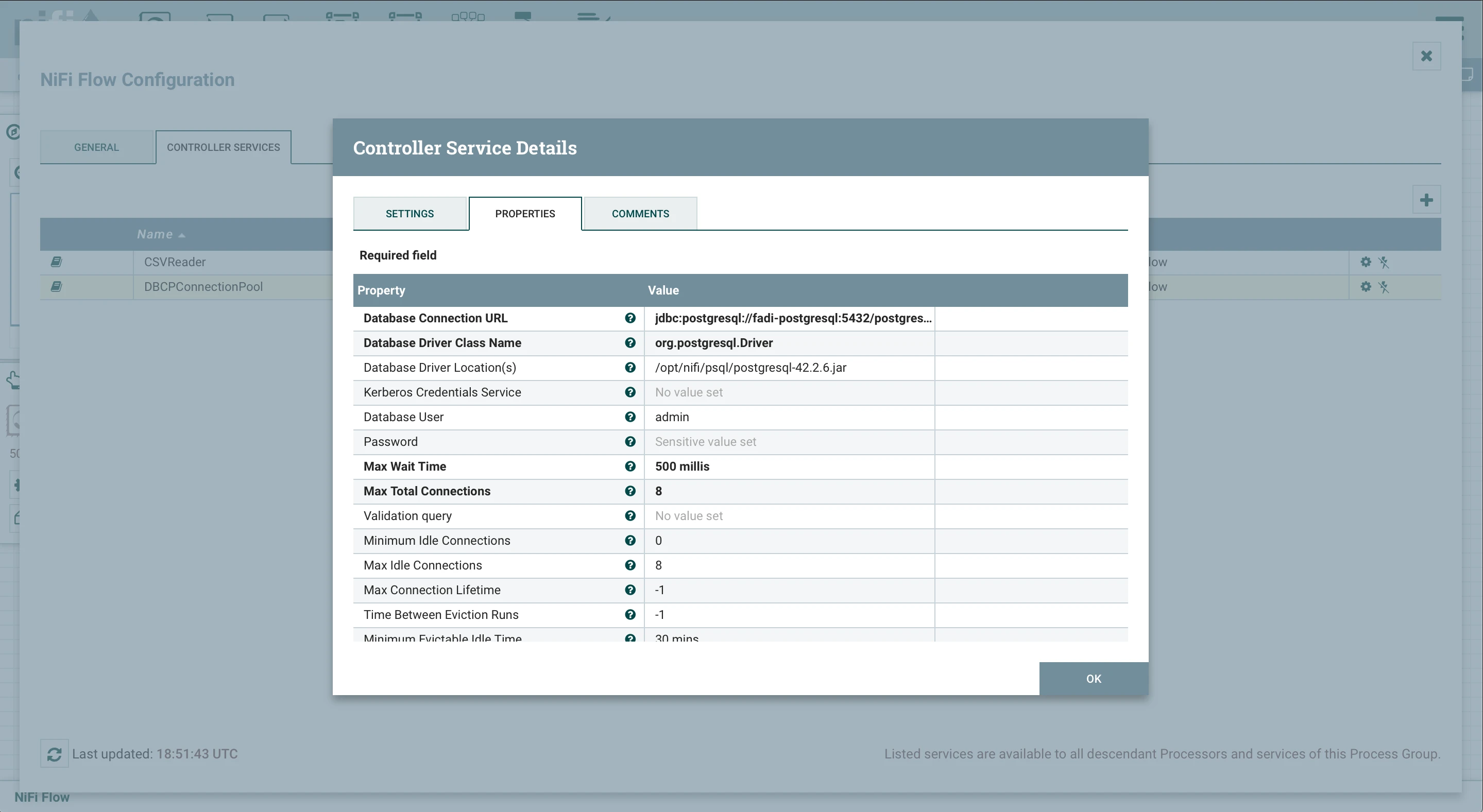
The complete explanation of this small example is available here
https://github.com/cetic/fadi/blob/master/USERGUIDE.md#3-ingest-measurements
The csv file is here
https://raw.githubusercontent.com/cetic/fadi/master/examples/basic/sample_data.csv
The table creation is:
CREATE TABLE example_basic (
measure_ts TIMESTAMP NOT NULL,
temperature FLOAT (50)
);
Until Apache Nifi 1.9.2 everything works are expected!
Since Apache Nifi 10.0.0, I have an Error in the PutDatabaseRecord processor
"org.apache.nifi.serialization.record.util.IllegalTypeConversionException: Cannot convert CHOICE, type must be explicit"
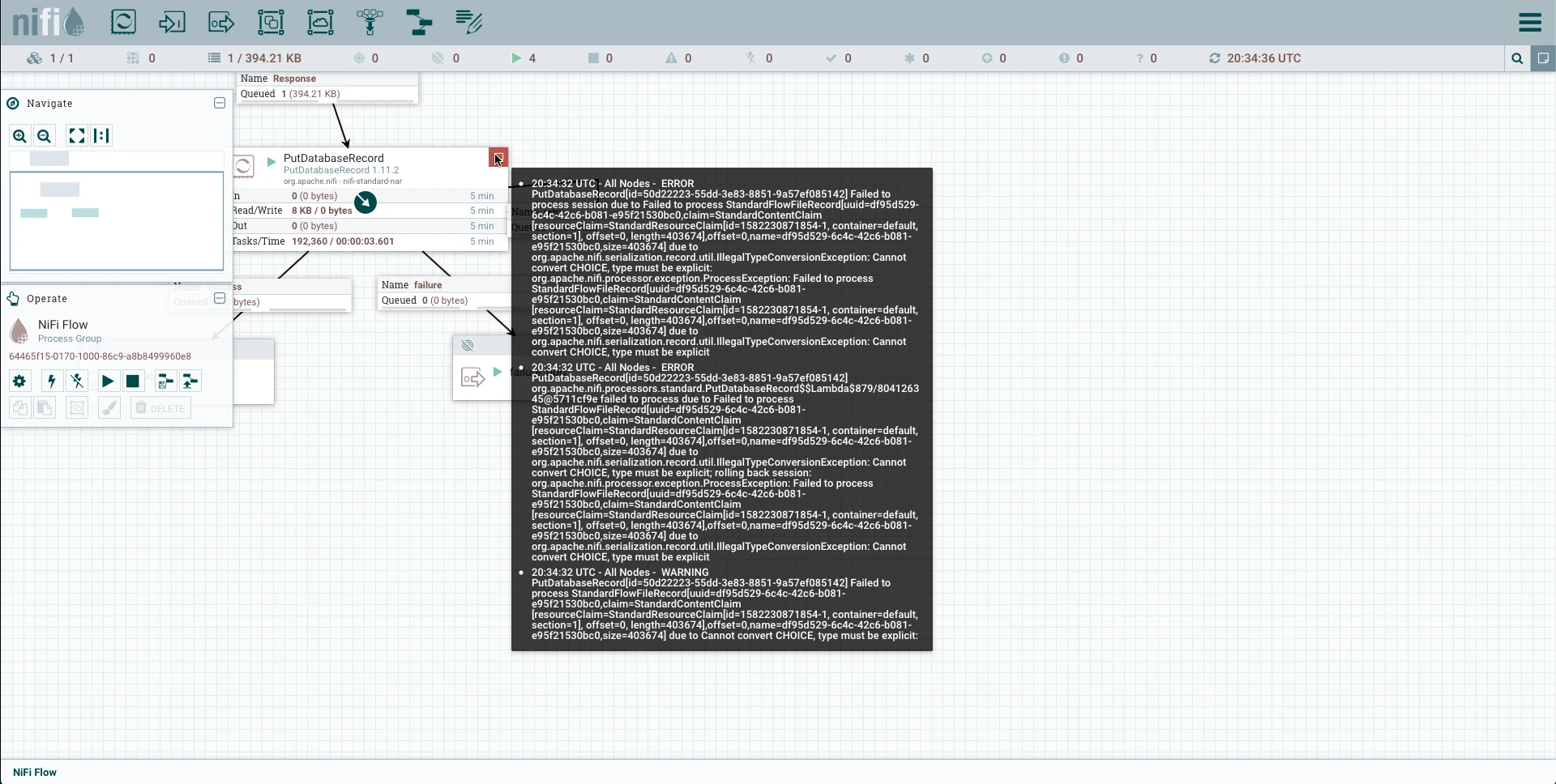
It seems to be related to this https://github.com/apache/nifi/blob/master/nifi-commons/nifi-record/src/main/java/org/apache/nifi/serialization/record/util/DataTypeUtils.java#L1733
Any idea how can I edit the template to fix this error?